Original Industrial Spare Part
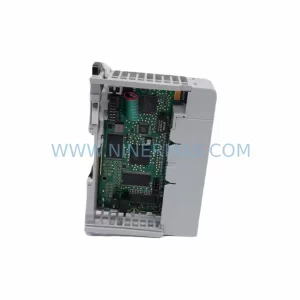
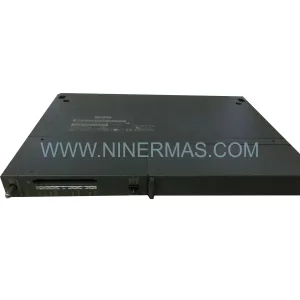
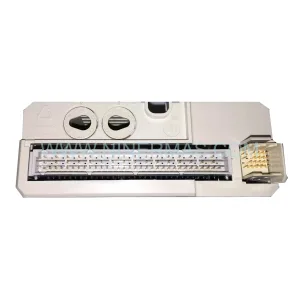
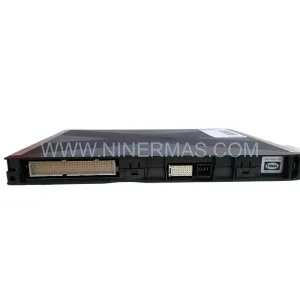
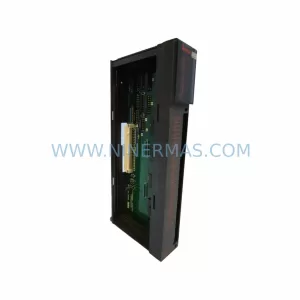
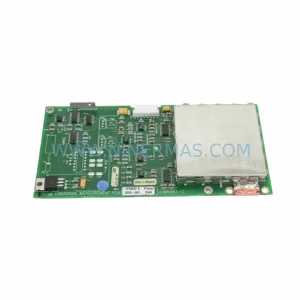
MITSUBISHI BD625A989G52 A68B Retrofit-Compatible Backplane Module
Verify the part, confirm the platform family, and move straight into quotation with the right commercial details.
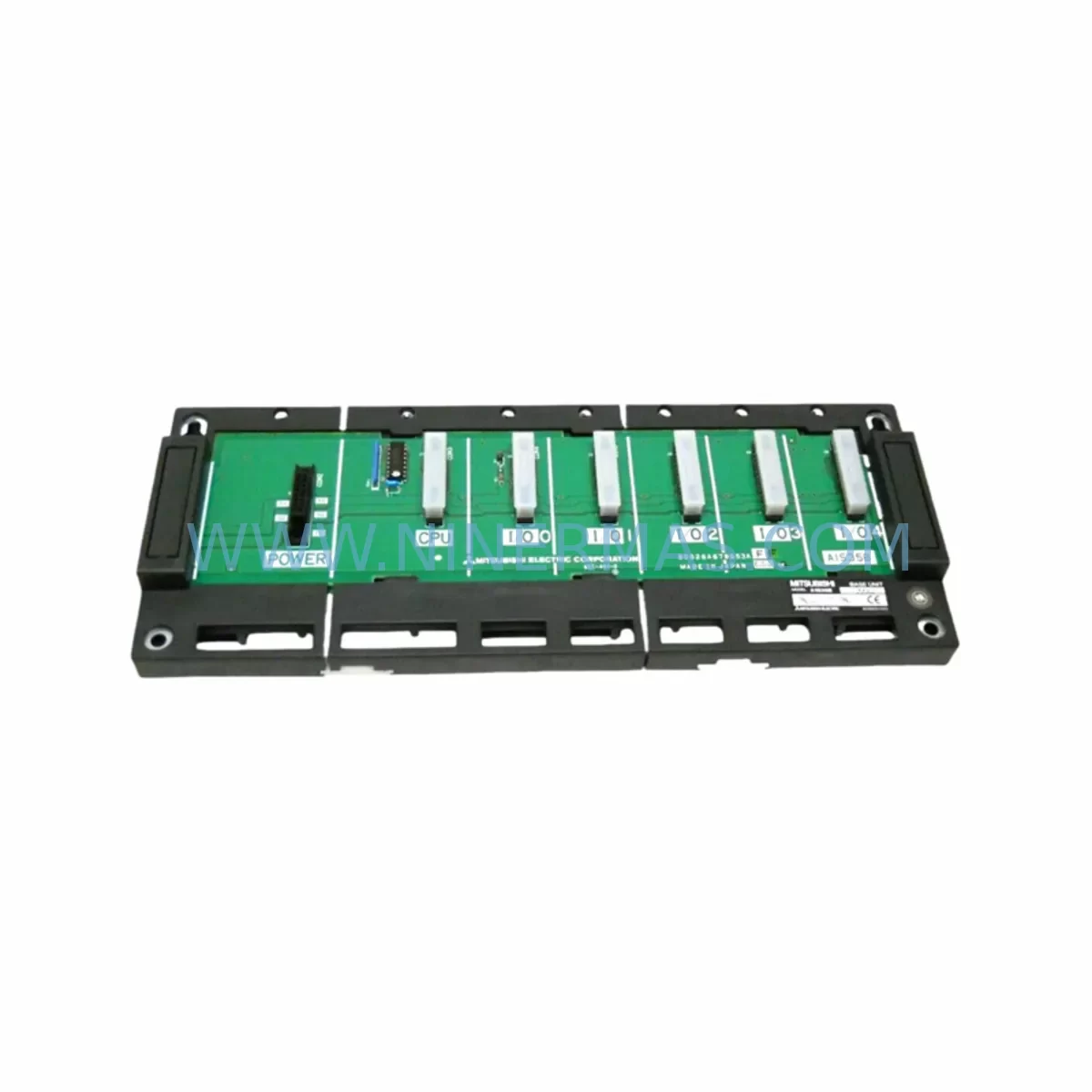
RFQ Ready
- SKUBD625A989G52 A68B
- CategoryPLC & Industrial Automation Modules
- BrandMitsubishi
- SupportAvailability, lead time, condition, and shipping coordination
How Buyers Usually Use This Page
- Confirm the exact part number and platform family before sending the quote request.
- Use direct email when quantity, condition, and destination are already defined internally.
- Switch to the broader brand or category archive when you need alternates nearby.
Series Navigation
Move through the most common platform families behind this part.
Product RFQ
Send this part directly for quotation.
Include quantity, required condition, destination country, and target delivery timing. Current reference: MITSUBISHI BD625A989G52 A68B Retrofit-Compatible Backplane Module with SKU BD625A989G52 A68B.
MITSUBISHI BD625A989G52 A68B Retrofit-Compatible Backplane Module: Legacy System Compatibility and Smooth Upgrade
The MITSUBISHI BD625A989G52 A68B is a ruggedized backplane module engineered for demanding industrial environments and designed to serve as a reliable retrofit solution for aging MELSEC-series automation systems. As production lines built around legacy Mitsubishi PLC platforms approach end-of-life, the BD625A989G52 A68B provides a structurally and electrically compatible upgrade path that minimizes disruption to existing control architectures. Whether you are replacing a failed backplane in a running system or planning a phased modernization of your control cabinet, this module delivers the mechanical rigidity, slot compatibility, and signal integrity required for mission-critical applications.
Engineers undertaking a retrofit with the BD625A989G52 A68B should begin by auditing the existing rack configuration. Confirm the number of occupied I/O slots, the position of the CPU module, and the location of any communication modules such as the QJ71E71-100 Ethernet interface or the QJ71C24N serial communication module. The backplane slot addressing must be verified against the current PLC program to ensure that module base numbers remain consistent after the swap. Any mismatch in base address assignment will require a corresponding update in GX Works2 or GX Developer before the system can be brought back online.
Power budget verification is a critical pre-installation step. The BD625A989G52 A68B must be assessed against the combined current draw of all installed modules, including analog I/O modules such as the Q64AD or Q62DA, high-speed counter modules, and any special function modules occupying the rack. The power supply module — typically a Q61P or Q62P series unit — must have sufficient headroom to support the full slot load without triggering undervoltage faults during startup or under peak scan cycle conditions.
Terminal wiring and field I/O connections should be documented before removal of the legacy backplane. Photograph or record all wiring terminations on digital input modules such as the QX40 or QX80 and digital output modules such as the QY40P, as well as any analog signal cables. During reinstallation on the BD625A989G52 A68B, verify that all connector seating is firm and that no pins are bent or misaligned, particularly on high-density I/O modules where connector force can be significant.
For systems that include an HMI panel — such as a GOT2000 series GT2710-VTBA or an older GOT1000 series terminal — the screen project should be backed up prior to any backplane work. After the retrofit, confirm that the HMI communication link to the CPU is restored and that all tag addresses and device references remain valid. If the CPU module type has changed as part of a broader upgrade, the HMI project may require a device map update to reflect the new memory layout.
Communication protocol continuity is another key concern during migration. If the existing system uses CC-Link via a QJ61BT11N master module or PROFIBUS via a QJ71PB92V module, the network parameter settings stored in the CPU must be preserved and re-verified after the backplane replacement. Network topology, station numbers, and baud rate settings should be confirmed at the field level before resuming automatic operation.
Installation space confirmation is essential before ordering. Measure the DIN rail or panel mounting footprint of the existing backplane and compare it against the BD625A989G52 A68B dimensional specifications. In retrofit scenarios where the control cabinet has limited depth or where adjacent equipment constrains the available width, even minor dimensional differences can require panel modifications. Confirm cable bend radius clearance for all I/O and power connectors before finalizing the installation plan.
Downtime planning should account for the full sequence: power-down, module extraction, backplane swap, module reinstallation, wiring verification, power-up, program upload verification, and functional test. For systems with a Q series CPU such as the Q06UDEHCPU or Q13UDHCPU, the program memory can be preserved on a memory card during the swap to accelerate the restoration sequence. A pre-tested spare backplane held in inventory significantly reduces mean time to repair in the event of an unplanned failure.
NINERMAS supplies the BD625A989G52 A68B with a 12-month warranty covering manufacturing defects and functional performance. Each unit undergoes pre-shipment functional testing to verify slot connectivity, power rail integrity, and mechanical fit. Stock is maintained to support urgent retrofit and emergency replacement requirements.
Upgrade Compatibility Table
| Parameter | Legacy Backplane | BD625A989G52 A68B | Notes |
|---|---|---|---|
| Series Compatibility | MELSEC Q / A Series | MELSEC Q Series | Verify CPU series before ordering |
| Slot Configuration | Varies (4–12 slots) | Confirm per datasheet | Match slot count to existing I/O layout |
| Power Rail Interface | Standard Q-series connector | Compatible | Verify power supply module compatibility |
| Communication Compatibility | CC-Link, PROFIBUS, Ethernet | Compatible via comm modules | Re-verify network parameters post-swap |
| Mounting | DIN rail / panel mount | DIN rail / panel mount | Confirm cabinet depth and width clearance |
| Installation Requirement | Powered-down swap | Powered-down swap | Full power-down required |
| Replacement Recommendation | Direct retrofit replacement | Recommended | Preserve program memory card during swap |
| Commissioning Focus | Module address, wiring, comms | Same | Verify in GX Works2 / GX Developer |
| Warranty | — | 12 Months | Covers manufacturing defects and function |
Retrofit Planning for Existing Automation Systems
A successful retrofit using the BD625A989G52 A68B requires a structured approach to module inventory and system mapping. Begin by cataloguing every module currently installed in the rack: CPU units such as the Q06UDEHCPU, power supply modules such as the Q61P, digital I/O modules including the QX40 and QY40P, analog modules such as the Q64AD, and any special function or communication modules. Each module’s slot position, parameter settings, and wiring terminations must be recorded before the backplane is removed.
The QJ71E71-100 Ethernet communication module and QJ61BT11N CC-Link master module are particularly sensitive to slot position changes, as their network parameters are often tied to specific base unit and slot number references within the CPU program. If the BD625A989G52 A68B introduces any change in physical slot layout, these references must be updated in the program before the system is restarted. Similarly, if a QJ71C24N serial module is used for Modbus or non-protocol communication with field devices, its channel settings and interrupt assignments should be documented and re-verified post-installation.
For systems that include a GOT2000 series HMI or an older GOT1000 terminal, ensure that the GT Designer3 project file is backed up and that all device addresses are confirmed against the post-retrofit CPU configuration. Analog signal modules such as the Q62DA output module should have their offset and gain calibration values recorded so they can be restored if the module is reseated during the backplane swap. A programming cable such as the USB-SC09-FX or the QC30R2 RS-232 cable should be on hand to facilitate direct CPU connection for program verification and online monitoring during commissioning.
Downtime Control During System Migration
Minimizing downtime during a backplane retrofit requires preparation that begins well before the scheduled maintenance window. The existing PLC program should be read out and saved to both a memory card and an offline backup file using GX Works2 or GX Developer. If the CPU supports it, the program should also be verified against the last known good version to confirm no unauthorized changes have been made prior to the retrofit.
During the physical swap, work methodically from the power supply module outward, removing each module in sequence and placing it in an anti-static tray in slot order. This preserves the reinstallation sequence and reduces the risk of incorrect module placement on the BD625A989G52 A68B. After all modules are reinstalled, perform a visual inspection of all connectors before applying power.
On power-up, monitor the CPU diagnostic LEDs and the system error log for any base unit or module fault codes. Use GX Works2 online mode to verify that all modules are recognized and that I/O device assignments match the pre-retrofit configuration. Confirm communication link status for all network modules before releasing the system to automatic operation. A structured functional test covering all I/O points, analog channels, and communication links should be completed and signed off before the maintenance window is closed. This approach consistently achieves retrofit completion within a single planned shutdown, protecting production continuity and reducing the risk of extended unplanned outages.
Retrofit Support FAQ
Q: Is the BD625A989G52 A68B a direct drop-in replacement for my existing MELSEC Q series backplane?
A: The BD625A989G52 A68B is designed for retrofit compatibility with MELSEC Q series rack configurations. Confirm slot count, power rail connector type, and mounting dimensions against your existing installation before ordering. NINERMAS technical support can assist with compatibility verification.
Q: What wiring and termination checks are required before installation?
A: Document all I/O module wiring terminations and connector positions before removing the legacy backplane. After installing the BD625A989G52 A68B and reinstalling all modules, verify each connector is fully seated and re-check all field wiring terminations against the original documentation before powering up.
Q: How do I verify program and communication compatibility after the swap?
A: Use GX Works2 or GX Developer to upload the saved program to the CPU and verify module recognition in online mode. Check all communication module parameters — including CC-Link station numbers, Ethernet IP settings, and serial port configurations — against pre-retrofit records. Confirm HMI tag addresses if a GOT series panel is connected.
Q: What does the 12-month warranty cover, and is stock available for urgent orders?
A: The 12-month warranty covers manufacturing defects and verified functional failures under normal operating conditions. NINERMAS maintains stock of the BD625A989G52 A68B to support urgent retrofit and emergency replacement requirements. Each unit is pre-shipment tested for slot connectivity and power rail integrity. Contact sale@ninermas.com or +0086 187 5021 5667 for availability and lead time confirmation.
| Product Series | MELSEC |
|---|---|
| Country of Origin | JP |
Catalog Continuation
Nearby part numbers around BD625A98.
Use this lane when the buyer is comparing adjacent model numbers, revision-near items, or closely related spare variants within the same brand family.
SKU: BD625A988G52 A58B
Mitsubishi BD625A988G52 A58B Retrofit Power Supply for Legacy Systems
Catalog Continuation
More Mitsubishi modules in the catalog.
Use the brand lane to compare nearby part numbers, platform-adjacent modules, and other inquiry-ready listings before sending your final RFQ.
Catalog Continuation
Alternative parts within PLC & Industrial Automation Modules.
Stay inside the same system family when you need substitutes, adjacent modules, or a broader shortlist for procurement review.
SKU: 16-167627-00 8122 410 05002, 4022.470.78191 8122 410 55702 16-273491-00
Novellus 16-167627-00 Service-Ready Industrial Spare Part
SKU: 2305451-C DT2000 0626 P2, OLE36-10632-02
Advanced Energy 2305451-C Service-Ready Industrial Spare Part