Original Industrial Spare Part
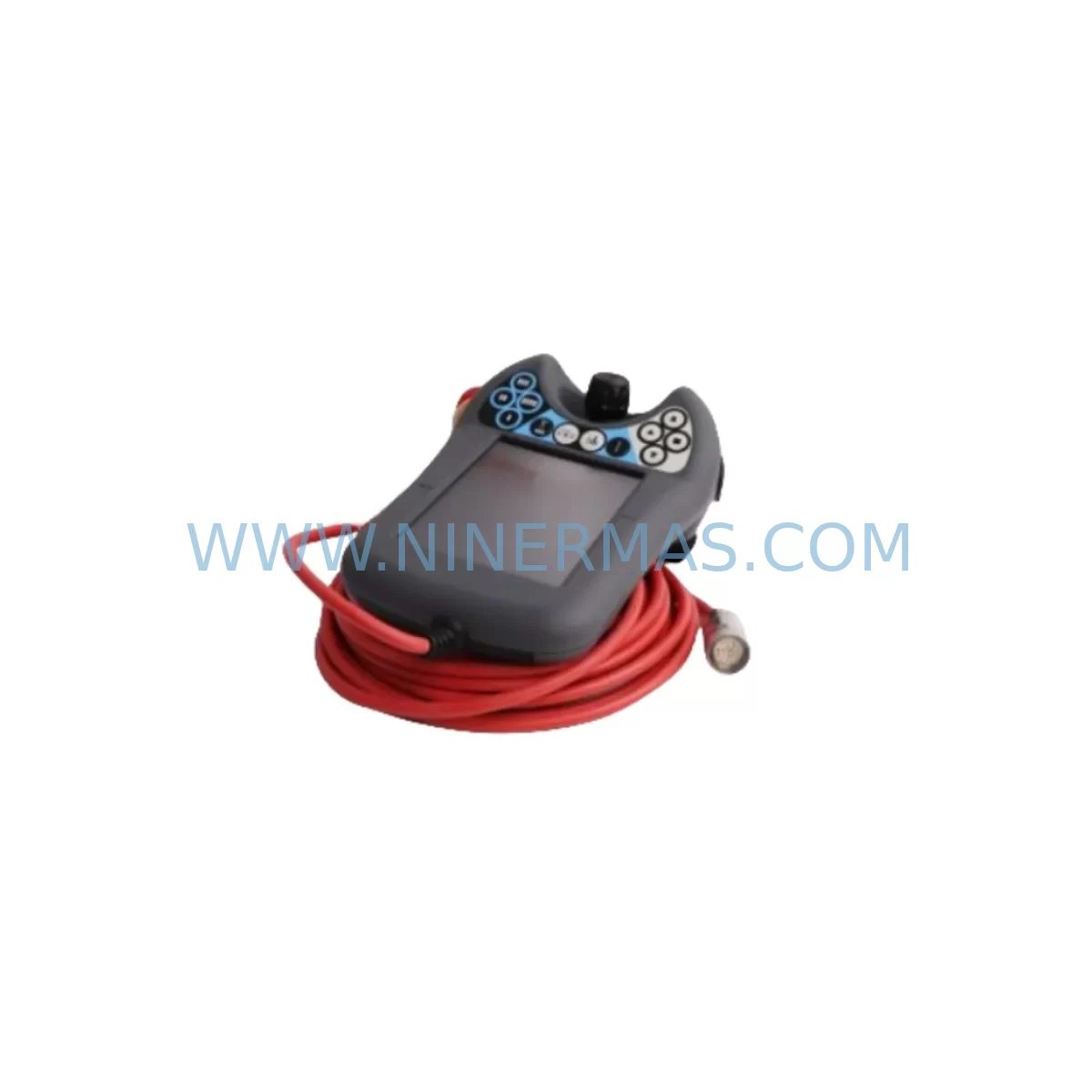
ABB DSQC679 Retrofit-Compatible Teach Pendant for Legacy Systems
Verify the part, confirm the platform family, and move straight into quotation with the right commercial details.
RFQ Ready
- SKUDSQC679
- CategoryPLC & Industrial Automation Modules
- BrandABB
- SupportAvailability, lead time, condition, and shipping coordination
How Buyers Usually Use This Page
- Confirm the exact part number and platform family before sending the quote request.
- Use direct email when quantity, condition, and destination are already defined internally.
- Switch to the broader brand or category archive when you need alternates nearby.
Series Navigation
Move through the most common platform families behind this part.
Product RFQ
Send this part directly for quotation.
Include quantity, required condition, destination country, and target delivery timing. Current reference: ABB DSQC679 Retrofit-Compatible Teach Pendant for Legacy Systems with SKU DSQC679.
ABB DSQC679 Retrofit-Compatible Teach Pendant for Legacy IRC5 Robot Systems
The ABB DSQC679 FlexPendant is the primary operator interface for ABB IRC5 robot controllers, providing real-time programming, jogging, and diagnostic access for industrial robot cells. As automation facilities face increasing pressure to extend the service life of legacy IRC5 installations, the DSQC679 has become one of the most critical spare parts in retrofit and system recovery projects. Whether you are replacing a damaged unit, upgrading from an earlier IRC5 pendant revision, or restoring a decommissioned robot line, the DSQC679 offers a verified drop-in replacement path with minimal downtime and no controller firmware changes required in most configurations.
NINERMAS maintains in-stock inventory of the DSQC679 to support urgent replacement requests, planned maintenance windows, and long-term spare parts programs. Each unit ships with a 12-month warranty and is subject to pre-shipment functional testing to confirm display, joystick, emergency stop, and USB communication integrity before dispatch.
Upgrade Compatibility Table
| Parameter | Details |
|---|---|
| Compatible Controller | ABB IRC5 Single Cabinet, Dual Cabinet, Panel Mounted Controller (PMC) |
| Replaces | DSQC679, DSQC652 (pendant interface), earlier IRC5 FlexPendant revisions |
| Communication Interface | Ethernet (RJ45) via IRC5 pendant port; DSQC679 uses standard IRC5 pendant cable 3HAC028357-001 |
| Display | 6.4-inch colour touchscreen, 640×480 resolution |
| Emergency Stop | Dual-channel hardwired E-stop, compatible with IRC5 safety circuit |
| Enabling Device | 3-position enabling switch, compatible with IRC5 safety board DSQC661 |
| Installation Space | Standard IRC5 pendant hook or 3HAC041443-003 pendant holder bracket |
| Firmware Compatibility | RobotWare 5.x and 6.x; verify RobotWare version before replacement |
| Retrofit Recommendation | Direct swap; re-pair via IRC5 controller pendant port; no IP reconfiguration required in standard setups |
| Commissioning Focus | Confirm E-stop loop continuity, enabling device function, and touchscreen calibration post-installation |
| Warranty | 12 months from shipment date |
Retrofit Planning for Existing Automation Systems
Replacing the DSQC679 in an active production environment requires careful pre-planning to avoid unintended disruption to robot programs, safety circuits, and HMI operator workflows. Before initiating the swap, maintenance engineers should confirm the current RobotWare version running on the IRC5 main computer — typically housed on the DSQC627 main computer board — as pendant firmware is tightly coupled to the RobotWare release. Mismatched firmware versions can prevent the pendant from establishing a connection with the controller, requiring a RobotWare update or a pendant with a matching software revision.
The pendant connects to the IRC5 controller via the dedicated pendant cable 3HAC028357-001, which terminates at the pendant port on the IRC5 cabinet door. Inspect the cable and connector for wear before installing the replacement DSQC679, as a damaged cable can cause intermittent communication faults that are difficult to distinguish from a faulty pendant. If the cable shows signs of jacket cracking or connector pin damage, replace it concurrently with the pendant to avoid a second maintenance window.
Power supply integrity is another critical checkpoint. The DSQC639 power supply unit within the IRC5 cabinet provides regulated 24 VDC to the pendant interface circuit. A degraded DSQC639 can cause the pendant to display power-on errors or fail to boot reliably, symptoms that may be misattributed to the pendant itself. Verify output voltage at the pendant port before condemning the DSQC679.
For facilities running I/O-intensive applications, the DSQC652 digital I/O module and DSQC668 DeviceNet communication board are commonly present in the same IRC5 rack. During a pendant replacement, it is good practice to verify that all I/O signals are correctly mapped and that the DeviceNet network remains stable, as some IRC5 configurations route diagnostic status through the pendant display. The DSQC651 axis computer board should also be confirmed as operational, since axis communication errors surfaced on the pendant may indicate a deeper controller issue rather than a pendant fault.
HMI screen layouts and operator custom views stored on the DSQC679 are held in the controller’s RobotWare system, not on the pendant hardware itself, so program logic and screen configurations are preserved after a pendant swap. However, operators should be briefed on any differences in touchscreen sensitivity or button layout between pendant hardware revisions to avoid input errors during the first production run after replacement. If the facility uses a DSQC663 or earlier pendant revision alongside IRC5 controllers, note that the DSQC679 is not backward-compatible with IRC4 controllers — confirm the controller generation before ordering.
Installation space within the control cabinet or on the pendant bracket should be confirmed before the replacement unit arrives on site. The 3HAC041443-003 pendant holder is the standard mounting solution for IRC5 cabinets and accommodates the DSQC679 without modification. For panel-mounted IRC5 (PMC) configurations, verify that the pendant cable routing does not create a strain point at the cabinet entry gland.
Downtime Control During System Migration
Minimising unplanned downtime during a DSQC679 replacement is achievable with a structured swap procedure. The recommended approach is to schedule the replacement during a planned maintenance window rather than responding reactively to a pendant failure, which is why maintaining at least one DSQC679 as a cold spare is standard practice in facilities with multiple IRC5 robots.
Before powering down the IRC5 controller, back up the complete RobotWare system — including all RAPID programs, I/O configurations, system parameters, and safety settings — using the IRC5 backup function accessible through the current pendant or via RobotStudio over the service port. This backup protects against any configuration loss and provides a restore point if the new pendant triggers an unexpected system fault during commissioning.
The physical swap takes approximately 15–30 minutes: disconnect the pendant cable, remove the DSQC679 from the pendant holder, connect the replacement unit, and power on the controller. The IRC5 will automatically detect the new pendant and load the operator interface from the RobotWare system. Perform an immediate E-stop test and enabling device check before releasing the robot for production. Confirm touchscreen calibration and verify that all RAPID program modules are visible and intact. If the robot is part of a MultiMove configuration, confirm that all coordinated motion parameters are correctly displayed across all pendant views before resuming coordinated operation.
For facilities managing multiple IRC5 robots simultaneously, a rolling replacement strategy — replacing one pendant per shift while keeping adjacent robots in production — is the most effective way to maintain overall line throughput while completing the retrofit across the fleet.
Retrofit Support FAQ
Q1: Is the DSQC679 a direct replacement for all IRC5 FlexPendant variants?
The DSQC679 is compatible with IRC5 Single Cabinet, Dual Cabinet, and Panel Mounted Controller configurations running RobotWare 5.x and 6.x. It is not compatible with IRC4 controllers or S4C+ systems. If you are unsure of your controller generation, provide the controller serial number and we will confirm compatibility before shipment.
Q2: What pre-shipment testing is performed on each DSQC679 unit?
Each DSQC679 supplied by NINERMAS undergoes functional testing covering display operation, touchscreen response, joystick axis movement, emergency stop circuit continuity, enabling device function, and USB port communication. A test report is available on request. All units ship with a 12-month warranty from the date of shipment.
Q3: Can I reuse my existing pendant cable (3HAC028357-001) with the replacement DSQC679?
Yes, provided the existing cable is in good condition. Inspect the cable jacket, strain relief, and connector pins before reuse. A damaged cable can cause intermittent communication faults after installation. NINERMAS can supply replacement pendant cables if required.
Q4: What is the typical lead time and stock availability for the DSQC679?
NINERMAS maintains in-stock inventory of the DSQC679 to support urgent and planned replacement requirements. Standard orders ship within 1–3 business days. For bulk orders or long-term spare parts programs covering multiple IRC5 robots, contact our sales team to discuss reserved stock arrangements and volume pricing.
| Product Series | IRC5 |
|---|---|
| Country of Origin | SE |
Catalog Continuation
Nearby part numbers around DSQC679.
Use this lane when the buyer is comparing adjacent model numbers, revision-near items, or closely related spare variants within the same brand family.
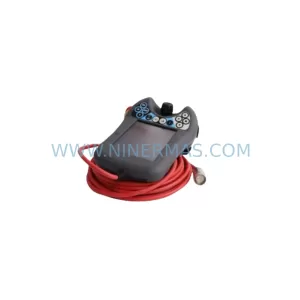
SKU: DSQC679 3HAC028357-001
ABB DSQC679 3HAC028357-001 Safety-Reliable Teach Pendant
Catalog Continuation
More ABB modules in the catalog.
Use the brand lane to compare nearby part numbers, platform-adjacent modules, and other inquiry-ready listings before sending your final RFQ.
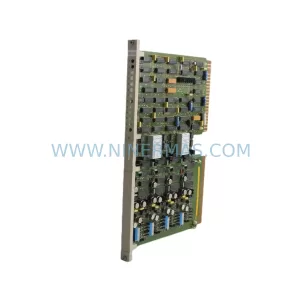
SKU: HESG330061R1 ED1411C
ABB HESG330061R1 ED1411C Service-Ready Spare Part
SKU: PU410 3BSE056478R1
ABB 3BSE056478R1 PU410 Retrofit-Compatible Communication Module
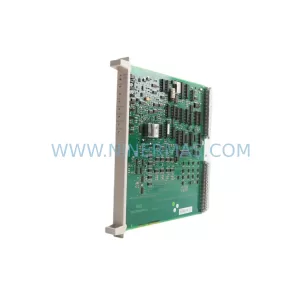
SKU: DSBC176 3BSE019216R1
ABB DSBC176 3BSE019216R1 Safety-Reliable Bus Carrier for S800 I/O
Catalog Continuation
Alternative parts within PLC & Industrial Automation Modules.
Stay inside the same system family when you need substitutes, adjacent modules, or a broader shortlist for procurement review.
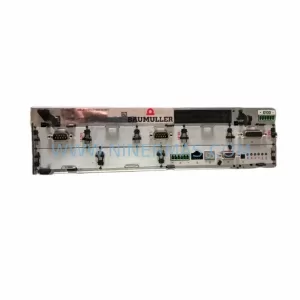
SKU: BM4413-ST0-01600-03-SET
Baumuller BM4413-ST0-01600-03-SET Service-Ready Spare Part
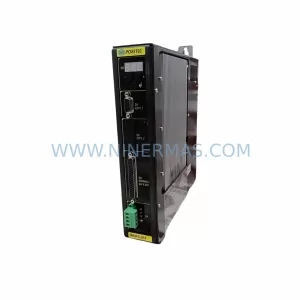
SKU: GV3000/SE GV3000E-AC005-AA-DBU-RFI
Reliance GV3000E-AC005-AA-DBU-RFI Retrofit AC Drive DBU/RFI Filter