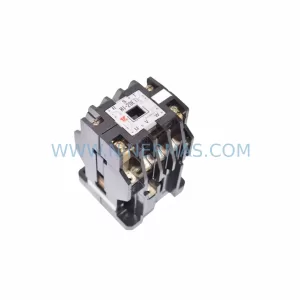
Original Industrial Spare Part
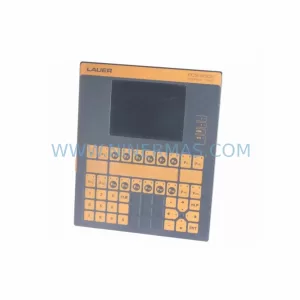
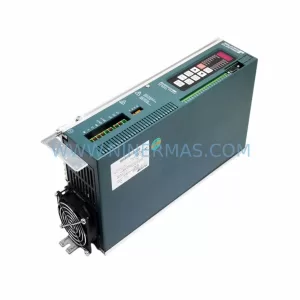
LAUER PCS810 Retrofit-Compatible Operator Panel
Verify the part, confirm the platform family, and move straight into quotation with the right commercial details.
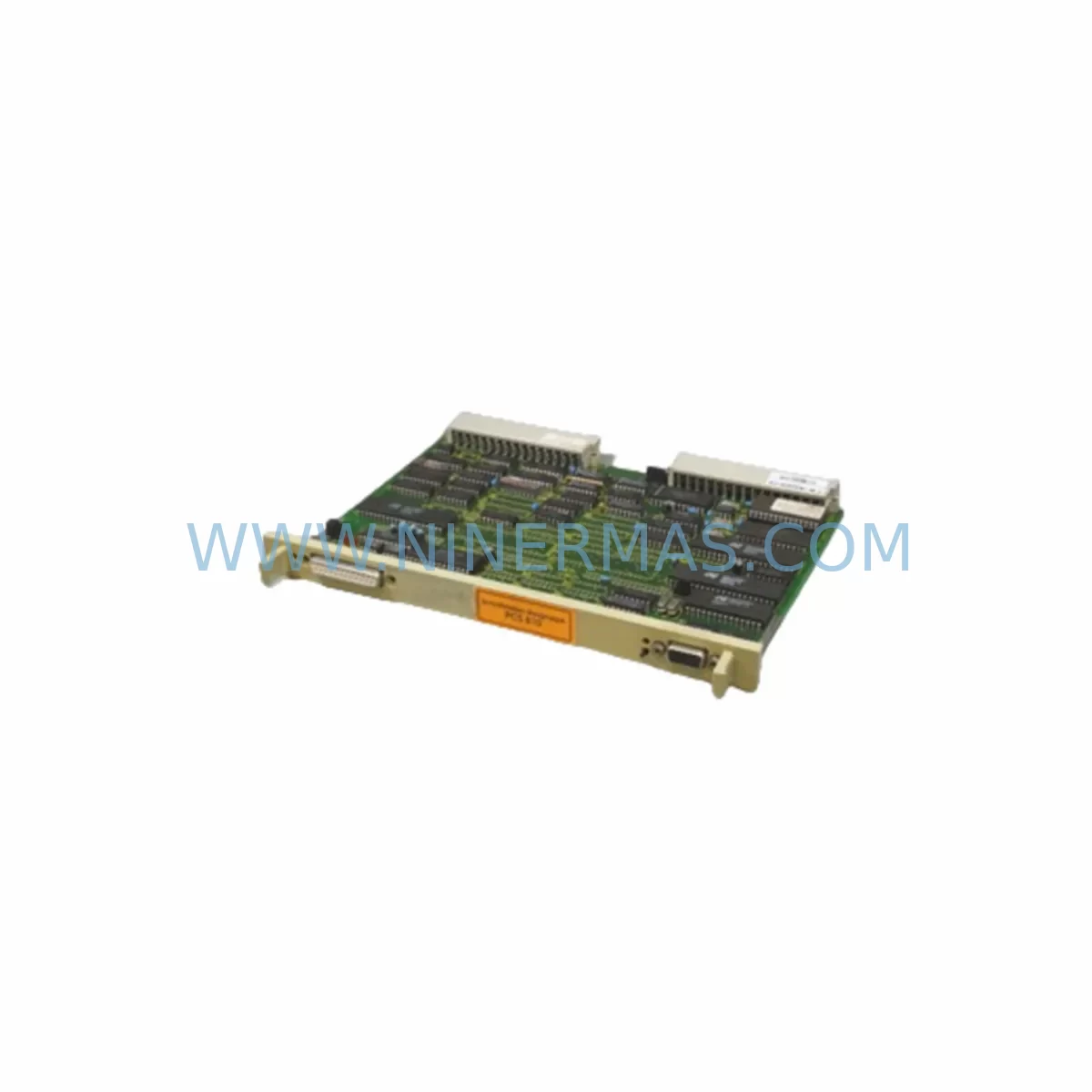
RFQ Ready
- SKUPCS810
- CategoryPLC & Industrial Automation Modules
- BrandLAUER
- SupportAvailability, lead time, condition, and shipping coordination
How Buyers Usually Use This Page
- Confirm the exact part number and platform family before sending the quote request.
- Use direct email when quantity, condition, and destination are already defined internally.
- Switch to the broader brand or category archive when you need alternates nearby.
Series Navigation
Move through the most common platform families behind this part.
Product RFQ
Send this part directly for quotation.
Include quantity, required condition, destination country, and target delivery timing. Current reference: LAUER PCS810 Retrofit-Compatible Operator Panel with SKU PCS810.
LAUER PCS810 Retrofit-Compatible Operator Panel: Seamless Legacy System Upgrade
The LAUER PCS810 is a ruggedized operator interface panel engineered for industrial environments where legacy control systems must remain operational while undergoing phased modernization. As a retrofit-compatible replacement for discontinued LAUER PCS-series panels, the PCS810 addresses the critical challenge faced by maintenance engineers and procurement teams: how to extend the service life of existing automation infrastructure without committing to a full system overhaul. Whether you are managing a SIMATIC S5 migration, upgrading a legacy Modicon 984 rack, or replacing a failed panel on a Mitsubishi MELSEC A-series line, the PCS810 provides a reliable, field-proven interface solution backed by a 12-month warranty and confirmed in-stock availability through NINERMAS.
Industrial facilities running legacy PLCs and control cabinets often face a common dilemma: the original operator panels are discontinued, spare parts are scarce, and the cost of a full system replacement is prohibitive. The LAUER PCS810 was designed precisely for this scenario. Its compact form factor, wide supply voltage tolerance, and support for serial communication protocols including RS-232 and RS-485 make it compatible with a broad range of existing control architectures. Engineers retrofitting older LAUER PCS700 or PCS800 series installations will find the PCS810 a direct functional replacement, requiring minimal rewiring and no changes to the underlying PLC program logic.
When planning a retrofit around the PCS810, the first step is to audit the existing control cabinet for power supply capacity. The PCS810 operates on a 24 VDC supply, and it is essential to verify that the existing LAUER NT24 or equivalent DIN-rail power supply module can sustain the additional load, particularly if the cabinet also houses I/O expansion modules or signal isolators. In many legacy installations, the original power supply is undersized by modern standards, and a replacement with a higher-capacity unit such as a LAUER NT40 or a compatible third-party 24 VDC DIN-rail PSU is recommended before commissioning the new panel.
Terminal wiring is the next critical checkpoint. The PCS810 uses a standard DB9 or terminal block interface for its communication port, and engineers must confirm that the existing cable harness — typically connecting the panel to the PLC’s programming port or a dedicated communication module — is compatible. In installations where the legacy panel was connected via a proprietary LAUER bus cable, a wiring adapter or a short patch cable may be required. It is advisable to document the existing terminal assignments before disconnecting the old panel, as label degradation is common in aging control cabinets.
Backplane and rack interface compatibility is particularly relevant in installations where the PCS810 is being integrated into a multi-slot rack alongside other modules. Engineers should confirm that the rack’s backplane connector pinout matches the PCS810’s interface specification. In SIMATIC S5 environments, for example, the PCS810 is typically connected externally via a serial link rather than through the backplane, which simplifies integration but requires attention to the communication cable routing and shielding to prevent EMI interference from adjacent frequency inverters or motor starters.
Module addressing and PLC program compatibility are areas where careful pre-commissioning verification pays dividends. The PCS810 communicates with the host PLC using a configurable station address, and this address must match the settings in the existing PLC program. In most legacy LAUER installations, the panel address is set via DIP switches on the rear of the unit. Engineers should record the existing address settings from the old panel before removal and replicate them on the PCS810 to avoid communication faults on first power-up. If the host PLC is a SIMATIC S5-115U or S5-135U, the communication driver in the PLC program may need to be verified against the PCS810’s protocol specification to confirm compatibility.
HMI screen migration is a consideration for facilities where the legacy panel displayed custom process graphics or alarm messages. The PCS810 supports LAUER’s standard screen configuration tool, and existing screen projects from older PCS-series panels can often be imported with minor modifications. Engineers should back up the existing screen project from the old panel — if it is still accessible — before beginning the replacement. In cases where the original project files are lost, NINERMAS can assist with sourcing documentation or connecting customers with LAUER’s technical support resources.
Communication link verification is the final step before returning the system to production. After physical installation and wiring, the PCS810 should be powered up in isolation and its communication link to the PLC confirmed using a laptop running the LAUER configuration software. Only after a successful communication test — confirming that the panel can read and write PLC data registers correctly — should the system be returned to automatic mode. This staged commissioning approach minimizes the risk of process upsets and protects the integrity of the existing control logic.
Upgrade Compatibility Table
| Parameter | Legacy Panel (PCS700 / PCS800) | LAUER PCS810 (Replacement) |
|---|---|---|
| Supply Voltage | 24 VDC | 24 VDC (±20% tolerance) |
| Communication Interface | RS-232 / RS-485 (proprietary LAUER bus) | RS-232 / RS-485 (compatible) |
| Mounting Format | Panel cutout / DIN rail | Panel cutout / DIN rail (same footprint) |
| PLC Compatibility | SIMATIC S5, Modicon 984, MELSEC A | SIMATIC S5, S7-300/400 (via adapter), Modicon, MELSEC |
| Screen Project Migration | LAUER PCS configuration tool (legacy) | LAUER configuration tool (import compatible) |
| Installation Space | Standard panel cutout | Same cutout dimensions — no cabinet modification required |
| Commissioning | DIP switch address + serial link test | DIP switch address + serial link test (same procedure) |
| Warranty | Expired / discontinued | 12-Month Warranty (NINERMAS) |
Retrofit Planning for Existing Automation Systems
A successful PCS810 retrofit begins with a comprehensive audit of the existing control architecture. In a typical legacy installation, the control cabinet may house a SIMATIC S5-115U CPU alongside a CP 521 SI communication processor, a LAUER NT24 DIN-rail power supply, and a set of SM 321 digital input modules and SM 322 digital output modules. The PCS810 connects to the CP 521 SI via an RS-232 cable, replacing the original LAUER PCS800 panel without requiring any changes to the S5 program or the I/O module configuration.
In more complex installations — for example, a production line where the control cabinet also manages a SIMATIC S5-135U with multiple IM 308-C interface modules for distributed I/O — the PCS810 retrofit must be coordinated with the I/O expansion strategy. If the facility is also planning to migrate from S5 to S7-300 in a future phase, the PCS810 can serve as an interim HMI solution, bridging the gap between the legacy S5 environment and the eventual S7 platform. In this scenario, the PCS810’s RS-485 port can be reconfigured to communicate with a SIMATIC S7-300 CPU via a CP 341 communication module, providing a migration path that preserves the existing operator interface investment.
Signal isolation is another consideration in retrofit projects involving older control cabinets. Legacy installations often lack adequate signal isolation between the PLC I/O and field devices, leading to ground loop interference that can corrupt serial communication. Installing a DIN-rail signal isolator — such as a Phoenix Contact MINI MCR or equivalent — between the PCS810’s communication port and the PLC’s serial interface can resolve intermittent communication faults that are common in aging industrial environments.
For facilities where the existing programming cable — typically a LAUER PC cable or a SIMATIC PC adapter — is no longer available, NINERMAS can supply compatible programming cables and USB-to-serial adapters to support on-site configuration of the PCS810. This eliminates the need to source obsolete programming hardware and reduces the time required to complete the retrofit.
Downtime Control During System Migration
Minimizing production downtime is the primary concern in any legacy panel replacement project. The LAUER PCS810’s compatibility with existing LAUER PCS-series wiring and communication protocols means that a skilled technician can complete the physical swap — removing the old panel, installing the PCS810, and reconnecting the communication cable — in under two hours in most installations. The DIP switch address configuration takes minutes, and the serial communication link can be verified using a laptop before the system is returned to automatic mode.
To further reduce risk, NINERMAS recommends a staged commissioning approach: power up the PCS810 in manual mode first, verify communication with the PLC, confirm that all data registers are reading correctly, and only then switch the system to automatic mode. This approach protects the existing PLC program logic and ensures that the operator interface is fully functional before production resumes. In facilities where a hot standby is required, NINERMAS can supply a pre-configured spare PCS810 unit that can be swapped in within minutes in the event of a panel failure.
For larger retrofit projects involving multiple panels across a production facility, NINERMAS offers batch supply with pre-shipment testing and configuration. Each PCS810 unit is tested against the customer’s communication parameters before dispatch, reducing on-site commissioning time and minimizing the risk of configuration errors during a planned maintenance window. All units are supplied with a 12-month warranty covering manufacturing defects and communication failures under normal operating conditions.
Retrofit Support FAQ
Q1: Is the LAUER PCS810 a direct drop-in replacement for the PCS800?
In most installations, yes. The PCS810 shares the same panel cutout dimensions, 24 VDC supply voltage, and RS-232/RS-485 communication interface as the PCS800. Existing wiring and communication cables can typically be reused without modification. Engineers should verify the DIP switch address settings on the old panel before removal and replicate them on the PCS810.
Q2: Can the PCS810 communicate with a SIMATIC S7-300 or S7-400 PLC?
Yes, with the appropriate communication configuration. The PCS810’s RS-485 port can be connected to a SIMATIC S7-300 CPU via a CP 341 or CP 340 communication module using the Modbus RTU or 3964R protocol. NINERMAS can provide protocol configuration guidance as part of the retrofit support package.
Q3: What pre-shipment testing does NINERMAS perform on the PCS810?
Each PCS810 unit supplied by NINERMAS undergoes a functional power-on test, communication port verification, and display check before dispatch. For batch orders, units can be pre-configured with the customer’s station address and communication parameters. All units are supplied with a 12-month warranty and a test report on request.
Q4: What is the lead time and stock availability for the PCS810?
NINERMAS maintains in-stock inventory of the LAUER PCS810 to support urgent retrofit and breakdown replacement requirements. Standard lead time for in-stock units is 3–5 business days for international shipment. For long-term spare parts programs or scheduled maintenance projects, NINERMAS can arrange committed stock reservations to guarantee availability over a 12-month planning horizon. Contact sale@ninermas.com or call +0086 187 5021 5667 for current stock levels and pricing.
| Product Series | Other series |
|---|
Catalog Continuation
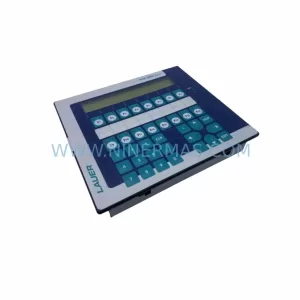
More LAUER modules in the catalog.
Use the brand lane to compare nearby part numbers, platform-adjacent modules, and other inquiry-ready listings before sending your final RFQ.
Catalog Continuation
Alternative parts within PLC & Industrial Automation Modules.
Stay inside the same system family when you need substitutes, adjacent modules, or a broader shortlist for procurement review.
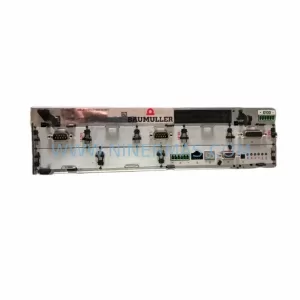
SKU: BM4413-ST0-01600-03-SET
Baumuller BM4413-ST0-01600-03-SET Service-Ready Spare Part
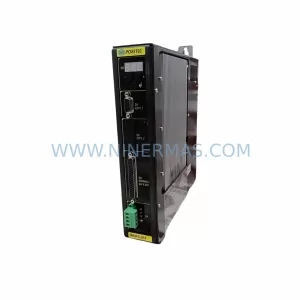
SKU: GV3000/SE GV3000E-AC005-AA-DBU-RFI
Reliance GV3000E-AC005-AA-DBU-RFI Retrofit AC Drive DBU/RFI Filter