
Original Industrial Spare Part
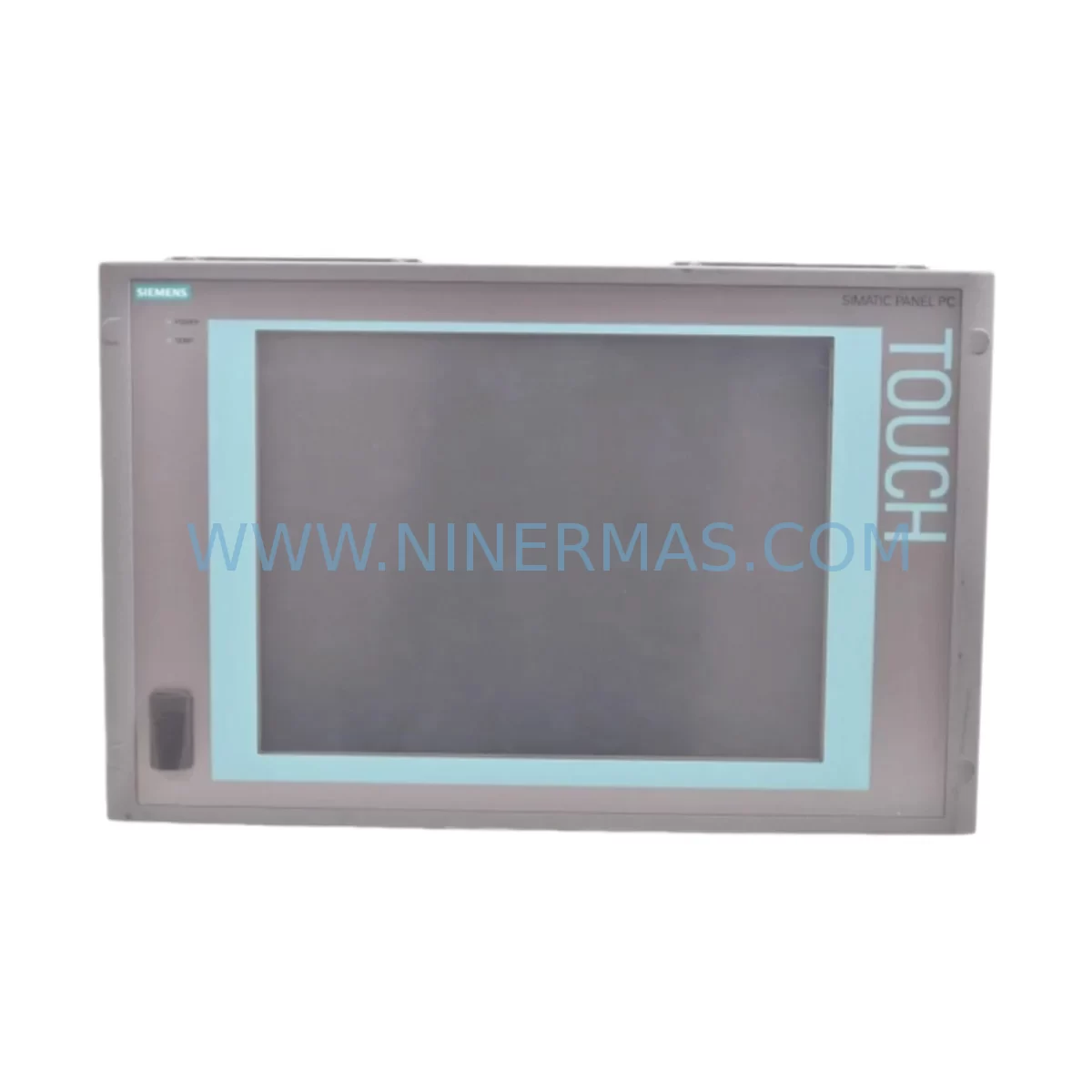
Siemens 6AV7892-0AB32-0AC0 Retrofit-Compatible HMI for Legacy Systems
Verify the part, confirm the platform family, and move straight into quotation with the right commercial details.
RFQ Ready
- SKU6AV7892-0AB32-0AC0
- CategoryPLC & Industrial Automation Modules
- BrandSiemens
- SupportAvailability, lead time, condition, and shipping coordination
How Buyers Usually Use This Page
- Confirm the exact part number and platform family before sending the quote request.
- Use direct email when quantity, condition, and destination are already defined internally.
- Switch to the broader brand or category archive when you need alternates nearby.
Series Navigation
Move through the most common platform families behind this part.
Product RFQ
Send this part directly for quotation.
Include quantity, required condition, destination country, and target delivery timing. Current reference: Siemens 6AV7892-0AB32-0AC0 Retrofit-Compatible HMI for Legacy Systems with SKU 6AV7892-0AB32-0AC0.
Siemens 6AV7892-0AB32-0AC0 Retrofit-Compatible HMI for Legacy Systems
The Siemens 6AV7892-0AB32-0AC0 is a SIMATIC IPC477C series industrial panel PC designed for demanding human-machine interface (HMI) applications in legacy automation environments. As production lines age and original equipment manufacturers discontinue support for older control platforms, the 6AV7892-0AB32-0AC0 has become a critical retrofit and replacement component for facilities seeking to extend operational life without full system overhaul. NINERMAS supplies this unit with SKU verification, pre-shipment functional testing, and a 12-month warranty to support your modernization program.
Whether you are replacing a failed panel in a SIMATIC S7-300 or S7-400 controlled line, migrating from an older SIMATIC Panel PC 677 or IPC477B platform, or upgrading visualization capabilities within an existing control cabinet, the 6AV7892-0AB32-0AC0 offers a proven path to continuity. Its compatibility with SIMATIC WinCC flexible and WinCC Runtime environments means existing HMI screen configurations, tag databases, and alarm structures can often be preserved with minimal reprogramming effort.
Upgrade Compatibility Table
| Parameter | Details |
|---|---|
| SKU / Part Number | 6AV7892-0AB32-0AC0 |
| Series | SIMATIC IPC477C |
| Form Factor | Panel-mount Industrial PC (front-panel flush mount) |
| Display | 15″ TFT widescreen touch panel |
| Communication Interfaces | PROFINET, Ethernet (RJ45), USB, RS-232/RS-485 (application dependent) |
| Compatible HMI Software | SIMATIC WinCC, WinCC flexible, WinCC Runtime Advanced |
| Typical Replacement For | SIMATIC IPC477B, IPC477D (downgrade path), Panel PC 677, TP1500 Comfort (visualization migration) |
| Installation Requirement | Panel cutout per IPC477C dimensional drawing; verify depth clearance in cabinet |
| Power Supply | 24 V DC nominal; confirm existing PSU capacity before installation |
| Communication Compatibility | PROFINET IO, MPI (via adapter), Industrial Ethernet |
| Retrofit Recommendation | Back up existing project files; verify OS image version; test all I/O tags post-installation |
| Commissioning Focus | IP address assignment, WinCC project transfer, touchscreen calibration, alarm verification |
| Warranty | 12 Months — NINERMAS verified, pre-shipment tested |
Retrofit Planning for Existing Automation Systems
Integrating the 6AV7892-0AB32-0AC0 into an existing automation environment requires careful pre-installation planning. The first step is confirming that the control cabinet’s 24 V DC power supply — commonly a SITOP PSU100S or equivalent regulated DIN-rail power supply — can deliver sufficient current for the IPC477C’s processor and display backlight under full load. Undersized power supplies are a leading cause of intermittent faults after panel PC replacement.
Terminal wiring must be mapped carefully. If the legacy installation used a SIMATIC Panel PC 677 or an earlier IPC477B, the rear I/O connector layout may differ. Document all existing cable connections — including Ethernet, USB peripherals, and any serial communication lines — before removal. Where the original system used an MPI programming cable (such as a PC Adapter USB or CP5711 communications processor) for S7-300 controller connectivity, verify whether the replacement unit will communicate via PROFINET instead, as this may require a network topology change at the SCALANCE switch or CP 343-1 communications module level.
For lines running SIMATIC S7-400 controllers with CP 443-1 Ethernet modules, the transition to PROFINET-based HMI communication is generally straightforward, but module addressing and connection table entries in STEP 7 or TIA Portal must be updated to reflect the new panel’s IP address and device name. If the facility also operates SIMATIC ET 200SP or ET 200M distributed I/O racks connected to the same PROFINET segment, ensure that the new IPC477C’s network configuration does not conflict with existing device names assigned to those I/O stations.
Where the original HMI project was developed in WinCC flexible 2008 or an earlier version, a project migration to WinCC Runtime Advanced may be required. This process preserves most screen layouts, tag connections, and alarm definitions, but custom scripts and certain ActiveX controls may need review. NINERMAS recommends completing this migration and performing a full simulation test on a bench setup before scheduling the on-site cutover. Having a SIMATIC S7-PLCSIM environment available for offline testing significantly reduces commissioning risk.
Physical installation requires confirming the panel cutout dimensions match the IPC477C specification. If the legacy unit was a smaller TP1200 Comfort or MP277 multi-panel, the cutout will need to be enlarged — a task that must be factored into planned downtime. Where the cabinet also houses a SIMATIC S7-1500 controller with a PN/PN coupler for cross-network communication, ensure the HMI’s PROFINET connection is routed to the correct network segment.
Downtime Control During System Migration
Minimizing production downtime during an HMI panel replacement is a primary concern for maintenance teams. The most effective strategy is to prepare the replacement 6AV7892-0AB32-0AC0 unit fully before the scheduled maintenance window. This means loading the correct OS image, transferring the WinCC project, configuring the IP address and PROFINET device name, and performing a bench-level functional test — all before the unit reaches the production floor.
Where the original panel stored recipe data or historical trend archives locally, export this data to a USB drive or network share before powering down the old unit. If the system uses a SIMATIC RF300 RFID reader or barcode scanner connected via the panel’s USB or serial port, verify that the driver and communication settings are replicated on the new unit during bench preparation.
On the day of cutover, the physical swap of a panel PC typically takes 30 to 90 minutes depending on cabinet access and wiring complexity. The remaining commissioning time — IP verification, WinCC Runtime startup, tag communication check, touchscreen calibration, and alarm acknowledgment test — can be completed within a further 60 to 120 minutes if the bench preparation was thorough. This brings total planned downtime to under four hours in most retrofit scenarios, compared to multi-day outages associated with full controller and HMI platform replacements.
Protecting the original PLC program logic is equally important. The S7-300 or S7-400 controller program should not be modified during the HMI replacement unless a deliberate program update is also planned. Keeping the controller logic unchanged ensures that any post-replacement issues can be isolated to the HMI layer, simplifying fault diagnosis. NINERMAS supplies the 6AV7892-0AB32-0AC0 with pre-shipment power-on and communication testing to reduce the risk of receiving a non-functional unit on the day of planned maintenance.
Retrofit Support FAQ
Q1: Is the 6AV7892-0AB32-0AC0 a direct replacement for the IPC477B?
The IPC477C series shares the same panel cutout dimensions as the IPC477B in most configurations, making it a physically compatible replacement. However, the operating system and hardware generation differ, so the WinCC project and any custom drivers must be verified for compatibility with the IPC477C’s OS environment before installation.
Q2: What wiring changes are required when replacing an older Panel PC 677?
The rear connector layout of the IPC477C differs from the Panel PC 677. Power, Ethernet, USB, and any serial connections must be remapped according to the IPC477C wiring diagram. NINERMAS recommends photographing and labeling all existing connections before removal to simplify rewiring.
Q3: Does NINERMAS test the unit before shipment?
Yes. Every 6AV7892-0AB32-0AC0 unit supplied by NINERMAS undergoes pre-shipment power-on and functional testing. Units are shipped with a 12-month warranty covering hardware defects identified under normal operating conditions.
Q4: What is the typical lead time and stock availability?
NINERMAS maintains inventory of IPC477C series units to support urgent retrofit and breakdown replacement requirements. Contact our team at sale@ninermas.com or +0086 187 5021 5667 to confirm current stock and lead time for the 6AV7892-0AB32-0AC0.
| Product Series | SIMATIC |
|---|---|
| Country of Origin | DE |
Catalog Continuation
More Siemens modules in the catalog.
Use the brand lane to compare nearby part numbers, platform-adjacent modules, and other inquiry-ready listings before sending your final RFQ.
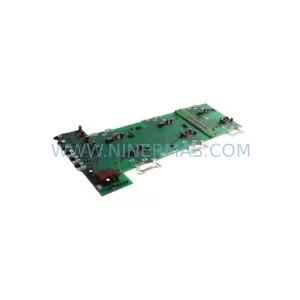
SKU: 6SE7035-1EJ84-1JC2
SIEMENS 6SE7035-1EJ84-1JC2 Retrofit-Compatible Inverter
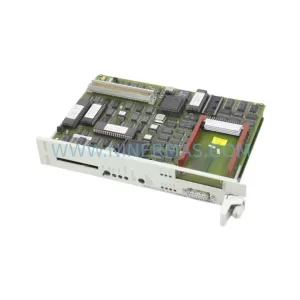
SKU: CPU948 6ES5948-3UA13
Siemens 6ES5948-3UA13 Retrofit-Compatible CPU for Legacy Systems
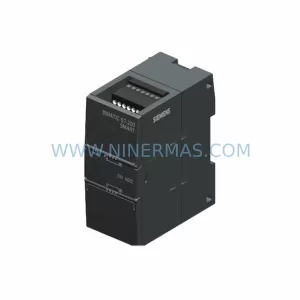
SKU: 6SL3352-1AG41-3FA1
Siemens 6SL3352-1AG41-3FA1 Retrofit-Compatible Power Block for Legacy Systems
Catalog Continuation
Alternative parts within PLC & Industrial Automation Modules.
Stay inside the same system family when you need substitutes, adjacent modules, or a broader shortlist for procurement review.
SKU: 00-117-606 1FK7100-5AZ91-1ZZ9-Z S05 3.2kw 00-122-284C2ksd1-08 00-119-768 1FK7103-5AZ91-1ZZ9-Z S08 5.9kw
KUKA 00-117-606 Retrofit-Compatible Servo Motor for Legacy Systems
SKU: YPK107E 3ASD489301A410
ABB 3ASD489301A410 Service-Ready Spare Part for Maintenance
SKU: 700.000 151/01 30
Alstom 700.000 151/01 30 Retrofit-Compatible I/O Module



