Original Industrial Spare Part
FUJI NP1L-RJ1 Service-Ready Spare Part for Industrial Maintenance
Verify the part, confirm the platform family, and move straight into quotation with the right commercial details.
RFQ Ready
- SKUNP1L-RJ1
- CategoryPLC & Industrial Automation Modules
- BrandFuji Electric
- SupportAvailability, lead time, condition, and shipping coordination
How Buyers Usually Use This Page
- Confirm the exact part number and platform family before sending the quote request.
- Use direct email when quantity, condition, and destination are already defined internally.
- Switch to the broader brand or category archive when you need alternates nearby.
Series Navigation
Move through the most common platform families behind this part.
Product RFQ
Send this part directly for quotation.
Include quantity, required condition, destination country, and target delivery timing. Current reference: FUJI NP1L-RJ1 Service-Ready Spare Part for Industrial Maintenance with SKU NP1L-RJ1.
FUJI NP1L-RJ1 Service-Ready Spare Part for Industrial Maintenance
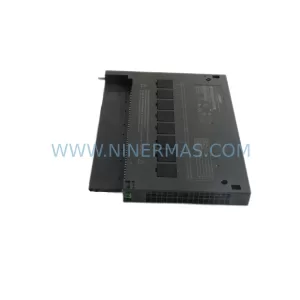
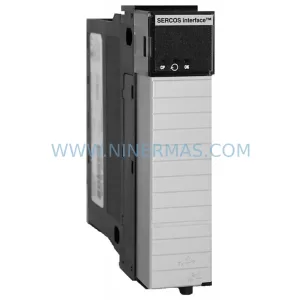
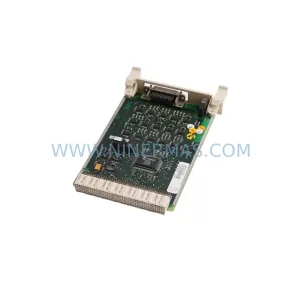
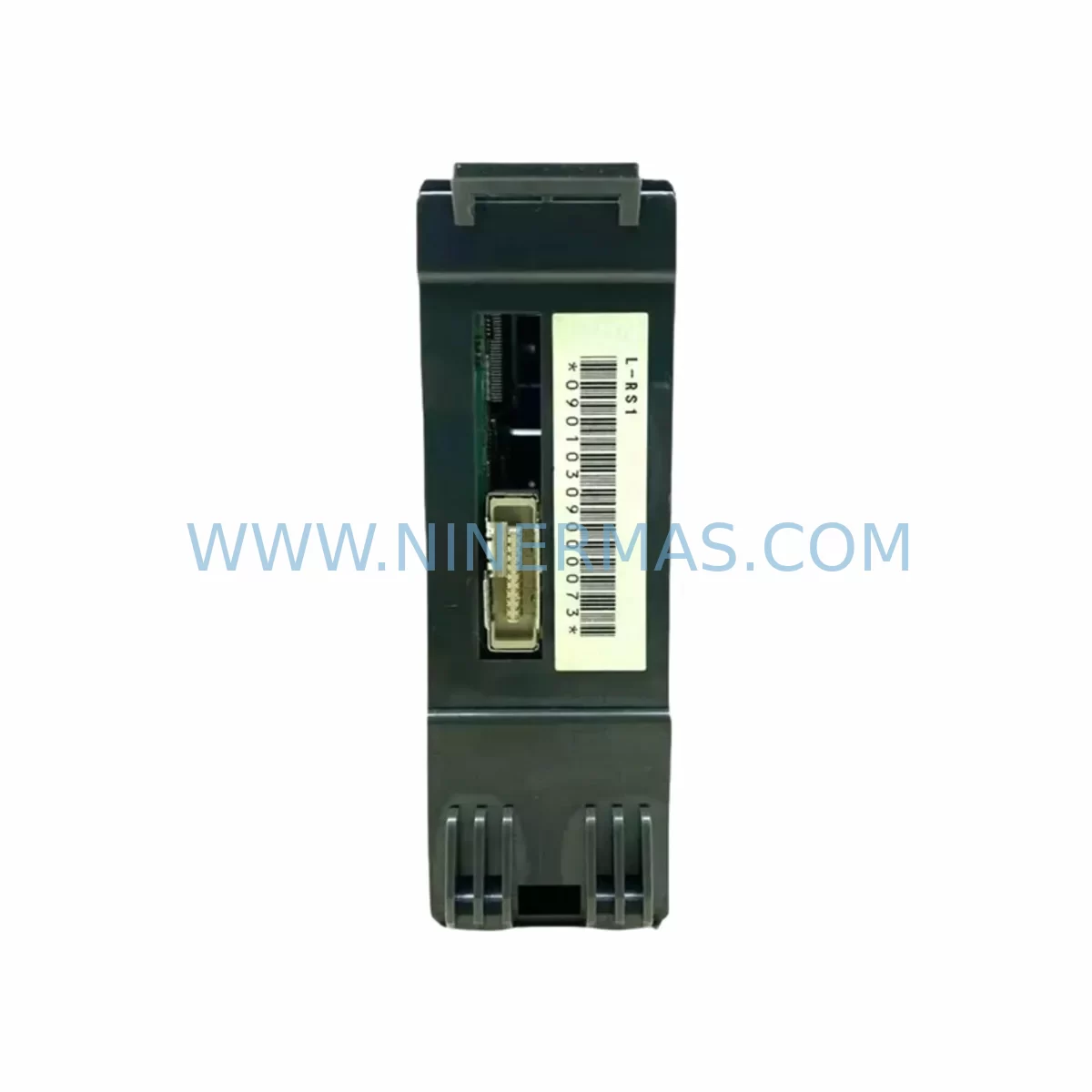
The FUJI NP1L-RJ1 is an RS-232C serial communication module designed for the FUJI Electric NP1 Series PLC platform. As a purpose-built communication interface unit, the NP1L-RJ1 enables serial data exchange between the NP1 CPU and external devices including HMI panels, SCADA hosts, barcode readers, and third-party instrumentation. For maintenance engineers managing aging production lines built around the NP1 architecture, this module represents a critical link in the control chain — one whose failure can halt an entire production cell within minutes.
In facilities where NP1 Series PLCs have been in continuous service for a decade or more, the NP1L-RJ1 is frequently identified during fault isolation as the root cause of intermittent communication dropouts, HMI screen freezes, or loss of serial polling cycles. Procurement engineers sourcing this module as a long-term spare should prioritize verified original stock with documented pre-shipment testing, as counterfeit or refurbished units often fail to meet the original signal timing specifications required by the NP1 CPU backplane.
Every NP1L-RJ1 unit supplied by NINERMAS undergoes functional verification prior to dispatch, covering RS-232C signal integrity, connector pin continuity, and module identification handshake with the NP1 CPU. A 12-month warranty is provided on all units, supporting both emergency replacement and planned maintenance inventory strategies.
Spare Maintenance Table
| Parameter | Specification |
|---|---|
| SKU / Part Number | NP1L-RJ1 |
| Brand | FUJI Electric |
| Series | NP1 Series PLC |
| Module Type | RS-232C Serial Communication Module |
| Interface | RS-232C (RJ-type connector) |
| Compatible CPU Units | NP1PS-08, NP1PS-16, NP1PS-32, NP1PS-48, NP1PS-64 and compatible NP1 CPU variants |
| Mounting | NP1 Series expansion backplane slot |
| Communication Protocol | Serial (RS-232C); supports FUJI loader protocol and general-purpose serial |
| Operating Voltage | Supplied via NP1 backplane (5 VDC internal bus) |
| Operating Temperature | 0°C to +55°C |
| Storage Temperature | -20°C to +70°C |
| Application Environment | Industrial control panels, machine automation, process control, legacy system maintenance |
| Pre-Shipment Test | Yes — functional verification performed before dispatch |
| Warranty | 12 Months |
| Origin | Japan |
Maintenance Planning for Continuous Operation
When a maintenance engineer identifies the NP1L-RJ1 as the failed component in a communication fault, the replacement workflow extends beyond simply swapping the module. A thorough site inspection should accompany any NP1L-RJ1 replacement to prevent recurrence and protect the broader control system.
Begin by inspecting the NP1 Series CPU unit — typically an NP1PS-32 or NP1PS-64 — for any signs of backplane connector wear or corrosion that may have contributed to the communication module failure. The backplane slot contacts should be cleaned and verified for proper seating before installing the replacement NP1L-RJ1.
The RS-232C cable assembly connecting the NP1L-RJ1 to the downstream HMI or SCADA host should be tested for continuity and shielding integrity. Degraded cables are a common secondary cause of serial communication errors and are frequently overlooked during fault isolation. If the connected device is a FUJI Electric GOT-series HMI or a compatible operator panel, verify that the HMI communication driver settings — baud rate, parity, stop bits — match the NP1L-RJ1 port configuration stored in the CPU program.
For systems where the NP1L-RJ1 interfaces with a barcode reader, weighing controller, or third-party serial instrument, confirm that the external device’s RS-232C output voltage levels are within the module’s input tolerance range. Overvoltage from non-standard serial devices is a known cause of NP1L-RJ1 port damage in mixed-vendor installations.
The NP1 Series power supply module — such as the NP1PW-05 or equivalent — should be checked for output voltage stability. A degraded power supply delivering marginal 5 VDC to the backplane can cause intermittent module resets that mimic communication faults. Procurement teams maintaining NP1-based lines should hold at least one power supply module as a parallel spare alongside the NP1L-RJ1.
If the control cabinet houses additional NP1 expansion modules — including NP1L digital input modules, NP1L digital output modules, or NP1L analog I/O modules — inspect their backplane connectors and status LEDs during the same maintenance window. A cabinet-level inspection during an unplanned stop is the most cost-effective opportunity to identify latent faults before they cause the next unplanned outage.
For facilities running FUJI Electric MICREX-SX or MICREX-F Series systems in adjacent control zones, note that the NP1L-RJ1 is NP1-specific and is not cross-compatible with those platforms. Spare parts lists should be maintained separately by platform to avoid procurement errors during emergency sourcing.
Where the NP1 system communicates upstream via a serial-to-Ethernet converter or protocol gateway, verify that the gateway’s serial port settings are synchronized with the NP1L-RJ1 configuration. A mismatch introduced during a previous firmware update on the gateway is a common source of post-replacement communication failures that are incorrectly attributed to the new module.
Terminal block wiring at the NP1 I/O modules adjacent to the communication module should also be inspected for loose connections, particularly in high-vibration environments. Loose field wiring can introduce ground noise that degrades RS-232C signal quality even when the NP1L-RJ1 itself is functioning correctly.
Site Replacement Workflow
Step 1 — Pre-Replacement Preparation: Before removing the faulty NP1L-RJ1, power down the NP1 CPU in a controlled sequence. Back up the current CPU program using FUJI’s SX-Programmer or NP1 loader software via a separate programming port if available. Document the RS-232C cable pinout and the communication parameter settings configured in the CPU program (baud rate, data bits, parity, stop bits, station number).
Step 2 — Module Removal: Disconnect the RS-232C cable from the NP1L-RJ1 port. Release the module locking tab and slide the unit out of the backplane slot. Inspect the backplane connector pins for damage or contamination before proceeding.
Step 3 — Replacement Installation: Insert the new NP1L-RJ1 into the same backplane slot, ensuring full engagement with the backplane connector. Reconnect the RS-232C cable. Verify that the cable shield is properly grounded at the panel earth point.
Step 4 — Power-Up and Verification: Restore power to the NP1 CPU. Monitor the NP1L-RJ1 status LED for normal communication indication. Confirm that the connected HMI, SCADA host, or serial device resumes data exchange within the expected polling cycle. If communication does not restore immediately, verify the CPU program’s communication parameter block against the documented settings from Step 1.
Step 5 — Post-Replacement Documentation: Record the replacement date, new module serial number, and test results in the equipment maintenance log. Update the spare parts inventory to reflect the consumed unit and initiate a reorder to maintain minimum stock levels.
This structured workflow minimizes total downtime to under 30 minutes for experienced maintenance teams and ensures that the replacement NP1L-RJ1 is validated in-circuit before the production line is returned to service.
Spare Parts Support FAQ
Q1: Is the NP1L-RJ1 still available as a new original spare, or only as refurbished stock?
NINERMAS supplies the NP1L-RJ1 from verified original stock. Each unit is subject to pre-shipment functional testing covering RS-232C signal integrity and backplane interface verification. A 12-month warranty is provided on all units, covering manufacturing defects and functional failures under normal operating conditions.
Q2: How do I confirm compatibility between the NP1L-RJ1 and my specific NP1 CPU variant?
The NP1L-RJ1 is compatible with the standard NP1 Series CPU and expansion backplane architecture. Compatibility is determined by the NP1 backplane slot type and the CPU firmware version. If you are unsure of your CPU variant, provide the full CPU part number (e.g., NP1PS-32 or NP1PS-64) when placing your inquiry, and our technical team will confirm compatibility before shipment.
Q3: What is the recommended inventory strategy for NP1L-RJ1 in a multi-line facility?
For facilities operating three or more NP1-based control systems, we recommend maintaining a minimum of two NP1L-RJ1 units as on-site cold spares. Given the module’s role as the sole RS-232C communication interface for the NP1 CPU, a single unit failure without an available spare can result in extended downtime while emergency sourcing is arranged. Annual inventory reviews aligned with planned maintenance shutdowns are the most effective approach to spare parts lifecycle management.
Q4: Can the NP1L-RJ1 be used to replace an older NP1 communication module with a different part suffix?
Minor suffix variations within the NP1L-RJ series typically reflect hardware revision levels rather than functional differences. In most cases, a current-production NP1L-RJ1 will replace an earlier revision without program changes. However, if your existing module carries a significantly different suffix or was supplied with a specific firmware version, contact our technical team with the original part number for confirmation before ordering.
| Product Series | Other series |
|---|
Catalog Continuation
More Fuji Electric modules in the catalog.
Use the brand lane to compare nearby part numbers, platform-adjacent modules, and other inquiry-ready listings before sending your final RFQ.
Catalog Continuation
Alternative parts within PLC & Industrial Automation Modules.
Stay inside the same system family when you need substitutes, adjacent modules, or a broader shortlist for procurement review.