Original Industrial Spare Part
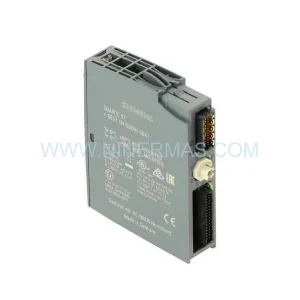
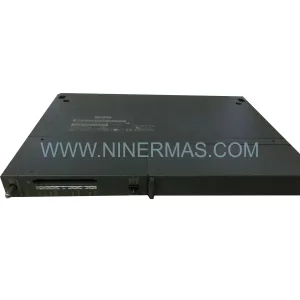
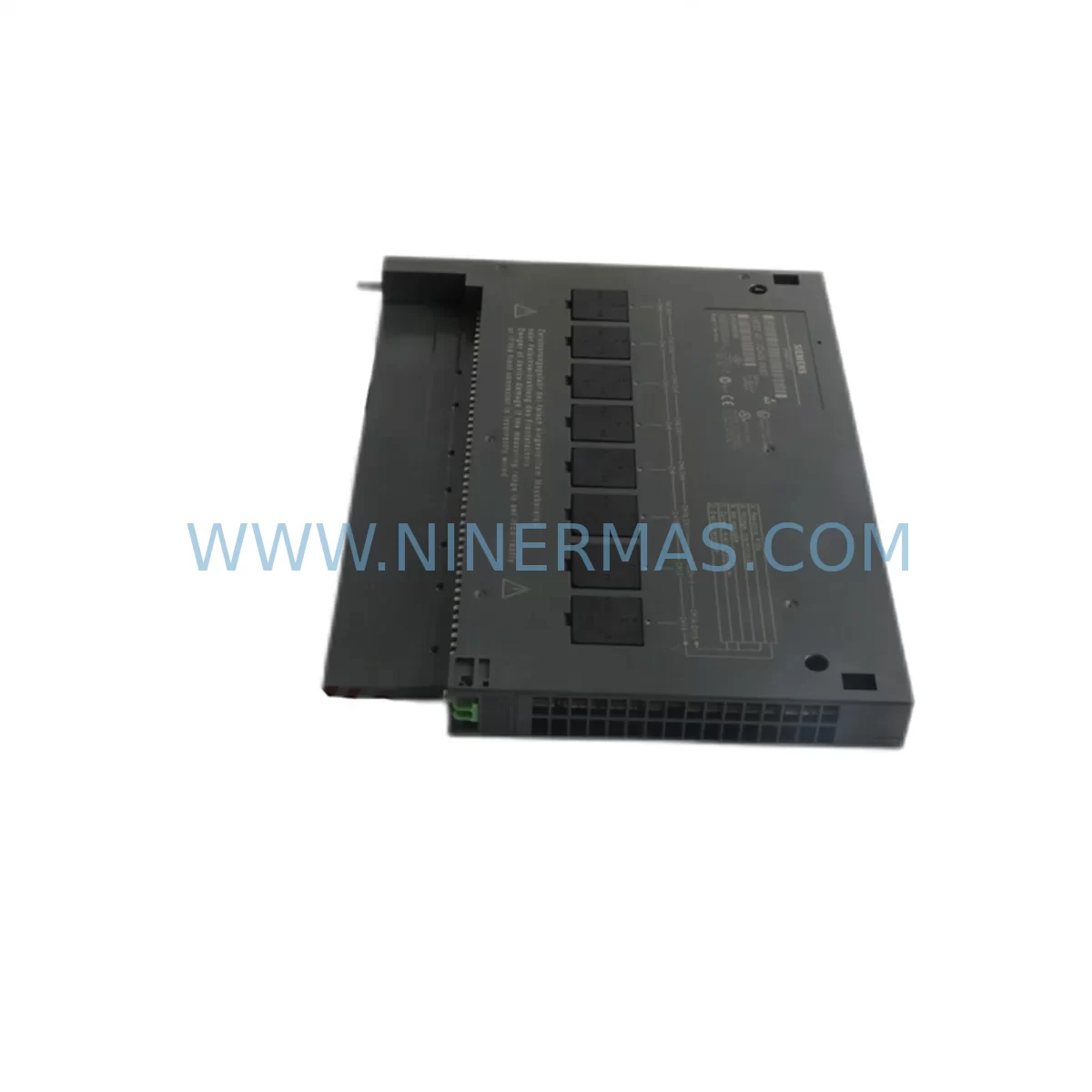
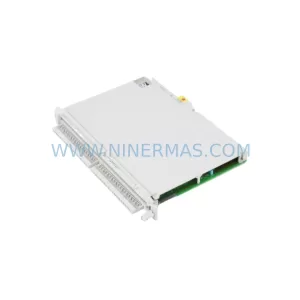
SIEMENS 6ES7431-7QH00-0AB0 Retrofit-Compatible Analog Input for Legacy Systems
Verify the part, confirm the platform family, and move straight into quotation with the right commercial details.
RFQ Ready
- SKU6ES7431-7QH00-0AB0
- CategoryPLC & Industrial Automation Modules
- BrandSiemens
- SupportAvailability, lead time, condition, and shipping coordination
How Buyers Usually Use This Page
- Confirm the exact part number and platform family before sending the quote request.
- Use direct email when quantity, condition, and destination are already defined internally.
- Switch to the broader brand or category archive when you need alternates nearby.
Series Navigation
Move through the most common platform families behind this part.
Product RFQ
Send this part directly for quotation.
Include quantity, required condition, destination country, and target delivery timing. Current reference: SIEMENS 6ES7431-7QH00-0AB0 Retrofit-Compatible Analog Input for Legacy Systems with SKU 6ES7431-7QH00-0AB0.
SIEMENS 6ES7431-7QH00-0AB0 Retrofit-Compatible Analog Input Module for Legacy S7-400 Systems
The SIEMENS 6ES7431-7QH00-0AB0 is a ruggedized 16-channel analog input module engineered for the SIMATIC S7-400 platform, purpose-built to withstand harsh industrial environments including high vibration, wide temperature ranges, and elevated EMI exposure. As legacy S7-400 installations continue to age across process industries, power generation, chemical plants, and heavy manufacturing, the 6ES7431-7QH00-0AB0 has become a critical component in retrofit projects where engineers must balance system continuity with modernization demands.
At NINERMAS, we maintain verified inventory of the 6ES7431-7QH00-0AB0 to support customers undertaking planned upgrades, emergency replacements, and long-term spare parts lifecycle management. Every unit ships with a 12-month warranty and undergoes pre-shipment functional testing to confirm channel accuracy, terminal integrity, and backplane communication before dispatch.
Upgrade Compatibility Table
| Parameter | 6ES7431-7QH00-0AB0 | Retrofit Notes |
|---|---|---|
| Module Type | Analog Input, 16-Channel | Direct replacement for standard 6ES7431 series variants |
| Input Signal Range | ±10V, ±20mA, 4–20mA | Verify field wiring signal type before swap |
| Backplane Interface | S7-400 UR1 / UR2 Rack | Compatible with UR1, UR2, UR2-H universal racks |
| Installation Slot | Any standard S7-400 slot | Confirm slot addressing in hardware configuration (HW Config) |
| Communication | S7-400 internal bus (P-bus / K-bus) | No protocol migration required for same-rack replacement |
| Power Consumption | Supplied via backplane (5VDC) | Verify PS407 or PS405 power supply capacity before adding modules |
| Environmental Rating | Ruggedized / Extended temp | Suitable for harsh environments; confirm enclosure IP rating |
| Programming Compatibility | STEP 7 V5.x / TIA Portal | Existing FB/FC blocks remain valid; re-download HW Config after swap |
| Commissioning | HW Config re-download + channel calibration check | Use STEP 7 diagnostic buffer to verify module recognition |
| Warranty | 12 Months — All units pre-tested before shipment | |
Retrofit Planning for Existing Automation Systems
Replacing the 6ES7431-7QH00-0AB0 within an operating S7-400 system requires a structured approach that accounts for both hardware compatibility and software continuity. Engineers should begin by auditing the existing rack configuration — typically a SIMATIC S7-400 UR2 universal rack — to confirm available slot positions, current power budget from the installed 6ES7405-0KA02-0AA0 PS405 power supply, and the physical dimensions of the control cabinet to ensure the replacement module fits without modification.
Terminal wiring is a frequent source of delay during analog input replacements. The 6ES7431-7QH00-0AB0 uses a 40-pin front connector, and field cables connected to thermocouples, RTDs, pressure transmitters, or 4–20mA current loops must be mapped against the new module’s channel assignments before disconnection. Where the original module used a 6ES7492-1AL00-0AA0 front connector, the same connector can typically be transferred directly, significantly reducing rewiring time and the risk of miswiring during the cutover window.
For systems running on a SIMATIC S7-400 CPU 414-3 (6ES7414-3XM05-0AB0) or CPU 416-3 (6ES7416-3XS07-0AB0), the hardware configuration stored in STEP 7 or TIA Portal must be updated to reflect the replacement module. After downloading the revised HW Config, engineers should verify that all analog channel addresses remain consistent with the existing process control program. In most same-series replacements, the symbolic address table and all associated function blocks (FBs) referencing the analog input data remain unchanged, which eliminates the need for program recompilation.
Where the retrofit involves migrating from an older 6ES7431-1KF10-0AB0 (8-channel variant) to the 16-channel 6ES7431-7QH00-0AB0, additional I/O expansion planning is required. The increased channel count may allow consolidation of two legacy modules into one, freeing rack slots for future 6ES7421-1BL01-0AA0 digital input modules or 6ES7422-1BL00-0AA0 digital output modules needed in parallel upgrade phases.
Communication infrastructure should also be reviewed during the planning phase. If the S7-400 system communicates upstream via PROFIBUS DP using a 6GK1500-0FC10 PROFIBUS connector or interfaces with a CP 443-1 (6GK7443-1EX30-0XE0) Ethernet communication processor, these components are unaffected by the analog input module swap and do not require reconfiguration. However, if the retrofit is part of a broader migration toward PROFINET, the communication module upgrade should be planned as a separate phase to avoid compounding risk during the analog I/O cutover.
HMI screens connected via SIMATIC WinCC or a TP1500 Comfort Panel (6AV2124-0QC02-0AX1) that display analog process values should be reviewed to confirm that tag addresses remain valid after the module swap. In most cases, if the CPU slot addressing is preserved, HMI tags linked to analog input process images will continue to function without modification.
Downtime Control During System Migration
Minimizing production downtime during an analog input module replacement on a live S7-400 system requires careful pre-staging and a clearly defined cutover sequence. The recommended approach is to prepare the replacement 6ES7431-7QH00-0AB0 module offline, pre-attach the front connector with all field wiring labeled and pre-terminated where possible, and schedule the physical swap during a planned maintenance window.
Before initiating the swap, the CPU should be placed in STOP mode and the process values from all 16 analog channels should be recorded as a baseline for post-installation verification. If the system supports hot-standby redundancy via a 6ES7400-1TA01-0AA0 UR2-H redundant rack, the switchover to the redundant CPU can be triggered prior to the module replacement, allowing the swap to occur without interrupting the control loop.
After physical installation, the revised hardware configuration should be downloaded to the CPU, and the diagnostic buffer should be checked immediately to confirm that the 6ES7431-7QH00-0AB0 is recognized without fault codes. Channel-by-channel analog value verification against the pre-recorded baseline confirms signal integrity before the CPU is returned to RUN mode. Total cutover time for a well-prepared replacement is typically achievable within a 30–60 minute maintenance window, even in complex multi-rack configurations.
For sites where no planned downtime is acceptable, NINERMAS can support pre-shipment configuration verification and provide detailed cutover documentation tailored to the specific rack layout and CPU firmware version in use.
Retrofit Support FAQ
Q1: Is the 6ES7431-7QH00-0AB0 a direct drop-in replacement for other 6ES7431 series modules?
A: The 6ES7431-7QH00-0AB0 is mechanically and electrically compatible with the S7-400 rack system and shares the same backplane interface as other 6ES7431 variants. However, channel count differences (8-channel vs. 16-channel variants) require a hardware configuration update in STEP 7 or TIA Portal. The front connector and field wiring can typically be reused, but channel address mapping must be verified before going live.
Q2: What commissioning steps are required after installing the replacement module?
A: After physical installation, download the updated HW Config to the CPU, check the diagnostic buffer for module recognition, verify analog channel values against known process references, and confirm that all HMI tags and program blocks referencing the module’s I/O addresses are functioning correctly. A channel calibration check is recommended if the process requires high measurement accuracy.
Q3: Does NINERMAS provide pre-shipment testing, and what does the 12-month warranty cover?
A: Yes. Every 6ES7431-7QH00-0AB0 unit shipped by NINERMAS undergoes functional pre-shipment testing covering backplane communication, channel signal integrity, and terminal continuity. The 12-month warranty covers manufacturing defects and functional failures under normal operating conditions. Units are dispatched with test documentation upon request.
Q4: What is the typical lead time, and do you maintain stock for emergency replacement orders?
A: NINERMAS maintains ready inventory of the 6ES7431-7QH00-0AB0 to support both planned procurement and emergency replacement scenarios. Standard orders are processed and dispatched within 1–3 business days. For urgent requirements, please contact our team directly to confirm current stock availability and expedited shipping options.
| Product Series | SIMATIC |
|---|---|
| Country of Origin | DE |
Catalog Continuation
More Siemens modules in the catalog.
Use the brand lane to compare nearby part numbers, platform-adjacent modules, and other inquiry-ready listings before sending your final RFQ.
SKU: 6ES7138-4CF03-0AB0
Siemens 6ES7138-4CF03-0AB0 Service-Ready Spare Part for Industrial Maintenance
SKU: 6SE7090-0XX84-0AK0
Siemens 6SE7090-0XX84-0AK0 Retrofit-Compatible Drive Module
Catalog Continuation
Alternative parts within PLC & Industrial Automation Modules.
Stay inside the same system family when you need substitutes, adjacent modules, or a broader shortlist for procurement review.