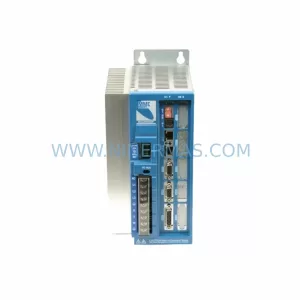
Original Industrial Spare Part
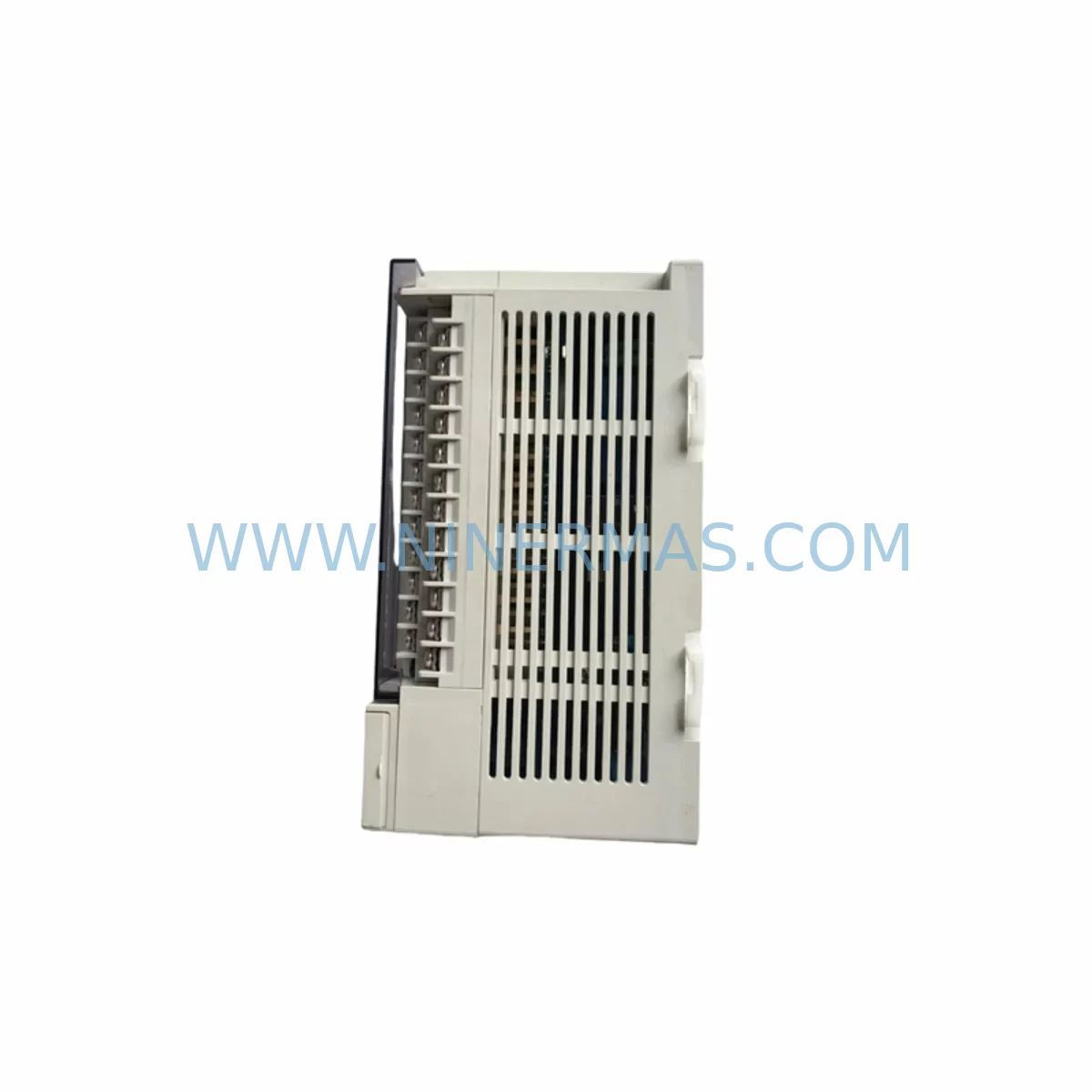
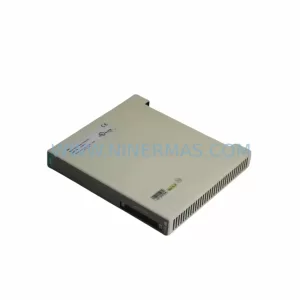
MITSUBISHI FX2N-32MR-001 Retrofit-Compatible PLC for Legacy Systems
Verify the part, confirm the platform family, and move straight into quotation with the right commercial details.
RFQ Ready
- SKUFX2N-32MR-001
- CategoryPLC & Industrial Automation Modules
- BrandMitsubishi
- SupportAvailability, lead time, condition, and shipping coordination
How Buyers Usually Use This Page
- Confirm the exact part number and platform family before sending the quote request.
- Use direct email when quantity, condition, and destination are already defined internally.
- Switch to the broader brand or category archive when you need alternates nearby.
Series Navigation
Move through the most common platform families behind this part.
Product RFQ
Send this part directly for quotation.
Include quantity, required condition, destination country, and target delivery timing. Current reference: MITSUBISHI FX2N-32MR-001 Retrofit-Compatible PLC for Legacy Systems with SKU FX2N-32MR-001.
MITSUBISHI FX2N-32MR-001 Retrofit-Compatible PLC for Legacy System Modernization
The MITSUBISHI FX2N-32MR-001 is a compact, high-performance programmable logic controller from the renowned FX2N Series, designed to serve as a direct retrofit replacement for aging automation infrastructure. With 16 DC inputs and 16 relay outputs in a single base unit, this controller delivers the processing power and I/O density required for seamless integration into existing control cabinets without structural modification. Whether you are replacing a failed unit on a legacy production line, upgrading an end-of-life controller in a packaging system, or migrating from an older FX Series platform, the FX2N-32MR-001 provides a proven, cost-effective path to system continuity.
For engineers and maintenance teams managing aging automation assets, the FX2N-32MR-001 represents one of the most widely deployed and best-documented retrofit solutions in the Mitsubishi MELSEC FX family. Its compatibility with the FX2N Series backplane, terminal block layout, and GX Developer / GX Works2 programming environment means that existing ladder logic programs can often be transferred with minimal modification, dramatically reducing engineering hours and commissioning risk during planned or emergency replacements.
Upgrade Compatibility Table
| Parameter | FX2N-32MR-001 (This Unit) | Retrofit Notes |
|---|---|---|
| Input Points | 16 × DC 24V Sink/Source | Compatible with existing field wiring; verify sink/source polarity before reconnection |
| Output Points | 16 × Relay Output (2A/point) | Direct replacement for relay-output predecessors; confirm load ratings for inductive loads |
| Power Supply | AC 100–240V, 50/60Hz | Verify cabinet power rail capacity; typical draw ~65W including I/O |
| Program Memory | 8,000 Steps (expandable to 16,000 with FX2N-RAM-8) | Sufficient for most legacy FX2N programs; check step count before transfer |
| Communication Port | RS-422 (built-in programming port) | Use SC-09 or USB-SC09-FX programming cable for GX Developer / GX Works2 connection |
| Expansion Interface | Right-side expansion bus | Compatible with FX2N-8EX, FX2N-8EYR, FX2N-4AD, FX2N-4DA expansion modules |
| Mounting | DIN rail or direct screw mount | Footprint matches FX2N-32MR; no panel cutout modification required |
| HMI Compatibility | GOT1000 / GOT2000 Series via RS-422/485 | Existing GOT screen projects typically reusable without redraw |
| Warranty | 12 Months | Covered from date of shipment; includes functional testing certificate |
Retrofit Planning for Existing Automation Systems
Successful integration of the FX2N-32MR-001 into a legacy system begins well before the unit arrives on site. The first step is a thorough audit of the existing control cabinet: document the terminal block wiring layout, confirm the power supply capacity (the FX2N-32MR-001 draws approximately 65W under full I/O load), and photograph the original module address settings if expansion modules such as the FX2N-8EX input expansion or FX2N-8EYR relay output expansion are installed. These expansion modules connect via the right-side bus and retain their addresses based on physical position, so their placement relative to the base unit must be preserved during the swap.
Before powering down the existing system, use GX Developer or GX Works2 to perform a full program backup from the installed controller. Save the project file, including any device comments, parameter settings, and password configurations. If the original unit uses an FX2N-RAM-8 memory cassette, note that the cassette can be transferred directly to the replacement FX2N-32MR-001, preserving the program without re-upload — a significant advantage in emergency breakdown scenarios where programming hardware may not be immediately available.
For systems that include analog I/O, the FX2N-4AD four-channel analog input module and FX2N-4DA four-channel analog output module remain fully compatible with the FX2N-32MR-001 expansion bus. Verify the FROM/TO instruction addresses in the existing program match the physical slot positions of these modules after reinstallation. Similarly, if the system uses an FX2N-232-BD or FX2N-485-BD communication board for serial communication with SCADA, HMI, or third-party devices, these boards install directly into the option slot of the FX2N-32MR-001 without modification.
HMI compatibility is a frequent concern during FX2N retrofits. Existing GOT1000 Series panels (such as the GT1055-QSBD or GT1150-QLBD) connected via RS-422 to the original FX2N controller will communicate with the FX2N-32MR-001 using the same cable and the same GOT project file, provided the station number and baud rate settings are preserved. For sites running older F940GOT or F930GOT panels, communication parameters should be verified against the FX2N-32MR-001 RS-422 port specifications before go-live.
If the retrofit scope includes a protocol migration — for example, moving from RS-232 point-to-point communication to Modbus RTU over RS-485 — the FX2N-485-BD board combined with the FX2N-32MR-001’s built-in RS-422 port provides a dual-port configuration that supports parallel communication during the transition period, allowing the new protocol to be validated without immediately decommissioning the legacy link. This approach is particularly valuable in multi-drop networks where several FX2N-32MR-001 units share a single RS-485 bus managed by a supervisory controller or DCS gateway.
Downtime Control During System Migration
Minimizing unplanned downtime is the primary concern for any maintenance team executing a PLC replacement on a live production line. For the FX2N-32MR-001, the recommended approach is a staged swap: prepare the replacement unit off-line by loading the backed-up program, configuring parameters, and performing a bench test against a simulated I/O load before the scheduled maintenance window begins. This pre-commissioning step typically takes two to four hours and eliminates the most common sources of delay — program upload errors, parameter mismatches, and communication port configuration issues — before the system is taken offline.
During the physical swap, label all terminal block wires before disconnection using the original wiring diagram or photographs taken during the pre-swap audit. The FX2N-32MR-001 terminal layout is identical to the standard FX2N-32MR, so reconnection follows the same sequence. After reconnection, perform a cold start with outputs disabled, verify all input signals are reading correctly in the monitoring window of GX Works2, then enable outputs and step through the program in test mode before returning the system to automatic operation.
For critical processes where even a brief interruption is unacceptable, consider maintaining a pre-programmed FX2N-32MR-001 as a hot standby spare. Paired with an FX2N-RAM-8 memory cassette containing the current production program, this approach reduces mean time to repair to under 30 minutes for most installations. Document the cassette program version and update it whenever the production program is revised to ensure the spare always reflects the current logic.
Throughout the migration, preserve the original program backup file in at least two separate locations — a local engineering workstation and a network share or USB drive stored in the control room. This redundancy protects against data loss in the event of a workstation failure and ensures that any future maintenance technician can access the program without relying on the installed controller as the sole program source.
Retrofit Support FAQ
Q: Is the FX2N-32MR-001 a direct drop-in replacement for the FX2N-32MR?
A: Yes. The FX2N-32MR-001 shares the same physical dimensions, terminal block layout, I/O count, and expansion bus interface as the standard FX2N-32MR. Programs written for the FX2N-32MR are fully compatible and can be transferred without modification in the vast majority of applications. Verify power supply voltage (AC 100–240V) and confirm that any installed expansion modules — such as the FX2N-8EX or FX2N-4AD — are reconnected in their original physical positions to preserve module addresses.
Q: What programming cable and software do I need to connect to the FX2N-32MR-001?
A: The FX2N-32MR-001 uses a standard RS-422 mini-DIN programming port. Use the SC-09 RS-232-to-RS-422 cable or the USB-SC09-FX USB-to-RS-422 cable with GX Developer (version 8.x or later) or GX Works2. Both software packages support program upload, download, monitoring, and forced output testing. Ensure the COM port driver is installed correctly on the engineering workstation before connecting.
Q: Has this unit been tested before shipment, and what warranty is provided?
A: Every FX2N-32MR-001 unit supplied by NINERMAS undergoes functional testing prior to shipment, including power-on verification, I/O point cycling, and communication port check. A 12-month warranty is provided from the date of shipment, covering manufacturing defects and functional failures under normal operating conditions. A test certificate is available upon request. For urgent requirements, in-stock units can typically be dispatched within 24–48 hours.
Q: Can the FX2N-32MR-001 communicate with third-party HMI or SCADA systems?
A: Yes. The built-in RS-422 port supports Mitsubishi’s FX protocol (also known as MC Protocol Format 1/Format 4), which is recognized by most major HMI brands and SCADA platforms. For Modbus RTU communication, install the FX2N-485-BD communication board in the option slot. For Ethernet connectivity, the FX3U-ENET-ADP adapter can be used in conjunction with a protocol converter. Confirm the communication driver version in your HMI or SCADA software supports the FX2N device range before finalizing the integration design.
| Product Series | FX2N |
|---|---|
| Country of Origin | JP |
Catalog Continuation
More Mitsubishi modules in the catalog.
Use the brand lane to compare nearby part numbers, platform-adjacent modules, and other inquiry-ready listings before sending your final RFQ.
Catalog Continuation
Alternative parts within PLC & Industrial Automation Modules.
Stay inside the same system family when you need substitutes, adjacent modules, or a broader shortlist for procurement review.
SKU: BM4423-CT1-01600-S01-03-SET
Baumuller BM4423-CT1-01600-S01-03-SET Service-Ready Spare
SKU: TLC4362D312151
Berger Lahr TLC4362D312151 Retrofit-Compatible Servo Drive
SKU: S-D4008-A S-D4008
Reliance S-D4008-A Spare Part for Industrial Maintenance