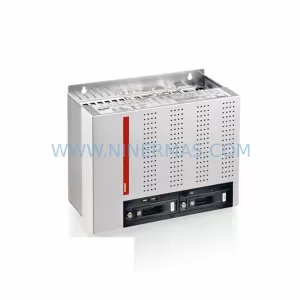
Original Industrial Spare Part
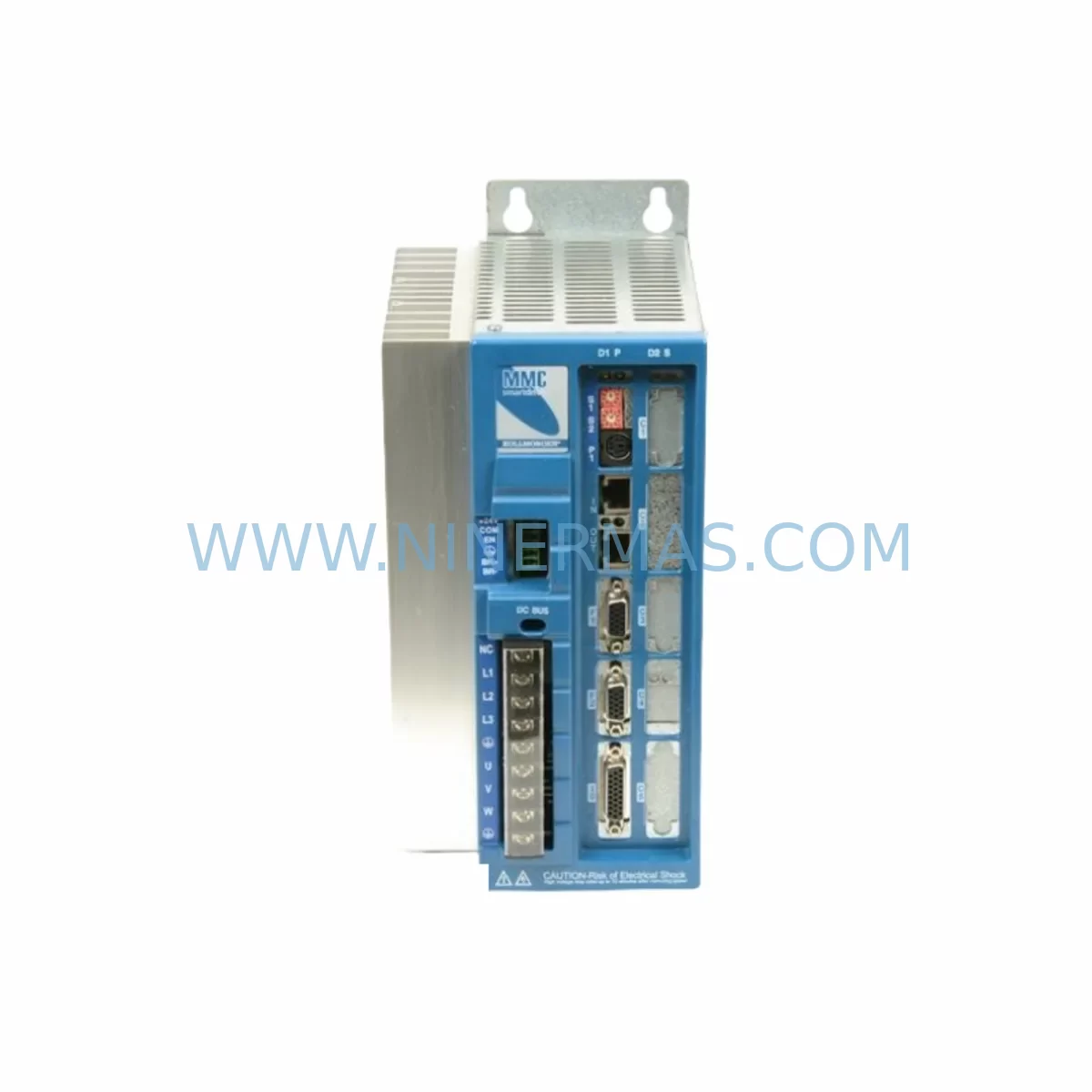
KOLLMORGEN MMC-SD-1.0-230-D Service-Ready Spare Part for Industrial Maintenance
Verify the part, confirm the platform family, and move straight into quotation with the right commercial details.
RFQ Ready
- SKUMMC-SD-1.0-230-D
- CategoryPLC & Industrial Automation Modules
- BrandKollmorgen
- SupportAvailability, lead time, condition, and shipping coordination
How Buyers Usually Use This Page
- Confirm the exact part number and platform family before sending the quote request.
- Use direct email when quantity, condition, and destination are already defined internally.
- Switch to the broader brand or category archive when you need alternates nearby.
Series Navigation
Move through the most common platform families behind this part.
Product RFQ
Send this part directly for quotation.
Include quantity, required condition, destination country, and target delivery timing. Current reference: KOLLMORGEN MMC-SD-1.0-230-D Service-Ready Spare Part for Industrial Maintenance with SKU MMC-SD-1.0-230-D.
KOLLMORGEN MMC-SD-1.0-230-D Service-Ready Spare Part for Industrial Maintenance
The KOLLMORGEN MMC-SD-1.0-230-D is a ruggedized servo drive module engineered for demanding industrial environments where motion control reliability is non-negotiable. As a critical component within the KOLLMORGEN MMC (Motion Control Center) series, this 230V servo drive module delivers precise torque and velocity control for servo axes in continuous production lines, automated assembly systems, and process-critical machinery. For maintenance engineers managing aging motion control infrastructure, securing an original MMC-SD-1.0-230-D spare is the most direct path to minimizing unplanned downtime and restoring full axis functionality after a drive fault or module failure.
Industrial facilities operating KOLLMORGEN MMC-based control cabinets understand the operational risk of running without a verified spare. The MMC-SD-1.0-230-D integrates directly into the MMC backplane architecture, communicating with the system controller via the MMC’s internal motion bus. A failed servo drive module can halt an entire production cell within seconds. Procurement engineers sourcing replacement units must verify original part authenticity, firmware compatibility, and electrical specification alignment before committing to a purchase — all of which are addressed through NINERMAS’s pre-shipment inspection and 12-month warranty coverage.
This listing covers the MMC-SD-1.0-230-D variant, rated for 1.0A continuous output current at 230VAC input, with the ruggedized (D-suffix) designation confirming enhanced thermal tolerance and vibration resistance suitable for harsh plant environments including foundries, press shops, and outdoor enclosures. Whether you are executing an emergency replacement after a drive trip, building a preventive spare parts inventory for annual shutdown, or decommissioning a legacy axis and need a tested drop-in module, the MMC-SD-1.0-230-D is the correct OEM-specification component for your KOLLMORGEN MMC system.
Spare Maintenance Table
| Parameter | Specification |
|---|---|
| Part Number | MMC-SD-1.0-230-D |
| Brand | KOLLMORGEN |
| Series | MMC (Motion Control Center) |
| Module Type | Servo Drive Module |
| Input Voltage | 230VAC, Single or Three Phase |
| Continuous Output Current | 1.0A |
| Ruggedized Rating | D-suffix: Enhanced thermal & vibration tolerance |
| Mounting Interface | MMC Backplane (direct slot insertion) |
| Communication | MMC Internal Motion Bus |
| Compatible Systems | KOLLMORGEN MMC Series Control Cabinets |
| Application Environment | Harsh industrial: foundry, press, outdoor enclosure |
| Cooling | Forced air / integrated heatsink (ruggedized variant) |
| Origin | United States |
| Condition | Original Spare / Refurbished-to-OEM-spec (state on inquiry) |
| Pre-Shipment Test | Functional power-on and output verification |
| Warranty | 12 Months from shipment date |
| Lead Time | Contact for current stock availability |
Maintenance Planning for Continuous Operation
When a KOLLMORGEN MMC-SD-1.0-230-D servo drive module is flagged for replacement during a fault investigation or scheduled shutdown, experienced maintenance engineers treat the event as a trigger for a broader cabinet audit. The MMC architecture distributes motion control across multiple drive slots on a shared backplane, meaning a single module fault can indicate stress conditions affecting adjacent components. A thorough replacement workflow should include inspection of the following systems and components:
Power Supply and Bus Conditioning: Verify the MMC system power supply module — typically a dedicated DC bus supply within the MMC cabinet — is delivering stable voltage within specification. Fluctuating bus voltage is a leading cause of premature servo drive module failure. Inspect the MMC-PS (power supply module) for capacitor aging, output ripple, and thermal discoloration on terminals.
Backplane and Slot Integrity: The MMC backplane carries both power and communication signals to all installed drive modules. Before inserting the replacement MMC-SD-1.0-230-D, inspect the backplane connector pins for oxidation, mechanical damage, or heat stress. A compromised backplane slot will cause recurring faults on any replacement module installed in that position.
Feedback and Encoder Cabling: The servo drive module relies on accurate encoder feedback from the connected servo motor. Inspect the resolver or encoder feedback cable for insulation damage, connector pin corrosion, and shield continuity. In harsh environments, cable jacket degradation is common and can introduce noise that triggers drive protection faults. Replacement feedback cables should be sourced to OEM specification.
Motor Power Cabling and Connectors: Check the motor power cable between the MMC-SD-1.0-230-D output and the servo motor for insulation resistance. Megger testing at appropriate voltage is recommended for cables in high-temperature or high-vibration runs. Inspect the motor connector for fretting corrosion, particularly in press or stamping applications.
I/O and Enable Signal Wiring: The drive enable signal, fault reset input, and any hardware inhibit wiring connected to the MMC-SD module should be verified for correct voltage levels and continuity. Intermittent enable signal faults are frequently misdiagnosed as drive module failures. Check the terminal block wiring at the MMC I/O interface for loose terminations.
Communication and Controller Interface: The MMC system controller — often a KOLLMORGEN MMC-CPU or compatible motion controller — manages all drive modules via the internal motion bus. After replacing the MMC-SD-1.0-230-D, confirm that the controller recognizes the new module and that axis parameters are correctly loaded. Retain a backup of the axis configuration file before any module swap.
Protective Devices and Fusing: Inspect the input fusing or circuit breaker protecting the 230VAC supply to the MMC cabinet. Overcurrent events that caused the original drive failure may have weakened or partially tripped protective devices. Replace any fuses that show signs of thermal stress even if they have not fully blown.
HMI and Operator Panel: If the facility uses a KOLLMORGEN-compatible HMI or operator panel for axis monitoring, verify that drive status and fault history are correctly displayed after the module replacement. Persistent fault codes on the HMI after a module swap indicate a system-level issue rather than a module defect.
Signal Isolation and Analog Reference: For axes using analog velocity or torque reference signals, inspect any signal isolators in the reference signal path. Ground loop interference introduced through un-isolated analog references is a known cause of servo instability and can accelerate drive module wear in mixed-voltage control cabinets.
Maintaining a minimum of one MMC-SD-1.0-230-D in your on-site spare parts inventory is strongly recommended for any facility with more than two MMC servo axes in continuous production. For multi-axis MMC installations, a spare parts kit covering the drive module, feedback cable assembly, and power supply module provides the fastest possible recovery from an unplanned axis failure.
Site Replacement Workflow
Replacing the KOLLMORGEN MMC-SD-1.0-230-D on-site follows a structured sequence to ensure system compatibility, minimize axis downtime, and avoid secondary faults during commissioning of the replacement module:
Step 1 — Fault Isolation and Documentation: Record all active fault codes from the MMC system controller and HMI before powering down. Photograph the existing module label, wiring connections, and slot position. Confirm the failed module part number matches MMC-SD-1.0-230-D before proceeding.
Step 2 — Safe Isolation: Follow site LOTO (Lockout/Tagout) procedures. Isolate the 230VAC supply to the MMC cabinet and discharge the DC bus capacitors per KOLLMORGEN service documentation. Verify zero voltage on the bus rails before touching any module.
Step 3 — Module Extraction: Release the MMC-SD module retention mechanism and extract the module from the backplane slot. Inspect the backplane connector for damage before inserting the replacement unit.
Step 4 — Replacement Module Insertion: Insert the new MMC-SD-1.0-230-D into the correct backplane slot. Ensure full engagement with the backplane connector. Secure the module retention mechanism.
Step 5 — Parameter Restore and Commissioning: Restore axis parameters from the saved configuration backup via the MMC system controller. Power up the cabinet and verify that the controller recognizes the replacement module. Clear any residual fault codes and perform a low-speed jog test before returning the axis to production speed.
Step 6 — Functional Verification: Run the axis through its full motion profile at reduced load before resuming full production. Monitor drive temperature, current draw, and fault status for the first 30 minutes of operation. Document the replacement in the site maintenance log.
This workflow applies equally to emergency replacements and planned shutdown maintenance. For facilities managing multiple MMC cabinets across a production site, standardizing this procedure reduces mean time to repair (MTTR) and ensures consistent commissioning quality across all maintenance technicians.
Spare Parts Support FAQ
Q1: Is the MMC-SD-1.0-230-D still available as a new original spare, and what is the expected lead time?
The KOLLMORGEN MMC series is a mature product line, and new original stock availability varies by market and period. NINERMAS maintains sourcing channels for both new original and professionally refurbished-to-OEM-specification units. Contact our team with your required quantity and delivery timeline for a current stock and lead time confirmation. Pre-shipment functional testing is performed on all units regardless of condition grade.
Q2: How is compatibility with my existing MMC system verified before shipment?
Compatibility verification is based on the full part number including the D-suffix ruggedized designation, input voltage rating (230V), and current rating (1.0A). Customers are encouraged to provide the MMC system controller model, firmware version, and any known axis configuration details at the time of inquiry. NINERMAS’s technical team reviews this information and confirms compatibility before order confirmation. All units are tested for correct power-on behavior and output response prior to dispatch.
Q3: What does the 12-month warranty cover, and how are warranty claims handled?
The 12-month warranty covers manufacturing defects and functional failure under normal operating conditions from the date of shipment. It does not cover damage resulting from incorrect installation, overvoltage events, or operation outside the module’s rated specifications. Warranty claims are initiated by contacting NINERMAS with the order reference, fault description, and site fault log data. Replacement or repair is arranged on a case-by-case basis with the objective of minimizing customer downtime.
Q4: Can NINERMAS support long-term supply agreements for MMC-SD-1.0-230-D across multiple facilities?
Yes. For customers managing multiple production sites with KOLLMORGEN MMC installations, NINERMAS offers long-term supply agreements that provide priority access to stock, agreed pricing, and scheduled delivery to support annual maintenance planning and emergency call-off requirements. Contact our sales team to discuss volume requirements and agreement terms.
| Product Series | Other series |
|---|---|
| Country of Origin | US |
Catalog Continuation
More Kollmorgen modules in the catalog.
Use the brand lane to compare nearby part numbers, platform-adjacent modules, and other inquiry-ready listings before sending your final RFQ.
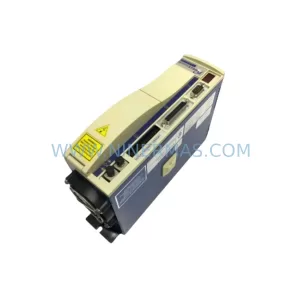
SKU: SERVOSTAR 403M-P S403M-PB
KOLLMORGEN SERVOSTAR 403M-P Safety-Reliable Servo Drive for Critical Control Sites
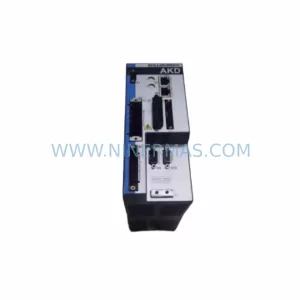
SKU: AKD-P00606-NBCC-I000
Kollmorgen AKD-P00606-NBCC-I000 Servo Drive Spare
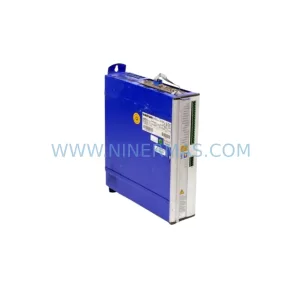
SKU: SERVOSTAR 610-AS
Kollmorgen SERVOSTAR 610-AS Safety-Reliable Servo Drive
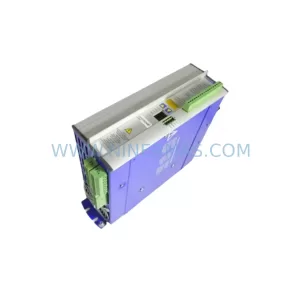
SKU: SERVOSTAR 614 3X230-480V 10KVA 14A
Kollmorgen SERVOSTAR 614 3X230-480V 10KVA 14A Spare Part
Catalog Continuation
Alternative parts within PLC & Industrial Automation Modules.
Stay inside the same system family when you need substitutes, adjacent modules, or a broader shortlist for procurement review.
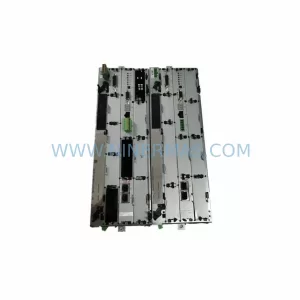
SKU: BM4423-CT1-01600-S01-03-SET
Baumuller BM4423-CT1-01600-S01-03-SET Service-Ready Spare
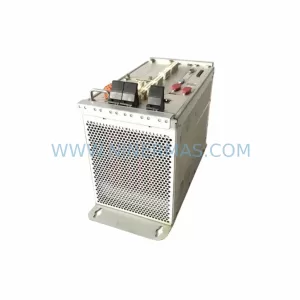
SKU: TLC4362D312151
Berger Lahr TLC4362D312151 Retrofit-Compatible Servo Drive
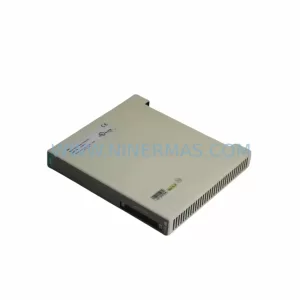
SKU: S-D4008-A S-D4008
Reliance S-D4008-A Spare Part for Industrial Maintenance