Original Industrial Spare Part
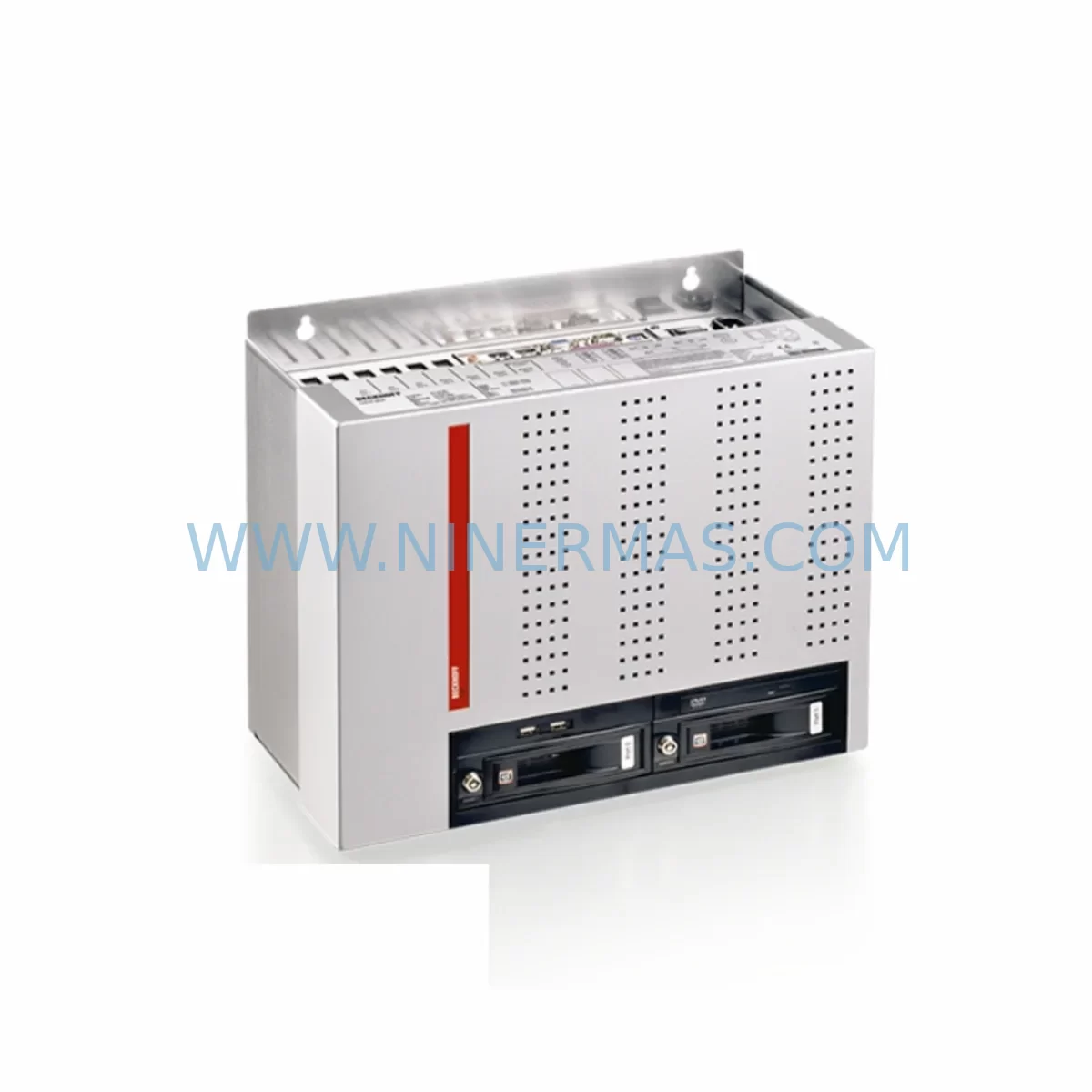
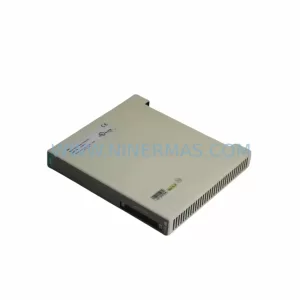
Beckhoff C6640-0010 Service-Ready Spare Part for Industrial Maintenance
Verify the part, confirm the platform family, and move straight into quotation with the right commercial details.
RFQ Ready
- SKUC6640-0010
- CategoryPLC & Industrial Automation Modules
- BrandBeckhoff
- SupportAvailability, lead time, condition, and shipping coordination
How Buyers Usually Use This Page
- Confirm the exact part number and platform family before sending the quote request.
- Use direct email when quantity, condition, and destination are already defined internally.
- Switch to the broader brand or category archive when you need alternates nearby.
Series Navigation
Move through the most common platform families behind this part.
Product RFQ
Send this part directly for quotation.
Include quantity, required condition, destination country, and target delivery timing. Current reference: Beckhoff C6640-0010 Service-Ready Spare Part for Industrial Maintenance with SKU C6640-0010.
Beckhoff C6640-0010 Service-Ready Spare Part for Industrial Maintenance
The Beckhoff C6640-0010 is a high-performance Industrial PC designed for demanding automation environments where continuous operation and system reliability are non-negotiable. As a core computing platform within the Beckhoff C6640 series, this unit serves as the central controller in control cabinet installations running TwinCAT-based PLC, motion control, and SCADA applications. For maintenance engineers managing aging automation infrastructure, securing a verified replacement unit of the C6640-0010 is a critical step in any spare parts strategy — particularly for production lines where unplanned downtime carries significant operational and financial risk.
At NINERMAS, we supply the C6640-0010 as an original spare part, fully tested prior to shipment, and backed by a 12-month warranty. Our inventory is maintained to support both emergency replacement orders and planned annual maintenance procurement cycles, ensuring your facility is never left waiting on a long lead-time component during a critical outage.
Spare Maintenance Table
| Parameter | Specification / Details |
|---|---|
| SKU / Part Number | C6640-0010 |
| Brand | Beckhoff Automation |
| Series | C6640 — Control Cabinet Industrial PC |
| Product Type | Industrial PC (IPC) / Embedded Automation Controller |
| Operating System Support | Windows Embedded Standard / TwinCAT 2 / TwinCAT 3 |
| Mounting | Control Cabinet (DIN Rail / Panel Mount) |
| Power Supply Input | 24 V DC (nominal), compatible with standard cabinet PSU rails |
| Communication Interfaces | Ethernet (RJ45), USB, EtherCAT-ready |
| Origin | Germany |
| Compatibility | C6640 series; TwinCAT-based PLC/motion systems |
| Application Environment | Industrial control cabinets, OEM machine panels, process automation |
| Maintenance Recommendation | Replace on first sign of boot failure, OS corruption, or thermal shutdown events |
| Condition | Original, pre-shipment tested |
| Warranty | 12 Months |
| Lead Time | Contact for availability — stock items ship within 3–5 business days |
Maintenance Planning for Continuous Operation
When a C6640-0010 Industrial PC is flagged for replacement during a scheduled inspection or emergency fault response, experienced maintenance engineers know that the IPC itself is rarely the only component requiring attention. A thorough control cabinet audit at the time of replacement significantly reduces the risk of repeat failures and secondary downtime events.
Begin by inspecting the 24 V DC power supply module feeding the C6640-0010 — units such as the Beckhoff CX2100-0004 power supply or equivalent third-party DIN-rail PSUs should be load-tested and replaced if output ripple or voltage drop is detected. A degraded power supply is a leading cause of IPC instability and premature failure in cabinet environments.
Next, audit the EtherCAT I/O terminals connected downstream of the controller. Beckhoff EL-series terminals — including digital input modules such as the EL1008, digital output modules such as the EL2008, and analog signal modules such as the EL3062 — should be inspected for terminal corrosion, loose wiring, and firmware version compatibility with the replacement C6640-0010 unit. Mismatched firmware between the IPC and I/O terminals is a common source of post-replacement communication faults.
The EtherCAT coupler (e.g., EK1100 or EK1101) linking the IPC to the I/O bus should also be verified. Coupler failures are often masked by IPC-level error codes and can cause intermittent I/O dropouts that are difficult to diagnose without isolating the bus segment. Replacing the coupler alongside the C6640-0010 during a planned maintenance window eliminates this diagnostic ambiguity.
For systems using fieldbus communication — PROFIBUS, CANopen, or PROFINET — inspect the corresponding Beckhoff communication modules (FC310x, FC510x series) for firmware integrity and connector wear. Communication module failures frequently present as IPC-level faults in TwinCAT diagnostics, leading to misdiagnosis and unnecessary IPC replacements.
If the control cabinet includes a Beckhoff CP-series HMI panel or a third-party operator interface connected via DVI or DisplayPort, verify the display cable integrity and panel power supply. HMI panels sharing a power rail with the C6640-0010 can introduce voltage instability that accelerates IPC wear.
Signal integrity on analog I/O channels should be validated using a calibrated signal source. Where signal isolators are installed between field instruments and the IPC’s I/O terminals, inspect isolator modules for drift or output clipping — degraded isolators can corrupt process values and trigger false fault conditions in TwinCAT runtime.
Finally, review the terminal block wiring and fuse protection on all 24 V DC distribution circuits within the cabinet. Blown or weakened fuses on I/O supply rails are a common finding during IPC replacement work and should be replaced as a matter of course. Document all findings in the site maintenance log to support future procurement planning and warranty claims.
Site Replacement Workflow
Replacing a Beckhoff C6640-0010 in a live production environment requires a structured approach to minimize downtime and ensure system compatibility is maintained throughout the transition.
Step 1 — Pre-Replacement Backup: Before powering down the existing unit, back up the TwinCAT project, PLC runtime configuration, and any locally stored HMI or SCADA project files. Use the TwinCAT System Manager or TwinCAT 3 Engineering environment to export the full project archive. Store the backup on an external USB drive or network share independent of the IPC being replaced.
Step 2 — Power Isolation: Isolate the 24 V DC supply to the C6640-0010 using the cabinet’s main disconnect. Verify isolation with a calibrated multimeter before proceeding. Do not rely solely on software shutdown — confirm physical power removal at the terminal block.
Step 3 — Hardware Removal and Inspection: Disconnect all communication cables (Ethernet, USB, EtherCAT), power connectors, and any expansion modules. Photograph the wiring configuration before disconnection to support accurate reinstallation. Inspect the mounting rail and cabinet backplane for signs of heat damage, corrosion, or mechanical stress.
Step 4 — Replacement Unit Installation: Mount the new C6640-0010 on the DIN rail or panel mount position. Reconnect all cables in the documented sequence. Verify that the replacement unit’s hardware revision is compatible with the existing TwinCAT project version — consult the Beckhoff hardware compatibility matrix if the project was developed on an older firmware baseline.
Step 5 — TwinCAT Project Restore and Commissioning: Power up the replacement unit and restore the TwinCAT project from backup. Perform a full I/O scan to verify all EtherCAT terminals are detected and responding correctly. Run a controlled test cycle before returning the system to production — validate all PLC outputs, analog signal ranges, and communication links to upstream SCADA or MES systems.
Step 6 — Documentation and Spare Parts Replenishment: Update the site maintenance log with the replacement date, unit serial number, and any findings from the cabinet inspection. Immediately initiate a procurement order for a replacement C6640-0010 spare unit to restore your on-site buffer stock — a single-unit spare strategy leaves the facility exposed to the next failure event without a recovery path.
Spare Parts Support FAQ
Q1: Is the C6640-0010 still available as a new original spare part?
A: Yes. NINERMAS maintains stock of original Beckhoff C6640-0010 units sourced through established industrial supply channels. All units are verified for authenticity and tested prior to shipment. Contact our team to confirm current availability and lead times for your specific procurement requirement.
Q2: What is the warranty coverage for the C6640-0010 supplied by NINERMAS?
A: Every C6640-0010 unit supplied by NINERMAS is covered by a 12-month warranty from the date of shipment. This covers manufacturing defects and functional failures under normal operating conditions. Our team provides post-sale technical support to assist with installation verification and fault diagnosis during the warranty period.
Q3: Can the replacement C6640-0010 run the same TwinCAT project as the original unit without modification?
A: In most cases, yes — provided the replacement unit shares the same hardware revision and TwinCAT runtime version as the original. NINERMAS recommends confirming the hardware revision of your existing unit before ordering to ensure full compatibility. Where revision differences exist, our technical team can advise on any configuration adjustments required to maintain project compatibility.
Q4: How should we manage long-term spare parts supply for the C6640 series given Beckhoff’s product lifecycle?
A: For facilities running C6640-series IPCs in critical automation roles, we recommend maintaining a minimum of one on-site spare unit and establishing a long-term supply agreement with NINERMAS to secure access to verified stock as the product approaches end-of-life. Proactive procurement — ideally during annual maintenance budget cycles — avoids the premium costs and extended lead times associated with emergency sourcing of discontinued or low-availability components.
| Product Series | Other series |
|---|---|
| Country of Origin | DE |
Catalog Continuation
More Beckhoff modules in the catalog.
Use the brand lane to compare nearby part numbers, platform-adjacent modules, and other inquiry-ready listings before sending your final RFQ.
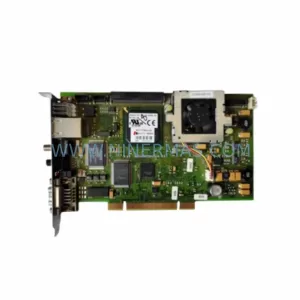
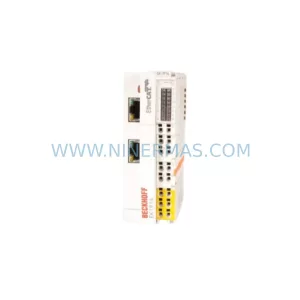
Catalog Continuation
Alternative parts within PLC & Industrial Automation Modules.
Stay inside the same system family when you need substitutes, adjacent modules, or a broader shortlist for procurement review.
SKU: BM4423-CT1-01600-S01-03-SET
Baumuller BM4423-CT1-01600-S01-03-SET Service-Ready Spare
SKU: TLC4362D312151
Berger Lahr TLC4362D312151 Retrofit-Compatible Servo Drive
SKU: S-D4008-A S-D4008
Reliance S-D4008-A Spare Part for Industrial Maintenance