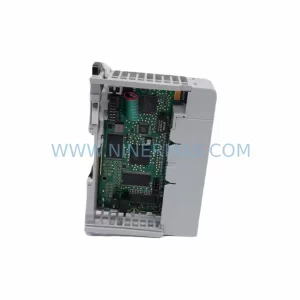
Original Industrial Spare Part
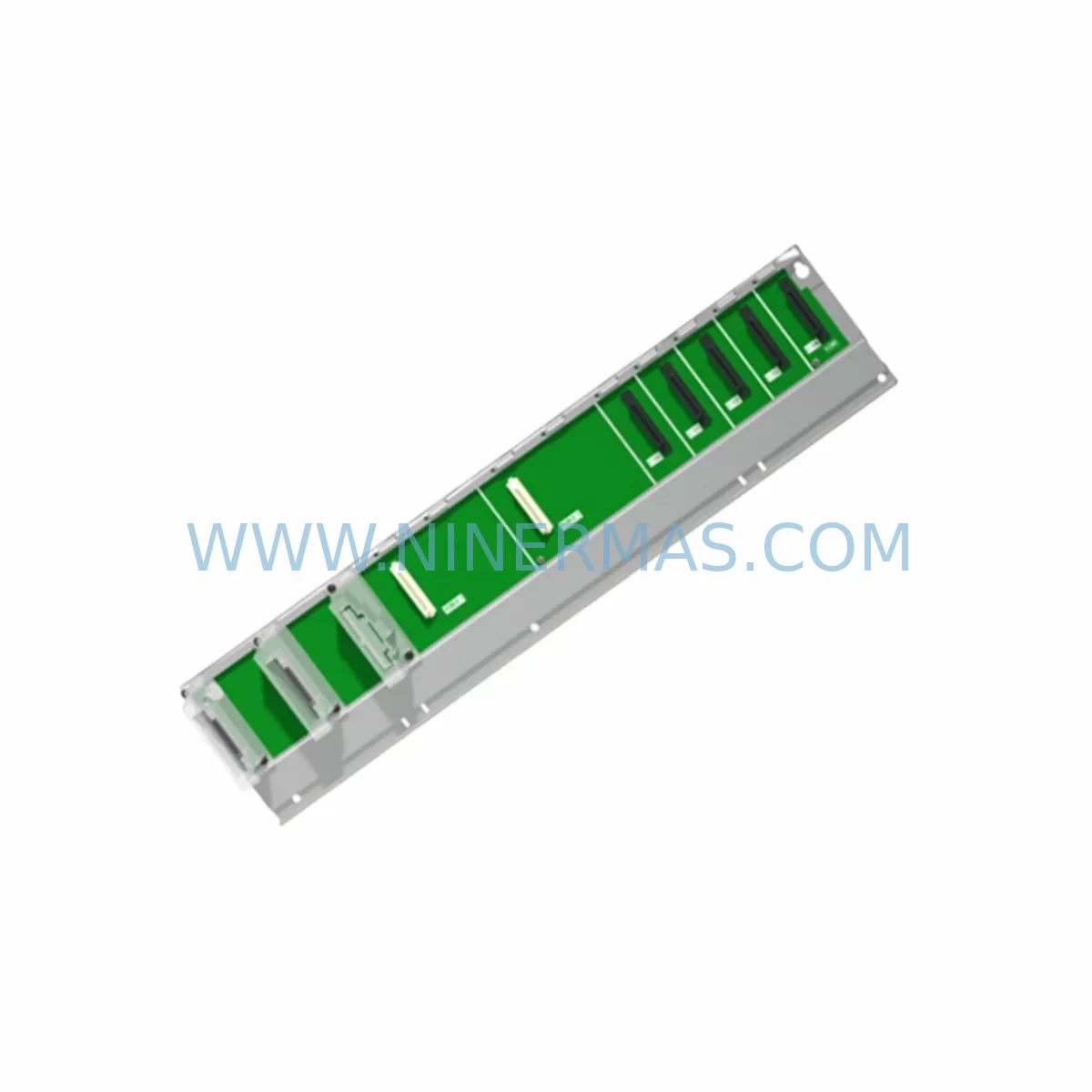
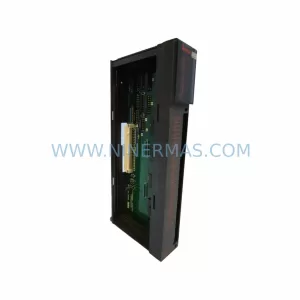
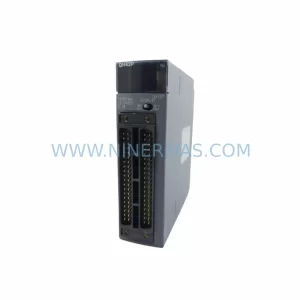
Mitsubishi Q65WRB Retrofit-Compatible Main Base for Legacy Systems
Verify the part, confirm the platform family, and move straight into quotation with the right commercial details.
RFQ Ready
- SKUQ65WRB
- CategoryPLC & Industrial Automation Modules
- BrandMitsubishi
- SupportAvailability, lead time, condition, and shipping coordination
How Buyers Usually Use This Page
- Confirm the exact part number and platform family before sending the quote request.
- Use direct email when quantity, condition, and destination are already defined internally.
- Switch to the broader brand or category archive when you need alternates nearby.
Series Navigation
Move through the most common platform families behind this part.
Product RFQ
Send this part directly for quotation.
Include quantity, required condition, destination country, and target delivery timing. Current reference: Mitsubishi Q65WRB Retrofit-Compatible Main Base for Legacy Systems with SKU Q65WRB.
Mitsubishi Q65WRB Retrofit-Compatible Main Base for Legacy Systems
The Mitsubishi Q65WRB is a 5-slot main base unit designed for the MELSEC-Q Series programmable logic controller platform. As legacy Q-Series control systems approach end-of-life and original spare parts become increasingly scarce, the Q65WRB remains a critical structural component for engineers managing retrofit projects, panel upgrades, and long-term spare parts programs across manufacturing, process control, and infrastructure automation environments.
Whether you are replacing a failed base unit in an existing Q-Series rack, expanding a control cabinet with additional I/O capacity, or executing a phased migration from an older A-Series or AnS-Series platform, the Q65WRB provides the mechanical and electrical foundation required to mount and power Q-Series CPU modules, power supply modules, and I/O modules within a single integrated backplane architecture. Its compact 5-slot configuration makes it well-suited for space-constrained control cabinets where DIN rail depth, panel width, and module clearance are tightly managed.
Upgrade Compatibility Table
| Parameter | Q65WRB Specification | Retrofit Notes |
|---|---|---|
| Base Type | Main Base Unit (5-slot) | Replaces failed or end-of-life Q-Series main base directly |
| Compatible CPU Modules | Q02CPU, Q06HCPU, Q13HCPU, Q25HCPU, Q03UDECPU, Q06UDEHCPU and compatible variants | Verify CPU slot assignment and base address settings before swap |
| Compatible Power Supply | Q61P, Q62P, Q63P, Q64P series power supply modules | Confirm rated input voltage (100–240 VAC or 24 VDC) matches site supply |
| I/O Module Slots | 5 slots (excluding power supply and CPU slots) | Map existing I/O addresses before removal; re-verify after reinstallation |
| Extension Base Compatibility | Supports Q6EX-series extension base units via QC05B, QC06B, QC12B extension cables | Check cable length and connector type for existing extension runs |
| Communication Modules | QJ71E71-100 (Ethernet), QJ71C24N (Serial), QJ71GP21-SX (MELSECNET/H) mountable | Retain module slot positions to preserve network node addresses |
| Mounting Method | DIN rail or direct panel screw mount | Confirm panel cutout dimensions and DIN rail gauge before installation |
| Installation Space | Verify horizontal clearance ≥ 20 mm above/below for ventilation | Measure cabinet depth; Q-Series modules require adequate rear clearance |
| Warranty | 12-Month Warranty — all units tested and verified before shipment | |
Retrofit Planning for Existing Automation Systems
A successful Q65WRB retrofit begins well before the physical swap. Engineers should start by documenting the existing rack layout: recording which module occupies each slot, the I/O address assignments, and the wiring terminal connections for every installed module. For systems running a Q02CPU or Q06HCPU, the GX Works2 or GX Developer project file should be backed up and the current program verified against the hardware configuration before any hardware is disturbed.
Power supply selection is a common source of retrofit delays. The Q65WRB is compatible with the Q61P, Q62P, and Q64P power supply modules. Before ordering a replacement base, confirm whether the existing power supply module will be reused or replaced simultaneously. If the site supply is 24 VDC rather than AC, ensure the correct power supply variant is specified. Undersized power supply capacity is a frequent cause of intermittent faults after retrofit, particularly when additional I/O modules such as QX40, QX80, QY10, or QY80 output modules are added to the new base.
For systems that include communication modules — such as the QJ71E71-100 Ethernet interface module or the QJ71C24N RS-232/RS-422 serial communication module — the slot position of these modules must be preserved or the network configuration parameters updated accordingly. MELSECNET/H network systems using the QJ71GP21-SX module are particularly sensitive to slot address changes, as the network node address is often tied to the physical slot assignment in the CPU parameter settings.
Where the retrofit involves migrating from an older AnS-Series or A-Series rack to the Q-Series platform, additional planning is required. The A1S38B or A1S55B base units used in AnS-Series systems are not physically or electrically compatible with Q-Series modules. A full module replacement is necessary, including the CPU, power supply, and all I/O modules. In these cases, the Q65WRB serves as the new structural foundation, and the migration plan should account for program conversion using GX Works2’s A-Series conversion utility, terminal block rewiring, and HMI screen updates if a GOT1000 or GOT2000 series graphic operator terminal is connected to the system.
Signal isolators and terminal conversion modules are frequently required during retrofit when existing field wiring uses non-standard signal levels or when the new Q-Series I/O modules have different terminal pitch or connector types compared to the legacy hardware. Planning for these interface components early prevents last-minute wiring modifications during commissioning.
Downtime Control During System Migration
Minimizing production downtime during a Q65WRB base unit replacement requires a structured pre-outage preparation process. Before the scheduled maintenance window, the engineering team should complete a full backup of the CPU program using GX Works2 or GX Developer, export the current I/O parameter settings, and photograph or document all terminal wiring connections on the installed modules. For systems with a Q03UDECPU or Q06UDEHCPU running redundant configurations, the switchover logic should be reviewed to ensure the standby system can maintain control during the base unit swap.
During the outage, the recommended sequence is: power down the control cabinet, remove the power supply module first, then extract each I/O and communication module in slot order while labeling each module with its slot number. The Q65WRB base unit can then be unbolted from the DIN rail or panel and the replacement unit installed. Modules are reinstalled in the same slot positions, terminal wiring is reconnected and verified against the documented layout, and the power supply is reinstalled last.
After power-up, the CPU program should be reloaded from the backup if the CPU module was also replaced, or verified as intact if the original CPU was retained. I/O module addresses should be confirmed in the GX Works2 hardware configuration, and a forced output test on each QY-series output module should be performed before returning the system to automatic operation. For systems with QJ71E71-100 Ethernet modules, a ping test to the SCADA or HMI host confirms network continuity before handover.
Keeping a pre-staged replacement kit — including the Q65WRB base, a compatible Q61P or Q62P power supply, and a set of spare QX40 or QX80 input modules — reduces mean time to repair and allows the maintenance team to complete the swap within a single planned outage window, typically two to four hours for a 5-slot system.
Retrofit Support FAQ
Q1: Is the Q65WRB a direct drop-in replacement for other Q-Series 5-slot base units?
Yes. The Q65WRB is dimensionally and electrically compatible with other Q-Series main base units of the same slot count. All Q-Series CPU modules, power supply modules, and I/O modules mount and operate identically across compatible base units. Verify the slot count matches your existing configuration before ordering.
Q2: Can I reuse my existing Q-Series modules and wiring when replacing only the base unit?
In most cases, yes. If the CPU, power supply, and I/O modules are functional, they can be transferred directly to the replacement Q65WRB. Terminal block wiring on I/O modules does not need to be disturbed if the modules are removed and reinstalled as complete assemblies. Confirm that no module has physical damage to its backplane connector before reinstallation.
Q3: What commissioning steps are required after installing the Q65WRB?
After installation, power up the system and verify that the CPU module enters RUN mode without error codes. Check the GX Works2 hardware configuration matches the installed modules. Perform an I/O forced test on all output modules, verify communication module link status (Ethernet, serial, or MELSECNET/H as applicable), and confirm HMI connectivity if a GOT series terminal is connected. Log all test results before returning the system to production.
Q4: What does the 12-month warranty cover, and how is stock availability managed?
All Q65WRB units supplied by NINERMAS are tested and verified before shipment. The 12-month warranty covers manufacturing defects and operational failures under normal use conditions. We maintain dedicated inventory for critical MELSEC-Q Series components to support long-term spare parts programs and emergency replacement orders. Contact our team for lead time confirmation and volume pricing for planned maintenance stock.
| Product Series | MELSEC-Q |
|---|---|
| Country of Origin | JP |
Catalog Continuation
More Mitsubishi modules in the catalog.
Use the brand lane to compare nearby part numbers, platform-adjacent modules, and other inquiry-ready listings before sending your final RFQ.
Catalog Continuation
Alternative parts within PLC & Industrial Automation Modules.
Stay inside the same system family when you need substitutes, adjacent modules, or a broader shortlist for procurement review.
SKU: 16-167627-00 8122 410 05002, 4022.470.78191 8122 410 55702 16-273491-00
Novellus 16-167627-00 Service-Ready Industrial Spare Part
SKU: 2305451-C DT2000 0626 P2, OLE36-10632-02
Advanced Energy 2305451-C Service-Ready Industrial Spare Part