Original Industrial Spare Part
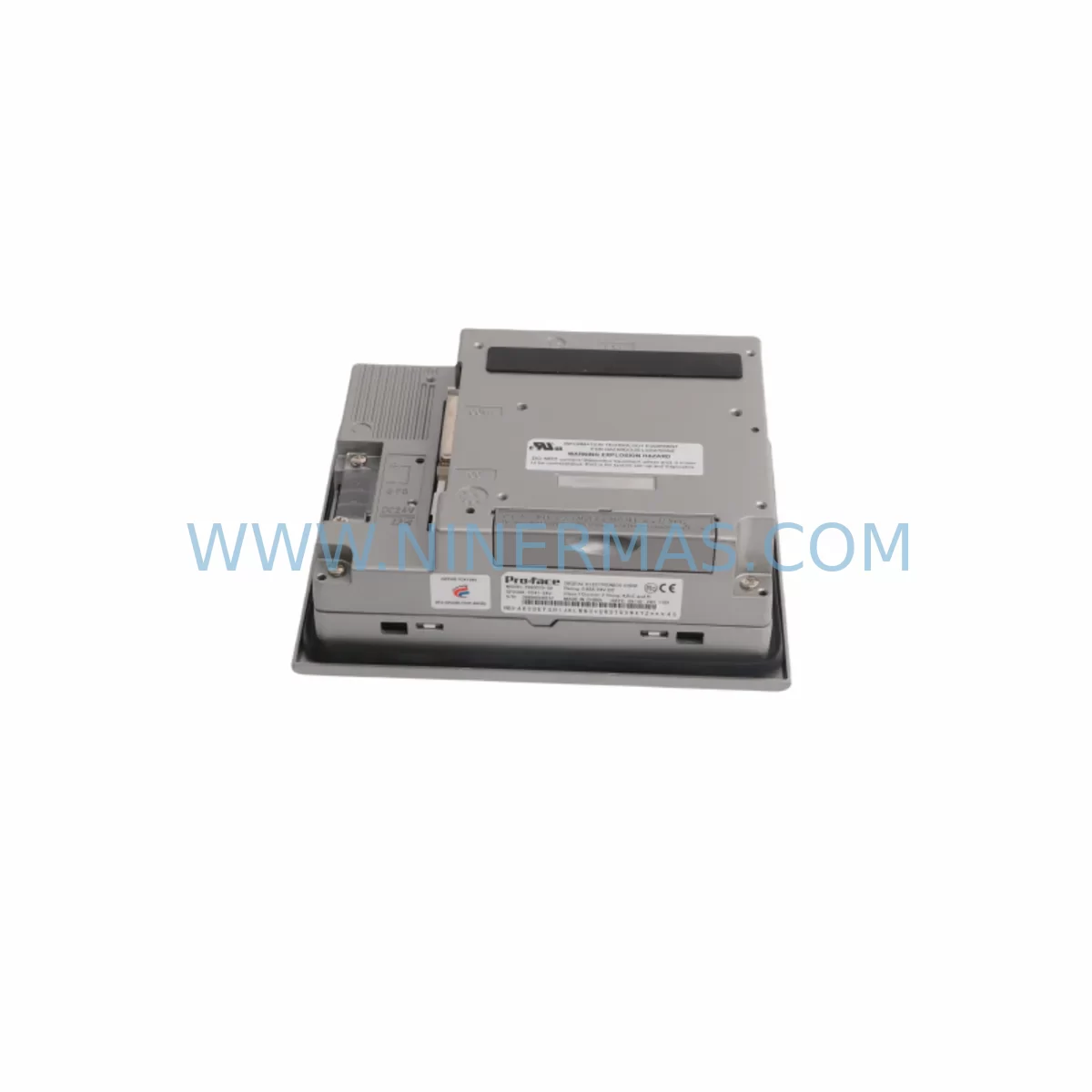
Pro-face GP2300-TC41-24V Service-Ready Industrial Spare Part
Verify the part, confirm the platform family, and move straight into quotation with the right commercial details.
RFQ Ready
- SKUGP2300-TC41-24V
- CategoryPLC & Industrial Automation Modules
- BrandPro-face
- SupportAvailability, lead time, condition, and shipping coordination
How Buyers Usually Use This Page
- Confirm the exact part number and platform family before sending the quote request.
- Use direct email when quantity, condition, and destination are already defined internally.
- Switch to the broader brand or category archive when you need alternates nearby.
Series Navigation
Move through the most common platform families behind this part.
Product RFQ
Send this part directly for quotation.
Include quantity, required condition, destination country, and target delivery timing. Current reference: Pro-face GP2300-TC41-24V Service-Ready Industrial Spare Part with SKU GP2300-TC41-24V.
Pro-face GP2300-TC41-24V Service-Ready Industrial Spare Part: Spare Replacement and Downtime Risk Control
The Pro-face GP2300-TC41-24V is a 5.7-inch monochrome STN LCD Human Machine Interface (HMI) touch panel operating on DC 24V power, widely deployed across discrete manufacturing, process control, and utility automation environments. As a service-ready original spare part, the GP2300-TC41-24V is sourced, inspected, and dispatched to support rapid field replacement, minimise unplanned downtime, and extend the operational life of legacy GP2300 series control systems. Whether you are managing a scheduled annual overhaul, responding to an emergency panel failure, or building a strategic spare parts inventory for a multi-line facility, having a verified GP2300-TC41-24V on the shelf is a critical risk-mitigation measure for any maintenance or procurement engineer.
Spare Maintenance Table
| Parameter | Specification / Detail |
|---|---|
| Part Number / SKU | GP2300-TC41-24V |
| Brand / Manufacturer | Pro-face (Schneider Electric) |
| Series | GP2300 |
| Display Type | 5.7-inch Monochrome STN LCD Touch Panel |
| Power Supply | DC 24V (±10%) |
| Power Consumption | Approx. 20W (typical operating load) |
| Communication Ports | RS-232C / RS-422 / RS-485 (model-dependent configuration) |
| Operating Temperature | 0°C to 50°C |
| Storage Temperature | -20°C to 60°C |
| Protection Rating | IP65 (front panel) |
| Compatibility | GP2300 series; compatible with Mitsubishi, Omron, Siemens, Modbus RTU/TCP PLC protocols via GP-PRO/PBIII or GP-Pro EX software |
| Installation | Panel cut-out mount; standard GP2300 series cutout dimensions apply |
| Origin | Japan |
| Condition | Original spare part; inspected and tested before shipment |
| Warranty | 12 Months from date of shipment |
| Maintenance Recommendation | Inspect backlight condition every 12 months; verify touch calibration after installation; check DC 24V supply stability before power-on |
Maintenance Planning for Continuous Operation
Effective maintenance planning for a GP2300-TC41-24V installation extends well beyond the HMI panel itself. When a maintenance or procurement engineer schedules a replacement or inspection cycle for this unit, the surrounding electrical and communication infrastructure must be evaluated simultaneously to prevent repeat failures and ensure system stability after the panel is restored to service.
Begin with the DC 24V power supply rail feeding the GP2300-TC41-24V. Unstable or under-rated power is one of the leading causes of premature HMI failure in industrial environments. Verify that the dedicated 24V supply — such as units in the PS5R-VB24 class of DIN-rail mounted industrial power supplies — is within voltage tolerance and that output ripple is within specification. A degraded power supply will shorten the service life of any replacement HMI panel.
Next, inspect the communication cable assembly connecting the GP2300-TC41-24V to the host PLC or controller. The CA3-CBLSYS/15-01 and CA3-USBCB-01 Pro-face system and USB transfer cables are frequently overlooked during panel replacements but are common sources of intermittent communication faults. Damaged shielding, loose connector pins, or incorrect cable routing near high-voltage conductors can cause data errors that are misdiagnosed as HMI hardware failures.
For facilities running Mitsubishi MELSEC controllers, confirm that the FX3U-232-BD or equivalent communication board installed in the PLC is functioning correctly and that the RS-232C or RS-422 port parameters (baud rate, parity, stop bits) match the GP2300-TC41-24V configuration. A mismatch here will prevent the replacement panel from establishing communication even when both units are individually healthy.
Within the same GP2300 product family, engineers should also maintain awareness of adjacent variants. The GP2300-SC41-24V and GP2300-LG41-24V share the same mechanical footprint and power requirements, making cross-referencing straightforward when sourcing emergency replacements. For facilities planning a longer-term migration away from the GP2300 platform, the AGP3300-T1-D24 from Pro-face’s GP3000 series offers a compatible upgrade path with enhanced display resolution and expanded protocol support, while retaining backward compatibility with existing GP-Pro EX project files.
Terminal blocks and I/O wiring at the control cabinet level should also be inspected during any GP2300-TC41-24V replacement. Loose or corroded terminals on the 24V supply circuit, signal ground connections, and any relay output wiring associated with the HMI’s discrete I/O — if applicable — can introduce noise or voltage drops that affect panel performance. Where signal isolation is required between the HMI and field devices, verify that any installed signal isolators or GP2000-DC01 DC power modules are operating within rated parameters.
Finally, if the control cabinet includes a GP2000-CBLF02 flex cable or similar inter-device communication link, inspect for physical wear, particularly in applications with frequent cabinet door opening or vibration exposure. Replacing the HMI panel without addressing a faulty flex cable will result in a repeat fault within a short operating period.
Site Replacement Workflow
Step 1 — Pre-replacement verification: Confirm the failed unit’s part number (GP2300-TC41-24V) against the control cabinet documentation or the label on the existing panel. Verify that the replacement unit’s firmware version is compatible with the existing GP-PRO/PBIII or GP-Pro EX project file. If a project file backup is not available on-site, retrieve it from the engineering server or the original commissioning documentation before proceeding.
Step 2 — Power isolation: Isolate the DC 24V supply to the HMI panel using the dedicated circuit breaker or fuse in the control cabinet. Confirm isolation with a calibrated multimeter before disconnecting any cables. Do not rely on the panel’s power-off state alone.
Step 3 — Cable and connector documentation: Photograph or label all cable connections — communication port, power terminals, and any discrete I/O — before removal. The GP2300-TC41-24V uses a specific connector pinout; incorrect reconnection will damage the replacement unit or the connected PLC communication port.
Step 4 — Panel removal and installation: Release the panel mounting clamps from the rear of the cabinet cutout. Slide the failed unit out carefully. Install the replacement GP2300-TC41-24V, reconnect all cables in the documented order, and secure the mounting clamps to the specified torque. Verify the IP65 gasket seal is correctly seated to maintain enclosure protection rating.
Step 5 — Project file transfer and commissioning: Connect the CA3-USBCB-01 USB transfer cable or the appropriate serial cable to the replacement panel. Transfer the validated project file using GP-Pro EX. Power on the panel, verify display initialisation, confirm PLC communication is established, and perform a touch calibration check. Log the replacement date, part serial number, and commissioning engineer name in the maintenance record.
This structured workflow reduces mean time to repair (MTTR), eliminates common re-work errors, and ensures the replacement GP2300-TC41-24V is fully operational before the maintenance team leaves the site.
Spare Parts Support FAQ
Q1: Is the GP2300-TC41-24V still available as a new original spare part?
Yes. Despite the GP2300 series being a mature product line, NINERMAS maintains sourcing channels for original Pro-face GP2300-TC41-24V units. Each unit is verified for authenticity, inspected prior to shipment, and covered by a 12-month warranty from the date of dispatch. We recommend procuring at least one spare unit per production line to avoid extended lead times during emergency situations.
Q2: How do I confirm compatibility between the GP2300-TC41-24V and my existing PLC or control system?
Compatibility is determined by the communication protocol configured in your GP-PRO/PBIII or GP-Pro EX project file and the physical port type on the GP2300-TC41-24V (RS-232C or RS-422/485). The GP2300-TC41-24V supports a wide range of PLC drivers including Mitsubishi MELSEC, Omron SYSMAC, Siemens S7, and Modbus RTU/TCP. Provide your existing project file details or PLC model number to our technical team at sale@ninermas.com and we will confirm compatibility before shipment.
Q3: What pre-shipment testing is performed on each GP2300-TC41-24V unit?
Every GP2300-TC41-24V dispatched by NINERMAS undergoes a power-on functional test, display and touch panel verification, and communication port continuity check. Units that do not pass all test criteria are not shipped. A test record is available upon request. The 12-month warranty covers manufacturing defects and functional failures under normal operating conditions as defined in the Pro-face GP2300 series technical manual.
Q4: Can NINERMAS support long-term supply of the GP2300-TC41-24V for multi-year maintenance contracts?
Yes. NINERMAS specialises in long-term spare parts supply for legacy and end-of-life industrial automation components. We can support blanket purchase orders, scheduled delivery programmes, and consignment stock arrangements for facilities requiring guaranteed availability of the GP2300-TC41-24V over a 1–5 year horizon. Contact our procurement team to discuss volume pricing and supply agreement terms.
| Product Series | Other series |
|---|
Catalog Continuation
More Pro-face modules in the catalog.
Use the brand lane to compare nearby part numbers, platform-adjacent modules, and other inquiry-ready listings before sending your final RFQ.
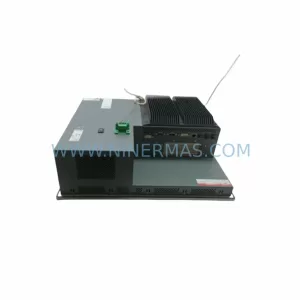
SKU: PFXPP170CA66K00N00
Pro-face PFXPP170CA66K00N00 Service-Ready Spare Part
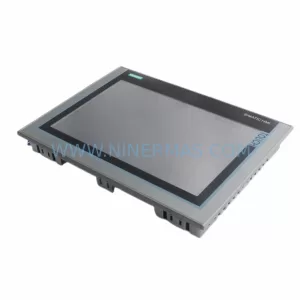
SKU: PFXPB1B1CD20N00N00 PFXPB1B1CD24D00N00
PRO-FACE PFXPB1B1CD20N00N00 Retrofit HMI for Legacy Systems
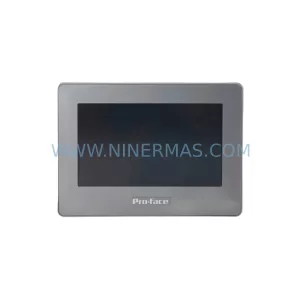
Catalog Continuation
Alternative parts within PLC & Industrial Automation Modules.
Stay inside the same system family when you need substitutes, adjacent modules, or a broader shortlist for procurement review.