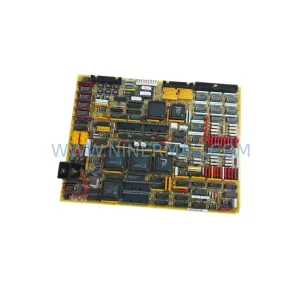
Original Industrial Spare Part
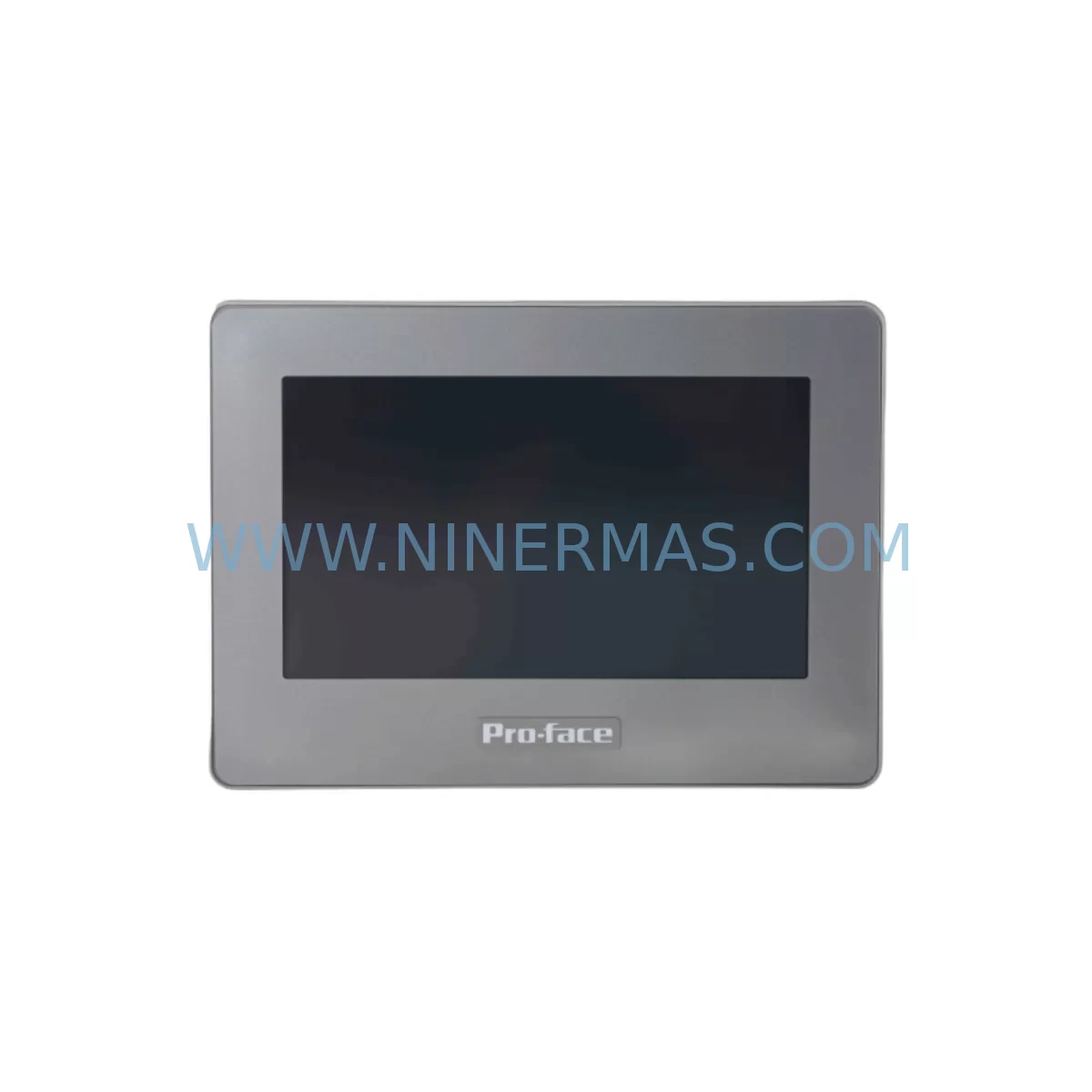
Pro-face GP4104W1D Retrofit-Compatible HMI for Legacy Systems
Verify the part, confirm the platform family, and move straight into quotation with the right commercial details.
RFQ Ready
- SKUGP4100
- CategoryPLC & Industrial Automation Modules
- BrandPro-face
- SupportAvailability, lead time, condition, and shipping coordination
How Buyers Usually Use This Page
- Confirm the exact part number and platform family before sending the quote request.
- Use direct email when quantity, condition, and destination are already defined internally.
- Switch to the broader brand or category archive when you need alternates nearby.
Series Navigation
Move through the most common platform families behind this part.
Product RFQ
Send this part directly for quotation.
Include quantity, required condition, destination country, and target delivery timing. Current reference: Pro-face GP4104W1D Retrofit-Compatible HMI for Legacy Systems with SKU GP4100.
Pro-face GP4104W1D Retrofit-Compatible HMI for Legacy Systems: Seamless Upgrade for Aging Automation Infrastructure
The Pro-face GP4104W1D is a 4.3-inch wide TFT color touchscreen HMI from the GP4100 series, engineered for demanding industrial environments where legacy control systems must remain operational while modernization proceeds in stages. As production lines built around discontinued GP2000, GP3000, and early GP4000 series panels reach end-of-life, the GP4104W1D provides a validated, drop-in-compatible upgrade path that preserves existing PLC logic, HMI screen layouts, and communication wiring with minimal rework. For maintenance engineers and system integrators managing retrofit projects under tight downtime budgets, this unit delivers the reliability of a current-production component with the backward compatibility required to protect prior capital investment.
The GP4104W1D supports Pro-face’s GP-Pro EX programming environment, enabling direct migration of screen projects created for older GP3000 and GP4000H series panels. Communication drivers for Mitsubishi MELSEC Q/L/FX series, Siemens S7-300/400, Omron CJ/CS series, and Modbus RTU/TCP are pre-loaded, eliminating the need to rewrite protocol configurations during panel replacement. The unit’s 24 VDC power input, standard DIN-rail-compatible panel cutout (192 × 138 mm), and rear-terminal Ethernet and RS-232C/422/485 ports allow direct substitution in most existing control cabinet installations without structural modification.
Upgrade Compatibility Table
| Parameter | Legacy Reference (GP3000 / GP4000H) | GP4104W1D Specification | Retrofit Note |
|---|---|---|---|
| Display Size | 3.8″ / 4.0″ STN | 4.3″ Wide TFT Color | Panel cutout adapter plate may be required for GP3000 cabinets |
| Power Supply | 24 VDC ±10% | 24 VDC ±10% (max 7W) | Verify existing PSU capacity; recommend PFXPSP24WD or equivalent 24V/3A DIN rail supply |
| Communication Ports | RS-232C / RS-422 | RS-232C / RS-422 / RS-485 + Ethernet RJ45 | Existing serial cables reusable; Ethernet enables remote monitoring upgrade |
| Programming Software | GP-Pro EX 3.x / GP-PRO/PBIII | GP-Pro EX 4.x (backward compatible) | Import legacy .prx project files; verify font and object library versions |
| PLC Compatibility | Mitsubishi, Omron, Siemens (serial) | Mitsubishi, Omron, Siemens, Modbus RTU/TCP, EtherNet/IP | No driver rewrite needed for serial PLCs; Ethernet drivers add future flexibility |
| Installation Cutout | 192 × 138 mm (GP3000 standard) | 192 × 138 mm | Direct fit for GP3000/GP4000H cutouts; no panel sheet metal modification required |
| Operating Temperature | 0–50°C | 0–50°C | No thermal derating required in standard control cabinet environments |
| Warranty | N/A (discontinued) | 12 Months | All units pre-shipment tested; 12-month warranty from invoice date |
Retrofit Planning for Existing Automation Systems
A successful GP4104W1D retrofit begins well before the panel is removed from the cabinet. Engineers should first export the existing HMI project from GP-Pro EX and verify that all screen objects, alarm tags, and PLC variable addresses are documented. When the legacy panel is a GP3000 series unit connected to a Mitsubishi FX3U or FX5U PLC via RS-422, the existing PFXCAB210 programming cable and DB9 serial harness can typically be reused without modification, reducing both cost and wiring risk.
For installations where the control cabinet also houses a CA3-ADPTRM-01 RS-422 termination adapter or a GP4000-BATT1 backup battery module, these accessories remain compatible with the GP4104W1D and should be retained during the swap. If the legacy system includes a GP4104G1D (the standard-resolution variant of the same series), screen projects are directly transferable with no resolution remapping required. Installations that pair the HMI with a GP4105W1D or GP4106W1D in a multi-panel supervisory layout can continue to use the same Ethernet network segment and shared tag server configuration.
Where the retrofit scope extends beyond the HMI to include I/O expansion, engineers frequently add Yokogawa or Omron distributed I/O modules on the same Modbus TCP network. In these cases, the GP4104W1D’s built-in Ethernet port eliminates the need for a separate communication gateway. For cabinets that also require signal isolation between legacy 4–20 mA field instruments and the new control layer, a DIN-rail-mounted signal isolator (such as those in the PFXGP4301TAD accessory family) can be installed in the same cabinet row without affecting the HMI mounting position.
When the retrofit involves migrating from a proprietary backplane-based system — such as an older PFXGP4501TAD rack-mount configuration — to a standalone panel architecture, engineers must confirm that the new panel cutout dimensions match the existing sheet metal opening and that the 24 VDC power feed is rated for the GP4104W1D’s 7W maximum draw. A dedicated 24V/3A DIN rail power supply is recommended to avoid shared-rail voltage sag during PLC scan cycles. All terminal connections should be torqued to specification and verified with a continuity check before power-on.
Downtime Control During System Migration
Minimizing production downtime during an HMI replacement requires a structured changeover sequence. The recommended approach is to complete all software preparation — project import, driver verification, and screen simulation — on a bench unit before the scheduled maintenance window. GP-Pro EX’s offline simulation mode allows full screen navigation and alarm logic testing without a live PLC connection, enabling engineers to confirm that all migrated screens behave correctly before the cabinet is opened.
During the physical swap, the original PLC program should remain untouched. The GP4104W1D communicates using the same variable addresses and communication parameters as the legacy panel, so no PLC-side changes are required for a like-for-like replacement. Power down the cabinet, disconnect the legacy panel’s power and communication terminals (labeling each wire before removal), mount the GP4104W1D into the existing cutout, reconnect terminals in the same order, and restore power. Initial startup typically requires only a communication port assignment confirmation in the GP-Pro EX runtime settings.
For critical production lines where even a two-hour window is constrained, a parallel commissioning approach is recommended: install the GP4104W1D alongside the legacy panel on a temporary bracket, verify all PLC communications and screen functions with the line running in manual mode, then perform the final cutover during a scheduled micro-stop. This approach reduces the risk of extended downtime caused by unexpected wiring or software issues and keeps the original panel available as a fallback until the new unit is fully validated.
All GP4104W1D units supplied by NINERMAS undergo pre-shipment functional testing, including power-on verification, touchscreen calibration, communication port continuity, and display pixel inspection. Units are shipped with a 12-month warranty from the invoice date, covering manufacturing defects and component failures under normal operating conditions.
Retrofit Support FAQ
Q1: Is the GP4104W1D a direct replacement for the GP3000 series panels?
The GP4104W1D is dimensionally compatible with GP3000 series panel cutouts (192 × 138 mm) and supports GP-Pro EX project import from GP3000 screen files. Communication drivers for the most common PLCs used with GP3000 panels are pre-installed. Minor adjustments to font sizes or object positions may be required due to the wider 4.3″ display aspect ratio, but no PLC program changes are needed.
Q2: What commissioning steps are required after installation?
After physical installation, connect the GP4104W1D to the programming PC via the PFXCAB210 USB-serial cable or Ethernet, open the migrated project in GP-Pro EX, and download it to the panel. Confirm the communication port settings match the PLC’s baud rate and station address. Perform a full screen navigation test and verify that all alarm triggers and data display values match expected PLC register values before returning the line to automatic mode.
Q3: Can the existing RS-422 wiring be reused?
Yes. The GP4104W1D’s RS-422/485 port uses the same terminal pinout as the GP3000 and GP4000H series. Existing shielded twisted-pair cables and termination resistors can be retained. Verify cable shield grounding at one end only to avoid ground loops, and confirm that the cable length does not exceed 1,200 m at the configured baud rate.
Q4: What is the warranty coverage and stock availability?
All GP4104W1D units supplied by NINERMAS carry a 12-month warranty from the invoice date, covering manufacturing defects under normal operating conditions. Units are held in service-ready inventory and are available for immediate dispatch. Pre-shipment testing documentation is available upon request. For long-term supply agreements or reserved inventory arrangements, contact our sales team directly.
| Product Series | Legacy |
|---|
Catalog Continuation
More Pro-face modules in the catalog.
Use the brand lane to compare nearby part numbers, platform-adjacent modules, and other inquiry-ready listings before sending your final RFQ.
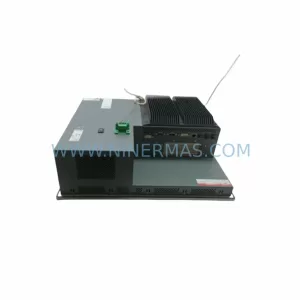
SKU: PFXPP170CA66K00N00
Pro-face PFXPP170CA66K00N00 Service-Ready Spare Part
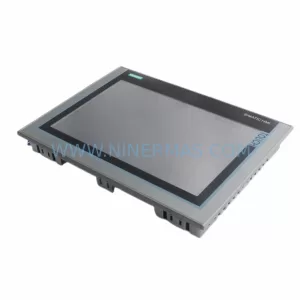
SKU: PFXPB1B1CD20N00N00 PFXPB1B1CD24D00N00
PRO-FACE PFXPB1B1CD20N00N00 Retrofit HMI for Legacy Systems
Catalog Continuation
Alternative parts within PLC & Industrial Automation Modules.
Stay inside the same system family when you need substitutes, adjacent modules, or a broader shortlist for procurement review.