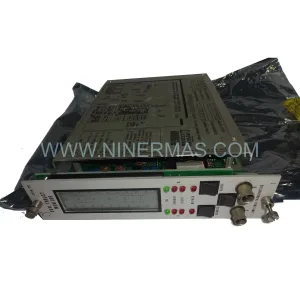
Original Industrial Spare Part
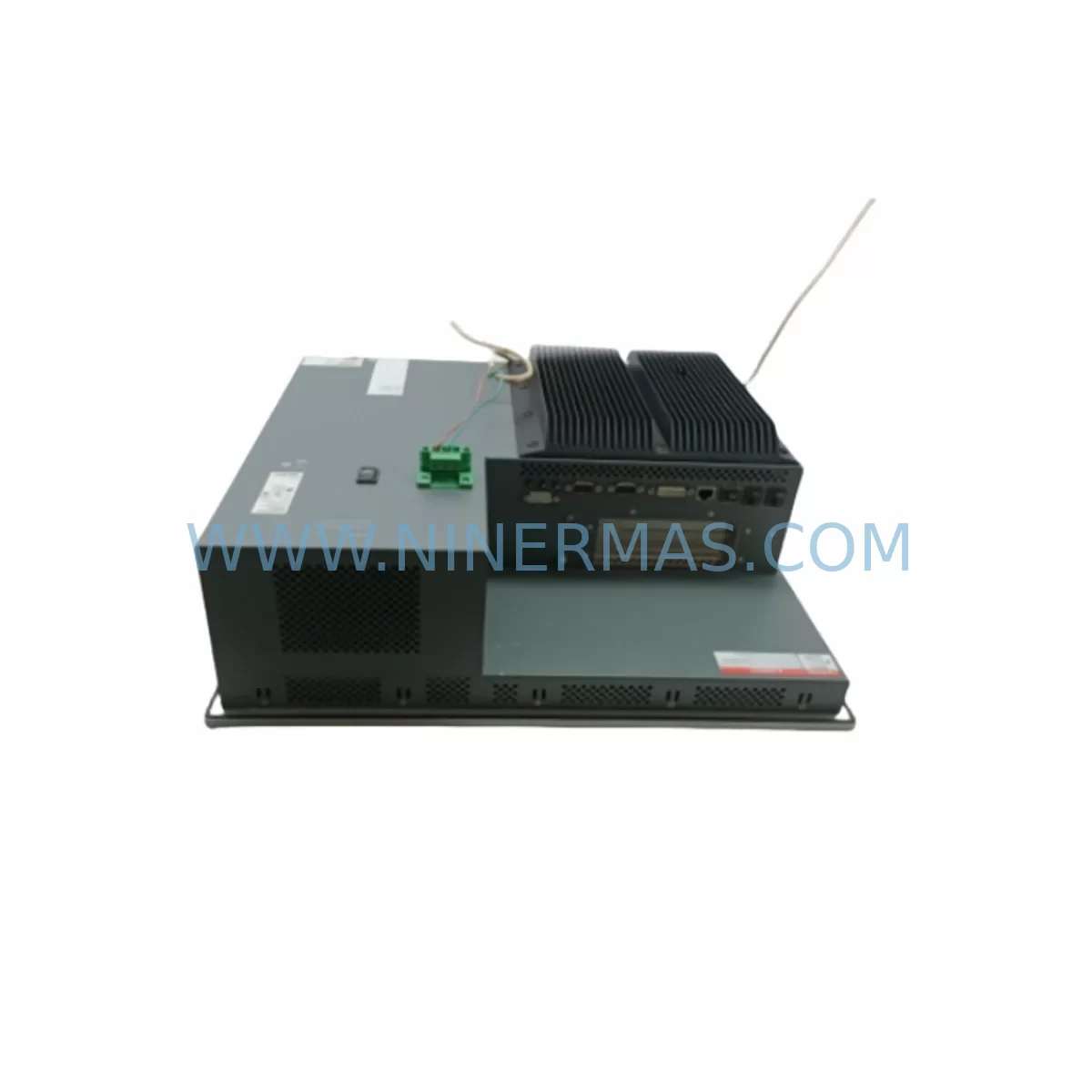
Pro-face PFXPP170CA66K00N00 Service-Ready Spare Part
Verify the part, confirm the platform family, and move straight into quotation with the right commercial details.
RFQ Ready
- SKUPFXPP170CA66K00N00
- CategoryPLC & Industrial Automation Modules
- BrandPro-face
- SupportAvailability, lead time, condition, and shipping coordination
How Buyers Usually Use This Page
- Confirm the exact part number and platform family before sending the quote request.
- Use direct email when quantity, condition, and destination are already defined internally.
- Switch to the broader brand or category archive when you need alternates nearby.
Series Navigation
Move through the most common platform families behind this part.
Product RFQ
Send this part directly for quotation.
Include quantity, required condition, destination country, and target delivery timing. Current reference: Pro-face PFXPP170CA66K00N00 Service-Ready Spare Part with SKU PFXPP170CA66K00N00.
Pro-face PFXPP170CA66K00N00 Service-Ready Spare Part: Spare Replacement and Downtime Risk Control
When a Pro-face PFXPP170CA66K00N00 industrial panel PC fails on the production floor, every minute of unplanned downtime translates directly into lost output, delayed schedules, and escalating recovery costs. The PFXPP170CA66K00N00 is a ruggedized industrial panel PC from Pro-face’s PFXPP series, engineered for demanding environments where vibration, temperature extremes, and continuous 24/7 operation are standard conditions. Maintaining a verified, service-ready spare unit of the PFXPP170CA66K00N00 in your critical spare parts inventory is one of the most effective strategies a maintenance engineer can implement to protect production continuity.
At NINERMAS, we supply original Pro-face PFXPP170CA66K00N00 units sourced through authorized industrial channels. Each unit undergoes pre-shipment functional verification to confirm display integrity, I/O responsiveness, communication port operation, and power-on self-test completion. Our 12-month warranty covers manufacturing defects and component failures under normal industrial operating conditions, giving procurement engineers the confidence to plan long-term spare parts strategies without exposure to quality risk.
Spare Maintenance Table
| Parameter | Specification / Detail |
|---|---|
| SKU / Part Number | PFXPP170CA66K00N00 |
| Brand | Pro-face (Schneider Electric) |
| Series | PFXPP — Pro-face Industrial Panel PC Series |
| Product Type | Ruggedized Industrial Panel PC (IPC) |
| Display | 17-inch TFT LCD, industrial-grade anti-glare |
| Operating System | Windows Embedded / Windows IoT (model-dependent) |
| CPU Platform | Intel Atom / Celeron industrial-grade processor |
| RAM / Storage | 4 GB RAM / 64 GB SSD (solid-state, vibration-resistant) |
| Communication Ports | RS-232, RS-422/485, Ethernet (RJ-45), USB |
| Power Supply Input | 24 VDC nominal (18–32 VDC operating range) |
| Protection Rating | IP65 front panel (dust and water resistant) |
| Operating Temperature | 0°C to +50°C |
| Storage Temperature | -20°C to +60°C |
| Vibration Resistance | IEC 60068-2-6 compliant |
| Mounting | Panel cut-out mount, rear-access installation |
| Compatibility | Compatible with PFXPP series control cabinets; supports GP-Pro EX software |
| Origin | Japan |
| Warranty | 12 Months — NINERMAS Verified Spare Parts Warranty |
| Pre-Shipment Test | Power-on, display, I/O, communication port functional verification |
Maintenance Planning for Continuous Operation
Replacing a PFXPP170CA66K00N00 in the field is rarely an isolated task. Experienced maintenance engineers understand that when an industrial panel PC is removed from service — whether due to display failure, CPU fault, storage corruption, or communication dropout — the surrounding electrical environment must be systematically inspected before the replacement unit is commissioned.
Begin with the 24 VDC power supply feeding the PFXPP170CA66K00N00. Units such as the Pro-face FP5-PSU3 or equivalent DIN-rail mounted industrial power supplies should be load-tested to confirm stable output voltage under full panel load. A degraded power supply is a common root cause of repeated HMI failures and must be ruled out before the new spare is installed.
Inspect all communication cabling connected to the panel PC. The CA3-CBL232-01 serial communication cable, commonly used in Pro-face installations for RS-232 PLC connections, should be checked for continuity, shielding integrity, and connector seating. Damaged or intermittently connected serial cables can cause communication faults that are misdiagnosed as HMI hardware failures.
Review the I/O modules and signal conditioning components in the same control cabinet. If the PFXPP170CA66K00N00 interfaces with remote I/O racks or distributed I/O modules such as the PFXEM2510 Ethernet communication module, verify that network switches, patch cables, and IP address assignments remain intact after the panel swap. Signal isolators protecting analog input channels should also be inspected for drift or saturation, as these can corrupt process data displayed on the replacement HMI.
For installations where the PFXPP170CA66K00N00 operates alongside other Pro-face HMI terminals — such as the GP-4501T or PFXGP4601TAA operator panels used for local machine control — confirm that the GP-Pro EX project file version is compatible with the replacement unit’s firmware. Mismatched firmware versions between the panel PC and connected GP-series terminals can cause communication protocol errors that delay restart.
Terminal blocks and fuse holders within the control cabinet deserve attention during any panel PC replacement. Loose terminal connections on 24 VDC supply rails or signal wiring can introduce intermittent faults that are difficult to diagnose after the new unit is installed. Replace any discolored or heat-stressed terminal blocks and verify fuse ratings match the original design specification.
If the PFXPP170CA66K00N00 is part of a larger SCADA or DCS architecture, coordinate with the control system team to confirm that the replacement unit’s Ethernet MAC address is registered in the network configuration and that any firewall or VLAN rules permit the new device to communicate with the historian, OPC server, or PLC gateway. Units such as the PFXGM4301TAD communication gateway may require re-pairing after a panel PC replacement.
Finally, for aging systems where the PFXPP170CA66K00N00 is approaching end-of-life, consider stocking a secondary spare alongside the primary replacement unit. The PFXPP170BA20K00N00 is a related model within the PFXPP series that shares similar mounting dimensions and electrical interfaces, making it a viable cross-reference candidate for long-term lifecycle planning when the original model becomes difficult to source.
Site Replacement Workflow
Step 1 — Pre-Replacement Preparation: Obtain the GP-Pro EX project file (.prx) from the existing PFXPP170CA66K00N00 or from the site documentation archive. Confirm the firmware version currently running on the failed unit. Prepare the replacement spare with the same firmware version before bringing it to site.
Step 2 — Safe Isolation: Follow site lockout/tagout (LOTO) procedures. Isolate the 24 VDC supply to the panel PC. Disconnect all communication cables (serial, Ethernet, USB) and label each connector to ensure correct reconnection. Photograph the wiring configuration before removal.
Step 3 — Physical Removal and Inspection: Remove the failed PFXPP170CA66K00N00 from the panel cut-out. Inspect the mounting gasket for compression set or damage. Clean the panel cut-out opening and inspect for corrosion or moisture ingress before installing the replacement unit.
Step 4 — Replacement Installation: Install the service-ready PFXPP170CA66K00N00 spare into the panel cut-out. Torque mounting clamps to specification to maintain IP65 sealing. Reconnect all communication cables in the correct sequence. Restore 24 VDC power and confirm stable power-on.
Step 5 — Project File Restoration and Commissioning: Transfer the GP-Pro EX project file to the replacement unit via USB or Ethernet. Verify all screen pages, alarm configurations, PLC communication tags, and data logging functions operate correctly. Conduct a full I/O check with the connected PLC or DCS before returning the system to production.
Step 6 — Documentation Update: Record the replacement in the site maintenance log. Update the spare parts inventory to reflect the consumed unit and initiate a replenishment order to restore the critical spare stock level.
Spare Parts Support FAQ
Q1: Is the PFXPP170CA66K00N00 supplied by NINERMAS an original Pro-face unit?
Yes. All PFXPP170CA66K00N00 units supplied by NINERMAS are original Pro-face components sourced through authorized industrial supply channels. Each unit is individually inspected and functionally tested before shipment. We do not supply counterfeit, refurbished-without-disclosure, or third-party compatible substitutes.
Q2: What warranty coverage applies to the PFXPP170CA66K00N00?
NINERMAS provides a 12-month warranty on the PFXPP170CA66K00N00 covering manufacturing defects and component failures under normal industrial operating conditions. The warranty period begins from the date of shipment. Warranty claims are supported by our technical team and include replacement or repair at our discretion. Physical damage caused by incorrect installation, overvoltage, or environmental exposure beyond the rated specification is excluded.
Q3: How do I confirm compatibility between the PFXPP170CA66K00N00 and my existing control system?
Compatibility verification should be based on three factors: physical mounting dimensions (panel cut-out size and depth clearance), electrical interface (24 VDC supply, communication port types), and software compatibility (GP-Pro EX project file version and firmware). Share your existing panel PC model number, GP-Pro EX version, and connected PLC model with our technical team at sale@ninermas.com and we will confirm compatibility before order placement.
Q4: Can NINERMAS support long-term supply of the PFXPP170CA66K00N00 for multi-year maintenance contracts?
Yes. NINERMAS specializes in long-term spare parts supply for industrial automation components, including end-of-life and hard-to-source Pro-face models. We maintain sourcing relationships across multiple authorized industrial distributors and can support blanket purchase orders, scheduled delivery programs, and multi-year supply agreements. Contact our procurement team to discuss volume pricing and supply continuity arrangements for your maintenance program.
| Product Series | Other series |
|---|
Catalog Continuation
More Pro-face modules in the catalog.
Use the brand lane to compare nearby part numbers, platform-adjacent modules, and other inquiry-ready listings before sending your final RFQ.
SKU: PFXPB1B1CD20N00N00 PFXPB1B1CD24D00N00
PRO-FACE PFXPB1B1CD20N00N00 Retrofit HMI for Legacy Systems
Catalog Continuation
Alternative parts within PLC & Industrial Automation Modules.
Stay inside the same system family when you need substitutes, adjacent modules, or a broader shortlist for procurement review.
SKU: 6SL3224-0BE32-2UA0
Siemens 6SL3224-0BE32-2UA0 Retrofit PM240 Power Module
SKU: DSQC611 3HAC13389-2
ABB DSQC611 3HAC13389-2 Service-Ready Spare for IRC5