Original Industrial Spare Part
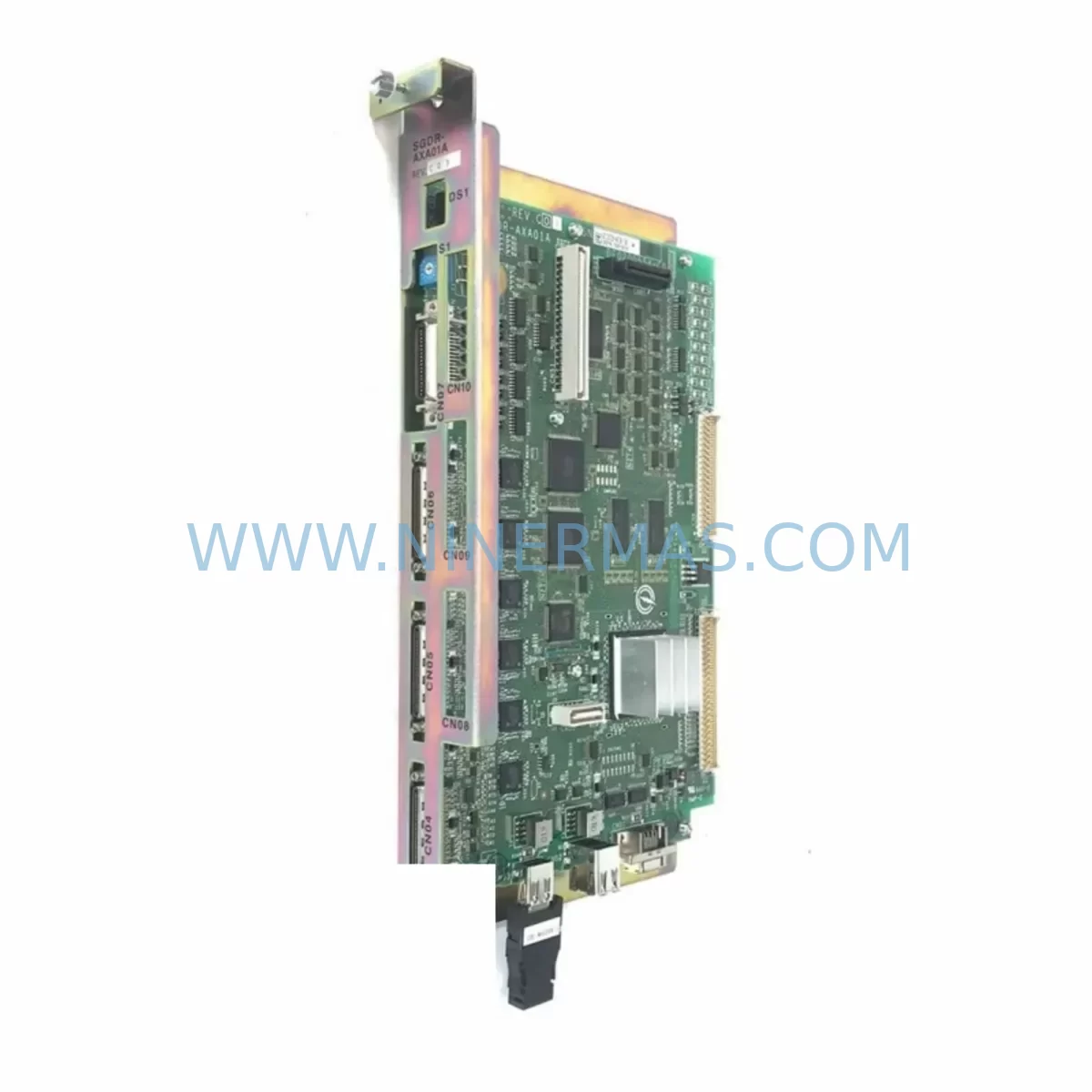
Yaskawa JZRCR-APP01-1 Service-Ready Spare Part for Industrial Maintenance
Verify the part, confirm the platform family, and move straight into quotation with the right commercial details.
RFQ Ready
- SKUYRC1000 JZRCR-APP01-1
- CategoryPLC & Industrial Automation Modules
- BrandYASKAWA
- SupportAvailability, lead time, condition, and shipping coordination
How Buyers Usually Use This Page
- Confirm the exact part number and platform family before sending the quote request.
- Use direct email when quantity, condition, and destination are already defined internally.
- Switch to the broader brand or category archive when you need alternates nearby.
Series Navigation
Move through the most common platform families behind this part.
Product RFQ
Send this part directly for quotation.
Include quantity, required condition, destination country, and target delivery timing. Current reference: Yaskawa JZRCR-APP01-1 Service-Ready Spare Part for Industrial Maintenance with SKU YRC1000 JZRCR-APP01-1.
Yaskawa JZRCR-APP01-1 Service-Ready Spare Part for Industrial Maintenance
The Yaskawa JZRCR-APP01-1 is the original ruggedized operator interface module designed for the YRC1000 robot controller series — one of Yaskawa Motoman’s most widely deployed compact robot control platforms in automotive, electronics, food & beverage, and general manufacturing environments. As a direct-fit replacement for aging or failed operator interface assemblies, the JZRCR-APP01-1 restores full pendant communication, status display, and operator control functionality without requiring controller reconfiguration or software re-flashing in most standard YRC1000 installations.
For maintenance engineers managing Yaskawa Motoman robot cells, the operator interface module is a high-wear, high-criticality component. Physical damage from repeated handling, connector fatigue, display failure, or internal PCB faults are the most common failure modes. When the JZRCR-APP01-1 fails, the robot cell is effectively offline — operators lose the ability to jog axes, execute teach pendant routines, acknowledge alarms, or initiate production cycles. Stocking a verified spare eliminates the risk of extended downtime while waiting for OEM lead times that can stretch from weeks to months for end-of-life or low-volume controller accessories.
NINERMAS supplies the JZRCR-APP01-1 as an original Yaskawa component, fully tested prior to shipment and backed by a 12-month warranty. Each unit is inspected for connector integrity, display function, and communication interface continuity before dispatch. This ensures that the spare you receive is field-ready and can be installed directly into your YRC1000 cabinet without additional bench testing delays.
Spare Maintenance Table
| Parameter | Specification / Detail |
|---|---|
| Part Number | JZRCR-APP01-1 |
| Compatible Controller | Yaskawa YRC1000 Robot Controller Series |
| Module Type | Ruggedized Operator Interface Module |
| Brand / Manufacturer | Yaskawa Electric Corporation |
| Origin | Japan |
| Interface Standard | Yaskawa proprietary pendant communication bus |
| Operating Environment | Industrial automation, robot controller cabinet |
| Ingress / Ruggedization | Ruggedized housing for industrial shop-floor use |
| Compatibility | Yaskawa Motoman YRC1000 series; verify sub-revision with controller nameplate |
| Installation | Direct module replacement; no controller re-flashing required in standard configurations |
| Pre-Shipment Testing | Yes — communication interface, display, and connector integrity verified |
| Warranty | 12 Months from date of shipment |
| Supply Condition | Original Yaskawa spare part; long-term supply available |
| Recommended Inspection Interval | Every 6–12 months or upon alarm code related to pendant communication |
Maintenance Planning for Continuous Operation
When a JZRCR-APP01-1 operator interface module is flagged for replacement during a scheduled inspection or after an unplanned fault, experienced maintenance engineers treat the event as a trigger for a broader YRC1000 cabinet health check. The operator interface module sits at the intersection of the controller’s human-machine interface layer and its internal communication bus — meaning a fault here often coincides with, or accelerates wear on, adjacent components.
Begin by inspecting the YRC1000 teach pendant cable assembly (JZRCR-NPP01-1 or equivalent), which connects the operator interface to the controller body. Cable jacket abrasion, connector pin corrosion, and strain relief fatigue are common co-failure points. If the pendant cable shows any signs of insulation cracking or intermittent connectivity, replace it alongside the JZRCR-APP01-1 to avoid a repeat fault within the same maintenance window.
Next, verify the condition of the YRC1000 main CPU board (JANCD-YCP21-E or current revision) and the servo control board (JANCD-YSF21-E). These boards manage the controller’s core processing and axis drive commands respectively. A degraded operator interface can sometimes mask underlying CPU communication errors that only surface after the interface module is replaced. Checking board firmware revision and alarm history logs at this stage prevents a secondary unplanned outage.
The YRC1000 power supply unit (JZNC-YPS21-E) should also be included in the inspection cycle. Power supply degradation — particularly output voltage ripple on the 24VDC rail that feeds the operator interface and I/O circuits — is a leading cause of intermittent display faults and communication dropouts that are frequently misdiagnosed as operator interface module failures. Measuring output voltage under load with a calibrated meter takes less than five minutes and can prevent unnecessary module replacements.
For sites running multi-robot cells, inspect the YRC1000 I/O module (JANCD-YIO21-E) and any DeviceNet or EtherNet/IP communication modules installed in the controller. These modules share the internal backplane bus with the operator interface layer. Backplane connector oxidation or loose seating can cause intermittent faults that appear as operator interface errors in the alarm log. Re-seating and cleaning backplane connectors during the same maintenance window is a low-cost, high-value step.
Finally, review the status of safety relay modules and emergency stop circuit components within the YRC1000 cabinet. The operator interface module integrates with the controller’s safety chain — a degraded safety relay or worn E-stop contact block can generate fault codes that implicate the operator interface even when the JZRCR-APP01-1 itself is functional. Stocking a safety relay module and a set of terminal block connectors as part of your YRC1000 spare parts kit ensures that the full safety circuit can be restored quickly during any corrective maintenance event.
Site Replacement Workflow
Step 1 — Fault Confirmation: Before ordering or installing a replacement JZRCR-APP01-1, retrieve the active alarm codes from the YRC1000 controller log. Alarm codes in the 4000–4999 range (pendant communication faults) and display-related errors directly implicate the operator interface module. Cross-reference with Yaskawa’s alarm code reference for your controller firmware version.
Step 2 — Safe Isolation: Power down the YRC1000 controller following the standard lockout/tagout procedure. Disconnect the teach pendant cable from the operator interface module connector. Do not attempt hot-swap replacement — the YRC1000 operator interface bus does not support live module substitution.
Step 3 — Module Removal: Remove the JZRCR-APP01-1 by releasing the retention fasteners on the controller front panel or pendant housing (depending on your installation configuration). Note the cable routing and connector orientation before disconnection to ensure correct reassembly.
Step 4 — Replacement Installation: Install the new JZRCR-APP01-1, ensuring all connectors are fully seated and retention fasteners are torqued to specification. Reconnect the teach pendant cable. Restore power and observe the controller startup sequence for any residual alarm codes.
Step 5 — Functional Verification: Confirm that the operator interface displays the correct controller status, responds to jog commands, and communicates alarm acknowledgements correctly. Run a short dry-cycle test of the robot program to verify full operational restoration before returning the cell to production.
This workflow minimizes mean time to repair (MTTR) and ensures that the replacement is validated before the maintenance window closes — reducing the risk of a repeat call-out within the same shift.
Spare Parts Support FAQ
Q1: Is the JZRCR-APP01-1 compatible with all YRC1000 controller variants?
The JZRCR-APP01-1 is designed for the Yaskawa YRC1000 series. However, Yaskawa has released multiple hardware revisions of the YRC1000 platform over its production lifecycle. We recommend confirming the controller nameplate revision and firmware version before ordering. Our technical team can assist with compatibility verification based on your controller serial number and installation date.
Q2: How is the JZRCR-APP01-1 tested before shipment?
Every JZRCR-APP01-1 unit supplied by NINERMAS undergoes pre-shipment inspection covering communication interface continuity, display panel function, connector pin integrity, and housing condition. Units that do not pass all inspection criteria are not dispatched. A test report summary is available upon request for quality-critical procurement processes.
Q3: What does the 12-month warranty cover?
The 12-month warranty covers manufacturing defects and functional failures under normal operating conditions from the date of shipment. It does not cover damage resulting from incorrect installation, overvoltage events, physical impact, or use outside the specified operating environment. Warranty claims are processed with priority turnaround to minimize your downtime exposure.
Q4: Can NINERMAS support long-term supply of the JZRCR-APP01-1 for multi-site maintenance programs?
Yes. NINERMAS maintains sourcing relationships that support long-term supply of Yaskawa YRC1000 spare parts including the JZRCR-APP01-1, even as the product approaches or enters end-of-life status with the OEM. We recommend that multi-site operators and MRO procurement teams contact us to discuss blanket order arrangements, consignment stock options, and lead time commitments aligned with your annual maintenance planning cycle.
| Product Series | Other series |
|---|---|
| Country of Origin | JP |
Catalog Continuation
More YASKAWA modules in the catalog.
Use the brand lane to compare nearby part numbers, platform-adjacent modules, and other inquiry-ready listings before sending your final RFQ.
SKU: YRK01B-1E DX100CPUJZNC-YRK01B-1E JANCD-ASF30-1E 50999-2922R07 CPU50999-2922R07
Yaskawa YRK01B-1E Retrofit-Compatible Servo Board for Legacy Systems
SKU: YPHT31033-1-1 73600-A0101
Yaskawa YPHT31033-1-1 Retrofit-Compatible Gate Driver for Legacy Systems
SKU: JAMSC-120CRR11210
Yaskawa JAMSC-120CRR11210 Retrofit-Compatible I/O Module for Legacy Systems
Catalog Continuation
Alternative parts within PLC & Industrial Automation Modules.
Stay inside the same system family when you need substitutes, adjacent modules, or a broader shortlist for procurement review.
SKU: 2711P-T12C6D2
Allen-Bradley 2711P-T12C6D2 Retrofit-Compatible HMI Display
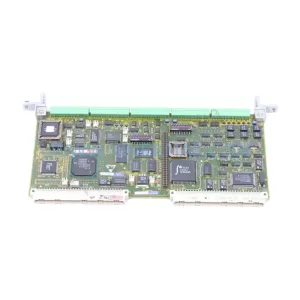
SKU: 6DD1842-0AA0 465842.9000.00
SIEMENS 6DD1842-0AA0 Retrofit-Compatible I/O Module for Legacy Systems
SKU: SCE906A2-002-01 SCE906A200201
Pacific Scientific SCE906A2-002-01 Retrofit Servo Amplifier