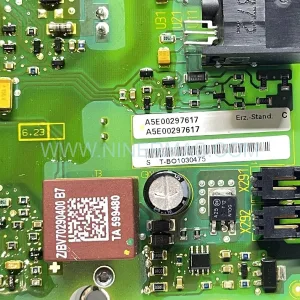
Original Industrial Spare Part
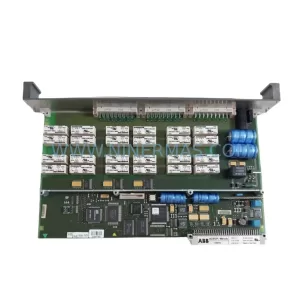
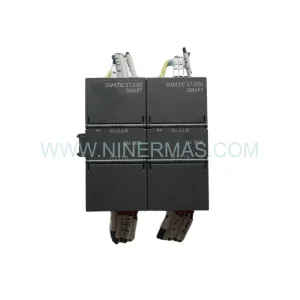
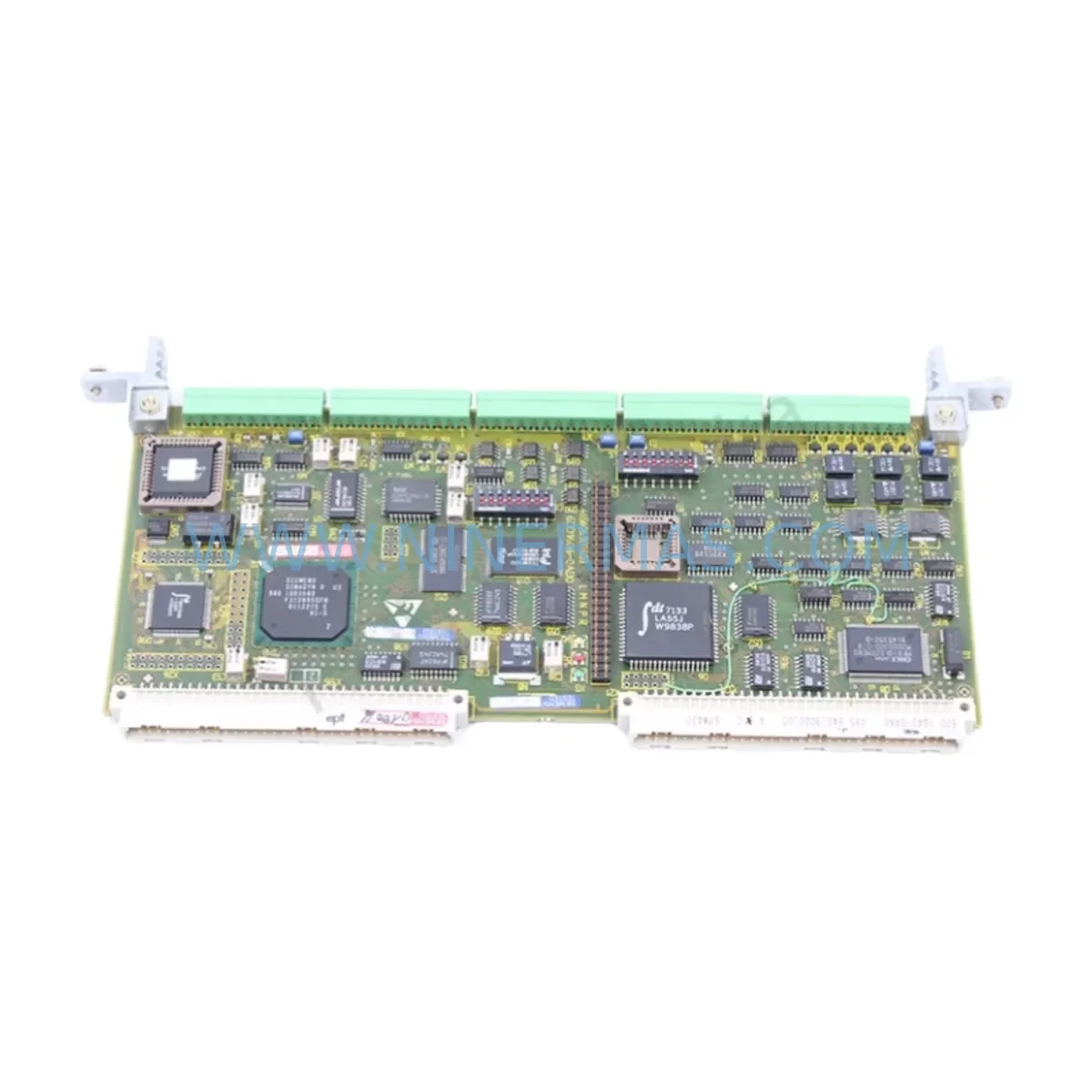
SIEMENS 6DD1842-0AA0 Retrofit-Compatible I/O Module for Legacy Systems
Verify the part, confirm the platform family, and move straight into quotation with the right commercial details.
RFQ Ready
- SKU6DD1842-0AA0 465842.9000.00
- CategoryPLC & Industrial Automation Modules
- BrandSiemens
- SupportAvailability, lead time, condition, and shipping coordination
How Buyers Usually Use This Page
- Confirm the exact part number and platform family before sending the quote request.
- Use direct email when quantity, condition, and destination are already defined internally.
- Switch to the broader brand or category archive when you need alternates nearby.
Series Navigation
Move through the most common platform families behind this part.
Product RFQ
Send this part directly for quotation.
Include quantity, required condition, destination country, and target delivery timing. Current reference: SIEMENS 6DD1842-0AA0 Retrofit-Compatible I/O Module for Legacy Systems with SKU 6DD1842-0AA0 465842.9000.00.
SIEMENS 6DD1842-0AA0 Retrofit-Compatible I/O Module for Legacy Systems
The SIEMENS 6DD1842-0AA0 (full part number: 465842.9000.00) is a high-reliability I/O module originally designed for the SIEMENS SIMADYN D control platform — one of the most widely deployed industrial automation systems in power generation, steel processing, paper mills, and heavy manufacturing. As the SIMADYN D series has reached end-of-life status, sourcing a verified, tested replacement for the 6DD1842-0AA0 has become a critical priority for maintenance engineers and automation integrators managing aging control infrastructure.
NINERMAS supplies this module as a retrofit-compatible spare, fully tested prior to shipment and backed by a 12-month warranty. Whether you are executing a like-for-like replacement of a failed unit, building a strategic spare parts inventory, or planning a phased migration away from legacy SIMADYN D hardware, the 6DD1842-0AA0 provides a proven, low-risk path to restoring and extending system uptime.
Upgrade Compatibility Table
| Parameter | Details |
|---|---|
| SKU / Part Number | 6DD1842-0AA0 / 465842.9000.00 |
| Brand / Series | SIEMENS SIMADYN D |
| Module Type | Digital/Analog I/O Module |
| Backplane Interface | SIMADYN D rack bus compatible |
| Communication Compatibility | SIMADYN D internal bus; compatible with CS31, PROFIBUS-DP integration via gateway |
| Installation Requirement | Standard SIMADYN D rack slot; confirm slot address and DIP switch settings before installation |
| Replacement Recommendation | Direct replacement for failed or end-of-life 6DD1842-0AA0 units; verify terminal wiring map before swap |
| Commissioning Notes | Confirm module address, I/O channel mapping, and program logic references in STRUC5 or equivalent engineering tool |
| Warranty | 12 Months — covers manufacturing defects and functional failure under normal operating conditions |
| Pre-Shipment Testing | Full functional test performed on every unit before dispatch |
Retrofit Planning for Existing Automation Systems
Replacing the 6DD1842-0AA0 in an operational plant requires careful pre-work to avoid extended downtime and configuration errors. The following planning steps reflect the real-world challenges engineers face when working within SIMADYN D-based control cabinets.
Power Supply Verification: Before installing the replacement module, confirm that the existing rack power supply — typically a 6DD1600-0AE0 or equivalent SIMADYN D power supply module — can support the additional load. Aging power supplies in legacy cabinets may be operating near capacity, and adding a new I/O module without verifying headroom can cause voltage instability across the entire rack.
Terminal Wiring and Signal Mapping: The 6DD1842-0AA0 connects to field devices through dedicated terminal blocks. Before removal of the old module, photograph and document all terminal connections. Cross-reference the existing wiring against the original I/O list and the STRUC5 program’s channel assignments. Pay particular attention to analog input scaling — if the original module was calibrated for 4–20 mA or 0–10 V signals, the replacement must be configured identically to avoid process measurement errors.
Backplane and Rack Slot Compatibility: The SIMADYN D rack system uses a proprietary backplane bus. Confirm that the target rack — whether a 6DD1600-0BA0 standard rack or an extended rack variant — has a compatible slot available and that the slot address (set via hardware switches on the module) matches the address referenced in the control program. Incorrect slot addressing is one of the most common causes of commissioning failure during I/O module replacement.
Program Logic and HMI Screen Validation: After physical installation, the control program running on the SIMADYN D processor — typically a 6DD1600-0AH0 or 6DD1607-0AA0 CPU module — must be verified to ensure all I/O references remain intact. If the plant uses a SIMATIC WinCC or SIMATIC OP/TP HMI panel for operator visualization, confirm that the HMI tag database correctly maps to the new module’s channel addresses. Discrepancies between the program logic and the physical I/O assignment will result in incorrect process values being displayed or acted upon.
Communication Link Integrity: In systems where the SIMADYN D platform communicates with higher-level SCADA or DCS systems via PROFIBUS-DP or Industrial Ethernet — often through a 6GK7 343-1EX30-0XE0 communications processor or similar CP module — verify that the communication link remains stable after the module swap. A module replacement that changes the rack’s I/O configuration may require a GSD file update or a re-download of the PROFIBUS configuration.
Signal Isolators and Marshalling: Many legacy SIMADYN D installations use signal isolators — such as SIEMENS SITRANS isolating transducers or third-party DIN-rail isolators — between field instruments and the I/O module. Confirm that these isolators are functioning correctly and that their output ranges match the input specifications of the 6DD1842-0AA0. Faulty isolators are frequently misdiagnosed as I/O module failures.
Programming Cable and Engineering Access: Commissioning and diagnostics for the SIMADYN D system require a compatible programming cable — typically a 6DD1684-0GD0 or USB-to-serial adapter with appropriate drivers — and a workstation running the STRUC5 engineering software. Ensure this toolchain is available on-site before beginning the replacement procedure, as online diagnostics are essential for verifying channel status and fault codes after installation.
Installation Space and Cabinet Layout: Verify that the physical installation space within the control cabinet accommodates the module without obstructing adjacent modules such as the 6DD1607-0EA0 function module or neighboring I/O cards. Adequate clearance for cable routing and ventilation is essential, particularly in high-density cabinets where thermal management is already a concern.
Downtime Control During System Migration
Minimizing production downtime during a SIMADYN D I/O module replacement is achievable with disciplined pre-planning. The most effective approach is to complete all documentation, wiring verification, and spare part staging before the planned maintenance window begins. This means having the replacement 6DD1842-0AA0 on-site, pre-tested, and ready to install — not waiting for delivery after a failure has already occurred.
Where possible, use the plant’s existing scheduled maintenance shutdowns as the replacement window. A well-prepared team can typically complete a single I/O module swap — including wiring reconnection, module addressing, program verification, and HMI confirmation — within two to four hours, provided all documentation is current and the engineering toolchain is available.
To protect the original program logic, always create a full backup of the SIMADYN D program using the STRUC5 engineering tool before beginning any hardware work. Store this backup on a secure workstation and, if possible, on removable media kept in the control cabinet. This ensures that if any configuration is inadvertently altered during the replacement process, the original logic can be restored quickly.
For plants where continuous operation is critical, consider a parallel commissioning approach: configure and test the replacement module in a bench environment using a spare rack and power supply before bringing it to the production floor. This allows functional verification of the module’s I/O channels, address settings, and communication behavior without any risk to the live system.
Finally, coordinate with the operations team to ensure that field devices connected to the I/O module — sensors, actuators, drives, and transmitters — are placed in a safe state before the module is removed. Confirm with the control room that all affected loops are in manual mode and that process safety systems remain active throughout the replacement procedure.
Retrofit Support FAQ
Q1: Is the 6DD1842-0AA0 a direct drop-in replacement for the original SIEMENS SIMADYN D I/O module?
Yes. The unit supplied by NINERMAS is the same part number and is fully compatible with the original SIMADYN D rack and backplane. However, customers should verify the module slot address (DIP switch settings) and terminal wiring map against their existing documentation before installation, as site-specific configurations may vary.
Q2: Has the module been tested before shipment?
Every 6DD1842-0AA0 unit dispatched by NINERMAS undergoes a full functional test prior to shipment. Test records are available upon request. The module is covered by a 12-month warranty against manufacturing defects and functional failure under normal operating conditions.
Q3: What is the typical lead time and do you maintain stock?
NINERMAS maintains inventory of the 6DD1842-0AA0 to support urgent replacement requirements. Standard orders are dispatched within 1–3 business days. For large-quantity or project-based orders, please contact our sales team at sale@ninermas.com to confirm availability and lead time.
Q4: Can NINERMAS assist with commissioning or wiring compatibility questions?
Our technical team can provide guidance on terminal wiring, slot addressing, and program compatibility based on the information you provide about your existing system. We recommend sharing your I/O list, rack layout drawing, and STRUC5 program version when requesting technical support. Contact us at +0086 187 5021 5667 or sale@ninermas.com.
| Product Series | SIMADYN D |
|---|---|
| Country of Origin | DE |
Catalog Continuation
More Siemens modules in the catalog.
Use the brand lane to compare nearby part numbers, platform-adjacent modules, and other inquiry-ready listings before sending your final RFQ.
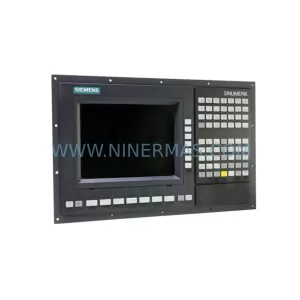
SKU: 6FC5370-2AT02-0CA0
Siemens 6FC5370-2AT02-0CA0 Safety-Reliable CNC Control Module
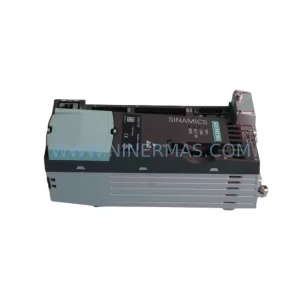
SKU: 6SL3210-5BE31-8CV0
Siemens 6SL3210-5BE31-8CV0 Safety-Reliable VFD Drive
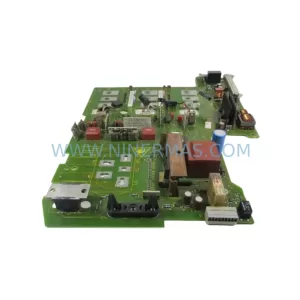
SKU: 6SE7027-2ED84-1HF3
Siemens 6SE7027-2ED84-1HF3 Retrofit-Compatible Drive for Legacy Systems
Catalog Continuation
Alternative parts within PLC & Industrial Automation Modules.
Stay inside the same system family when you need substitutes, adjacent modules, or a broader shortlist for procurement review.
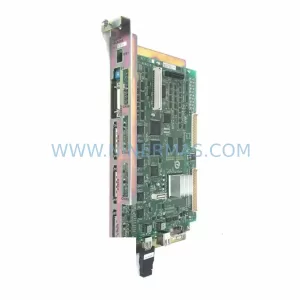
SKU: YRC1000 JZRCR-APP01-1
Yaskawa JZRCR-APP01-1 Service-Ready Spare Part for Industrial Maintenance
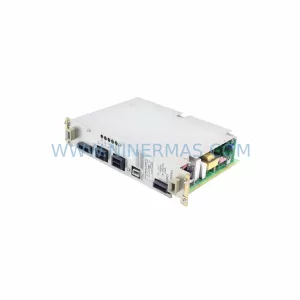
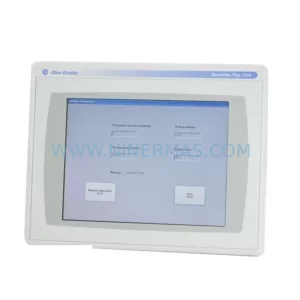
SKU: 2711P-T12C6D2
Allen-Bradley 2711P-T12C6D2 Retrofit-Compatible HMI Display