
Original Industrial Spare Part
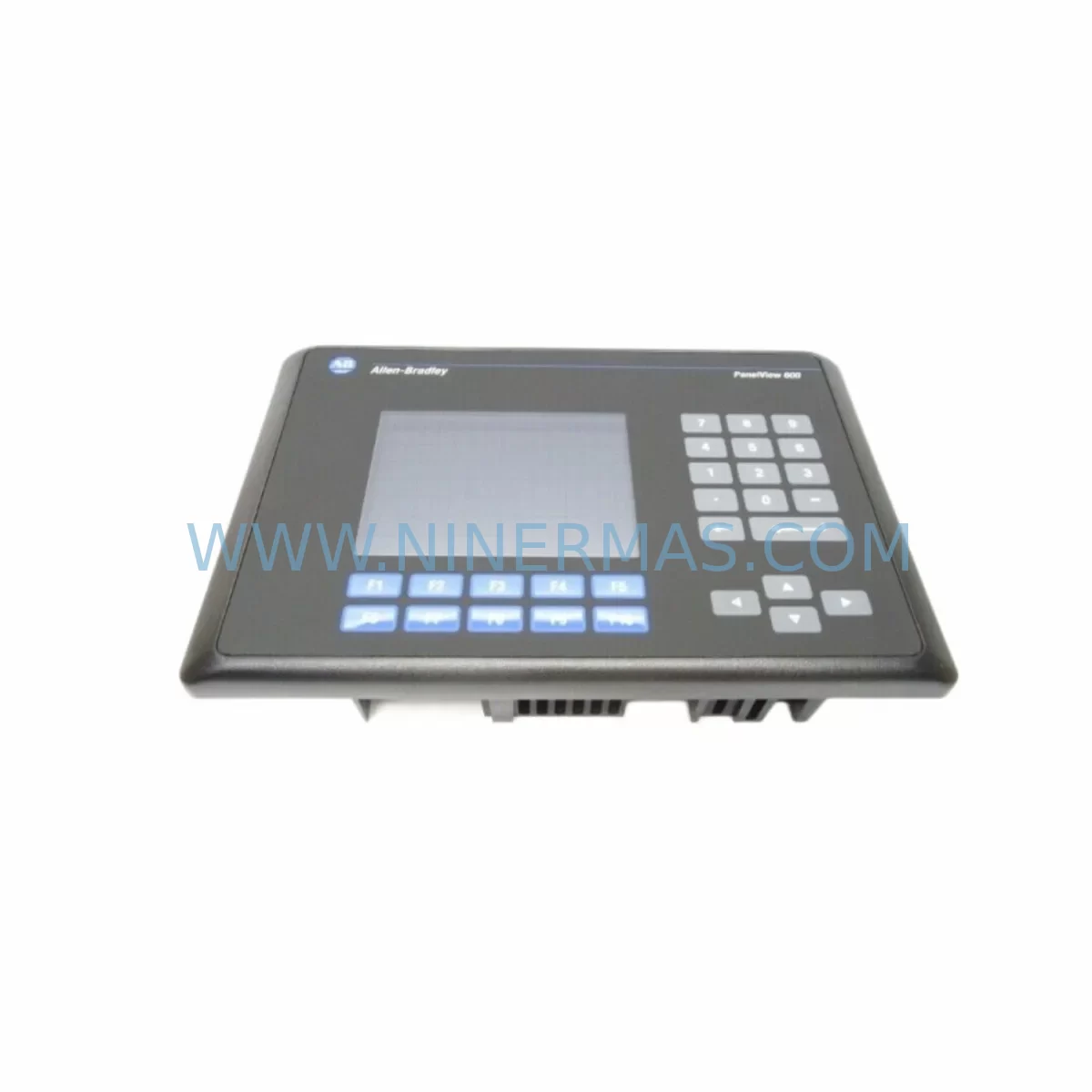
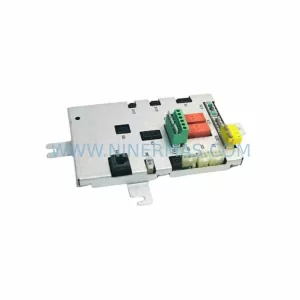
Allen-Bradley 2711-B6C5 Service-Ready Spare Part for Industrial Maintenance
Verify the part, confirm the platform family, and move straight into quotation with the right commercial details.
RFQ Ready
- SKU2711-B6C5
- CategoryPLC & Industrial Automation Modules
- BrandAllen-Bradley
- SupportAvailability, lead time, condition, and shipping coordination
How Buyers Usually Use This Page
- Confirm the exact part number and platform family before sending the quote request.
- Use direct email when quantity, condition, and destination are already defined internally.
- Switch to the broader brand or category archive when you need alternates nearby.
Series Navigation
Move through the most common platform families behind this part.
Product RFQ
Send this part directly for quotation.
Include quantity, required condition, destination country, and target delivery timing. Current reference: Allen-Bradley 2711-B6C5 Service-Ready Spare Part for Industrial Maintenance with SKU 2711-B6C5.
Allen-Bradley 2711-B6C5 Service-Ready Spare Part for Industrial Maintenance
The Allen-Bradley 2711-B6C5 is a PanelView 600 operator interface terminal engineered for demanding industrial environments. As a color touchscreen HMI unit from Rockwell Automation’s trusted PanelView 600 series, the 2711-B6C5 serves as a critical human-machine interface in manufacturing lines, process control panels, and automated assembly systems. When this unit fails or degrades, production downtime escalates rapidly — making a verified, service-ready spare part an essential component of any proactive maintenance strategy.
At NINERMAS, we supply the 2711-B6C5 as a tested, original spare part backed by a 12-month warranty. Each unit undergoes pre-shipment functional verification to ensure it meets OEM specifications before leaving our facility. Whether you are managing a scheduled annual overhaul, responding to an emergency panel failure, or building a strategic spare parts inventory for aging Rockwell systems, the 2711-B6C5 is available for immediate dispatch.
The PanelView 600 platform remains widely deployed across legacy and active production environments globally. Maintenance engineers and procurement teams responsible for sustaining these systems understand the challenge: sourcing a reliable, compatible replacement without compromising system integrity or extending unplanned downtime. The 2711-B6C5 addresses this challenge directly — it is a drop-in replacement for failed or end-of-life HMI terminals in existing PanelView 600 installations, requiring no hardware modification to the control cabinet.
Spare Maintenance Table
| Part Number | 2711-B6C5 |
| Brand / Manufacturer | Allen-Bradley / Rockwell Automation |
| Series | PanelView 600 |
| Product Type | HMI Operator Interface Terminal (Color Touchscreen) |
| Display Size | 6-inch Color TFT LCD |
| Input Method | Touchscreen |
| Communication | DH-485 / RS-232 (Serial) |
| Power Supply | 24V DC |
| Operating Temperature | 0°C to 55°C (32°F to 131°F) |
| Protection Rating | NEMA 4/4X, 12, 13 (front face) |
| Compatible Controllers | SLC 500, MicroLogix, PLC-5, ControlLogix (via serial gateway) |
| Application Environment | Industrial manufacturing, process control, machine automation |
| Mounting | Panel cutout mount |
| Origin | United States |
| Pre-Shipment Testing | Yes — functional verification performed before dispatch |
| Warranty | 12 Months |
| Condition | Original / Service-Ready Spare |
| Lead Time | In Stock — Ready for Immediate Shipment |
Maintenance Planning for Continuous Operation
When replacing the 2711-B6C5 in a live production environment, a thorough inspection of the surrounding control cabinet components is essential to prevent repeat failures and ensure full system restoration. Maintenance engineers should treat an HMI replacement as an opportunity to audit the entire operator station and associated electrical circuit.
Begin by verifying the 24V DC power supply feeding the HMI terminal. A degraded or undersized power supply — such as an aging 1606-XLP or equivalent industrial DIN-rail power supply — can cause intermittent HMI resets, display corruption, or communication dropouts that are often misdiagnosed as HMI hardware failure. Confirm output voltage stability under load before commissioning the replacement 2711-B6C5.
Inspect the communication cable and serial interface connecting the HMI to the controller. The 2711-B6C5 communicates via DH-485 or RS-232 protocols. Cables such as the 1747-CP3 (SLC 500 to PanelView programming cable) or equivalent shielded serial cables should be checked for continuity, insulation integrity, and secure termination at both ends. A faulty cable is a common root cause of HMI communication faults that persist even after an HMI swap.
Review the SLC 500 processor module — such as the 1747-L543 or 1747-L553 — for fault codes, battery status, and memory integrity. If the HMI failure coincided with a controller fault, both units may require attention. Similarly, inspect the 1746-A13 or 1746-A7 SLC 500 chassis backplane for signs of overheating, corrosion, or loose module seating that could affect I/O communication.
Check all I/O modules in the rack — particularly digital input modules such as the 1746-IB16 and digital output modules such as the 1746-OB16 — for blown fuses, damaged terminals, or field wiring faults. A failed I/O point that was previously masked by an HMI alarm display may become apparent once the new 2711-B6C5 is online and alarm history is restored.
Examine terminal blocks and wiring harnesses within the control cabinet. Loose or corroded terminal connections on DIN-rail mounted terminal strips can introduce noise into the communication bus, causing erratic HMI behavior. Re-torque all signal and power terminals as part of the replacement workflow.
If the system includes signal isolators or signal conditioners between field sensors and the PLC I/O, verify their output ranges and calibration. Drifted signal isolators can cause incorrect process values to be displayed on the HMI, leading operators to misdiagnose process faults as HMI errors.
For facilities managing multiple PanelView 600 units across production lines, maintaining a minimum stock of one spare 2711-B6C5 per production zone is a recognized best practice. Pairing this with spare 2711-B6C1 (keypad variant) or 2711-T6C20 units where applicable ensures cross-coverage across operator stations with minimal procurement complexity.
Site Replacement Workflow
Replacing the 2711-B6C5 on-site is a straightforward process when the correct spare is available and the replacement workflow is followed systematically. The following steps outline a field-proven approach for minimizing downtime during an HMI swap in a PanelView 600 installation:
Step 1 — Backup Application File: Before powering down the existing HMI, confirm whether the application file (.PVA) is stored on the unit or on a programming workstation. Use RSView32 or PanelBuilder32 software to retrieve and archive the current application. If the existing HMI is non-functional, restore the application from the most recent backup file to the replacement 2711-B6C5 prior to installation.
Step 2 — Power Isolation: Isolate the 24V DC supply to the HMI terminal using the appropriate circuit breaker or fused disconnect. Verify zero voltage at the HMI power terminals using a calibrated multimeter before proceeding.
Step 3 — Disconnect and Remove: Disconnect the communication cable and power wiring from the rear of the existing 2711-B6C5. Release the panel mounting clamps and remove the unit from the panel cutout. Inspect the cutout gasket for damage and replace if necessary to maintain NEMA 4 sealing integrity.
Step 4 — Install Replacement Unit: Insert the replacement 2711-B6C5 into the panel cutout, secure the mounting clamps evenly to achieve a proper seal, and reconnect power and communication cables. Verify cable polarity and communication port assignment before applying power.
Step 5 — Commission and Verify: Apply power and confirm the HMI boots to the correct application screen. Verify communication with the connected SLC 500 or MicroLogix controller by navigating to a live data screen and confirming real-time tag updates. Test all operator inputs — touchscreen zones, alarm acknowledgment, and navigation buttons — before returning the system to production.
This workflow supports rapid recovery from unplanned HMI failures and is equally applicable to planned replacement during scheduled maintenance windows. Maintaining a pre-loaded, pre-tested spare 2711-B6C5 with the application file already loaded reduces on-site commissioning time to under 30 minutes in most installations.
Spare Parts Support FAQ
Q1: Is the 2711-B6C5 still available as a new original spare part?
Yes. NINERMAS maintains stock of the Allen-Bradley 2711-B6C5 as a service-ready original spare part. While Rockwell Automation has transitioned newer HMI platforms to the PanelView Plus and PanelView 800 series, the 2711-B6C5 remains available through authorized spare parts channels to support legacy system maintenance. Each unit supplied by NINERMAS is verified for authenticity and functionality prior to shipment, and is covered by a 12-month warranty from the date of delivery.
Q2: How do I confirm compatibility between the 2711-B6C5 and my existing PLC or controller?
The 2711-B6C5 communicates via DH-485 and RS-232 serial protocols, making it compatible with Allen-Bradley SLC 500, MicroLogix 1000/1100/1400, and PLC-5 controllers when configured with the appropriate communication driver in PanelBuilder32. Before ordering, confirm the communication protocol used in your existing installation by checking the HMI application file or the controller’s communication port settings. If you require compatibility verification support, contact our technical team at sale@ninermas.com with your controller model and current HMI application version.
Q3: What testing is performed on the 2711-B6C5 before shipment?
Every 2711-B6C5 unit dispatched by NINERMAS undergoes a pre-shipment functional test that includes power-on verification, display integrity check, touchscreen calibration confirmation, and communication port functionality. Units that do not pass all test criteria are not released for sale. Test records are retained and available upon request. All units are shipped in protective anti-static packaging to prevent transit damage.
Q4: What is the recommended spare parts inventory strategy for facilities running multiple PanelView 600 HMI terminals?
For facilities operating three or more PanelView 600 units, maintaining at least one spare 2711-B6C5 on-site is strongly recommended. For critical production lines where HMI failure would result in a full line stoppage, a two-unit spare buffer provides additional protection against extended lead times during peak demand periods. NINERMAS supports long-term supply agreements for maintenance teams requiring guaranteed stock availability across multi-year maintenance contracts. Contact us to discuss volume pricing and scheduled delivery arrangements.
| Product Series | 2711 |
|---|---|
| Country of Origin | US |
Catalog Continuation
More Allen-Bradley modules in the catalog.
Use the brand lane to compare nearby part numbers, platform-adjacent modules, and other inquiry-ready listings before sending your final RFQ.
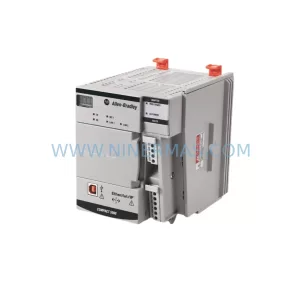
Catalog Continuation
Alternative parts within PLC & Industrial Automation Modules.
Stay inside the same system family when you need substitutes, adjacent modules, or a broader shortlist for procurement review.
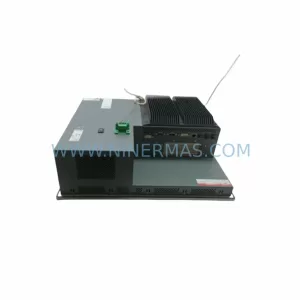
SKU: PFXPP170CA66K00N00
Pro-face PFXPP170CA66K00N00 Service-Ready Spare Part
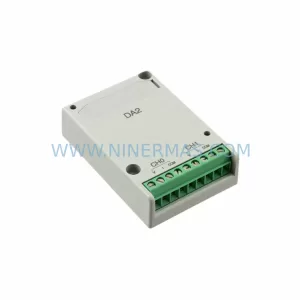
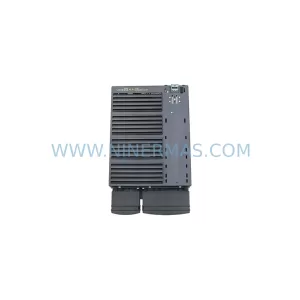
SKU: 6SL3224-0BE32-2UA0
Siemens 6SL3224-0BE32-2UA0 Retrofit PM240 Power Module
SKU: DSQC611 3HAC13389-2
ABB DSQC611 3HAC13389-2 Service-Ready Spare for IRC5



