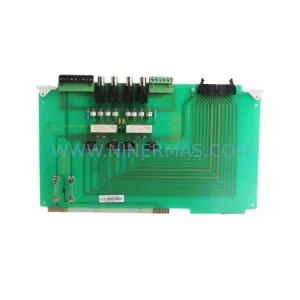
Original Industrial Spare Part
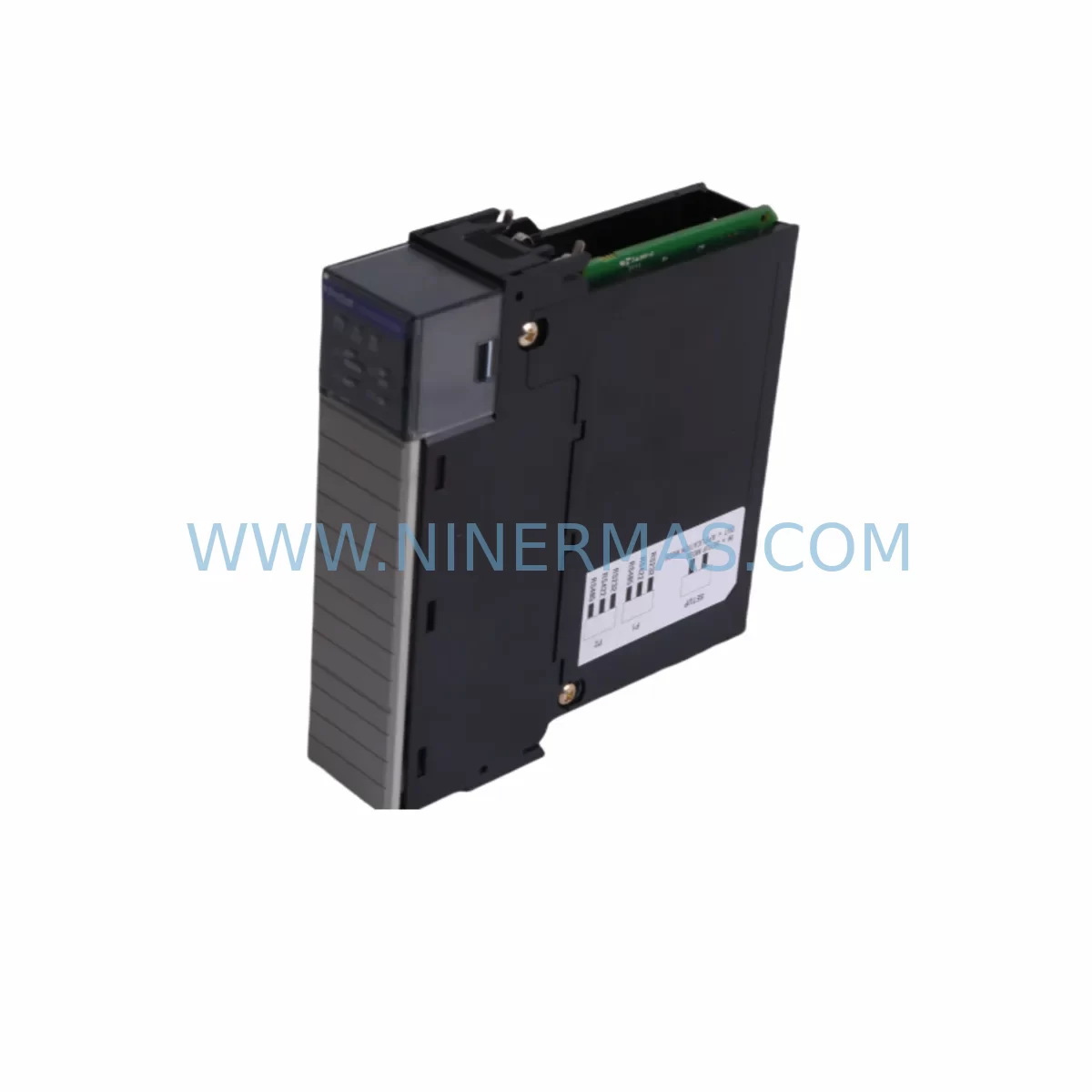
ProSoft MVI56-MCM Retrofit-Compatible MCM Module for Legacy Systems
Verify the part, confirm the platform family, and move straight into quotation with the right commercial details.
RFQ Ready
- SKUMVI56-MCM
- CategoryPLC & Industrial Automation Modules
- BrandProSoft Technology
- SupportAvailability, lead time, condition, and shipping coordination
How Buyers Usually Use This Page
- Confirm the exact part number and platform family before sending the quote request.
- Use direct email when quantity, condition, and destination are already defined internally.
- Switch to the broader brand or category archive when you need alternates nearby.
Series Navigation
Move through the most common platform families behind this part.
Product RFQ
Send this part directly for quotation.
Include quantity, required condition, destination country, and target delivery timing. Current reference: ProSoft MVI56-MCM Retrofit-Compatible MCM Module for Legacy Systems with SKU MVI56-MCM.
ProSoft MVI56-MCM Retrofit-Compatible MCM Module for Legacy Systems
The ProSoft MVI56-MCM is a Multi-Channel Communication (MCM) module designed for the Allen-Bradley ControlLogix 1756 backplane platform. As legacy automation systems approach end-of-life and original spare parts become increasingly scarce, the MVI56-MCM has become a critical retrofit component for plant engineers tasked with sustaining production continuity without a full system overhaul. Whether you are replacing a failed communication bridge, migrating from an aging DH+ or serial-based network, or expanding I/O capacity in an existing control cabinet, the MVI56-MCM provides a proven, drop-in-compatible upgrade path that minimises downtime and protects your existing program logic investment.
The module supports multiple serial communication protocols simultaneously, making it an ideal bridge device in mixed-protocol environments where legacy field devices — such as older SCADA RTUs, flow computers, weigh controllers, and third-party drives — must continue to communicate with a modern ControlLogix controller. Its dual-port serial architecture allows engineers to maintain existing RS-232 and RS-485 wiring without rewiring field terminals, a significant advantage when working inside congested control cabinets where installation space is at a premium.
Before committing to a retrofit using the MVI56-MCM, engineers should systematically verify several critical compatibility parameters. First, confirm the available backplane slot count in the existing 1756 chassis — the MVI56-MCM occupies a single slot and draws power from the ControlLogix backplane, so the 1756-PA72 or 1756-PB72 power supply capacity must be reviewed to ensure sufficient wattage remains after accounting for all installed modules including 1756-IB16 digital input cards, 1756-OB16 digital output cards, and any 1756-EN2T EtherNet/IP bridge modules already in service. Backplane current budgets are frequently overlooked during retrofit planning and can cause intermittent faults if the power supply is operating near its rated limit.
Terminal wiring compatibility is the next verification step. The MVI56-MCM uses a standard DB9 serial connector for each port, and field wiring from legacy systems may use terminal block adapters or custom cable assemblies. Technicians should document the existing pinout before disconnecting any cables, particularly in installations where the original wiring diagrams are incomplete or unavailable. In many brownfield sites, the serial cables connecting the MVI56-MCM’s predecessor modules to field instruments such as Modbus RTU slave devices, GPS time synchronisation receivers, or barcode readers have been modified over years of maintenance, and these modifications must be preserved in the replacement wiring.
Module addressing within the ControlLogix program is another area requiring careful attention. The MVI56-MCM communicates with the L61, L62, L63, or L71 ControlLogix processors via produced and consumed tags mapped through the 1756 backplane. When replacing a failed module of the same model, the slot number assignment in the I/O tree must match exactly, or the controller will generate a major fault on the next scan cycle. If the replacement module is installed in a different slot — for example, because the original slot’s backplane connector is damaged — the program’s I/O configuration must be updated and the controller re-downloaded before resuming production. This step should be coordinated with the control system integrator or the original OEM if the program source code is not available on site.
HMI screen updates are often required when the MVI56-MCM is used to replace a module that previously provided data to a PanelView Plus 6 or PanelView Plus 7 terminal. Tag name changes or address remapping in the ControlLogix program will propagate to the HMI application, and operators may encounter alarm suppression or display errors if the HMI project is not updated and re-downloaded to the terminal in parallel with the PLC program update. Scheduling HMI updates as part of the same maintenance window as the module replacement is strongly recommended to avoid post-restart operator confusion.
Communication link verification should be performed immediately after module installation and program download. Using RSLinx Classic or Studio 5000 Logix Designer’s online diagnostics, engineers can confirm that the MVI56-MCM’s serial ports are actively exchanging data with connected field devices. The module’s onboard diagnostic LEDs provide a first-level indication of port activity, but detailed error counters and communication statistics are accessible through the module’s configuration file within the ControlLogix program, allowing technicians to identify framing errors, parity mismatches, or baud rate conflicts before returning the system to automatic operation.
Upgrade Compatibility Table
| Parameter | MVI56-MCM Specification | Retrofit Notes |
|---|---|---|
| Platform Compatibility | Allen-Bradley ControlLogix 1756 | Compatible with L6x and L7x series processors |
| Backplane Interface | 1756 ControlLogix backplane, single slot | Verify slot availability and power budget before installation |
| Serial Ports | 2 × configurable RS-232 / RS-485 / RS-422 | Preserves existing field wiring; confirm DB9 pinout |
| Protocol Support | Modbus RTU/ASCII, DF1, DNP3, generic serial | Multi-protocol support enables mixed-device environments |
| Communication Speed | Up to 115,200 baud per port | Match baud rate to legacy field device settings |
| Power Consumption | 800 mA @ 5 VDC (backplane) | Verify 1756-PA72 / 1756-PB72 remaining capacity |
| Installation Space | Single 1756 chassis slot | No additional panel space required |
| Program Compatibility | Produced/consumed tags via Studio 5000 | Slot number must match original I/O configuration |
| HMI Integration | Tag-based via ControlLogix data server | Update PanelView project if tag names change |
| Warranty | 12 Months | Covered from date of shipment; includes DOA replacement |
Retrofit Planning for Existing Automation Systems
Successful integration of the MVI56-MCM into an existing automation system begins with a thorough audit of the current control architecture. In a typical brownfield ControlLogix installation, the 1756 chassis may already house a combination of modules including the 1756-L71 processor, 1756-EN2T EtherNet/IP communication module, 1756-IB16 and 1756-OB16 digital I/O modules, and a 1756-IF8 analogue input module for process variable monitoring. The MVI56-MCM slots into this existing framework without requiring chassis replacement or processor upgrade, provided the backplane power budget accommodates the additional 800 mA draw.
In installations where the legacy communication module being replaced is a ProSoft MVI56-DFCM or MVI56-MNET, the physical replacement procedure is straightforward: power down the chassis, remove the failed module, insert the MVI56-MCM, restore power, and verify the I/O tree in Studio 5000. However, if the replacement involves migrating from a different communication architecture — for example, transitioning from a standalone serial gateway connected to the ControlLogix via EtherNet/IP to a direct backplane-mounted serial module — additional program modifications will be required to reroute data from the gateway’s Ethernet-based tag structure to the MVI56-MCM’s backplane-mapped tags.
Signal isolation is an important consideration in industrial environments where long cable runs or mixed-voltage field devices introduce ground loop interference. In these cases, a DIN-rail-mounted signal isolator or RS-485 repeater may be required between the MVI56-MCM’s serial port and the field device terminal strip. This is particularly relevant in applications involving legacy weigh controllers, flow computers, or motor drive parameter interfaces where the field wiring runs exceed 100 metres or pass through electrically noisy environments such as variable frequency drive (VFD) panels.
For sites where the ControlLogix chassis is housed in a compact control cabinet alongside a 1756-PB72 DC power supply, a 1756-RM redundancy module, and multiple 1756-OA8 AC output modules, installation space planning is essential. The MVI56-MCM’s single-slot form factor makes it one of the least intrusive retrofit options available for the ControlLogix platform, and its onboard configuration storage eliminates the need for a separate programming cable connection during normal operation. A 1747-CP3 or 1761-CBL-PM02 programming cable may be required during initial configuration if the module’s default settings do not match the target field device parameters.
Downtime Control During System Migration
Minimising production downtime during an MVI56-MCM retrofit requires a structured pre-outage preparation process. Before the scheduled maintenance window, engineers should complete a full backup of the ControlLogix program using Studio 5000 Logix Designer, export the current I/O configuration, and document all active communication parameters including baud rates, parity settings, stop bits, and protocol-specific configuration data stored in the MVI56-MCM’s configuration file. This backup ensures that if the replacement module requires reconfiguration, the original settings can be restored without relying on memory or incomplete site documentation.
Where production schedules permit, a parallel testing approach is recommended: install and configure the replacement MVI56-MCM in a bench test environment using a spare 1756 chassis and a 1756-L61 or 1756-L62 processor loaded with a copy of the production program. Verify all serial communication links against simulated or actual field devices before bringing the replacement module to site. This approach has been shown to reduce on-site commissioning time by 60–80% compared to first-time configuration performed during a live maintenance window.
During the actual cutover, the recommended sequence is: notify all operators and place the system in manual control mode, power down the affected chassis section, replace the module, restore power, go online with Studio 5000, verify the I/O tree status, force a communication test on each serial port, confirm data exchange with all connected field devices, and return the system to automatic mode. The entire process, when properly prepared, can typically be completed within a two-hour planned outage window, well within the tolerance of most production schedules.
Post-installation, the MVI56-MCM’s diagnostic counters should be monitored for the first 24–48 hours of operation to confirm stable communication. Any increase in error counters or unexpected communication timeouts should be investigated immediately, as these may indicate wiring issues, baud rate mismatches, or protocol configuration errors that were not apparent during initial commissioning. NINERMAS provides pre-shipment functional testing on all MVI56-MCM units, with a 12-month warranty covering manufacturing defects and early-life failures.
Retrofit Support FAQ
Q1: Is the MVI56-MCM a direct drop-in replacement for the MVI56-DFCM or MVI56-MNET?
The MVI56-MCM shares the same ControlLogix backplane form factor as other MVI56-series modules, but it is a different product with a different configuration file structure. While the physical installation is identical, the ControlLogix program’s I/O configuration and the module’s configuration file must be updated to match the MVI56-MCM’s specific tag mapping and protocol settings. NINERMAS recommends reviewing the ProSoft MVI56-MCM User Manual before proceeding with a cross-model replacement.
Q2: What wiring changes are required when replacing a legacy serial gateway with the MVI56-MCM?
If the legacy gateway used terminal block connections and the MVI56-MCM uses DB9 connectors, a DB9-to-terminal-block adapter cable will be required. The pinout must be verified against the field device’s communication port specification. In RS-485 two-wire installations, confirm that the A/B polarity convention matches between the MVI56-MCM and the field device, as polarity conventions vary between manufacturers.
Q3: Does NINERMAS provide pre-shipment testing for the MVI56-MCM?
Yes. All MVI56-MCM units supplied by NINERMAS undergo functional power-on testing and visual inspection before shipment. Units are shipped with a 12-month warranty from the date of shipment. In the event of a DOA (dead on arrival) unit, NINERMAS will arrange priority replacement to minimise impact on your maintenance schedule.
Q4: What is the typical lead time and stock availability for the MVI56-MCM?
NINERMAS maintains stock of MVI56-MCM modules to support urgent maintenance and planned retrofit projects. Standard lead time for in-stock units is 3–7 business days for international shipment. For large-quantity orders or long-term supply agreements, please contact our sales team to discuss dedicated inventory allocation and extended warranty options.
—
| Product Series | Legacy |
|---|---|
| Country of Origin | US |
Catalog Continuation
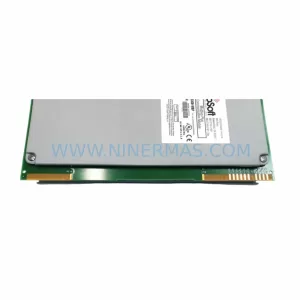
More ProSoft Technology modules in the catalog.
Use the brand lane to compare nearby part numbers, platform-adjacent modules, and other inquiry-ready listings before sending your final RFQ.
Catalog Continuation
Alternative parts within PLC & Industrial Automation Modules.
Stay inside the same system family when you need substitutes, adjacent modules, or a broader shortlist for procurement review.
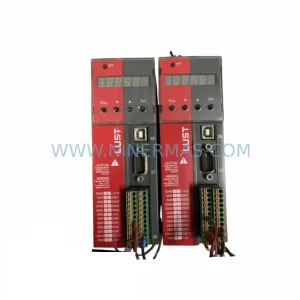
SKU: SC34.0300.0011.0000.0-JW1 SC34.0300.0011.0000.0
LUST SC34.0300.0011.0000.0-JW1 Service-Ready Spare Part
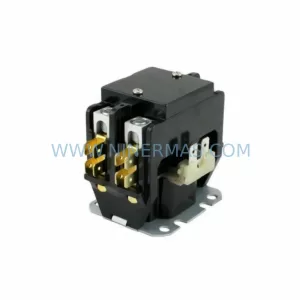
SKU: LSC-096-2-30-560-P5B0H2MM0
LTi Motion LSC-096-2-30-560-P5B0H2MM0 Retrofit Servo Drive
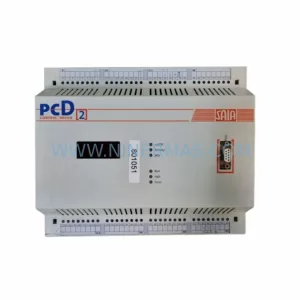
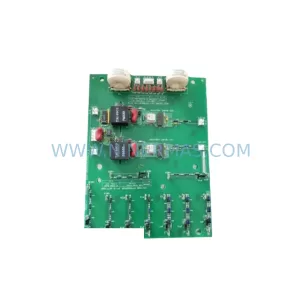
SKU: DS200SHVMG1AFE
GE DS200SHVMG1AFE Retrofit-Compatible Interface Module