Original Industrial Spare Part
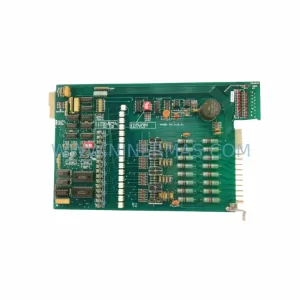
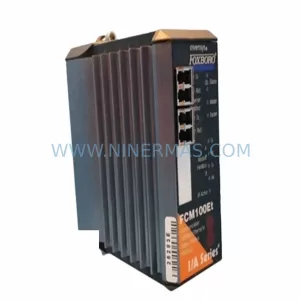
Foxboro FCM10E P0914YM Service-Ready Spare Part for Industrial Maintenance
Verify the part, confirm the platform family, and move straight into quotation with the right commercial details.
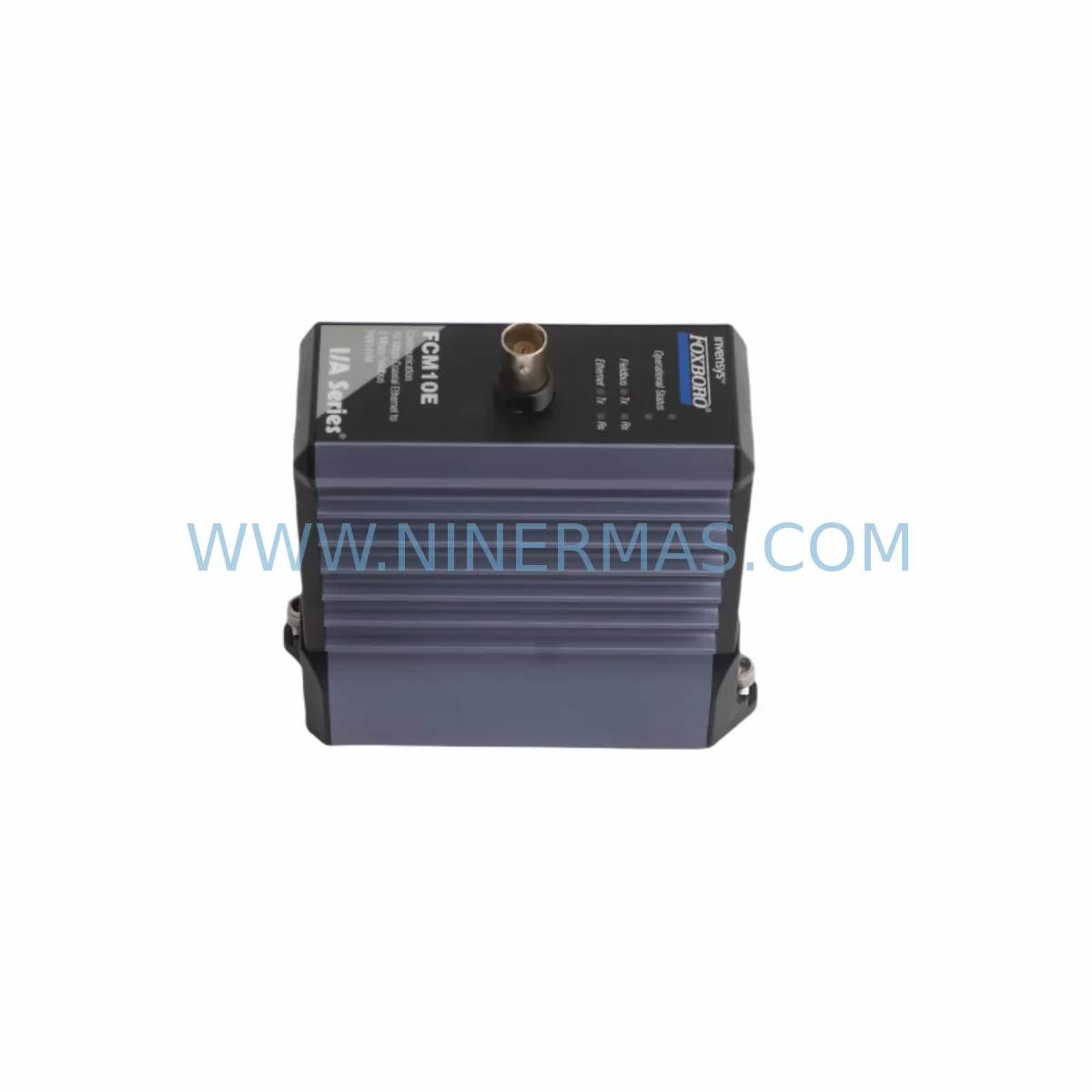
RFQ Ready
- SKUFCM10E P0914YM
- CategoryDCS Distributed Control Systems
- BrandFOXBORO
- SupportAvailability, lead time, condition, and shipping coordination
How Buyers Usually Use This Page
- Confirm the exact part number and platform family before sending the quote request.
- Use direct email when quantity, condition, and destination are already defined internally.
- Switch to the broader brand or category archive when you need alternates nearby.
Series Navigation
Move through the most common platform families behind this part.
Product RFQ
Send this part directly for quotation.
Include quantity, required condition, destination country, and target delivery timing. Current reference: Foxboro FCM10E P0914YM Service-Ready Spare Part for Industrial Maintenance with SKU FCM10E P0914YM.
Foxboro FCM10E P0914YM Service-Ready Spare Part for Industrial Maintenance
The Foxboro FCM10E (P0914YM) is a fieldbus communication interface module engineered for the Foxboro I/A Series Distributed Control System — one of the most widely deployed DCS platforms in continuous process industries including oil & gas, petrochemical refining, pulp and paper, power generation, and specialty chemical manufacturing. As a service-ready spare part, the FCM10E P0914YM is stocked, inspected, and pre-shipment tested to support rapid deployment during planned turnarounds, emergency shutdowns, and corrective maintenance events.
Unplanned downtime caused by a failed communication interface module can cascade across an entire process unit. The FCM10E serves as the critical bridge between the I/A Series Fieldbus Modules (FBMs) and the supervisory control network, managing real-time data exchange, I/O polling, and diagnostic reporting. When this module fails or degrades, operators lose visibility into field instrumentation, control loops go open, and production halts. Maintaining at least one verified spare FCM10E P0914YM in your on-site critical spares inventory is a recognized best practice for any facility running the Foxboro I/A Series platform.
Spare Maintenance Table
| Parameter | Specification / Detail |
|---|---|
| Part Number | FCM10E |
| Manufacturer Part Number | P0914YM |
| Brand / OEM | Foxboro (Schneider Electric) |
| Series | I/A Series DCS |
| Module Type | Fieldbus Communication Interface Module |
| Communication Protocol | Foxboro Nodebus / Fieldbus |
| Compatibility | Foxboro I/A Series FBM, CP, AW, AP subsystems |
| Mounting | I/A Series Baseplate / Carrier |
| Power Supply | Supplied via I/A Series baseplate backplane |
| Operating Temperature | 0°C to 60°C (32°F to 140°F) |
| Application Environment | Industrial control rooms, DCS cabinets, process automation panels |
| Condition | Original / Service-Ready Spare |
| Pre-Shipment Testing | Yes — functional verification prior to dispatch |
| Warranty | 12 Months from date of shipment |
| Origin | United States |
| Lead Time | In-stock; typically ships within 1–3 business days |
| Long-Term Supply | Available for repeat orders and blanket purchase agreements |
Maintenance Planning for Continuous Operation
Replacing the FCM10E P0914YM in an I/A Series cabinet is rarely an isolated task. Experienced maintenance engineers treat a communication module replacement as an opportunity to inspect and validate the health of all interconnected components within the same control enclosure. During the same maintenance window, technicians should verify the condition of the I/A Series Fieldbus Modules (FBMs) — particularly analog input modules such as the FBM201 and FBM207 — which rely on the FCM10E for upstream data transport. A degraded FBM can mask itself as a communication fault, leading to misdiagnosis if the FCM is replaced without checking the full fieldbus segment.
The I/A Series Control Processor (CP60 or CP270) should also be inspected for firmware currency and battery backup status. If the CP is running an older firmware revision, a newly installed FCM10E may require a configuration download to re-establish node addressing. Simultaneously, inspect the I/A Series baseplate and backplane connectors for oxidation, bent pins, or thermal stress damage — a common root cause of intermittent communication faults that are incorrectly attributed to the module itself.
Power integrity is equally critical. The I/A Series Power Supply modules (P0922VW or equivalent) feeding the baseplate should be load-tested and their output voltages verified within tolerance. Voltage sag on the backplane rail is a known cause of FCM10E resets and communication timeouts. If dual redundant power supplies are installed, verify automatic switchover functionality before returning the system to service.
For facilities using HART-enabled FBMs, confirm that HART pass-through communication is re-established after the FCM10E swap. HART device descriptors and calibration data stored in the field instruments — including pressure transmitters, flow meters, and control valves — should be verified against the asset management database. Additionally, inspect terminal blocks and field wiring terminations on the marshalling cabinet side; loose terminations are a frequent source of signal noise that can trigger false communication alarms on a newly installed module.
If the I/A Series system interfaces with a DeltaV, Honeywell Experion, or third-party DCS via OPC or serial gateway, validate that the gateway configuration and tag mapping remain intact after the module replacement. For sites using Foxboro SCADA or Historian integration, confirm that data collection resumes correctly and that no tag gaps appear in the historical record. Finally, review the I/A Series Alarm Management configuration to ensure that any suppressed alarms triggered during the maintenance window are cleared and that the system returns to its normal alarm state before handover to operations.
Site Replacement Workflow
Step 1 — Pre-Replacement Verification: Before removing the FCM10E P0914YM, document the current node address, slot assignment, and configuration parameters using the Foxboro I/A Series System Definition Facility (SDF) or equivalent configuration tool. Export a backup of the current system configuration to a secure location. Confirm that a hot-standby or redundant FCM is not active on the same fieldbus segment before proceeding with removal.
Step 2 — Safe Removal: Follow your site’s lockout/tagout (LOTO) procedure for the affected control cabinet. The FCM10E is a hot-swappable module in most I/A Series configurations, but verify this against your specific system revision and site safety procedures. Remove the module by releasing the front-panel locking mechanism and sliding it clear of the baseplate connector. Inspect the baseplate connector for damage before installing the replacement unit.
Step 3 — Installation and Configuration: Insert the replacement FCM10E P0914YM into the correct baseplate slot. The module will perform a self-test sequence on power-up. Monitor the front-panel LED indicators: a steady green RUN LED confirms successful initialization. If the module enters a fault state, verify slot addressing and confirm that the configuration download from the CP is complete.
Step 4 — Functional Verification: From the operator workstation or engineering station, confirm that all FBMs on the affected fieldbus segment are communicating normally. Verify that all I/O points are scanning at the expected rate and that no unresolved communication alarms remain active. Perform a loop check on critical control loops served by the restored fieldbus segment before returning the system to automatic control.
Step 5 — Documentation and Closeout: Update the site’s maintenance management system (CMMS) with the replacement record, including the new module serial number, installation date, and technician sign-off. Retain the removed FCM10E for failure analysis if root cause investigation is required. Update the critical spares inventory to reflect the consumed unit and initiate a replenishment order to maintain minimum stock levels.
Spare Parts Support FAQ
Q1: Is the FCM10E P0914YM compatible with all revisions of the Foxboro I/A Series DCS?
The FCM10E P0914YM is designed for the Foxboro I/A Series platform and is compatible with a wide range of system revisions. However, compatibility with specific CP firmware versions and baseplate hardware revisions should be confirmed against your site’s system documentation or by contacting our technical support team before ordering. We recommend providing your current system revision and CP model number when placing an inquiry to ensure a verified match.
Q2: What pre-shipment testing is performed on the FCM10E P0914YM before dispatch?
Every FCM10E P0914YM unit undergoes functional verification testing prior to shipment. This includes power-on self-test confirmation, communication interface validation, and visual inspection for physical damage. Units that do not pass functional verification are not dispatched. A 12-month warranty from the date of shipment covers defects in materials and workmanship under normal operating conditions.
Q3: Can you support long-term or repeat supply of the FCM10E P0914YM for multi-site maintenance programs?
Yes. We support blanket purchase agreements, scheduled release orders, and multi-site spare parts programs for the FCM10E P0914YM and related I/A Series components. Long-term supply arrangements help maintenance and procurement teams maintain consistent stock levels without exposure to spot-market price volatility or extended lead times. Contact our sales team to discuss volume pricing and supply scheduling.
Q4: What is the recommended spare parts strategy for the FCM10E P0914YM in a critical process environment?
For facilities where the I/A Series DCS controls critical process units, the recommended strategy is to maintain a minimum of one verified spare FCM10E P0914YM on-site at all times. For multi-train or multi-unit facilities, a ratio of one spare per four to six installed modules is a commonly applied industry benchmark. Spares should be stored in anti-static packaging in a climate-controlled environment and rotated into service on a scheduled basis to prevent shelf degradation. Annual functional verification of on-site spares is also recommended as part of a proactive spare parts lifecycle management program.
| Product Series | I/A Series |
|---|---|
| Country of Origin | FR |
Catalog Continuation
Likely Foxboro I/A platform matches.
These parts are closer to the same platform family signaled by the current SKU and title, so buyers can validate continuity before sending a final RFQ.
SKU: P0961BS-OD P0961BS-0D
Foxboro P0961BS-OD Safety-Reliable Bus Connector
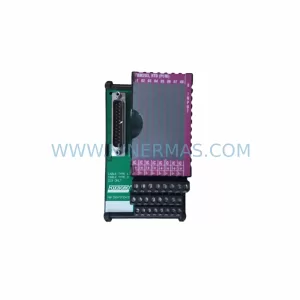
SKU: FBM203 P0916AE0C P0916AEOC
Foxboro FBM203 P0916AE0C Service-Ready Spare Part
Catalog Continuation
More FOXBORO modules in the catalog.
Use the brand lane to compare nearby part numbers, platform-adjacent modules, and other inquiry-ready listings before sending your final RFQ.
Catalog Continuation
Alternative parts within DCS Distributed Control Systems.
Stay inside the same system family when you need substitutes, adjacent modules, or a broader shortlist for procurement review.
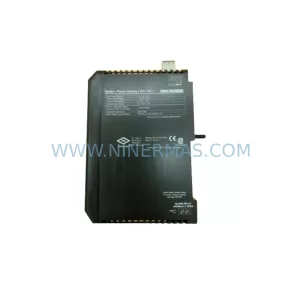
SKU: KJ1501X1-BB1 12P0678X042 VE5002
Emerson KJ1501X1-BB1 Retrofit Power Supply for Legacy DeltaV
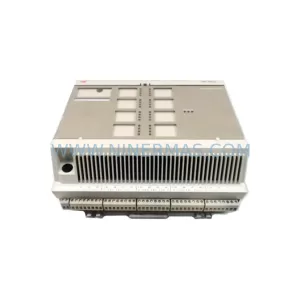
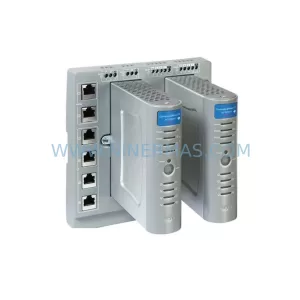
SKU: 8C-TCNT02 8U-TCNT02 8C-TCNTA1 8U-TCNTA1
Honeywell 8C-TCNT02 Service-Ready Spare Part for Industrial Maintenance