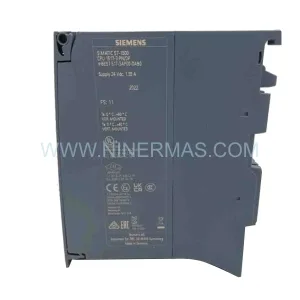
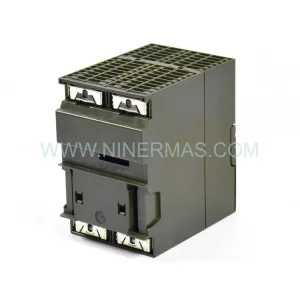
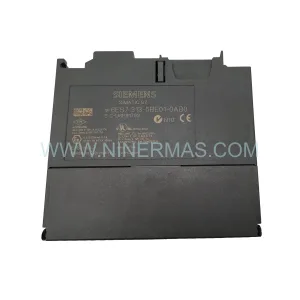
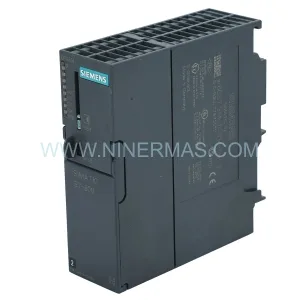
Original Industrial Spare Part
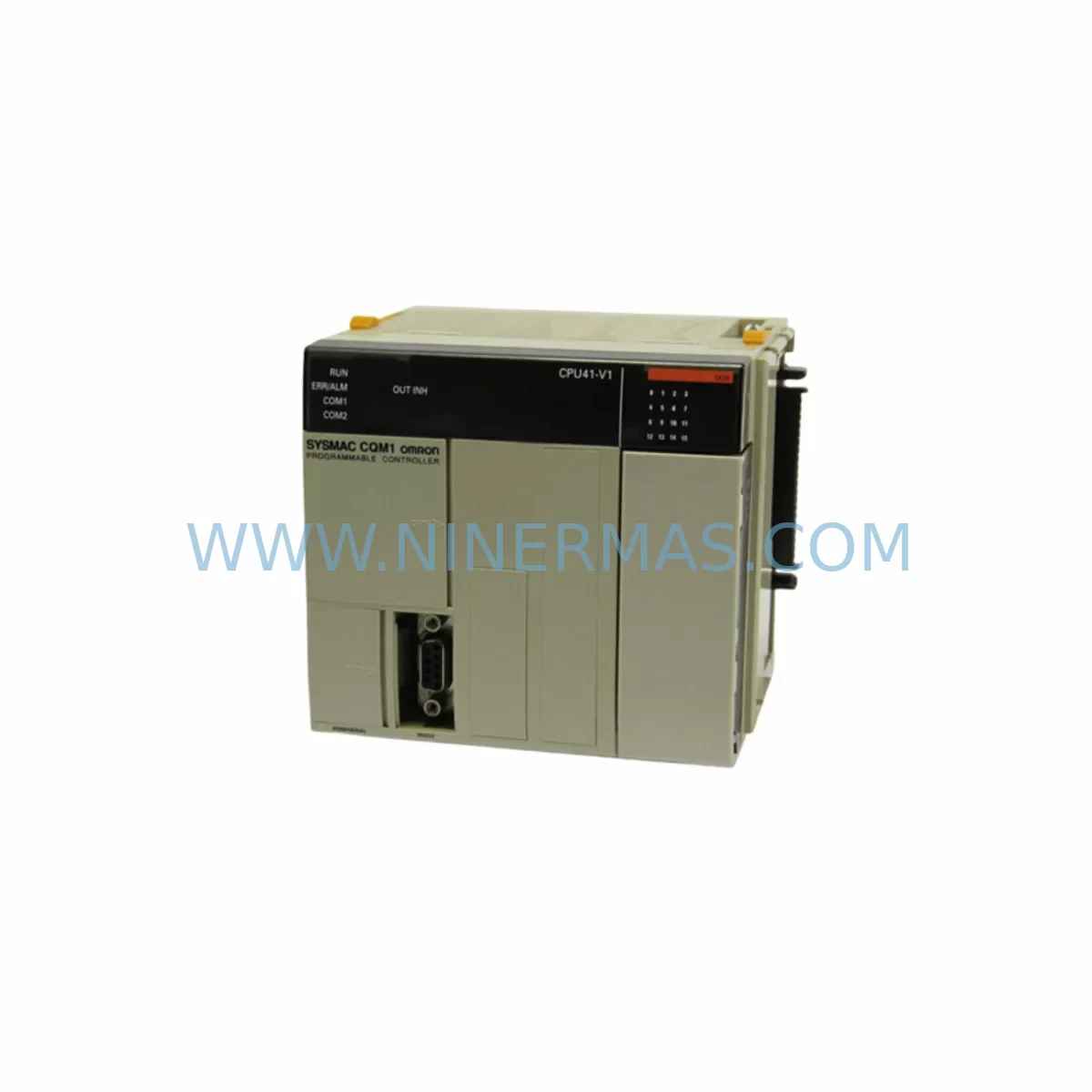
OMRON CQM1-CPU41 Retrofit-Compatible CPU for Legacy Systems
Verify the part, confirm the platform family, and move straight into quotation with the right commercial details.
RFQ Ready
- SKUCQM1-CPU41
- CategoryPLC & Industrial Automation Modules
- BrandOmron
- SupportAvailability, lead time, condition, and shipping coordination
How Buyers Usually Use This Page
- Confirm the exact part number and platform family before sending the quote request.
- Use direct email when quantity, condition, and destination are already defined internally.
- Switch to the broader brand or category archive when you need alternates nearby.
Series Navigation
Move through the most common platform families behind this part.
Product RFQ
Send this part directly for quotation.
Include quantity, required condition, destination country, and target delivery timing. Current reference: OMRON CQM1-CPU41 Retrofit-Compatible CPU for Legacy Systems with SKU CQM1-CPU41.
OMRON CQM1-CPU41 Retrofit-Compatible CPU for Legacy Systems
The OMRON CQM1-CPU41 is a compact, high-performance CPU module designed for the CQM1 Series programmable logic controller platform — one of OMRON’s most widely deployed control architectures in discrete manufacturing, packaging, material handling, and process automation. As the CQM1 series has reached end-of-life status, the CQM1-CPU41 has become a critical spare part for facilities that depend on legacy control infrastructure and cannot afford unplanned downtime or a full system overhaul. NINERMAS maintains verified stock of the CQM1-CPU41 to support retrofit projects, emergency replacements, and long-term spare parts programs across global industrial sites.
Whether your facility is executing a phased migration to a modern OMRON CP1H, CP2E, or CJ2M platform, or simply needs a like-for-like replacement to restore production continuity, the CQM1-CPU41 provides a reliable, tested solution backed by a 12-month warranty and pre-shipment functional verification.
Upgrade Compatibility Table
| Parameter | CQM1-CPU41 (Legacy) | Retrofit / Upgrade Notes |
|---|---|---|
| CPU Series | OMRON CQM1 | Compatible with all CQM1 backplane configurations |
| Program Capacity | 7.2K steps | Verify program size before substitution; expand via CQM1-CPU43/CPU44 if needed |
| I/O Points | Up to 256 I/O | Confirm I/O expansion modules (CQM1-ID212, CQM1-OD212) are seated correctly |
| Communication Port | RS-232C (peripheral port) | Use CQM1-SCB41 or CIF01 cable for CX-Programmer connection |
| Power Supply Compatibility | CQM1-PA206 / CQM1-PD026 | Verify DC/AC supply rating before installation; do not mix supply types |
| Backplane / Rack | CQM1 series backplane | Direct slot-in replacement; no backplane modification required |
| Programming Software | CX-Programmer (CX-One) | Backup existing ladder logic before CPU swap; restore and verify I/O mapping |
| HMI Compatibility | OMRON NT-series, NS-series | Confirm HMI screen tag addresses match restored program; re-test all screens |
| Installation Space | Standard CQM1 DIN-rail cabinet | No additional space required; same form factor as original CPU |
| Warranty | 12-Month Warranty — All units pre-tested before shipment by NINERMAS | |
Retrofit Planning for Existing Automation Systems
A successful CQM1-CPU41 retrofit begins well before the replacement unit arrives on site. Engineers should start by auditing the existing control cabinet to document every component connected to the CQM1 backplane. This typically includes the CQM1-PA206 AC power supply module, one or more CQM1-ID212 DC input modules, CQM1-OD212 transistor output modules, and any analog I/O modules such as the CQM1-AD041 or CQM1-DA021. Each of these modules must be confirmed as functional before the CPU swap, since a faulty I/O module can mask itself as a CPU fault and lead to misdiagnosis.
Terminal wiring should be photographed and documented at the field terminal block level. In many legacy installations, wiring labels have faded or been modified over years of operation, and the original wiring diagram may no longer reflect the as-built configuration. Taking time to verify each I/O channel against the existing ladder program prevents costly rewiring errors during commissioning.
For sites running OMRON NT-series or NS-series HMI panels connected to the CQM1-CPU41 via RS-232C, the communication parameters — baud rate, data bits, parity, and stop bits — must be recorded before the CPU is removed. These settings are stored in the CPU’s DM area and will need to be re-entered or restored from a program backup after the new CPU is installed. If the site uses a CQM1-SCB41 serial communications board for host link or no-protocol communication, verify that the board is reseated correctly and that the communication cable pinout matches the connected device.
Where the retrofit is part of a broader migration toward a modern platform such as the OMRON CP2E or CJ2M-CPU31, the CQM1-CPU41 serves as a bridge solution — keeping the line running while the new control architecture is engineered, programmed, and tested in parallel. In these scenarios, it is common to also source a CQM1-CPU43 or CQM1-CPU44 as a higher-capacity interim CPU if the existing program is approaching the CQM1-CPU41’s 7.2K step limit. Signal isolators and protocol converters may also be introduced at this stage to bridge legacy DeviceNet or Host Link segments to modern EtherNet/IP or PROFINET backbones.
Control cabinet space is rarely a concern with a like-for-like CQM1-CPU41 replacement, as the module occupies the same slot position on the CQM1 backplane. However, if the retrofit involves adding a CQM1-SCB41 communications board or additional I/O expansion modules, verify that the backplane has sufficient free slots and that the total current draw does not exceed the CQM1-PA206 power supply’s rated output. Exceeding the power budget is a common oversight in expansion projects and can cause intermittent CPU faults that are difficult to diagnose in the field.
Downtime Control During System Migration
Minimizing production downtime during a CQM1-CPU41 replacement requires a structured pre-outage preparation process. Before the planned maintenance window, use CX-Programmer to upload and save the complete ladder program, including all DM data memory values, timer presets, and counter settings. Store this backup in at least two locations — a local engineering laptop and a network share — to guard against file corruption. If the site does not have a current program backup, this step alone justifies scheduling a brief planned outage rather than waiting for an unplanned failure.
During the swap, power down the CQM1 system using the correct sequence: disable outputs first via the program or a hardware interlock, then remove power from the CQM1-PA206 supply. Remove the CQM1-CPU41 from the backplane, install the replacement unit, and restore power. The CPU will initialize in PROGRAM mode, allowing the engineer to download the saved program before enabling outputs. This sequence protects field devices and prevents unintended actuator movement during the transition.
After the program is downloaded, perform a systematic I/O check by forcing each input and output channel individually and confirming the corresponding field device response. Pay particular attention to safety-related outputs — emergency stop relays, guard interlocks, and safety light curtain interfaces — to confirm that the safety logic has been restored correctly. If the site uses an OMRON G9SA or G9SP safety relay module interfaced to the CQM1, verify the safety circuit continuity before releasing the machine to production.
For sites with SCADA or MES connectivity via Host Link or Modbus RTU, confirm that the supervisory system is receiving valid data from the CQM1-CPU41 before signing off on the retrofit. A brief parallel-run period — where both the old and new CPU outputs are monitored before the old unit is fully decommissioned — is recommended where the process permits. This approach is particularly valuable in continuous process applications where a single missed signal can trigger a cascade of downstream alarms.
Retrofit Support FAQ
Q1: Is the CQM1-CPU41 a direct drop-in replacement for other CQM1 CPU variants?
The CQM1-CPU41 is physically compatible with all standard CQM1 backplanes and shares the same connector and form factor as the CQM1-CPU21, CQM1-CPU31, CQM1-CPU43, and CQM1-CPU44. However, program capacity and I/O point counts differ between variants. Always verify that the replacement CPU’s program memory is equal to or greater than the original unit’s used capacity before installation. NINERMAS can advise on the correct variant selection based on your existing program size and I/O count.
Q2: What pre-shipment testing does NINERMAS perform on the CQM1-CPU41?
Every CQM1-CPU41 unit shipped by NINERMAS undergoes functional power-on testing, memory integrity verification, and communication port check prior to dispatch. Units are shipped with a test report and are covered by a 12-month warranty from the date of delivery. If a unit fails within the warranty period, NINERMAS will arrange a replacement or repair at no additional cost to the customer.
Q3: Can the CQM1-CPU41 communicate with modern HMI panels and SCADA systems?
Yes. The CQM1-CPU41 supports OMRON Host Link (SYSMAC WAY) protocol via its RS-232C peripheral port, which is compatible with a wide range of OMRON NT-series and NS-series HMI panels, as well as third-party SCADA systems that support Host Link or Modbus RTU via a protocol converter. For sites migrating to EtherNet/IP-based supervision, a serial-to-Ethernet gateway can be used to bridge the CQM1’s Host Link port to the plant network without modifying the PLC program.
Q4: How quickly can NINERMAS supply the CQM1-CPU41, and is long-term stock available?
NINERMAS maintains ready stock of the CQM1-CPU41 to support urgent replacement and planned retrofit projects. Standard lead time for in-stock units is 3–7 business days for international shipment. For customers with ongoing maintenance programs or multi-site retrofit projects, NINERMAS offers long-term stock commitment agreements to guarantee supply availability over a 12–24 month horizon. Contact our team at sale@ninermas.com or +0086 187 5021 5667 to discuss your procurement requirements.
| Product Series | Legacy |
|---|---|
| Country of Origin | JP |
Catalog Continuation
More Omron modules in the catalog.
Use the brand lane to compare nearby part numbers, platform-adjacent modules, and other inquiry-ready listings before sending your final RFQ.
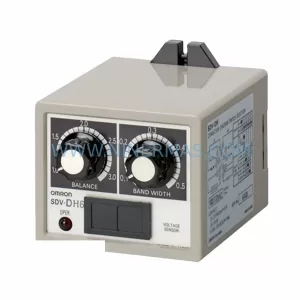
SKU: SDV-DH7/SDV-DH
OMRON SDV-DH7/SDV-DH Retrofit Timer Relay for Legacy Systems
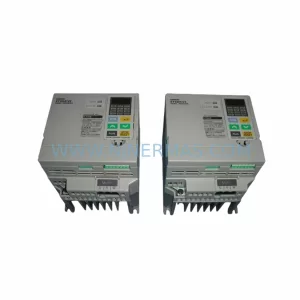
SKU: 3G3EV-AB007M-E
OMRON 3G3EV-AB007M-E Retrofit-Compatible VFD for Legacy Systems
Catalog Continuation
Alternative parts within PLC & Industrial Automation Modules.
Stay inside the same system family when you need substitutes, adjacent modules, or a broader shortlist for procurement review.
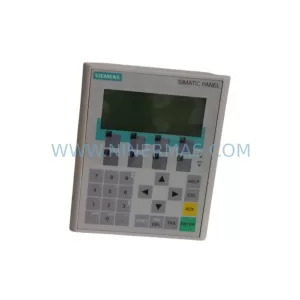
SKU: 6AV6641-0CA01-0AX1
Siemens 6AV6641-0CA01-0AX1 Service-Ready Spare Part for Industrial Maintenance
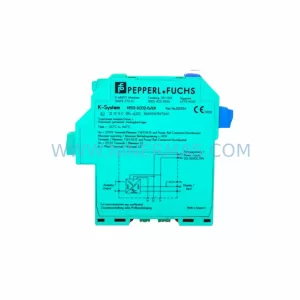
SKU: VT-VSPA1-1-11
Rexroth VT-VSPA1-1-11 Retrofit-Compatible Valve Amplifier