Original Industrial Spare Part
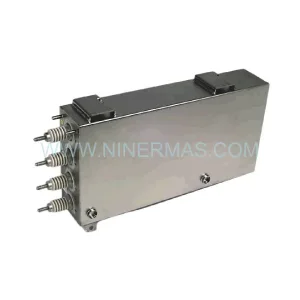
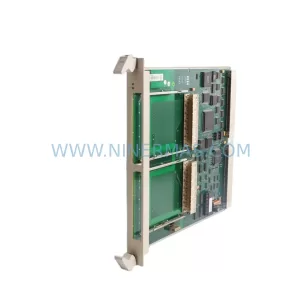
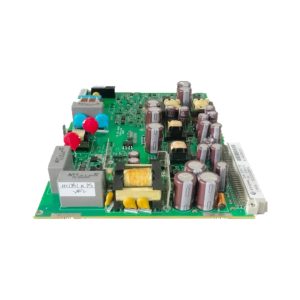
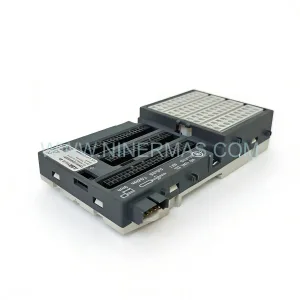
ABB IRB66003HAC057549-003 Retrofit Drive for IRB 6600 Series
Verify the part, confirm the platform family, and move straight into quotation with the right commercial details.
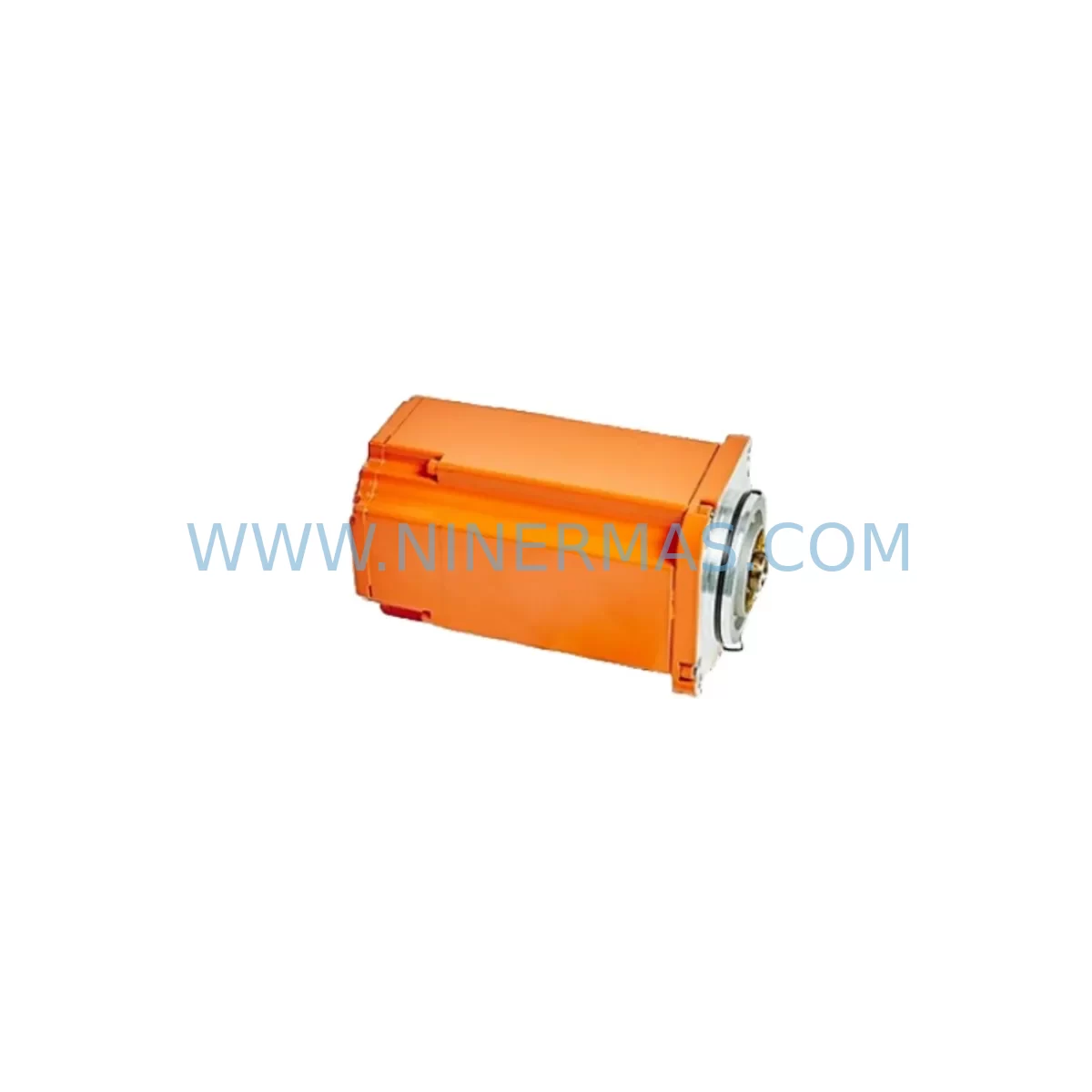
RFQ Ready
- SKUIRB66003HAC057549-003
- CategoryPLC & Industrial Automation Modules
- BrandABB
- SupportAvailability, lead time, condition, and shipping coordination
How Buyers Usually Use This Page
- Confirm the exact part number and platform family before sending the quote request.
- Use direct email when quantity, condition, and destination are already defined internally.
- Switch to the broader brand or category archive when you need alternates nearby.
Series Navigation
Move through the most common platform families behind this part.
Product RFQ
Send this part directly for quotation.
Include quantity, required condition, destination country, and target delivery timing. Current reference: ABB IRB66003HAC057549-003 Retrofit Drive for IRB 6600 Series with SKU IRB66003HAC057549-003.
ABB IRB66003HAC057549-003 Retrofit Drive for IRB 6600 Series: Legacy-Compatible Upgrade for Industrial Robot Systems
The ABB IRB66003HAC057549-003 is a retrofit-compatible drive unit engineered for the IRB 6600 robot series — one of ABB’s most widely deployed heavy-payload industrial robots in automotive, foundry, and general manufacturing environments. As the IRB 6600 platform approaches end-of-life support cycles, maintenance engineers and automation managers face increasing pressure to source reliable spare parts, validate drop-in compatibility, and execute controlled upgrades without disrupting production schedules. This unit addresses that challenge directly: it is sourced from verified supply channels, pre-tested before shipment, and backed by a 12-month warranty to support long-term operational continuity.
Whether you are replacing a failed drive module in an emergency shutdown scenario or executing a planned retrofit of an aging robot cell, the IRB66003HAC057549-003 is designed to integrate into existing IRB 6600 mechanical and electrical architectures with minimal re-engineering. The unit maintains compatibility with the ABB S4C+ and IRC5 controller families, preserving existing RAPID program logic, axis calibration data, and teach pendant configurations where applicable.
Upgrade Compatibility Table
| Parameter | Details |
|---|---|
| Compatible Robot Series | ABB IRB 6600 (all variants) |
| Controller Compatibility | ABB S4C+, IRC5 (verify firmware revision) |
| Installation Interface | Standard IRB 6600 drive bay — no mechanical modification required |
| Terminal Wiring | Matches OEM terminal layout; verify cable harness connector type before installation |
| Communication Protocol | DeviceNet / PROFIBUS compatible (confirm active fieldbus option on target controller) |
| Replacement Recommendation | Direct replacement for failed or degraded IRB66003HAC057549-003 drive units |
| Commissioning Notes | Axis calibration and fine-calibration recommended post-installation; verify SMB (Serial Measurement Board) data integrity |
| Warranty | 12 months from date of shipment |
| Pre-Shipment Testing | Functional test performed on all units prior to dispatch |
| Lead Time | Subject to stock availability — contact for current inventory status |
Retrofit Planning for Existing Automation Systems
Retrofitting an IRB 6600 robot cell requires a structured approach that accounts for both mechanical and electrical interdependencies. Before replacing the IRB66003HAC057549-003 drive unit, engineers should audit the full drive chain: confirm that the ABB DSQC661 main computer board and DSQC662 I/O board are functioning within specification, as drive faults are sometimes symptomatic of upstream controller issues rather than isolated drive failure. Similarly, the DSQC508 axis computer should be inspected for firmware compatibility with the replacement drive unit.
Power supply integrity is a critical pre-installation checkpoint. The ABB DSQC609 power supply unit must deliver stable 24VDC to the drive system; voltage sag or ripple can cause intermittent drive faults that mimic hardware failure. Verify input voltage at the cabinet terminal block and inspect the IRC5 drive module cabinet bus bars for corrosion or loose connections before committing to a drive replacement.
For cells running DeviceNet or PROFIBUS fieldbus architectures, the DSQC378B or DSQC352A fieldbus adapter boards should be confirmed operational before the new drive is energized. A fieldbus communication fault at startup can prevent the drive from completing its initialization sequence, leading to misdiagnosis of the replacement unit. Confirm node addresses and baud rate settings match the existing network configuration.
I/O mapping should be reviewed against the existing RAPID program. If the robot cell uses a DSQC328A digital I/O board for end-effector control or safety interlocks, verify that signal assignments remain consistent after the drive swap. Any changes to axis parameter files — particularly motor type, gear ratio, or inertia settings — must be re-entered via the FlexPendant teach pendant before running production cycles.
Where the retrofit involves upgrading from an S4C+ to an IRC5 controller platform alongside the drive replacement, additional planning is required for HMI screen migration. Existing operator panels and TP02 teach pendants are not forward-compatible with IRC5; plan for FlexPendant integration and update operator training materials accordingly. Signal isolation between legacy 24VDC I/O and newer controller inputs may require signal isolator modules to prevent ground loop interference in mixed-generation control cabinets.
Backplane and rack space should be confirmed before ordering. The IRB 6600 drive unit occupies a defined slot in the robot’s internal drive rack; confirm that no mechanical damage to the rack guides or connector backplane has occurred during the original failure event, as damaged backplane connectors can cause intermittent faults with a new drive unit installed.
Downtime Control During System Migration
Minimizing unplanned downtime during an IRB 6600 drive replacement begins with pre-staging. Before the maintenance window opens, verify that the IRB66003HAC057549-003 replacement unit is on-site, tested, and accompanied by the correct cable harness adapters and torque specifications for the drive bay fasteners. Download and archive the existing robot configuration — including axis calibration data, RAPID module backups, and system parameter files — using the ABB RobotStudio offline programming environment or direct backup via the FlexPendant. This ensures that if the replacement drive requires a full system parameter reload, the restoration process is measured in minutes rather than hours.
During the physical swap, follow a controlled power-down sequence: disable the main circuit breaker, discharge the drive capacitor bank (allow a minimum of 5 minutes after power-off), and document the existing wiring harness routing with photographs before disconnection. Label all connectors. On power-up with the new drive installed, perform a controlled jog test on each axis at reduced speed before releasing the robot to automatic mode. Verify that the safety chain — including emergency stop circuits, safeguarding interlocks, and the DSQC400 safety board signals — is fully functional before resuming production.
For facilities operating multiple IRB 6600 units, consider maintaining one pre-tested IRB66003HAC057549-003 drive unit as a hot spare in the maintenance inventory. The cost of a spare unit is typically recovered within a single avoided unplanned downtime event, particularly in high-throughput automotive or foundry lines where robot downtime carries significant production loss per hour.
Retrofit Support FAQ
Q: Is the IRB66003HAC057549-003 a direct drop-in replacement for the original ABB part?
A: Yes, this unit is sourced and verified as a compatible replacement for the original IRB66003HAC057549-003 drive assembly used in the ABB IRB 6600 robot series. Mechanical mounting, connector layout, and electrical interface match the OEM specification. Minor firmware or parameter adjustments may be required depending on the specific robot variant and controller revision in your installation.
Q: What commissioning steps are required after installation?
A: After physical installation and power-up, perform axis fine-calibration using the robot’s calibration pendulum or laser calibration tool. Reload system parameters from your pre-swap backup via the FlexPendant. Run a slow-speed jog test on all six axes before enabling automatic mode. Verify fieldbus communication status and I/O signal mapping against your RAPID program logic before resuming production.
Q: How do I confirm compatibility with my specific IRB 6600 variant and controller?
A: Provide your robot serial number, controller type (S4C+ or IRC5), and current firmware revision to our technical team. We will cross-reference against our compatibility database and confirm suitability before shipment. Contact us at sale@ninermas.com or +0086 187 5021 5667.
Q: What does the 12-month warranty cover, and what is your stock availability?
A: The 12-month warranty covers manufacturing defects and functional failure under normal operating conditions from the date of shipment. All units undergo pre-shipment functional testing. Stock availability varies; contact us directly for current inventory status and lead time confirmation. We maintain sourcing relationships across multiple supply channels to support urgent spare parts requirements for legacy ABB robot systems.
| Product Series | IRB 6600 |
|---|---|
| Country of Origin | SE |
Catalog Continuation
Nearby part numbers around IRB66003.
Use this lane when the buyer is comparing adjacent model numbers, revision-near items, or closely related spare variants within the same brand family.
SKU: IRB66003HAC021127-001
ABB 3HAC021127-001 Retrofit AC Motor for IRB6600 Legacy Systems
Catalog Continuation
More ABB modules in the catalog.
Use the brand lane to compare nearby part numbers, platform-adjacent modules, and other inquiry-ready listings before sending your final RFQ.
SKU: 3HAC033388-001
ABB 3HAC033388-001 Safety-Reliable Robot Harness Module
SKU: DSTA001B 3BSE018316R1
ABB DSTA001B 3BSE018316R1 Retrofit-Compatible Interface for Legacy Systems
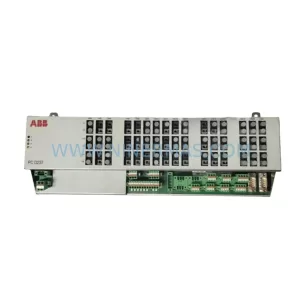
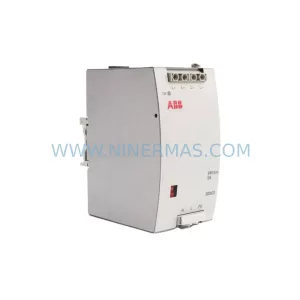
SKU: 3BHE028915R0101 PCD237 A101
ABB 3BHE028915R0101 PCD237 A101 Retrofit Safety Controller
Catalog Continuation
Alternative parts within PLC & Industrial Automation Modules.
Stay inside the same system family when you need substitutes, adjacent modules, or a broader shortlist for procurement review.



SKU: HDD02.2-W040N-HS12-01-FW FWA-DIAX04-ELS-05VRS-MS
Rexroth HDD02.2-W040N-HS12-01-FW Service-Ready Spare Part

SKU: I5DAE375F10010000S
Lenze I5DAE375F10010000S Service-Ready Spare Part for Industrial Maintenance