Original Industrial Spare Part
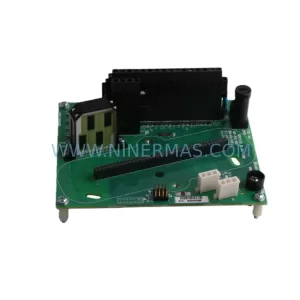
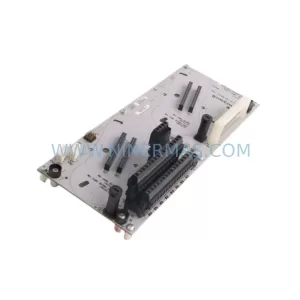
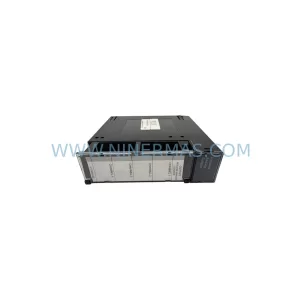
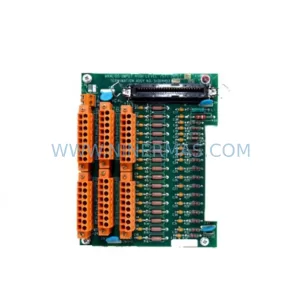
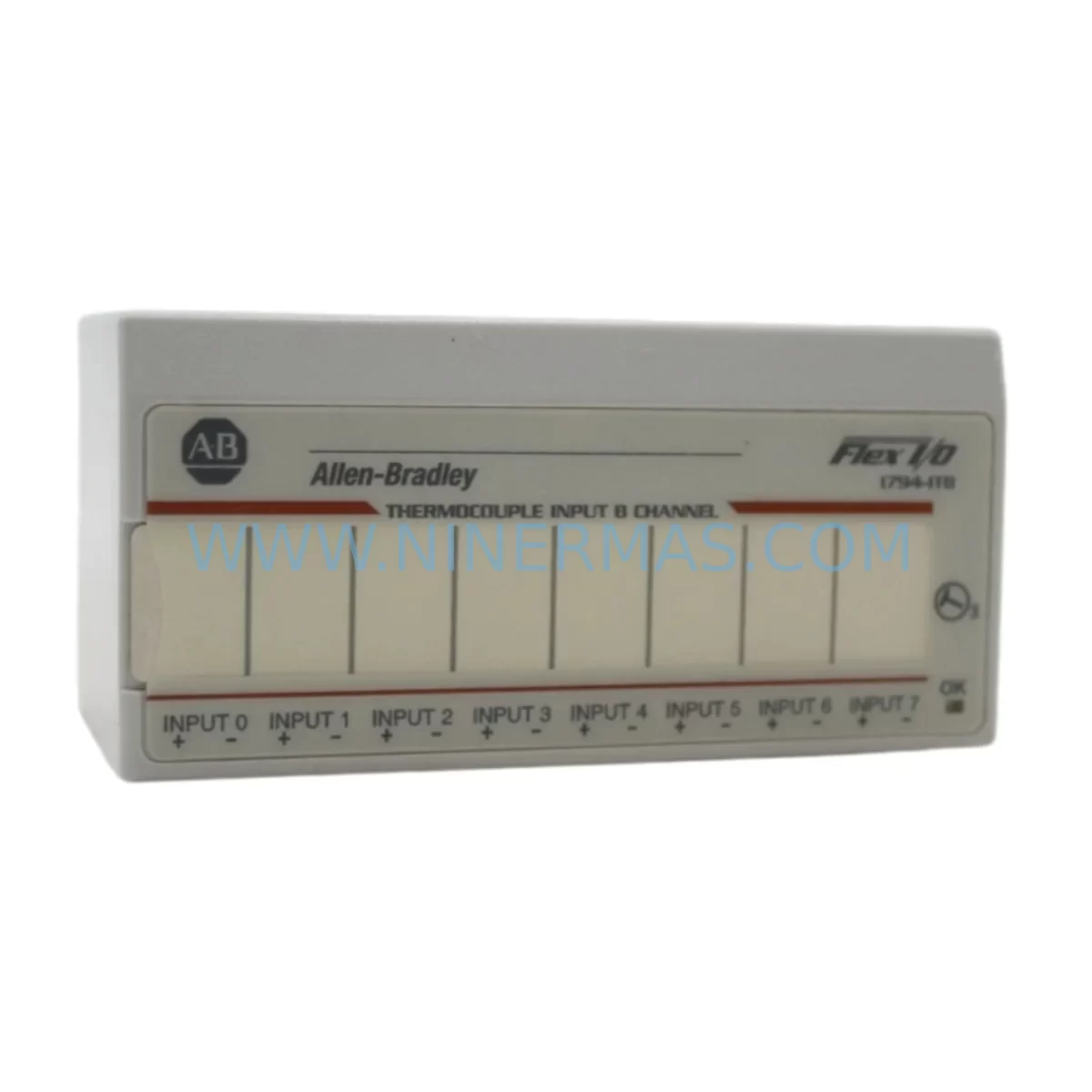
Allen-Bradley 1794-IT8 Retrofit-Compatible Thermocouple Input for Legacy Systems
Verify the part, confirm the platform family, and move straight into quotation with the right commercial details.
RFQ Ready
- SKU1794-IT8
- CategoryPLC & Industrial Automation Modules
- BrandAllen-Bradley
- SupportAvailability, lead time, condition, and shipping coordination
How Buyers Usually Use This Page
- Confirm the exact part number and platform family before sending the quote request.
- Use direct email when quantity, condition, and destination are already defined internally.
- Switch to the broader brand or category archive when you need alternates nearby.
Series Navigation
Move through the most common platform families behind this part.
Product RFQ
Send this part directly for quotation.
Include quantity, required condition, destination country, and target delivery timing. Current reference: Allen-Bradley 1794-IT8 Retrofit-Compatible Thermocouple Input for Legacy Systems with SKU 1794-IT8.
Allen-Bradley 1794-IT8 Retrofit-Compatible Thermocouple Input for Legacy Systems
The Allen-Bradley 1794-IT8 is an 8-channel thermocouple and millivolt input module designed for the FLEX I/O platform. As legacy automation systems age and original spare parts become increasingly difficult to source, the 1794-IT8 has become a critical component in retrofit projects across process industries, food and beverage plants, chemical facilities, and discrete manufacturing environments. Whether you are replacing a failed module in an existing FLEX I/O rack or planning a phased migration from an older SLC 500 or PLC-5 control architecture, the 1794-IT8 provides a reliable, drop-in compatible solution that minimizes engineering rework and reduces overall project risk.
Each 1794-IT8 module supports Type J, K, E, T, R, S, B, N, and C thermocouples as well as millivolt input signals, making it suitable for a wide range of temperature measurement applications. The module mounts directly onto a 1794 terminal base unit — typically the 1794-TB3 or 1794-TB3S — and communicates with the host controller through the FLEX I/O adapter, such as the 1794-AENT for EtherNet/IP networks or the 1794-ADN for DeviceNet installations. Before proceeding with any retrofit, engineers should verify that the existing terminal base is compatible with the 1794-IT8 and that the backplane power budget on the 1794 adapter can accommodate the additional module load.
Upgrade Compatibility Table
| Parameter | Details |
|---|---|
| SKU / Part Number | 1794-IT8 |
| Series | FLEX I/O |
| Input Channels | 8 Thermocouple / mV Inputs |
| Supported Thermocouple Types | J, K, E, T, R, S, B, N, C |
| Compatible Terminal Base | 1794-TB3, 1794-TB3S, 1794-TB3G |
| Compatible Adapters | 1794-AENT (EtherNet/IP), 1794-ADN (DeviceNet), 1794-ACN15 (ControlNet) |
| Backplane Current Draw | 75 mA @ 5 VDC (verify against adapter power budget) |
| Installation Requirement | Mounts on 1794 terminal base; no additional wiring adapter required |
| Communication Compatibility | EtherNet/IP, DeviceNet, ControlNet (adapter-dependent) |
| Common Replacement For | Older SLC 500 analog input cards, PLC-5 thermocouple modules |
| Retrofit Recommendation | Verify terminal base revision, adapter firmware, and RSLogix 5000 / Studio 5000 I/O tree configuration before hot-swap |
| Commissioning Focus | Channel scaling, thermocouple type selection, open-wire fault detection, filter frequency setting |
| Warranty | 12 Months |
Retrofit Planning for Existing Automation Systems
Successful integration of the 1794-IT8 into an existing control system requires careful pre-engineering. The first step is to audit the current FLEX I/O rack configuration. Identify the adapter model — whether it is a 1794-AENT, 1794-ADN, or 1794-ACN15 — and confirm the total backplane current budget. Each module in the rack draws current from the adapter, and exceeding the rated capacity will cause unpredictable faults or module dropouts. If the existing rack is already near capacity, consider adding a 1794-APB power booster or restructuring the rack layout to distribute the load.
Terminal wiring is another critical checkpoint. The 1794-IT8 uses a 1794-TB3 or 1794-TB3S terminal base, and the thermocouple wiring must use the correct compensating cable matched to the thermocouple type. Mixing thermocouple extension wire types introduces cold junction compensation errors that can be difficult to diagnose after installation. Label all field wiring before disconnecting the old module, and photograph the terminal layout for reference during recommissioning.
For sites migrating from SLC 500 or PLC-5 platforms to a ControlLogix or CompactLogix architecture, the 1794-IT8 can serve as a bridge I/O solution. The module integrates cleanly into a Studio 5000 project via the 1794-AENT adapter, and the I/O tree configuration is straightforward. However, engineers must remap all analog input tags from the legacy program to the new controller tag structure. If the original HMI screens — whether running on a PanelView 550, PanelView Plus 6, or a SCADA system — reference the old SLC data file addresses, those references must be updated to reflect the new ControlLogix tag names. Failure to update HMI bindings is one of the most common causes of post-retrofit alarm and display errors.
In projects involving communication protocol migration — for example, moving from a DH+ network to EtherNet/IP — the 1794-AENT adapter enables the 1794-IT8 to participate directly in a standard Ethernet infrastructure. This eliminates the need for protocol converters or legacy DH+ interface cards, simplifying the control cabinet layout and reducing long-term maintenance overhead. Where DeviceNet is still in use, the 1794-ADN adapter provides a compatible path without requiring module replacement.
I/O expansion is often required during retrofit projects as new measurement points are added to the process. The FLEX I/O platform supports mixed module types within the same rack, so the 1794-IT8 can coexist with 1794-IB16 digital input modules, 1794-OB16 digital output modules, 1794-IE8 analog voltage/current input modules, and 1794-OE4 analog output modules. This flexibility allows engineers to expand the I/O footprint incrementally without replacing the entire rack or adapter infrastructure. Signal isolators may be required at the field terminal level if long cable runs or ground loop issues are present — DIN-rail mounted signal conditioners are commonly installed in the same control cabinet to protect module inputs from noise and transient voltages.
Programming cable access is also worth planning in advance. If the site uses a 1784-U2DHP USB-to-DH+ adapter or a 1747-UIC USB-to-DH-485 cable for legacy SLC programming, these will not be needed once the migration to EtherNet/IP is complete. However, during the transition period, having both programming interfaces available on-site prevents delays if the new network path is not yet fully commissioned. A laptop with both RSLogix 500 and Studio 5000 installed is recommended for mixed-platform retrofit sites.
Downtime Control During System Migration
Minimizing production downtime is the primary concern for any retrofit involving the 1794-IT8 in a live process environment. The recommended approach is to pre-configure the replacement module offline before the scheduled maintenance window. Using Studio 5000 or RSLogix 5000, create and verify the I/O configuration, channel scaling parameters, thermocouple type assignments, and filter settings in a test project. Export the configuration and validate it against the existing program logic before the cutover date.
During the physical swap, the 1794-IT8 can be removed from the terminal base without disturbing field wiring, provided the terminal base itself remains in place. This significantly reduces the time required for reconnection and eliminates the risk of wiring errors during the cutover. After inserting the new module, the adapter will automatically recognize it and begin communicating within seconds, assuming the I/O configuration in the controller matches the installed module type.
To protect the original program logic, always create a full backup of the controller project — including all routines, tags, HMI faceplates, and trend configurations — before beginning any hardware changes. Store the backup on a secure network location and on a local USB drive kept on-site. If the retrofit involves a ControlLogix system with a 1756-L8x or 1756-L7x controller, use the controller’s built-in project backup function to create a timestamped archive. For CompactLogix platforms, the same procedure applies via Studio 5000.
Field control continuity can be maintained during the swap by placing the affected control loops in manual mode at the DCS or SCADA level before removing the module. Operators should be briefed on the expected duration of the maintenance window and the fallback procedure if the new module does not come online within the planned timeframe. Having a tested spare 1794-IT8 on-site before beginning the retrofit is strongly recommended — this eliminates the risk of extended downtime caused by a second module failure during commissioning.
Retrofit Support FAQ
Q: Is the 1794-IT8 a direct replacement for older thermocouple input modules used in SLC 500 systems?
A: The 1794-IT8 is not a direct plug-in replacement for SLC 500 analog cards, as it uses the FLEX I/O backplane architecture rather than the SLC chassis. However, it is widely used as the target module in SLC-to-ControlLogix or SLC-to-CompactLogix migration projects, where the FLEX I/O rack replaces the legacy SLC chassis and the 1794-AENT adapter provides EtherNet/IP connectivity to the new controller.
Q: What commissioning steps are required after installing the 1794-IT8?
A: After physical installation, verify that the module is recognized in the Studio 5000 I/O tree. Configure each channel for the correct thermocouple type, set the input filter frequency, and enable open-wire detection. Perform a live calibration check by comparing module readings against a calibrated reference source. Confirm that all HMI displays and SCADA trend tags are reading correctly before returning the system to automatic control.
Q: Can the 1794-IT8 be used with both EtherNet/IP and DeviceNet adapters?
A: Yes. The 1794-IT8 is compatible with all standard FLEX I/O adapters, including the 1794-AENT (EtherNet/IP), 1794-ADN (DeviceNet), and 1794-ACN15 (ControlNet). The choice of adapter determines the communication protocol used by the entire FLEX I/O rack, so the adapter selection should align with the host controller’s network infrastructure.
Q: What warranty and supply assurance does NINERMAS provide for the 1794-IT8?
A: All 1794-IT8 modules supplied by NINERMAS carry a 12-month warranty covering manufacturing defects and functional failures under normal operating conditions. Each unit undergoes pre-shipment functional testing before dispatch. NINERMAS maintains stock inventory to support urgent retrofit and breakdown replacement requirements, with expedited shipping available for critical production sites.
| Product Series | Flex I/O |
|---|---|
| Country of Origin | US |
Catalog Continuation
More Allen-Bradley modules in the catalog.
Use the brand lane to compare nearby part numbers, platform-adjacent modules, and other inquiry-ready listings before sending your final RFQ.




Catalog Continuation
Alternative parts within PLC & Industrial Automation Modules.
Stay inside the same system family when you need substitutes, adjacent modules, or a broader shortlist for procurement review.
SKU: 6SY7000-0AA31
SIEMENS 6SY7000-0AA31 Retrofit-Compatible Rectifier Unit
SKU: BM4423-CT1-01600-S01-03-SET
Baumuller BM4423-CT1-01600-S01-03-SET Service-Ready Spare
SKU: TLC4362D312151
Berger Lahr TLC4362D312151 Retrofit-Compatible Servo Drive