
Original Industrial Spare Part
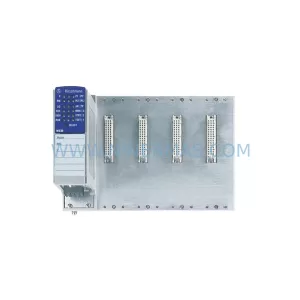
Hirschmann MM3-4FXM4 Retrofit-Compatible Media Module
Verify the part, confirm the platform family, and move straight into quotation with the right commercial details.
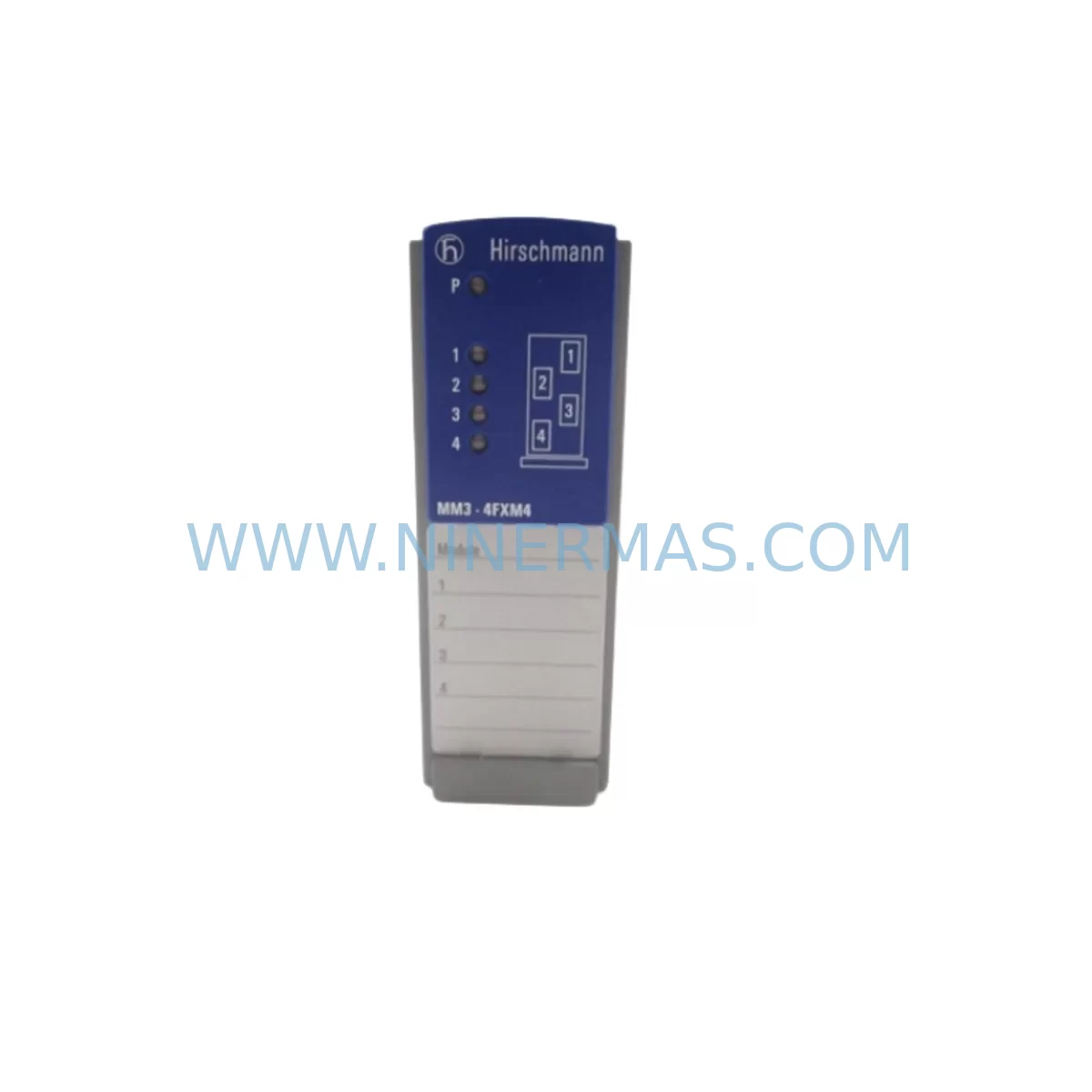
RFQ Ready
- SKUMM3-4FXM4
- CategoryPLC & Industrial Automation Modules
- BrandHirschmann
- SupportAvailability, lead time, condition, and shipping coordination
How Buyers Usually Use This Page
- Confirm the exact part number and platform family before sending the quote request.
- Use direct email when quantity, condition, and destination are already defined internally.
- Switch to the broader brand or category archive when you need alternates nearby.
Series Navigation
Move through the most common platform families behind this part.
Product RFQ
Send this part directly for quotation.
Include quantity, required condition, destination country, and target delivery timing. Current reference: Hirschmann MM3-4FXM4 Retrofit-Compatible Media Module with SKU MM3-4FXM4.
Hirschmann MM3-4FXM4 Retrofit-Compatible Media Module for Legacy Industrial Systems
The Hirschmann MM3-4FXM4 is a fiber-optic media module designed for integration into the Hirschmann MM3 managed switch platform, widely deployed across industrial Ethernet backbones in process automation, machine control, and critical infrastructure environments. As legacy Hirschmann MICE, RS2, and MACH series installations approach end-of-life, the MM3-4FXM4 continues to serve as a proven retrofit solution — enabling engineers to extend the operational lifespan of existing control networks without requiring a full topology redesign or PLC migration.
NINERMAS maintains verified stock of the MM3-4FXM4 with pre-shipment functional testing, ensuring each unit is ready for immediate field deployment. All units are covered under a 12-month warranty from the date of shipment.
Upgrade Compatibility Table
| Parameter | MM3-4FXM4 Specification | Retrofit Notes |
|---|---|---|
| Module Type | Fiber-Optic Media Module (4-port FX) | Slot-compatible with MM3 chassis |
| Fiber Interface | 100BASE-FX, Multi-mode, SC connector | Verify existing fiber patch type before installation |
| Chassis Compatibility | Hirschmann MM3 managed switch platform | Confirm slot availability and backplane revision |
| Communication Protocol | Industrial Ethernet (IEEE 802.3u) | Compatible with PROFINET, Modbus TCP, EtherNet/IP overlays |
| Power Supply | Powered via MM3 backplane (no external PSU) | Verify MM3 PSU capacity before adding modules |
| Installation Space | Standard MM3 module slot | Measure available rack space; confirm DIN rail clearance |
| Replacement Path | Direct replacement for legacy FX media modules in MM3 | No firmware re-flash required in most configurations |
| Commissioning | Web-based management via MM3 switch interface | Backup existing switch config before module swap |
| Warranty | 12-Month Warranty from NINERMAS — all units pre-tested before shipment | |
Retrofit Planning for Existing Automation Systems
When integrating the MM3-4FXM4 into an existing automation environment, the retrofit scope typically extends well beyond the module itself. Engineers working on legacy Hirschmann network upgrades must account for the full control cabinet ecosystem. In many installations, the MM3 switch chassis shares a 24VDC rail with other devices — including Hirschmann MICE 2005/6 switches, Phoenix Contact QUINT power supplies, and Weidmüller terminal blocks — meaning that adding a fiber module may require a power budget review before the swap is executed.
On the field device side, the MM3-4FXM4 is frequently deployed alongside Siemens S7-300 or S7-400 PLCs communicating over PROFINET IO, where the fiber backbone provides electrical isolation between control zones. In these architectures, the MM3 switch often connects to CP 343-1 or CP 443-1 communication processors, and any module replacement must preserve the existing PROFINET device names and IP address assignments to avoid disrupting the PLC’s I/O mapping. Before pulling the legacy module, engineers should export the MM3 switch configuration using HiDiscovery or the web interface, and verify that the replacement MM3-4FXM4 is recognized correctly after reinsertion.
For installations that also include Hirschmann RS2-FX/FX or MACH 1000 series switches upstream, the fiber link budget must be recalculated to confirm that the multi-mode fiber runs between the MM3 and adjacent switches remain within the 2km distance limit for 100BASE-FX. If the existing fiber infrastructure uses ST connectors rather than SC, an SC-to-ST adapter or patch cord replacement will be required — a detail that is often overlooked during initial retrofit planning but can delay commissioning by days if not addressed in advance.
Control cabinet space is another critical constraint. In dense cabinets where Siemens ET 200S distributed I/O racks, Murr Elektronik surge protection modules, and Pilz safety relays are already installed, the physical slot position of the MM3-4FXM4 within the chassis must be confirmed against the cabinet layout drawing. If the MM3 chassis is mounted on a DIN rail alongside a Siemens S7-1200 PLC and a Phoenix Contact FL SWITCH 1008 unmanaged switch, the module insertion direction and fiber routing path should be planned before the maintenance window begins to minimize hands-on time during the actual swap.
For systems that include Rockwell Automation Allen-Bradley 1756 ControlLogix or CompactLogix platforms communicating over EtherNet/IP, the MM3-4FXM4 provides the fiber uplink segment that bridges the copper EtherNet/IP ring to the fiber backbone. In these mixed-vendor environments, the MM3 switch’s VLAN and QoS settings should be reviewed to ensure that CIP traffic prioritization is maintained after the module replacement.
Downtime Control During System Migration
Minimizing unplanned downtime is the primary concern for any maintenance team executing a media module swap on a live industrial network. For the MM3-4FXM4, the recommended approach is a planned maintenance window during a scheduled production stop, with a target hands-on replacement time of under 30 minutes for a prepared technician.
Before the window opens, the following preparation steps should be completed: export the full MM3 switch configuration to a local backup file; photograph or document all fiber patch connections at the module face; confirm that the replacement MM3-4FXM4 has passed pre-shipment testing (all NINERMAS units are tested before dispatch); and verify that the HiDiscovery tool or web browser access to the MM3 management interface is available on the maintenance laptop.
During the swap, the module can be hot-swapped in most MM3 configurations without powering down the entire chassis, provided that the remaining modules in the chassis maintain network continuity for the unaffected ports. After reinsertion, the MM3 switch should automatically recognize the new module within 60 seconds. The technician should verify port link status via the web interface and confirm that all PROFINET IO devices, Modbus TCP clients, or EtherNet/IP adapters connected through the affected fiber ports have re-established communication before closing the maintenance window.
If the original program logic in the connected PLC references specific network topology parameters — such as PROFINET device names tied to the MM3 switch’s port configuration — these should be validated in the PLC’s hardware configuration tool (TIA Portal for Siemens, Studio 5000 for Rockwell) before the production line is restarted. Keeping the original PLC program logic intact and limiting changes to the physical layer is the most reliable strategy for maintaining control continuity and reducing retrofit risk.
Retrofit Support FAQ
Q1: Is the MM3-4FXM4 a direct drop-in replacement for the existing fiber module in my MM3 chassis?
In most cases, yes. The MM3-4FXM4 is designed for the Hirschmann MM3 managed switch platform and occupies a standard module slot. However, you should confirm the chassis backplane revision and the existing module’s fiber interface type (multi-mode SC) before ordering to ensure full mechanical and optical compatibility.
Q2: Do I need to reconfigure the MM3 switch after replacing the module?
If you have backed up the MM3 switch configuration prior to the swap, the replacement module should inherit the existing port settings automatically upon reinsertion. In some firmware versions, a manual port re-enable may be required via the web interface. NINERMAS recommends always backing up the switch config before any module replacement.
Q3: Has the MM3-4FXM4 been tested before shipment?
Yes. All MM3-4FXM4 units supplied by NINERMAS undergo pre-shipment functional testing to verify fiber port operation and backplane communication. Each unit is covered by a 12-month warranty from the date of shipment. If a unit fails within the warranty period, NINERMAS will arrange a replacement.
Q4: What is the lead time and stock availability for the MM3-4FXM4?
NINERMAS maintains ready stock of the MM3-4FXM4 to support urgent retrofit and breakdown replacement requirements. Standard lead time for in-stock units is 3–5 business days for international shipment. For large-quantity procurement or long-term spare parts programs, please contact our team directly to discuss stock commitment and pricing.
| Product Series | Other series |
|---|---|
| Country of Origin | DE |
Catalog Continuation
More Hirschmann modules in the catalog.
Use the brand lane to compare nearby part numbers, platform-adjacent modules, and other inquiry-ready listings before sending your final RFQ.
SKU: OZD PROFI 12M G12 PRO
Hirschmann OZD PROFI 12M G12 PRO Service-Ready Spare Part
SKU: OZD PROFI 12M G12-1300 PRO
Hirschmann OZD PROFI 12M G12-1300 PRO Industrial Spare Part
SKU: KTDE-V 943258-001
Hirschmann KTDE-V 943258-001 Safety-Reliable Coax Transceiver
Catalog Continuation
Alternative parts within PLC & Industrial Automation Modules.
Stay inside the same system family when you need substitutes, adjacent modules, or a broader shortlist for procurement review.
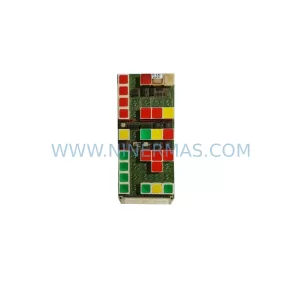
SKU: NA-1E221 1E-221.2
KONGSBERG NA-1E221 Service-Ready Spare Part for Maintenance
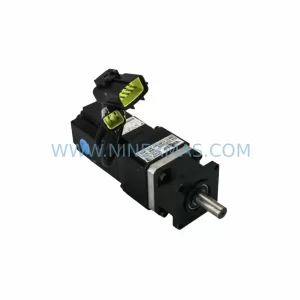
SKU: 023PLX0100 23 SGM-02U3B4L 10.004.22 RKH/W 500L 0040-99736
Yaskawa SGM-02U3B4L Retrofit AC Servo Motor for Legacy Systems
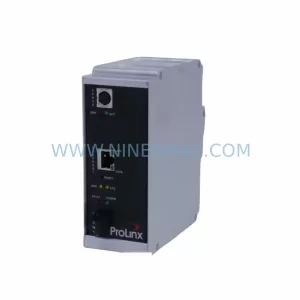
SKU: 6ES7341-1AH02-0AE0
Siemens 6ES7341-1AH02-0AE0 Retrofit-Compatible CP for Legacy S7-300



