Original Industrial Spare Part
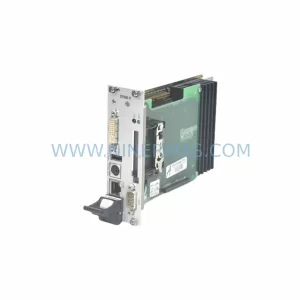
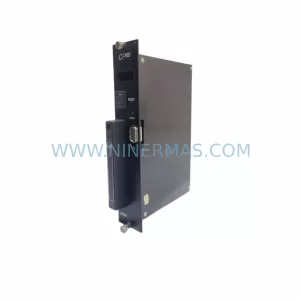
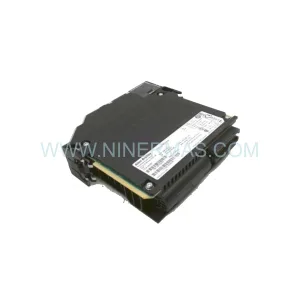
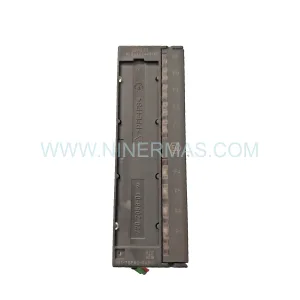
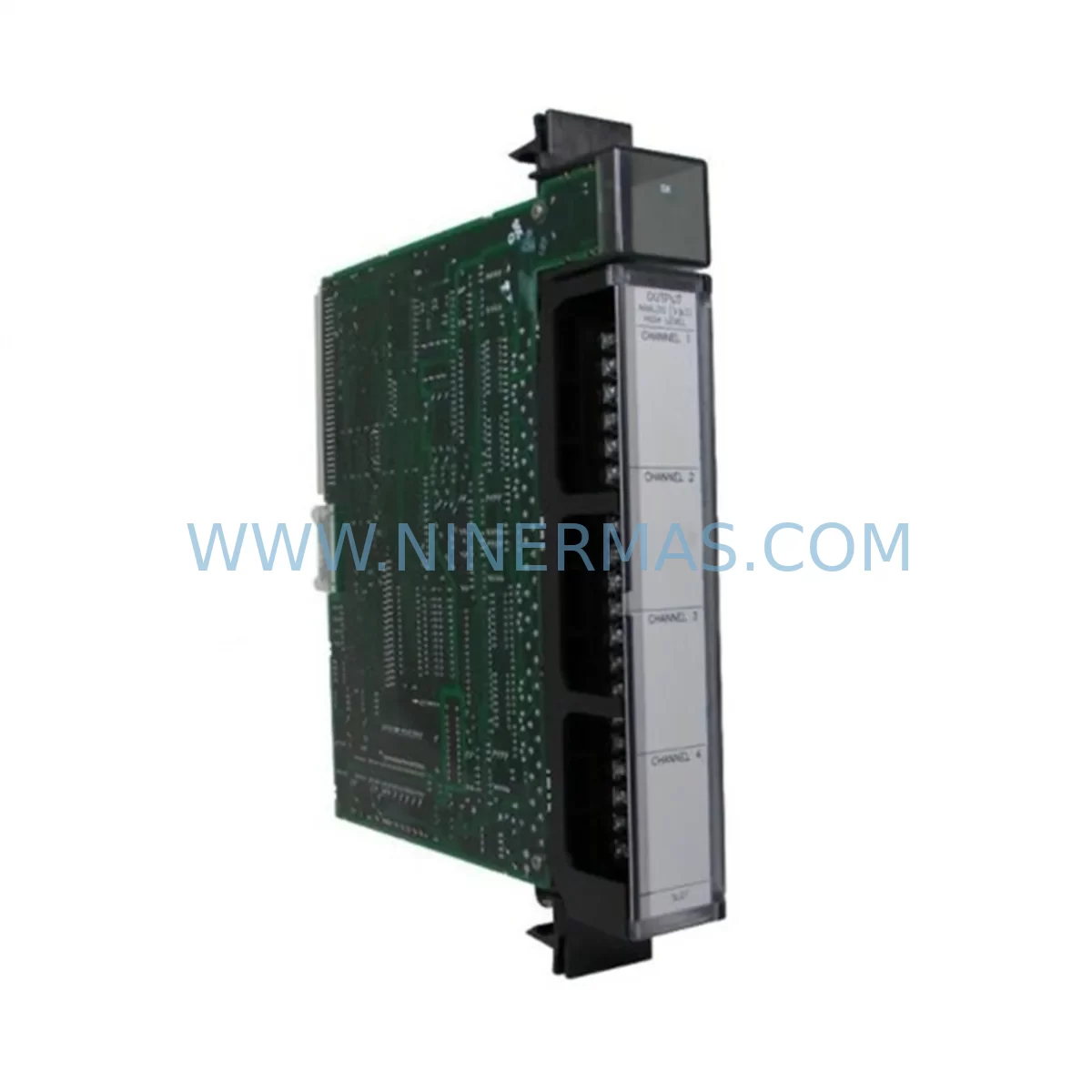
GE IC697ALG321 Service-Ready Spare Part for Industrial Maintenance
Verify the part, confirm the platform family, and move straight into quotation with the right commercial details.
RFQ Ready
- SKUIC697ALG321
- CategoryPLC & Industrial Automation Modules
- BrandGE
- SupportAvailability, lead time, condition, and shipping coordination
How Buyers Usually Use This Page
- Confirm the exact part number and platform family before sending the quote request.
- Use direct email when quantity, condition, and destination are already defined internally.
- Switch to the broader brand or category archive when you need alternates nearby.
Series Navigation
Move through the most common platform families behind this part.
Product RFQ
Send this part directly for quotation.
Include quantity, required condition, destination country, and target delivery timing. Current reference: GE IC697ALG321 Service-Ready Spare Part for Industrial Maintenance with SKU IC697ALG321.
GE IC697ALG321 Service-Ready Spare Part for Industrial Maintenance
The GE IC697ALG321 is an original analog input module designed for the GE Series 90-70 PLC platform — one of the most widely deployed programmable logic controller architectures in continuous process industries. For maintenance engineers managing aging control systems in power generation, petrochemical processing, water treatment, or heavy manufacturing, the IC697ALG321 represents a critical spare that directly impacts production continuity and process safety. Sourced from verified supply channels, each unit shipped by NINERMAS undergoes pre-shipment functional testing and is backed by a 12-month warranty, ensuring your replacement program carries measurable risk reduction from the moment of procurement.
Spare Maintenance Table
| Parameter | Specification / Detail |
|---|---|
| Part Number / SKU | IC697ALG321 |
| Brand / Manufacturer | GE (General Electric Automation) |
| Series | GE Series 90-70 |
| Module Type | Analog Input Module |
| Input Channels | 16 Analog Input Channels |
| Signal Range | ±10V / 4–20mA (configurable per channel) |
| Resolution | 12-bit (4096 steps) |
| Backplane Compatibility | GE Series 90-70 VME Backplane (IC697CHS750, IC697CHS782, IC697CHS790) |
| CPU Compatibility | IC697CPU731, IC697CPU771, IC697CPU781, IC697CPU782 |
| Operating Temperature | 0°C to 60°C |
| Relative Humidity | 5% to 95% (non-condensing) |
| Installation | Rack-mount, hot-swap capable with proper isolation procedure |
| Isolation | Field-side isolation from backplane logic |
| Condition | Original / Refurbished-to-OEM-spec, pre-shipment tested |
| Warranty | 12 Months from date of shipment |
| Origin | United States |
| Supplier | NINERMAS COMPANY LIMITED |
Maintenance Planning for Continuous Operation
When a GE Series 90-70 rack experiences an analog input fault — whether triggered by signal drift, channel failure, or module-level hardware degradation — the IC697ALG321 is the direct replacement that restores process visibility without requiring a platform migration. However, experienced maintenance engineers understand that replacing the analog input module in isolation rarely addresses the full scope of a control cabinet fault event. A structured maintenance approach requires evaluating the surrounding system components before and after the swap.
Begin with the IC697PWR711 or IC697PWR724 power supply module, which feeds the Series 90-70 rack. Voltage ripple, output sag under load, or capacitor aging in the power supply can cause intermittent analog errors that mimic module failure. Replacing the IC697ALG321 without verifying power supply health risks repeat failures within weeks. Similarly, the IC697CHS750 or IC697CHS790 backplane chassis should be inspected for bent connector pins, oxidation on the VME bus contacts, or physical damage to the card slot — all of which can cause read errors on analog channels even with a new module installed.
On the field wiring side, inspect the terminal block assemblies and field wiring connectors attached to the IC697ALG321’s I/O connector. Loose terminations, corroded screw terminals, or undersized cable cross-sections introduce resistance that distorts 4–20mA loop signals. If the site uses signal isolators — such as loop-powered or DIN-rail-mounted signal isolation barriers — verify that their output ranges are correctly matched to the IC697ALG321’s input configuration. Mismatched isolator output can cause systematic offset errors across all channels.
For sites running redundant CPU configurations using the IC697CPU782 or IC697BEM731 bus expansion module, confirm that the replacement IC697ALG321 is recognized by both the primary and secondary CPUs after installation. Redundancy switchover testing should be performed after any analog module replacement to validate that the standby CPU correctly reads the new module’s channel data. Failure to test this step has caused undetected redundancy gaps in critical process control loops.
Communication health should also be reviewed. If the Series 90-70 rack communicates via an IC697CMM711 or IC697CMM742 communications module to a SCADA or DCS host, verify that the analog data tags mapped to IC697ALG321 channels are correctly refreshed after the module swap. Configuration mismatches between the hardware module slot assignment and the software I/O table can cause the SCADA system to read stale or zeroed values even when the module is functioning correctly.
Finally, for sites with IC697MDL340 or IC697MDL341 discrete output modules in the same rack controlling interlocks or alarms triggered by analog thresholds, verify that the interlock logic is re-enabled and tested after the analog module replacement. It is common for maintenance teams to temporarily disable interlock outputs during module replacement and forget to re-arm them — a safety gap that can go undetected until the next process upset.
NINERMAS maintains stocked inventory of IC697ALG321 and related Series 90-70 components, enabling same-week shipment for emergency maintenance requirements. All units are pre-tested prior to dispatch and shipped with documentation supporting your incoming inspection process.
Site Replacement Workflow
Step 1 — Pre-Replacement Verification: Before removing the IC697ALG321, document all channel configurations, engineering unit scaling, and alarm setpoints from the programming software (Logicmaster 90-70 or Proficy Machine Edition). Export the hardware configuration file as a backup. Confirm that the replacement module’s firmware revision is compatible with the CPU firmware version in use.
Step 2 — Safe Isolation: Place the CPU in Stop mode. If the rack does not support live insertion for analog modules, de-energize the rack power supply using the IC697PWR711 or IC697PWR724 power switch. Disconnect field wiring from the I/O connector, labeling each wire by channel number before removal.
Step 3 — Module Swap: Remove the faulty IC697ALG321 by releasing the module locking tabs and sliding it out of the VME backplane slot. Insert the replacement module, ensuring full engagement with the backplane connector. Re-attach the field wiring connector, verifying terminal assignments against the documented channel map.
Step 4 — Configuration Restore: Power up the rack and download the saved hardware configuration to the CPU. Verify that the IC697ALG321 is recognized in the correct slot with no configuration fault indicators. Perform a channel-by-channel live signal check using a calibrated loop calibrator or signal generator to confirm that each analog input reads within ±0.5% of the applied signal.
Step 5 — Return to Service: Place the CPU back in Run mode. Monitor the first 30 minutes of operation for any analog fault diagnostics or unexpected process deviations. Update the maintenance log with the replacement date, module serial number, and post-replacement test results. Register the replaced module with NINERMAS for warranty tracking.
This workflow minimizes downtime to under two hours for a single-module replacement in a well-prepared maintenance environment, and supports the goal of returning the production line to full operation within a single maintenance window.
Spare Parts Support FAQ
Q1: What warranty does the IC697ALG321 carry, and what does it cover?
Each IC697ALG321 supplied by NINERMAS is covered by a 12-month warranty from the date of shipment. The warranty covers hardware defects, functional failures under normal operating conditions, and any failures attributable to the module itself rather than external wiring or power supply issues. NINERMAS provides direct replacement or repair support within the warranty period without requiring return-to-manufacturer authorization.
Q2: How is the IC697ALG321 tested before shipment?
Every IC697ALG321 unit undergoes a pre-shipment functional test that includes backplane communication verification, channel-by-channel analog input accuracy check across the full signal range (±10V and 4–20mA), and visual inspection for physical damage, connector integrity, and component condition. Test records are available upon request for incoming inspection documentation.
Q3: Is the IC697ALG321 compatible with all GE Series 90-70 CPU and chassis configurations?
The IC697ALG321 is compatible with the full range of GE Series 90-70 VME backplane chassis (IC697CHS750, IC697CHS782, IC697CHS790) and all Series 90-70 CPUs including IC697CPU731, IC697CPU771, IC697CPU781, and IC697CPU782. Compatibility with specific firmware versions should be confirmed against the GE hardware compatibility matrix. NINERMAS technical support can assist with compatibility verification prior to purchase.
Q4: Can NINERMAS support long-term or repeat procurement of IC697ALG321 for ongoing maintenance programs?
Yes. NINERMAS maintains standing inventory of IC697ALG321 and related Series 90-70 spare parts to support annual maintenance programs, emergency stock replenishment, and multi-site procurement contracts. Customers managing large installed bases of Series 90-70 systems can establish a preferred supplier arrangement with NINERMAS to ensure priority allocation and consistent lead times. Contact our team to discuss volume pricing and inventory reservation options.
| Product Series | 90-70 |
|---|---|
| Country of Origin | US |
Catalog Continuation
Nearby part numbers around IC697ALG.
Use this lane when the buyer is comparing adjacent model numbers, revision-near items, or closely related spare variants within the same brand family.
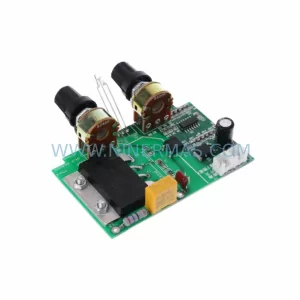
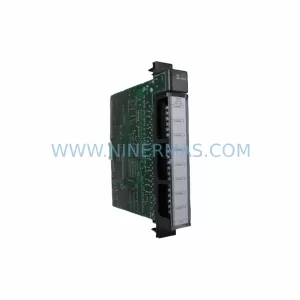
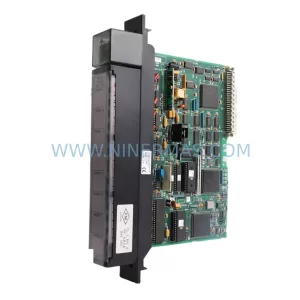
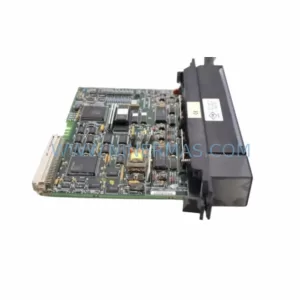
Catalog Continuation
More GE modules in the catalog.
Use the brand lane to compare nearby part numbers, platform-adjacent modules, and other inquiry-ready listings before sending your final RFQ.
Catalog Continuation
Alternative parts within PLC & Industrial Automation Modules.
Stay inside the same system family when you need substitutes, adjacent modules, or a broader shortlist for procurement review.