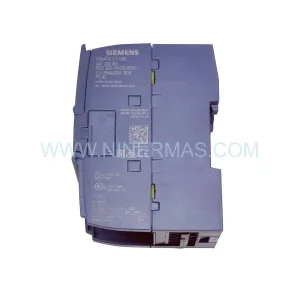
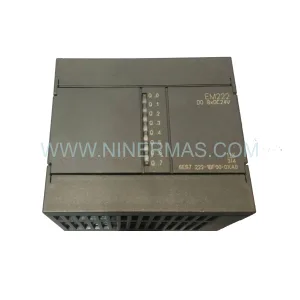
Original Industrial Spare Part
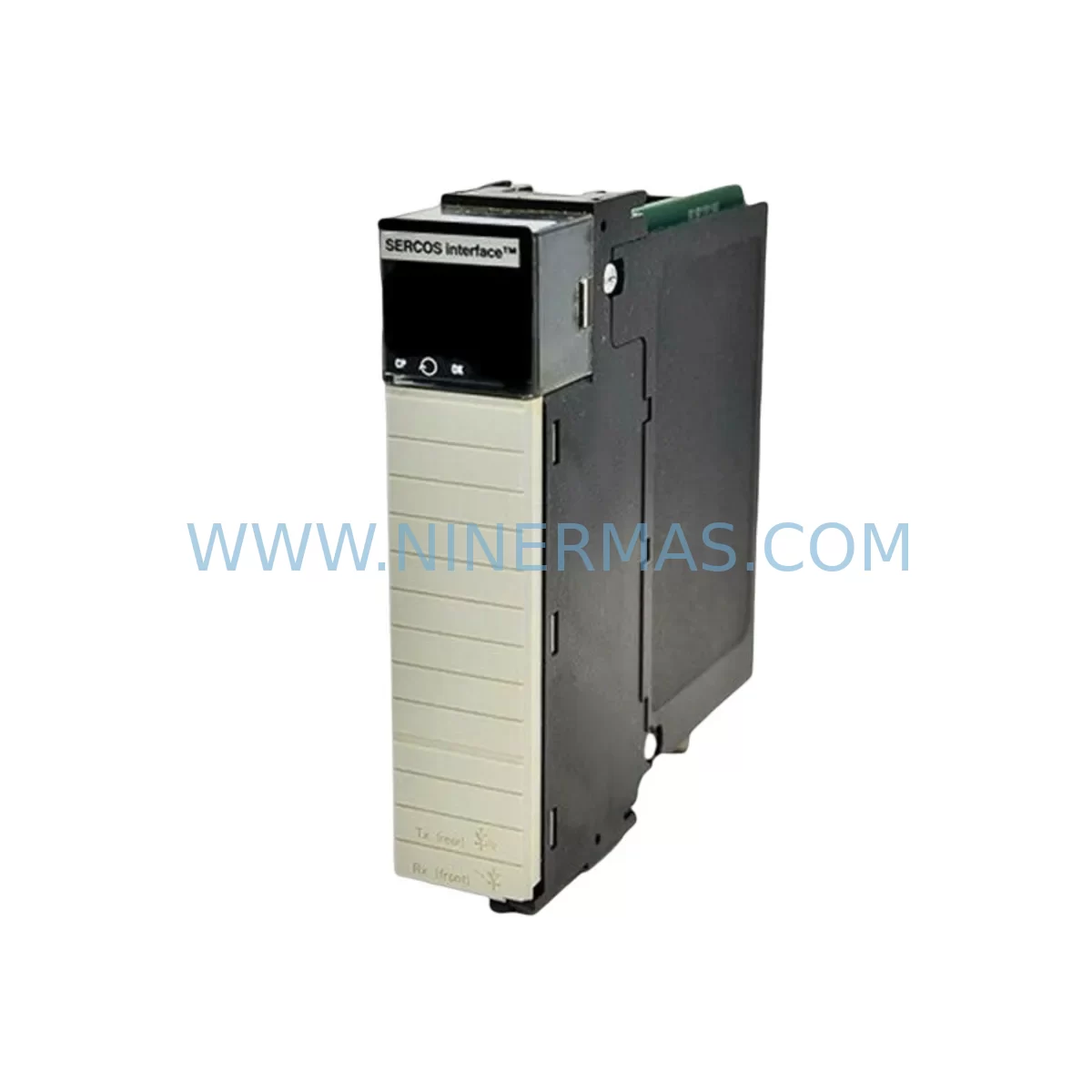
Allen-Bradley 1756-OB16IS Retrofit-Compatible Output Module
Verify the part, confirm the platform family, and move straight into quotation with the right commercial details.
RFQ Ready
- SKU1756-OB16IS
- CategoryPLC & Industrial Automation Modules
- BrandAllen-Bradley
- SupportAvailability, lead time, condition, and shipping coordination
How Buyers Usually Use This Page
- Confirm the exact part number and platform family before sending the quote request.
- Use direct email when quantity, condition, and destination are already defined internally.
- Switch to the broader brand or category archive when you need alternates nearby.
Series Navigation
Move through the most common platform families behind this part.
Product RFQ
Send this part directly for quotation.
Include quantity, required condition, destination country, and target delivery timing. Current reference: Allen-Bradley 1756-OB16IS Retrofit-Compatible Output Module with SKU 1756-OB16IS.
Allen-Bradley 1756-OB16IS Retrofit-Compatible Output Module: Seamless Legacy System Upgrade
The Allen-Bradley 1756-OB16IS is a 16-point, sourcing digital output module designed for the ControlLogix 1756 platform. As legacy automation systems age and original spare parts become increasingly difficult to source, the 1756-OB16IS has become a critical component in retrofit projects across manufacturing, oil & gas, water treatment, and discrete assembly lines. Whether you are replacing a failed module in an aging control cabinet or executing a planned migration from an older PLC-5 or SLC 500 platform to a modern ControlLogix architecture, the 1756-OB16IS provides the output density, isolation, and diagnostic capability required for reliable industrial operation.
Each 1756-OB16IS module is individually tested prior to shipment, backed by a 12-month warranty, and available from in-stock inventory for rapid deployment. Our team supports customers through the full retrofit lifecycle — from compatibility verification and wiring adaptation to on-site commissioning guidance.
Upgrade Compatibility Table
| Parameter | 1756-OB16IS (This Module) | Retrofit Notes |
|---|---|---|
| Output Points | 16 sourcing DC outputs | Verify field device polarity before wiring |
| Output Voltage Range | 10–31.2 VDC | Confirm PSU capacity on 1756-PA75 or 1756-PB75 |
| Backplane Interface | ControlLogix 1756 backplane | Compatible with 1756-A4, 1756-A7, 1756-A10, 1756-A13, 1756-A17 chassis |
| Module Addressing | Slot-based, auto-configured in RSLogix 5000 / Studio 5000 | Update I/O tree and verify tag mapping after slot insertion |
| Communication Protocol | ControlNet / EtherNet/IP via 1756-CNB or 1756-ENBT bridge | Confirm bridge module firmware compatibility |
| Installation Space | Single-slot ControlLogix module | No additional space required vs. predecessor modules |
| HMI Screen Updates | Tag-based; update FactoryTalk View or PanelView references | Remap output tags if slot address changes |
| Program Compatibility | Full compatibility with existing Studio 5000 / RSLogix 5000 projects | Re-download program after module replacement; verify forced outputs are cleared |
| Commissioning | Online module addition supported | Use RSLinx Classic or Studio 5000 online mode for live verification |
| Warranty | 12-Month Warranty — Covered from date of shipment. Includes functional failure under normal operating conditions. | |
Retrofit Planning for Existing Automation Systems
Replacing the 1756-OB16IS within an existing ControlLogix system requires careful pre-planning to avoid unplanned downtime and configuration errors. Before removing the failed or end-of-life module, engineers should document the current slot assignment within the 1756-A10 or 1756-A7 chassis and export the current Studio 5000 project file as a backup. If the system is running on an older 1756-L55 or 1756-L61 controller, confirm that the controller firmware supports the module revision being installed.
Power budget verification is a critical first step. The 1756-PA75 or 1756-PB75 power supply feeding the chassis must have sufficient reserve capacity to support the 1756-OB16IS alongside co-installed modules such as the 1756-IB16 digital input module, 1756-IF8 analog input module, and any 1756-DNB DeviceNet bridge modules. Overloading the backplane power budget is a common cause of intermittent faults during retrofit projects.
Terminal wiring adaptation is frequently required when migrating from older SLC 500 or PLC-5 output modules. The 1756-OB16IS uses a 20-pin RTB (Removable Terminal Block), and field wiring from legacy systems may need re-termination or the use of a 1492-CABLE wiring system to bridge existing terminal strips. Signal isolation should be verified, particularly in applications where the 1756-OB16IS drives solenoid valves, motor starters, or pilot lights that were previously controlled by relay output modules.
For systems that include a 1756-ENBT EtherNet/IP bridge or a 1756-CNB ControlNet bridge, confirm that the network topology and module IP addressing remain consistent after the swap. If the retrofit involves migrating from a legacy ControlNet architecture to EtherNet/IP, additional planning is required to update the 1756-L7x or 1756-L8x controller’s I/O connection parameters and to reconfigure any associated 1783-managed switches on the plant network.
HMI screens built in FactoryTalk View SE or displayed on a PanelView Plus terminal should be reviewed to confirm that output status indicators and manual override controls reference the correct tag paths. If the module slot number changes during the retrofit, all associated HMI tags must be updated and the application re-tested in simulation mode before going live.
Where signal conditioning is required between the 1756-OB16IS and legacy field devices, a DIN-rail-mounted signal isolator or interposing relay module may be inserted in the control cabinet to bridge voltage or current mismatches. This is particularly relevant in older facilities where field wiring was originally designed for 120VAC output modules and is now being adapted to the 24VDC sourcing outputs of the 1756-OB16IS.
Downtime Control During System Migration
Minimizing production downtime during a 1756-OB16IS replacement is achievable with the right preparation. The most effective approach is to pre-stage the replacement module, verify its firmware revision, and prepare all wiring documentation before the maintenance window begins. In many cases, the 1756-OB16IS can be hot-inserted into a powered ControlLogix chassis, allowing the controller to automatically recognize the new module and re-establish I/O connections without a full system shutdown — provided the chassis and controller firmware support this capability.
Before hot-insertion, confirm that no outputs are in a forced ON state that could cause unintended machine movement. Use Studio 5000’s online mode to monitor the I/O status in real time and verify that all 16 output points transition correctly after the module is seated. If the system uses a redundant controller pair (1756-L7xR or 1756-L8xR), the switchover logic should be tested to confirm that the standby controller correctly inherits the new module configuration without triggering a fault.
For planned shutdowns, the recommended sequence is: export the current project, inhibit the module in the I/O tree, remove the old 1756-OB16IS, insert the replacement, un-inhibit the module, download the project, and perform a controlled output verification test before resuming production. This sequence protects the original program logic, preserves all tag structures, and ensures that field devices respond correctly before the line restarts.
Keeping a tested, pre-configured spare 1756-OB16IS on the shelf — alongside compatible modules such as the 1756-IB16 and 1756-IF8 — is the most effective strategy for reducing mean time to repair (MTTR) in critical production environments. Our in-stock inventory and same-day shipping capability support this approach for facilities that cannot afford extended lead times on replacement parts.
Retrofit Support FAQ
Q: Is the 1756-OB16IS a direct drop-in replacement for older ControlLogix output modules?
A: In most cases, yes. The 1756-OB16IS occupies a single slot in any 1756-series chassis and is recognized automatically by Studio 5000. However, you should verify the RTB wiring pinout against your existing field wiring, as terminal assignments may differ between module revisions. Our technical team can assist with wiring comparison before shipment.
Q: Has the 1756-OB16IS been tested before shipment?
A: Yes. Every unit we supply undergoes functional output testing prior to dispatch. We verify that all 16 output channels respond correctly and that the module passes backplane communication checks. A test report is available upon request.
Q: What warranty is included, and what does it cover?
A: All 1756-OB16IS modules supplied by NINERMAS carry a 12-month warranty from the date of shipment. The warranty covers functional failure under normal operating conditions and includes replacement or repair at no additional cost. It does not cover damage resulting from incorrect installation, overvoltage, or physical mishandling.
Q: Can you supply compatible modules for a full ControlLogix cabinet upgrade?
A: Yes. We maintain stock of a wide range of ControlLogix 1756-series modules, including digital input modules, analog I/O modules, communication bridges, power supplies, and chassis. If you are planning a full cabinet retrofit, contact us with your bill of materials and we will confirm availability and lead times for all items.
| Product Series | ControlLogix |
|---|---|
| Country of Origin | US |
Catalog Continuation
More Allen-Bradley modules in the catalog.
Use the brand lane to compare nearby part numbers, platform-adjacent modules, and other inquiry-ready listings before sending your final RFQ.

Catalog Continuation
Alternative parts within PLC & Industrial Automation Modules.
Stay inside the same system family when you need substitutes, adjacent modules, or a broader shortlist for procurement review.
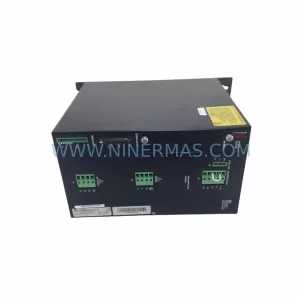
SKU: SCE906A2-002-01 SCE906A200201
Pacific Scientific SCE906A2-002-01 Retrofit Servo Amplifier
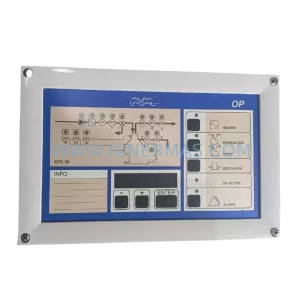
SKU: EPC500 3183062451
Alfa Laval EPC500 3183062451 Service-Ready Spare Part