
Original Industrial Spare Part
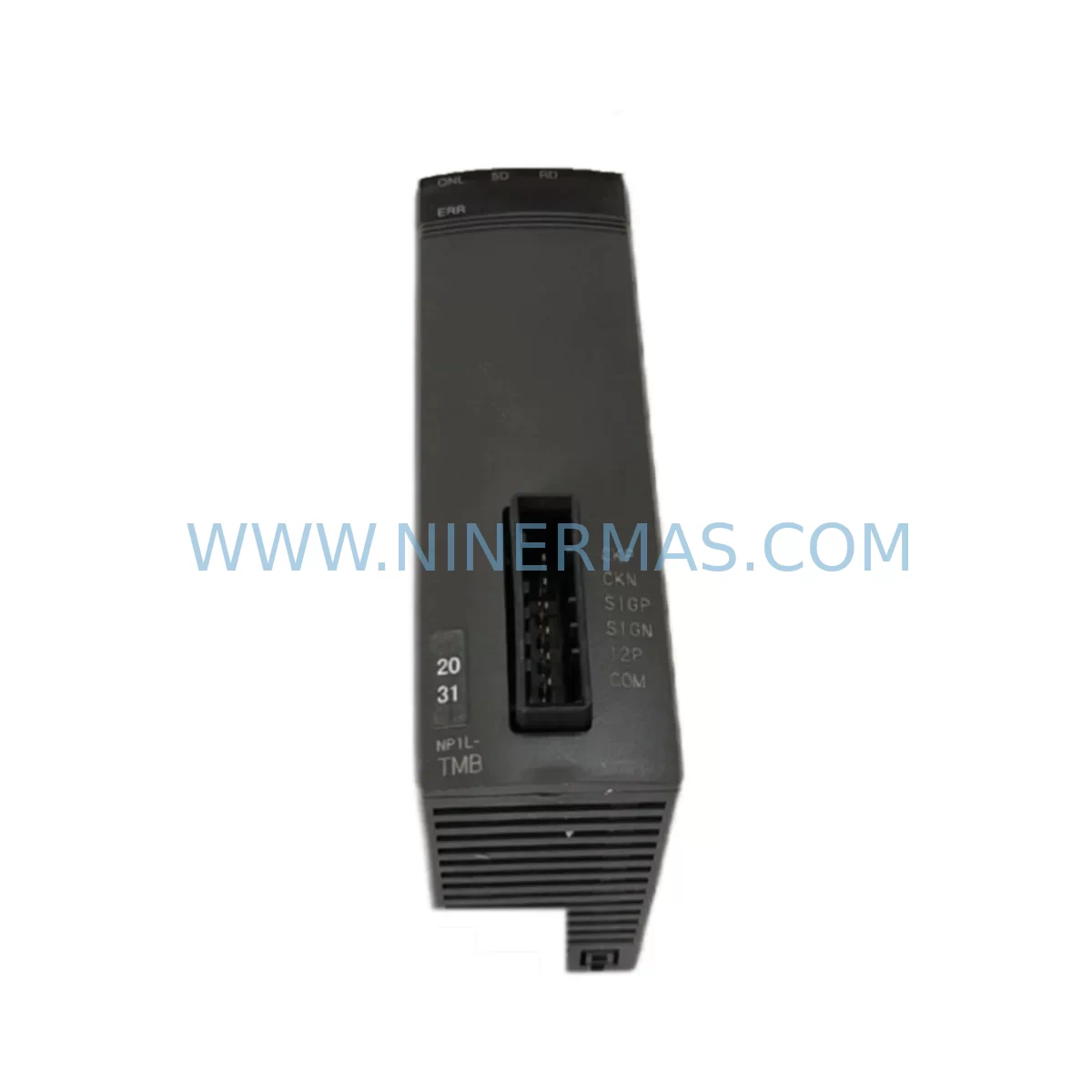
Fuji NP1L-TMB Service-Ready Spare Part for Industrial Maintenance
Verify the part, confirm the platform family, and move straight into quotation with the right commercial details.
RFQ Ready
- SKUNP1L-TMB
- CategoryPLC & Industrial Automation Modules
- BrandFuji Electric
- SupportAvailability, lead time, condition, and shipping coordination
How Buyers Usually Use This Page
- Confirm the exact part number and platform family before sending the quote request.
- Use direct email when quantity, condition, and destination are already defined internally.
- Switch to the broader brand or category archive when you need alternates nearby.
Series Navigation
Move through the most common platform families behind this part.
Product RFQ
Send this part directly for quotation.
Include quantity, required condition, destination country, and target delivery timing. Current reference: Fuji NP1L-TMB Service-Ready Spare Part for Industrial Maintenance with SKU NP1L-TMB.
Fuji NP1L-TMB Service-Ready Spare Part for Industrial Maintenance
The Fuji Electric NP1L-TMB is a critical memory/option module designed for the MICREX-SX SPH Series programmable logic controller platform — one of Fuji Electric’s flagship industrial automation systems widely deployed in manufacturing, process control, and infrastructure facilities across Asia and globally. When this component fails or reaches end-of-life, the consequences can be immediate: unplanned downtime, halted production lines, and costly emergency procurement. Sourcing a verified, service-ready NP1L-TMB replacement from a reliable MRO supplier is the fastest path to restoring normal operations.
At NINERMAS, every NP1L-TMB unit is inspected, function-tested, and shipped with full documentation support. We maintain long-term inventory of Fuji Electric MICREX-SX spare parts to support both emergency breakdown recovery and planned annual maintenance cycles. Our 12-month warranty covers all supplied components, giving maintenance engineers and procurement teams the confidence to stock and deploy with minimal risk.
Spare Maintenance Table
| Parameter | Specification / Detail |
|---|---|
| Part Number / SKU | NP1L-TMB |
| Brand | Fuji Electric |
| Series | MICREX-SX SPH Series PLC |
| Module Type | Memory / Option Module |
| Product Type | PLC Memory Module |
| Compatible Platform | Fuji Electric MICREX-SX SPH Series (SPH300, SPH2000, SPH3000) |
| Origin | Japan |
| Installation | Direct slot insertion into MICREX-SX CPU or base unit |
| Application Environment | Industrial control panels, DCS/PLC cabinets, process automation |
| Maintenance Recommendation | Replace during scheduled annual overhaul or upon memory fault alarm |
| Condition | Original / Service-Ready |
| Pre-shipment Testing | Function-tested before dispatch |
| Warranty | 12 Months |
| Lead Time | In stock — ships within 1–3 business days |
| Supply Continuity | Long-term MRO stock maintained |
Maintenance Planning for Continuous Operation
Replacing the NP1L-TMB in a MICREX-SX SPH system is rarely an isolated task. Experienced maintenance engineers know that a memory module fault often signals broader stress on the control cabinet. Before returning the system to service, a thorough inspection of adjacent components is strongly recommended to prevent repeat failures and ensure full system integrity.
Start with the CPU module — typically the NP1PS-24 or equivalent SPH-series CPU — to confirm firmware compatibility with the replacement NP1L-TMB. Check the power supply module (such as the NP1PW-24 or NP1PW-48) for output voltage stability; an aging or under-spec power supply is a common root cause of memory module degradation. Inspect all I/O modules in the rack, including digital input modules (e.g., NP1X16) and digital output modules (e.g., NP1Y16), for signs of contact wear or communication errors that may have contributed to the fault condition.
Review the communication modules installed in the system — Ethernet, Profibus, or serial link modules such as the NP1L-RS4 — as communication faults can sometimes be misdiagnosed as memory errors. Inspect terminal blocks and wiring harnesses within the control cabinet for loose connections, insulation breakdown, or corrosion, particularly in high-humidity or high-vibration environments. If the system includes signal isolators or analog I/O modules (e.g., NP1AD4 or NP1DA2), verify their calibration and output integrity as part of the same maintenance window.
For systems with an HMI panel — such as a Fuji Electric V9 or V7 series touch panel — confirm that the HMI program and tag database remain synchronized after the memory module replacement. Check relay output modules and any intermediate relay panels for contact condition, especially if the system controls high-cycle machinery. Finally, inspect backplane connectors and rack bus integrity; a damaged backplane can cause intermittent faults that are difficult to trace without a full visual inspection.
Procurement engineers should consider stocking at least one spare NP1L-TMB alongside a spare CPU module and power supply as a minimum critical spares kit for any facility running MICREX-SX SPH-based control systems. This three-component kit covers the majority of unplanned downtime scenarios and significantly reduces mean time to repair (MTTR).
Site Replacement Workflow
Step 1 — Isolation & Backup: Before removing the NP1L-TMB, perform a full program backup from the CPU to an external device using Fuji Electric’s SX-Programmer Expert software. Confirm the backup is complete and readable before proceeding.
Step 2 — Power Down: Follow your facility’s lockout/tagout (LOTO) procedure. De-energize the control cabinet and allow capacitors to discharge fully before opening the enclosure.
Step 3 — Module Removal: Locate the NP1L-TMB in its designated slot on the CPU or base unit. Release the module latch, extract carefully, and inspect the slot connector for debris or damage.
Step 4 — Replacement Installation: Insert the new NP1L-TMB firmly until the latch clicks. Verify seating is secure and the module is fully engaged with the backplane connector.
Step 5 — Power-Up & Verification: Restore power and observe the CPU status LEDs. Use SX-Programmer Expert to confirm the module is recognized, restore the program backup if required, and run a full I/O check before returning the system to automatic mode.
Step 6 — Documentation: Record the replacement in your maintenance log, including the date, replaced part number, technician name, and any observations noted during the procedure. Update your spare parts inventory accordingly.
This workflow minimizes system downtime and ensures the replacement is performed safely and verifiably, maintaining compatibility with the existing MICREX-SX SPH control architecture.
Spare Parts Support FAQ
Q1: Is the NP1L-TMB you supply an original Fuji Electric component?
Yes. NINERMAS supplies original Fuji Electric NP1L-TMB modules. Each unit is sourced from verified supply channels, inspected upon receipt, and function-tested before shipment. We do not supply counterfeit or remanufactured substitutes.
Q2: What is the warranty coverage and what does it include?
All NP1L-TMB units supplied by NINERMAS carry a 12-month warranty from the date of shipment. The warranty covers manufacturing defects and functional failures under normal operating conditions. We provide replacement or full refund support within the warranty period, subject to inspection of the returned unit.
Q3: Can the NP1L-TMB be used as a direct replacement for older MICREX-SX SPH variants?
The NP1L-TMB is designed for the MICREX-SX SPH series platform. Compatibility with specific CPU generations (SPH300, SPH2000, SPH3000) should be confirmed against your system’s hardware configuration manual. Our technical team can assist with compatibility verification prior to purchase — contact us at sale@ninermas.com with your system’s CPU part number and firmware version.
Q4: Do you maintain long-term stock of the NP1L-TMB for ongoing procurement?
Yes. NINERMAS maintains a dedicated MRO inventory of Fuji Electric MICREX-SX spare parts, including the NP1L-TMB, to support both emergency procurement and scheduled annual maintenance purchasing. We can accommodate blanket orders and scheduled delivery arrangements for facilities with recurring maintenance requirements.
| Product Series | Other series |
|---|
Catalog Continuation
More Fuji Electric modules in the catalog.
Use the brand lane to compare nearby part numbers, platform-adjacent modules, and other inquiry-ready listings before sending your final RFQ.
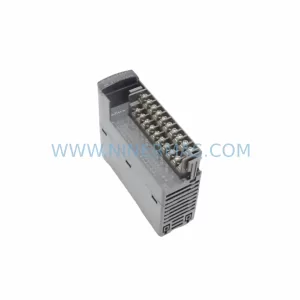
Catalog Continuation
Alternative parts within PLC & Industrial Automation Modules.
Stay inside the same system family when you need substitutes, adjacent modules, or a broader shortlist for procurement review.
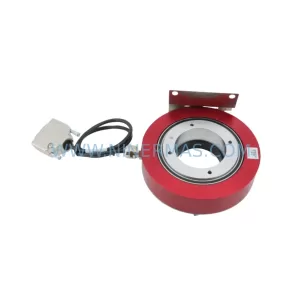
SKU: E19299450 E19299451 W/ MERCURY II 6000 ME-88-Y233-1 PCA-28430
Varian E19299450/E19299451 Service-Ready Spare Part
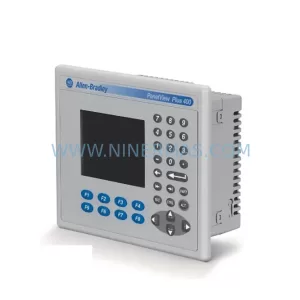
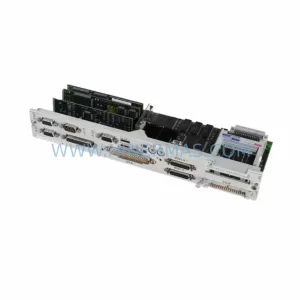
SKU: 6FC5357-0BB11-0AE1
Siemens 6FC5357-0BB11-0AE1 Retrofit NCU for Legacy Systems
SKU: 6SL3210-1PE34-8CL0
SIEMENS 6SL3210-1PE34-8CL0 Service-Ready Spare Part



