
Original Industrial Spare Part
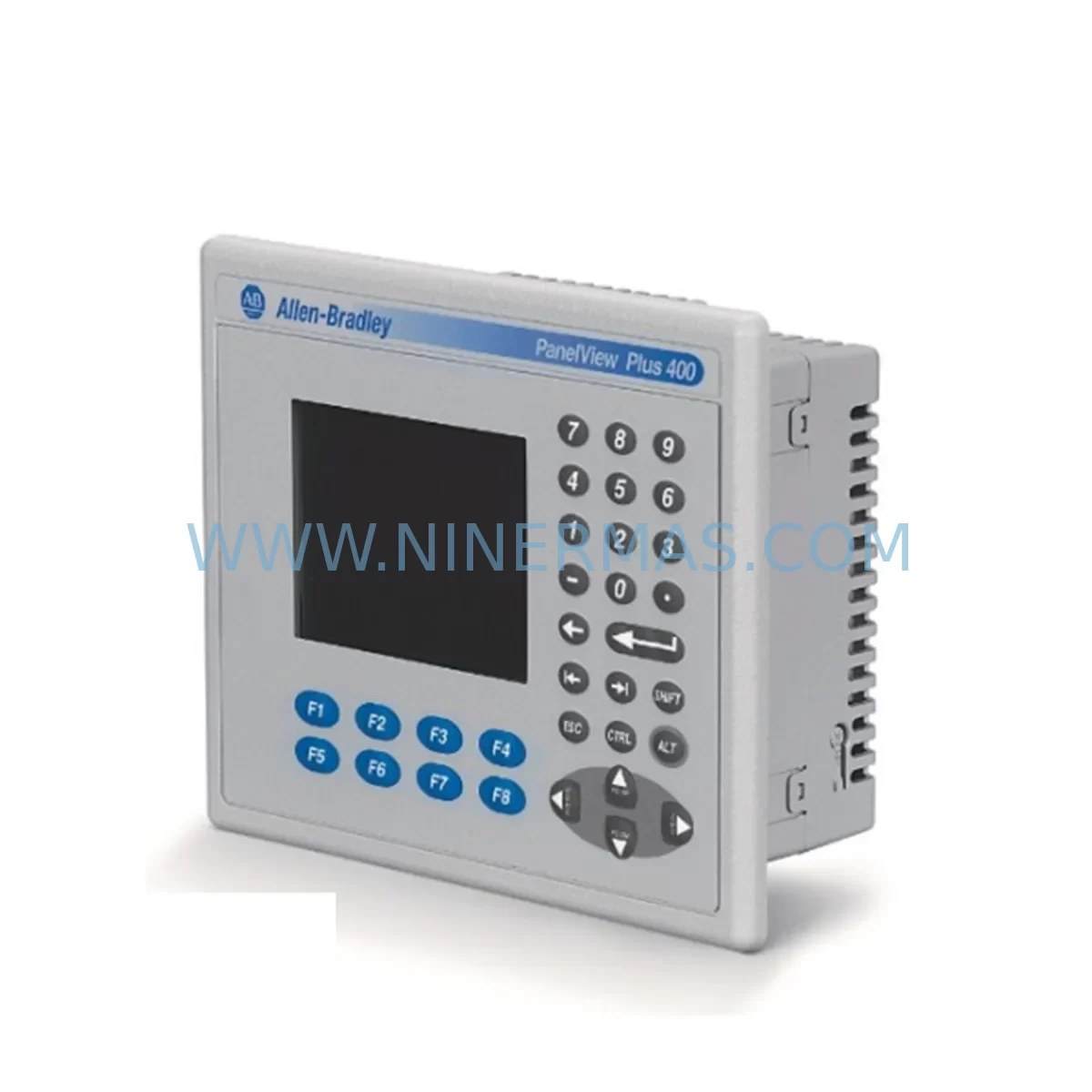
Allen-Bradley 2711P-B6C20D Service-Ready Spare Part
Verify the part, confirm the platform family, and move straight into quotation with the right commercial details.
RFQ Ready
- SKU2711P-B6C20D
- CategoryPLC & Industrial Automation Modules
- BrandAllen-Bradley
- SupportAvailability, lead time, condition, and shipping coordination
How Buyers Usually Use This Page
- Confirm the exact part number and platform family before sending the quote request.
- Use direct email when quantity, condition, and destination are already defined internally.
- Switch to the broader brand or category archive when you need alternates nearby.
Series Navigation
Move through the most common platform families behind this part.
Product RFQ
Send this part directly for quotation.
Include quantity, required condition, destination country, and target delivery timing. Current reference: Allen-Bradley 2711P-B6C20D Service-Ready Spare Part with SKU 2711P-B6C20D.
Allen-Bradley 2711P-B6C20D Service-Ready Spare Part: Minimizing Downtime in Industrial HMI Maintenance
The Allen-Bradley 2711P-B6C20D is a ruggedized 6-inch color touch module from the PanelView Plus 6 series, engineered for demanding industrial environments where operator interface reliability is non-negotiable. Whether you are managing a scheduled annual overhaul, responding to an unplanned HMI failure on a production line, or building a strategic spare parts inventory for a control cabinet, the 2711P-B6C20D represents a critical component in your maintenance toolkit. At NINERMAS, we supply this module as a service-ready original spare, pre-tested and shipped with a 12-month warranty to support your uptime objectives.
Spare Maintenance Table
| Parameter | Specification |
|---|---|
| Part Number / SKU | 2711P-B6C20D |
| Series | PanelView Plus 6 |
| Brand | Allen-Bradley (Rockwell Automation) |
| Display Size | 6-inch Color Touchscreen |
| Display Type | TFT LCD with resistive touch |
| Communication | DH-485, RS-232, USB |
| Operating Voltage | 24V DC |
| Operating Temperature | 0°C to 55°C (32°F to 131°F) |
| Protection Rating | NEMA 4/4X, 12, 13; IP65 front panel |
| Memory | 512 MB Flash / 128 MB RAM |
| Compatibility | FactoryTalk View ME, Allen-Bradley PLC/SLC/MicroLogix systems |
| Mounting | Panel cutout, rear-mount with gasket seal |
| Application Environment | Harsh industrial: dust, vibration, washdown-adjacent areas |
| Maintenance Recommendation | Inspect touchscreen calibration, communication cables, and power supply annually |
| Warranty | 12 Months — tested before shipment |
| Origin | United States |
Maintenance Planning for Continuous Operation
When a 2711P-B6C20D fails or is flagged during a control cabinet inspection, experienced maintenance engineers know that the HMI is rarely the only component that requires attention. A thorough site assessment should accompany any HMI replacement to prevent repeat failures and ensure system stability.
Begin by verifying the 24V DC power supply feeding the terminal. A degraded or undersized power supply — such as an aging 1606-XLP or equivalent Allen-Bradley power supply module — can cause intermittent HMI resets, touchscreen freezes, or communication dropouts that are often misdiagnosed as HMI hardware failure. Replacing the 2711P-B6C20D without addressing a marginal power supply will result in a repeat failure within weeks.
Next, inspect the communication wiring. The 2711P-B6C20D typically connects via DH-485 or RS-232 to Allen-Bradley PLCs such as the MicroLogix 1100, MicroLogix 1400, or SLC 500 series. Check the 1761-CBL-PM02 or equivalent communication cable for continuity, insulation damage, and connector integrity. Corroded or loose terminal connections on the PLC side — particularly on 1746-IB16 or 1746-OB16 I/O modules — can generate communication faults that appear as HMI errors.
For systems integrated into larger control architectures, verify the status of any 1747-SDN DeviceNet scanner or 1756-ENBT EtherNet/IP communication module in the rack. A failing network module can cause the HMI to lose its data connection even when the display hardware is fully functional. Similarly, if the system uses a 1756-L61 or 1756-L71 ControlLogix processor, confirm that the controller firmware is compatible with the FactoryTalk View ME application version loaded on the replacement 2711P-B6C20D.
During the replacement process, also inspect the panel cutout gasket and enclosure seal. The ruggedized design of the 2711P-B6C20D provides IP65 front-panel protection, but a damaged enclosure gasket or improperly torqued mounting hardware will compromise this rating and expose the interior to dust and moisture ingress. Replace the gasket if it shows any compression set or cracking.
For facilities running legacy systems, the 2711P-B6C20D is a direct service replacement for older PanelView Plus 6 terminals and is compatible with existing FactoryTalk View ME application files, reducing re-commissioning time significantly. Procurement engineers should note that maintaining at least one 2711P-B6C20D in the on-site spare parts inventory — alongside a spare 1761-CBL-PM02 communication cable and a backup 24V DC power supply — is a cost-effective strategy for minimizing mean time to repair (MTTR) on lines where HMI downtime directly impacts production throughput.
Site Replacement Workflow
Step 1 — Isolate and de-energize: Follow your site LOTO (Lockout/Tagout) procedure. Disconnect the 24V DC power feed and communication cables from the existing HMI terminal.
Step 2 — Document the existing configuration: Before removal, photograph the wiring, note the communication port assignments, and record the FactoryTalk View ME application version and runtime settings. This documentation is essential for rapid re-commissioning.
Step 3 — Remove the old terminal: Release the panel-mount clips or remove the mounting hardware from the rear. Carefully extract the terminal from the panel cutout without damaging the surrounding enclosure surface.
Step 4 — Inspect and prepare the cutout: Clean the panel cutout, inspect the gasket channel, and install a new gasket if required. Verify that the cutout dimensions match the 2711P-B6C20D mounting specification.
Step 5 — Install the replacement unit: Insert the 2711P-B6C20D into the cutout, secure the mounting hardware to the specified torque, and reconnect the communication cables and 24V DC power supply.
Step 6 — Load the application and verify: Power up the terminal, load the FactoryTalk View ME application from a USB drive or network source, and perform a full I/O and communication verification. Confirm that all PLC data tags are reading correctly and that the touchscreen calibration is accurate.
Step 7 — Return to service: Document the replacement in your maintenance management system (CMMS), update the spare parts inventory record, and schedule the next inspection interval.
This workflow is designed to minimize total downtime to under two hours for a prepared maintenance team, and to ensure full system compatibility without requiring PLC program modifications.
Spare Parts Support FAQ
Q1: Is the 2711P-B6C20D compatible with my existing FactoryTalk View ME application?
Yes. The 2711P-B6C20D is a PanelView Plus 6 terminal and is fully compatible with FactoryTalk View ME applications developed for the PanelView Plus 6 platform. If your application was developed on an older PanelView Plus terminal, a minor version migration may be required using FactoryTalk View Studio. Contact our technical team for compatibility confirmation before ordering.
Q2: What testing is performed before shipment?
Every 2711P-B6C20D unit supplied by NINERMAS undergoes a pre-shipment functional test covering power-on self-test, touchscreen response, display integrity, and communication port verification. Units are shipped with a test report and are covered by a 12-month warranty from the date of delivery.
Q3: Can you support long-term or blanket purchase orders for this part?
Yes. NINERMAS supports long-term supply agreements for the 2711P-B6C20D and related PanelView Plus 6 components. We maintain stock buffers for high-demand industrial spare parts and can provide scheduled delivery programs to support your annual maintenance planning and inventory optimization strategy.
Q4: What is your warranty and return policy if the unit does not perform as expected on-site?
All units are covered by a 12-month warranty. If a unit fails to perform within the warranty period under normal operating conditions, NINERMAS will provide a replacement or full refund. Our technical support team is available to assist with installation verification and fault diagnosis to ensure a successful replacement outcome.
| Product Series | 2711 |
|---|---|
| Country of Origin | US |
Catalog Continuation
More Allen-Bradley modules in the catalog.
Use the brand lane to compare nearby part numbers, platform-adjacent modules, and other inquiry-ready listings before sending your final RFQ.
SKU: 2711P-B10C15A2/A
Allen-Bradley 2711P-B10C15A2 Service-Ready Spare Part
SKU: 2711P-T19C22A9P
Allen-Bradley 2711P-T19C22A9P Service-Ready Spare Part
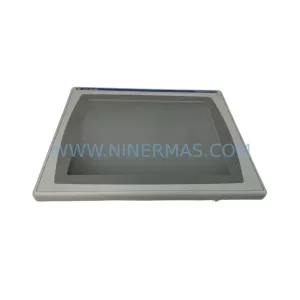
SKU: 2711P-RDT15C SER B
Allen-Bradley 2711P-RDT15C SER B Industrial Spare Part
Catalog Continuation
Alternative parts within PLC & Industrial Automation Modules.
Stay inside the same system family when you need substitutes, adjacent modules, or a broader shortlist for procurement review.
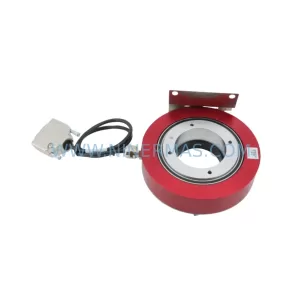
SKU: E19299450 E19299451 W/ MERCURY II 6000 ME-88-Y233-1 PCA-28430
Varian E19299450/E19299451 Service-Ready Spare Part
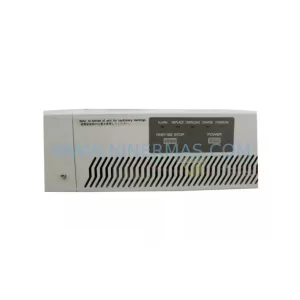
SKU: M-SPS1000RM-1F-0010-10061-0100-20003
Fuji M-SPS1000RM Retrofit Power Supply for Legacy Systems
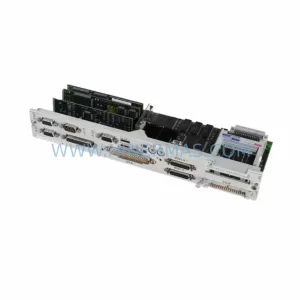
SKU: 6FC5357-0BB11-0AE1
Siemens 6FC5357-0BB11-0AE1 Retrofit NCU for Legacy Systems
SKU: 6SL3210-1PE34-8CL0
SIEMENS 6SL3210-1PE34-8CL0 Service-Ready Spare Part



