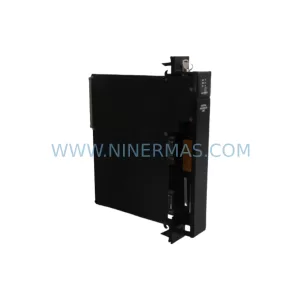
Original Industrial Spare Part
Allen-Bradley 2711P-RP2EX Service-Ready Spare Part
Verify the part, confirm the platform family, and move straight into quotation with the right commercial details.
RFQ Ready
- SKU2711P-RP2EX
- CategoryPLC & Industrial Automation Modules
- BrandAllen-Bradley
- SupportAvailability, lead time, condition, and shipping coordination
How Buyers Usually Use This Page
- Confirm the exact part number and platform family before sending the quote request.
- Use direct email when quantity, condition, and destination are already defined internally.
- Switch to the broader brand or category archive when you need alternates nearby.
Series Navigation
Move through the most common platform families behind this part.
Product RFQ
Send this part directly for quotation.
Include quantity, required condition, destination country, and target delivery timing. Current reference: Allen-Bradley 2711P-RP2EX Service-Ready Spare Part with SKU 2711P-RP2EX.
Allen-Bradley 2711P-RP2EX Service-Ready Spare Part for Industrial Maintenance
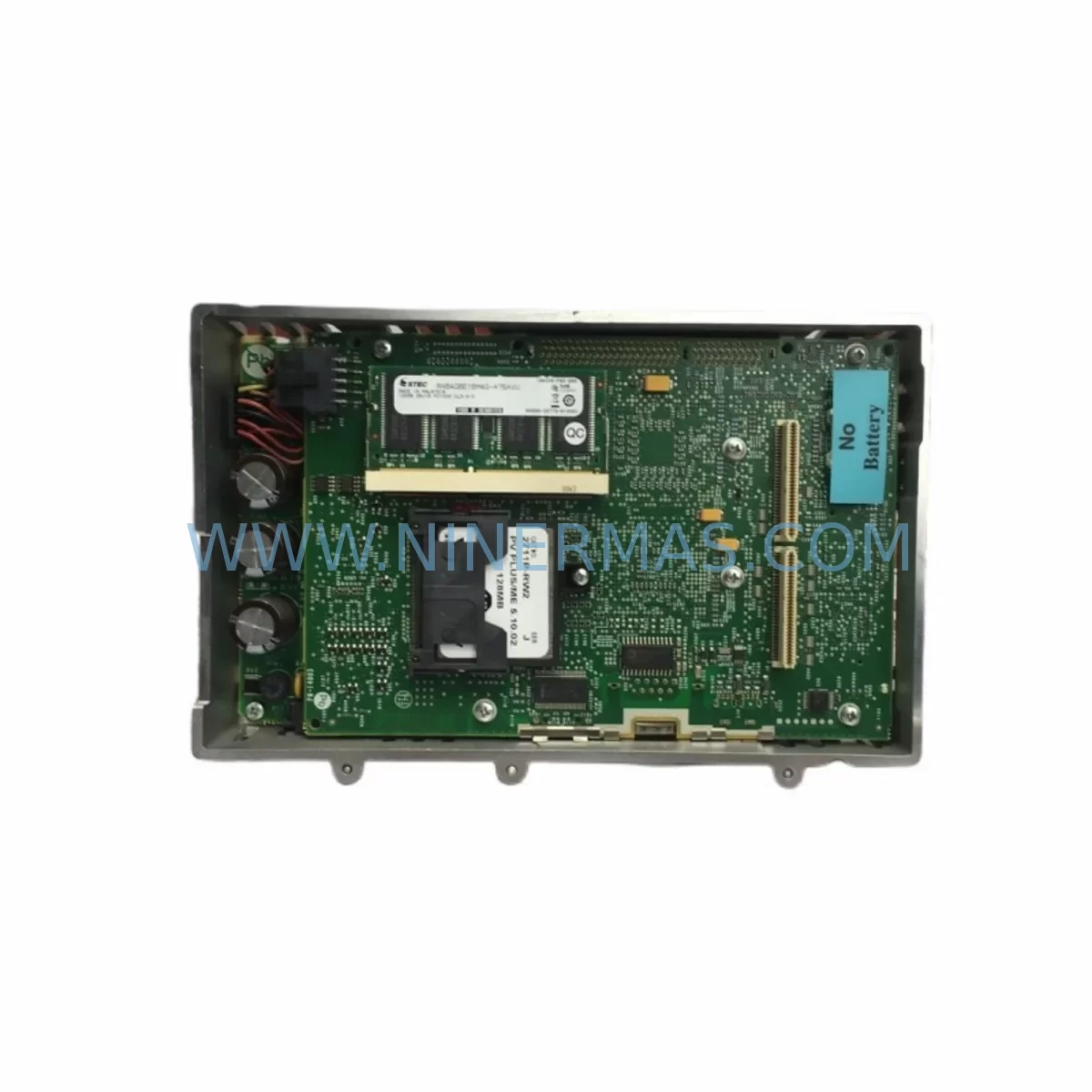
The Allen-Bradley 2711P-RP2EX is a replacement runtime module designed for the PanelView Plus 6 family of Human Machine Interface (HMI) terminals, manufactured by Rockwell Automation. As a critical component in industrial control panels, this module houses the operating system, firmware, and application runtime environment that drives the HMI display and operator interface functions. When a PanelView Plus terminal experiences software corruption, firmware failure, or runtime errors that cannot be resolved through standard recovery procedures, replacing the 2711P-RP2EX module is the fastest path to restoring full HMI functionality and minimizing production downtime.
For maintenance engineers managing aging automation systems, the 2711P-RP2EX represents a cost-effective alternative to full terminal replacement. Rather than procuring an entirely new PanelView Plus 6 unit — which may require reconfiguration, re-commissioning, and extended lead times — a direct module swap restores the operator interface within hours. Procurement engineers sourcing MRO spare parts for Rockwell Automation-based lines should prioritize stocking this module alongside other high-risk HMI components to ensure rapid response capability during unplanned outages.
Spare Maintenance Table
| Parameter | Specification |
|---|---|
| Part Number | 2711P-RP2EX |
| Brand / Manufacturer | Allen-Bradley / Rockwell Automation |
| Series | PanelView Plus 6 |
| Module Type | Runtime / Replacement Module |
| Compatible Terminals | PanelView Plus 6 (2711P series) |
| Operating System | Windows CE / ME (embedded, firmware-dependent) |
| Installation Method | Direct module replacement (tool-assisted swap) |
| Application Environment | Industrial control panels, SCADA HMI stations, machine operator interfaces |
| Operating Temperature | 0°C to 55°C (32°F to 131°F) |
| Humidity | 5% to 95% non-condensing |
| Certifications | UL, CE, cUL (per Rockwell Automation standards) |
| Country of Origin | United States |
| Warranty | 12 Months (NINERMAS) |
| Condition | New / Refurbished Original |
| Lead Time | In-stock, ships within 1–3 business days |
Maintenance Planning for Continuous Operation
When a PanelView Plus 6 terminal fails in a production environment, the root cause is rarely isolated to the 2711P-RP2EX module alone. A thorough site inspection and fault isolation process is essential before and after module replacement to prevent repeat failures and ensure long-term system stability.
Maintenance engineers should begin by verifying the 24VDC power supply feeding the HMI terminal — voltage fluctuations or ripple from an aging industrial power supply unit can corrupt runtime memory and damage the replacement module prematurely. Inspect the 2711P-RW1 CompactFlash card or equivalent storage media, as application data and firmware are often stored separately from the runtime module; a corrupted storage card will prevent the new 2711P-RP2EX from booting correctly even after a successful swap.
Check all Ethernet communication cables and RJ45 connectors linking the HMI to the PLC or DCS network. Damaged shielding or loose terminations on Cat5e/Cat6 cables can cause intermittent communication faults that are often misdiagnosed as HMI module failures. If the terminal communicates via RS-232 or RS-485 serial links to legacy controllers, inspect the serial communication module and terminal block wiring for corrosion or loose connections.
For systems integrated with Allen-Bradley ControlLogix or CompactLogix PLCs — such as the 1756-L71 or 1769-L33ER — verify that the PLC firmware version is compatible with the HMI application running on the replacement module. Firmware mismatches between the PLC and HMI can cause tag communication errors that appear as module faults. Similarly, if the control cabinet houses a 1756-EN2T EtherNet/IP communication module, confirm its configuration and IP addressing remain intact after the HMI swap.
During annual maintenance shutdowns, it is good practice to inspect the terminal block assemblies and I/O wiring within the same control cabinet. Loose signal wires on analog input modules or digital output cards can introduce noise that affects HMI display accuracy. If the system uses signal isolators between field instruments and the PLC I/O rack, verify their calibration and output integrity as part of the same maintenance cycle.
Procurement teams building a resilient spare parts inventory for PanelView Plus 6 installations should also consider stocking the 2711P-T10C4D8 or equivalent display assembly, backlight replacement kits, and touch screen digitizer panels alongside the 2711P-RP2EX runtime module. These components share similar failure modes and mean time between failures in high-cycle industrial environments, making them natural companions in any HMI spare parts kit.
Site Replacement Workflow
Replacing the 2711P-RP2EX in the field is a structured process that, when followed correctly, minimizes downtime and eliminates the risk of configuration loss or system incompatibility.
Step 1 — Backup Application Data: Before powering down the terminal, use FactoryTalk View ME Station or the terminal’s built-in backup utility to export the current application to a USB drive or network share. This ensures the operator interface application can be restored to the new module without requiring re-development.
Step 2 — Power Down and Isolate: Follow your site’s lockout/tagout (LOTO) procedure to safely de-energize the HMI terminal and the associated control panel. Confirm zero energy state before opening the enclosure.
Step 3 — Remove the Faulty Module: Locate the 2711P-RP2EX module within the terminal housing. Release the retention clips and carefully extract the module, noting the orientation and any connected ribbon cables or connectors.
Step 4 — Install the Replacement Module: Insert the new 2711P-RP2EX, ensuring all connectors are fully seated. Secure the retention clips and verify no cables are pinched or strained.
Step 5 — Restore Application and Firmware: Power on the terminal and follow the firmware update procedure if required. Restore the application from the backup created in Step 1. Verify all tags, alarms, and communication links are functioning correctly before returning the system to production.
Step 6 — Functional Verification: Conduct a full I/O check and communication test with the connected PLC or DCS. Confirm all operator screens, alarm pages, and data logging functions are operating as expected. Document the replacement in the site maintenance log.
This workflow is applicable whether you are replacing a failed module on an active production line or upgrading an older 2711P-RP1 module to the enhanced 2711P-RP2EX specification for improved performance and extended service life.
Spare Parts Support FAQ
Q1: Is the 2711P-RP2EX compatible with all PanelView Plus 6 terminal sizes?
The 2711P-RP2EX is designed for use with the PanelView Plus 6 (2711P series) family. Compatibility depends on the specific terminal model and firmware revision. We recommend confirming your terminal’s catalog number and current firmware version before ordering. Our technical team can assist with compatibility verification prior to shipment.
Q2: What is included in the 12-month warranty?
All 2711P-RP2EX modules supplied by NINERMAS are covered by a 12-month warranty from the date of shipment. This covers manufacturing defects and functional failures under normal operating conditions. Each unit undergoes pre-shipment functional testing to verify module integrity before dispatch.
Q3: Can you supply the 2711P-RP2EX on a long-term or blanket order basis?
Yes. NINERMAS maintains stock of the 2711P-RP2EX and can support scheduled releases, blanket purchase orders, and emergency spot buys. For customers managing multi-site maintenance programs or annual MRO procurement cycles, we offer priority allocation and dedicated account support to ensure supply continuity.
Q4: How do I verify the module is genuine before installation?
Each module supplied by NINERMAS is sourced from authorized channels and verified against Rockwell Automation’s original part specifications. We provide documentation including part number confirmation, test reports, and traceability records upon request. If you require third-party inspection or additional certification, please contact our sales team before placing your order.
| Product Series | 2711 |
|---|---|
| Country of Origin | US |
Catalog Continuation
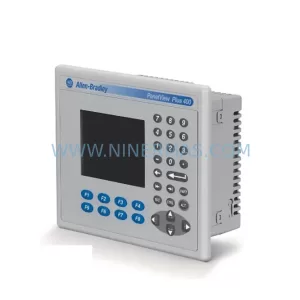
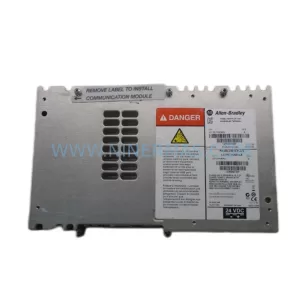
More Allen-Bradley modules in the catalog.
Use the brand lane to compare nearby part numbers, platform-adjacent modules, and other inquiry-ready listings before sending your final RFQ.


Catalog Continuation
Alternative parts within PLC & Industrial Automation Modules.
Stay inside the same system family when you need substitutes, adjacent modules, or a broader shortlist for procurement review.
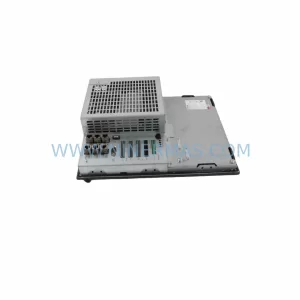
SKU: 6FC5370-8AA20-0AA0
SIEMENS 6FC5370-8AA20-0AA0 Retrofit-Compatible CNC Memory
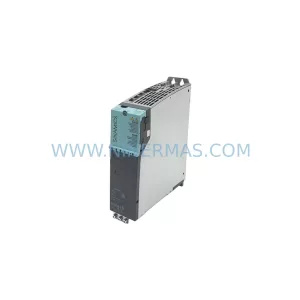
SKU: 6SL3020-2TE21-0AA4
Siemens 6SL3020-2TE21-0AA4 Service-Ready Spare Part
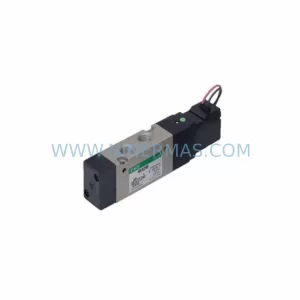
SKU: DX100DX200 jZRCR-YPP01-1 JZRCR-YPP21-1 SRDA-SDB95A01A-E 10Y-06A DC-24V
Yaskawa JZRCR-YPP01-1 Retrofit-Compatible Pendant for Legacy Systems