Original Industrial Spare Part
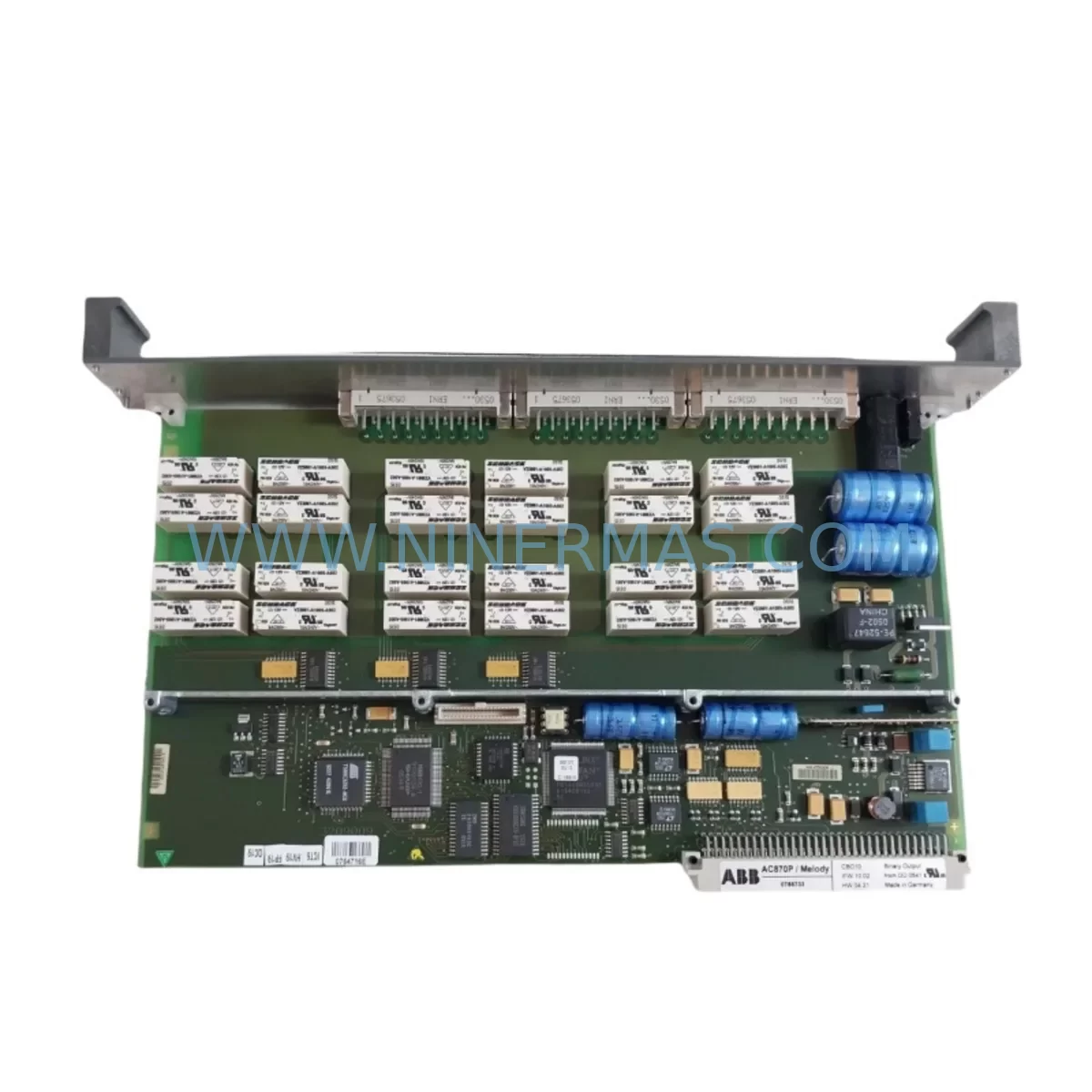
ABB CBO10 Service-Ready Spare Part for Industrial Maintenance
Verify the part, confirm the platform family, and move straight into quotation with the right commercial details.
RFQ Ready
- SKUCBO10
- CategoryPLC & Industrial Automation Modules
- BrandABB
- SupportAvailability, lead time, condition, and shipping coordination
How Buyers Usually Use This Page
- Confirm the exact part number and platform family before sending the quote request.
- Use direct email when quantity, condition, and destination are already defined internally.
- Switch to the broader brand or category archive when you need alternates nearby.
Series Navigation
Move through the most common platform families behind this part.
Product RFQ
Send this part directly for quotation.
Include quantity, required condition, destination country, and target delivery timing. Current reference: ABB CBO10 Service-Ready Spare Part for Industrial Maintenance with SKU CBO10.
ABB CBO10 Service-Ready Spare Part for Industrial Maintenance
The ABB CBO10 is a binary output module designed for integration within ABB’s AC500 PLC platform and compatible distributed control architectures. As a critical field-replaceable unit in automation panels, the CBO10 governs discrete output signaling to actuators, solenoid valves, motor starters, and relay-driven loads. When this module fails or degrades, the downstream impact is immediate: output channels go dark, process interlocks trip, and production lines halt. Sourcing a verified, pre-tested replacement is the fastest path back to full operation.
At NINERMAS, every ABB CBO10 unit is inspected and functionally verified before dispatch. We maintain buffer stock to support urgent MRO orders, planned annual shutdowns, and long-term spare parts programs. Our 12-month warranty covers all shipped units, giving procurement and maintenance engineers confidence in both quality and supply continuity.
Spare Maintenance Table
| Parameter | Specification / Notes |
|---|---|
| Part Number / SKU | CBO10 |
| Brand | ABB |
| Series | AC500 PLC Platform |
| Module Type | Binary Output Module |
| Output Channels | Digital discrete outputs (relay or transistor, per variant) |
| Supply Voltage | 24 V DC nominal (system bus powered) |
| Installation | DIN rail mount, snap-fit to AC500 backplane or expansion rack |
| Communication Interface | Internal AC500 I/O bus |
| Operating Temperature | 0 °C to +60 °C (standard industrial range) |
| Protection Class | IP20 (panel-mounted) |
| Compatibility | ABB AC500 CPU modules (PM5xx series), AC500-eCo, compatible expansion racks |
| Maintenance Recommendation | Replace at first sign of output channel fault; inspect wiring terminals and fuse holders during swap |
| Pre-Shipment Testing | Yes – functional verification before dispatch |
| Warranty | 12 Months from date of shipment |
| Condition | Original, unused or refurbished-to-spec (stated at order confirmation) |
| Lead Time | In-stock units: 1–3 business days; sourced units: subject to availability |
Maintenance Planning for Continuous Operation
A binary output module failure rarely occurs in isolation. When replacing the ABB CBO10, a disciplined maintenance engineer will use the opportunity to audit the surrounding electrical environment to prevent repeat failures and reduce future downtime risk.
Begin with the AC500 CPU module (such as the PM554 or PM564 series): confirm firmware version compatibility and check for any logged diagnostic faults that may have contributed to the output module failure. Next, inspect the AC500 backplane or expansion rack — loose bus connectors or oxidized contacts can cause intermittent output faults that mimic module failure.
On the power supply side, verify that the 24 V DC panel power supply (e.g., ABB CP-E or equivalent SITOP-class unit) is within voltage tolerance and that output ripple is within spec. Undervoltage events are a common root cause of output module degradation. Check the miniature circuit breakers (MCBs) and fuse holders on the 24 V distribution rail — a blown fuse upstream of the CBO10 can be misdiagnosed as module failure.
Inspect all field wiring terminals connected to the CBO10 output channels. Loose or corroded terminal connections on DIN rail terminal blocks (such as Phoenix Contact or Weidmüller series) cause high-resistance joints that stress output drivers. If the CBO10 was driving interposing relay modules, check coil resistance and contact condition — worn relay contacts can back-feed transients into the output module.
For systems with binary input modules (such as the ABB CI590 or DI581 series) in the same rack, verify that input signal levels are within spec and that no cross-wiring has occurred during previous maintenance. If the panel includes a communication module (e.g., ABB CM572-DP for PROFIBUS or CM577-ETH for Ethernet/IP), confirm that the fieldbus is healthy and that the CPU is not reporting I/O bus errors that could affect module initialization after replacement.
Where signal isolators or galvanic separation barriers are installed between the CBO10 outputs and field devices, inspect these for thermal stress or input/output voltage drift. Finally, if the control panel includes an HMI panel (such as ABB CP600 or a third-party unit), use it to run a forced output test after module replacement to confirm all channels are responding correctly before returning the line to automatic mode.
Site Replacement Workflow
Step 1 – Isolate and document. Before removing the CBO10, place the CPU in STOP mode and record all output channel assignments from the project engineering documentation or HMI tag list. Photograph the wiring before disconnection.
Step 2 – Safe removal. De-energize the 24 V supply to the I/O rack. Release the module locking tab and slide the CBO10 clear of the backplane bus connector. Inspect the bus connector pins for damage or contamination.
Step 3 – Install replacement. Align the new CBO10 with the backplane slot and press firmly until the locking tab engages. Reconnect field wiring terminals in the documented order. Torque terminal screws to the manufacturer’s specified value to ensure reliable contact.
Step 4 – Power-up and verify. Re-energize the rack and place the CPU in RUN mode. Use the HMI or programming tool (ABB Automation Builder / PS501 Control Builder Plus) to monitor output channel status. Force each output channel individually to confirm correct field response before releasing to production.
Step 5 – Update maintenance records. Log the replacement date, module serial number, and any observations in the plant CMMS. Schedule the next inspection interval based on the operating environment and duty cycle of the output channels.
This workflow minimizes re-work risk, ensures system compatibility is maintained, and supports a clean audit trail for ISO or safety compliance reviews.
Spare Parts Support FAQ
Q1: Is the CBO10 compatible with all AC500 CPU generations?
The CBO10 is designed for the ABB AC500 I/O platform. Compatibility depends on the specific CPU generation and firmware version in use. We recommend confirming your CPU model (e.g., PM554, PM564, PM583) and rack configuration before ordering. Our technical team can assist with compatibility verification at no charge.
Q2: What does the 12-month warranty cover?
Our 12-month warranty covers functional defects arising from manufacturing or component quality issues under normal operating conditions. It does not cover damage caused by incorrect installation, overvoltage events, or environmental conditions outside the module’s rated specification. Warranty claims are processed with a replacement-first policy to minimize your downtime.
Q3: Can you support long-term or blanket purchase orders for ongoing MRO programs?
Yes. We support scheduled delivery agreements and buffer stock arrangements for maintenance programs requiring predictable spare parts availability. Contact our sales team to discuss volume pricing, lead time commitments, and consignment options suited to your plant’s annual maintenance budget.
Q4: How is the module tested before shipment?
Each CBO10 unit undergoes a pre-shipment functional test that verifies output channel switching, bus communication integrity, and power consumption within specification. Test records are available upon request for quality documentation purposes. Units that do not pass testing are not dispatched.
| Product Series | AC500 |
|---|---|
| Country of Origin | SE |
Catalog Continuation
Nearby part numbers around CBO10.
Use this lane when the buyer is comparing adjacent model numbers, revision-near items, or closely related spare variants within the same brand family.
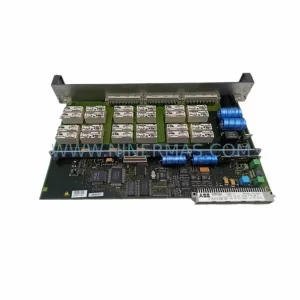
SKU: CBO10-P 3BDH000733R1
ABB CBO10-P 3BDH000733R1 Retrofit-Compatible Battery for Legacy Systems
Catalog Continuation
More ABB modules in the catalog.
Use the brand lane to compare nearby part numbers, platform-adjacent modules, and other inquiry-ready listings before sending your final RFQ.
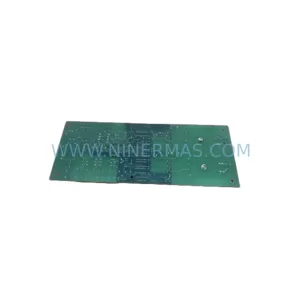
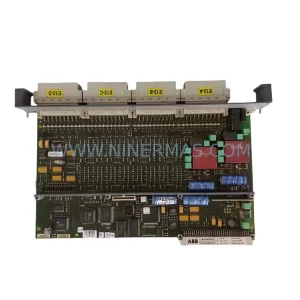
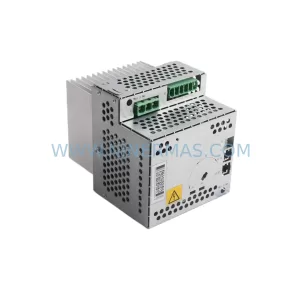
SKU: DSQC664 3HAC030923-001
ABB DSQC664 3HAC030923-001 Service-Ready Spare Part
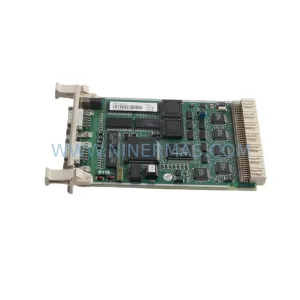
SKU: CI532V02 3BSE003827R1
ABB CI532V02 3BSE003827R1 Safety-Reliable MODBUS Module
Catalog Continuation
Alternative parts within PLC & Industrial Automation Modules.
Stay inside the same system family when you need substitutes, adjacent modules, or a broader shortlist for procurement review.
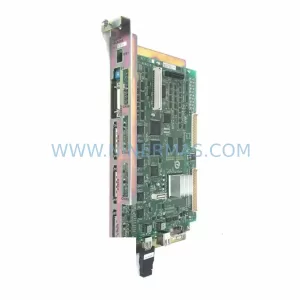
SKU: YRC1000 JZRCR-APP01-1
Yaskawa JZRCR-APP01-1 Service-Ready Spare Part for Industrial Maintenance
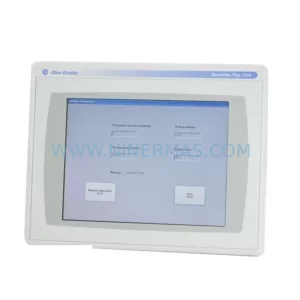
SKU: 2711P-T12C6D2
Allen-Bradley 2711P-T12C6D2 Retrofit-Compatible HMI Display
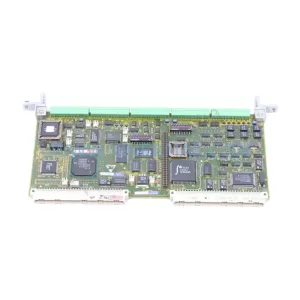
SKU: 6DD1842-0AA0 465842.9000.00
SIEMENS 6DD1842-0AA0 Retrofit-Compatible I/O Module for Legacy Systems