Original Industrial Spare Part
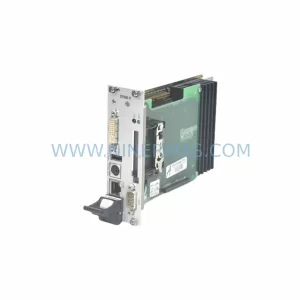
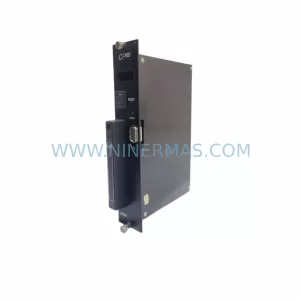
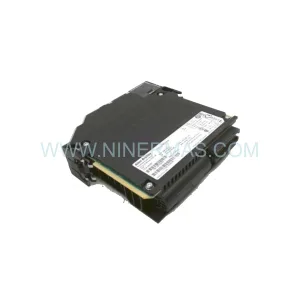
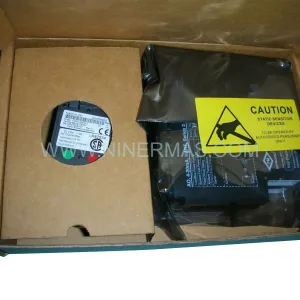
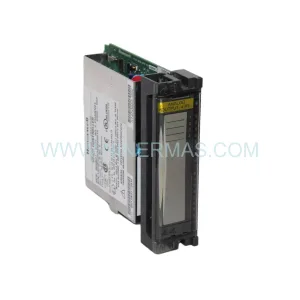
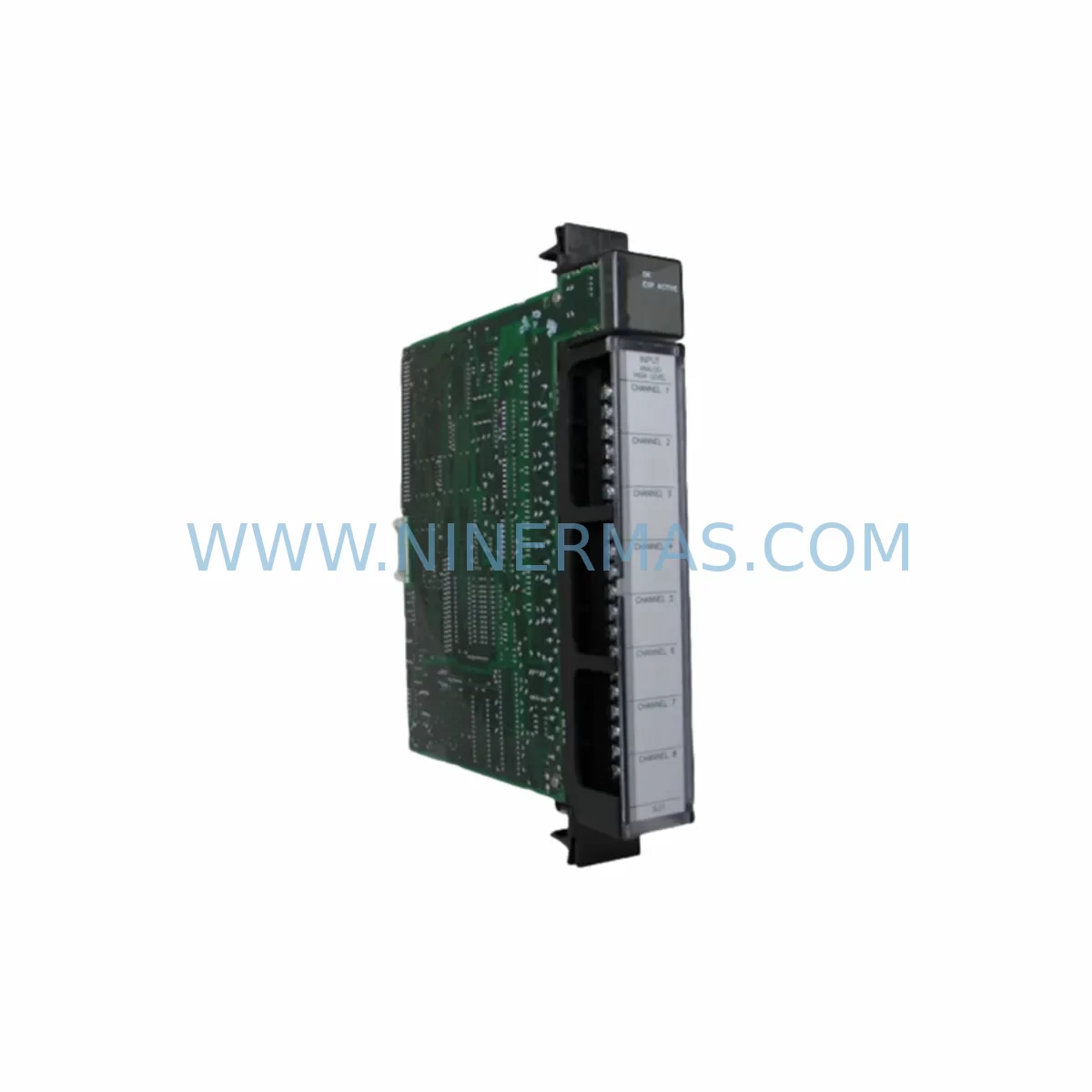
GE IC697ALG230L Retrofit-Compatible Analog Output for Legacy Systems
Verify the part, confirm the platform family, and move straight into quotation with the right commercial details.
RFQ Ready
- SKUIC697ALG230L
- CategoryPLC & Industrial Automation Modules
- BrandGE
- SupportAvailability, lead time, condition, and shipping coordination
How Buyers Usually Use This Page
- Confirm the exact part number and platform family before sending the quote request.
- Use direct email when quantity, condition, and destination are already defined internally.
- Switch to the broader brand or category archive when you need alternates nearby.
Series Navigation
Move through the most common platform families behind this part.
Product RFQ
Send this part directly for quotation.
Include quantity, required condition, destination country, and target delivery timing. Current reference: GE IC697ALG230L Retrofit-Compatible Analog Output for Legacy Systems with SKU IC697ALG230L.
GE IC697ALG230L Retrofit-Compatible Analog Output Module for Legacy Series 90-70 Systems
The GE IC697ALG230L is a 16-channel analog output module designed for the GE Series 90-70 PLC platform. As legacy automation systems approach end-of-life and original spare parts become increasingly difficult to source, the IC697ALG230L remains a critical component for engineers managing retrofit projects, control cabinet upgrades, and production line continuity. This module delivers 12-bit resolution analog output across 16 independently configurable channels, making it suitable for process control applications including valve positioning, variable speed drive references, and proportional control loops in manufacturing, oil and gas, water treatment, and power generation environments.
Whether you are replacing a failed unit in an existing Series 90-70 rack or planning a phased migration away from discontinued GE Fanuc hardware, the IC697ALG230L provides a verified drop-in solution that minimizes engineering rework and reduces unplanned downtime. Each unit supplied by NINERMAS undergoes pre-shipment functional testing and is backed by a 12-month warranty, giving maintenance teams and procurement engineers confidence in both quality and supply continuity.
Upgrade Compatibility Table
| Parameter | IC697ALG230L Specification | Retrofit / Replacement Notes |
|---|---|---|
| Platform | GE Series 90-70 | Fits standard Series 90-70 VME-based rack (IC697CHS750, IC697CHS782) |
| Output Channels | 16 analog output channels | Verify channel count matches existing I/O map before swap |
| Output Range | 0–10 VDC / 4–20 mA (configurable per channel) | Confirm field wiring termination type; re-use existing terminal blocks where possible |
| Resolution | 12-bit | Matches original IC697ALG230 resolution; no scaling changes required in most applications |
| Backplane Interface | Series 90-70 VME backplane | Slot assignment must match original module address in IC697CPU772 or IC697CPU781 configuration |
| Power Consumption | Verify against IC697PS711 or IC697PS724 power supply capacity | Recalculate rack power budget if adding modules during upgrade |
| Communication | Local I/O via backplane; compatible with IC697BEM711 (Genius Bus) and IC697CMM711 (Ethernet) | No protocol migration required for like-for-like replacement |
| Programming Tool | GE Proficy Machine Edition (ME) / Logicmaster 90 | Existing ladder logic and AO block configurations are retained without modification |
| Installation Space | Single VME slot | Confirm slot availability in rack; no additional mounting hardware required |
| Warranty | 12-Month Warranty — All units pre-shipment tested by NINERMAS before dispatch | |
Retrofit Planning for Existing Automation Systems
Successful integration of the IC697ALG230L into an existing control system requires a structured pre-installation review. Begin by auditing the current Series 90-70 rack configuration. Identify the chassis model — typically an IC697CHS750 (5-slot) or IC697CHS782 (9-slot) — and confirm that the target slot is physically available and correctly addressed in the CPU hardware configuration file. The IC697CPU772 and IC697CPU781 CPUs both support this module, and the slot address defined in Proficy Machine Edition must match the physical installation position before the program is downloaded.
Power budget verification is a mandatory step that is frequently overlooked during emergency replacements. The IC697PS711 and IC697PS724 power supply modules each have defined current limits for the 5 VDC and 24 VDC backplane rails. Adding or replacing analog output modules changes the total rack load, and exceeding the power supply rating will cause intermittent faults or prevent the rack from initializing. Always recalculate the power budget using the module’s published current draw figures before proceeding.
Field wiring termination is the next critical checkpoint. The IC697ALG230L uses a front-panel terminal block connector. Verify that the existing field wiring — whether 4–20 mA current loop or 0–10 VDC voltage output — is correctly mapped to the new module’s terminal assignments. In many retrofit scenarios, the original wiring documentation is incomplete or outdated; a physical point-to-point verification against the as-built drawings is strongly recommended before energizing the system.
For sites running Genius Bus communication via the IC697BEM711 Bus Interface Module, confirm that the Genius block addresses assigned to the analog output points remain consistent with the replacement module’s configuration. Similarly, if the control system includes an IC697CMM711 Ethernet Communications Module for supervisory SCADA integration, verify that the data map for the analog output registers has not shifted due to any configuration changes made during the upgrade process.
HMI screen updates are often required when analog output scaling or tag names are modified during a retrofit. If the site uses a GE QuickPanel or a third-party HMI connected via Modbus TCP or SRTP protocol, confirm that the output register addresses referenced in the HMI project still align with the updated PLC configuration. Mismatched register maps are a common source of post-commissioning faults that extend downtime unnecessarily.
Signal isolation requirements should also be reviewed. In applications where the analog output drives long cable runs to remote actuators or variable frequency drives, the addition of a DIN-rail mounted signal isolator or signal conditioner between the IC697ALG230L output terminals and the field device can significantly improve noise immunity and protect the module from ground loop currents. This is particularly relevant in retrofit scenarios where the original installation did not include isolation barriers.
Finally, if the retrofit scope includes expanding the I/O count — for example, adding additional analog output points to support new process equipment — consider whether the existing rack has sufficient free slots. In cases where the rack is fully populated, a secondary IC697CHS750 expansion chassis connected via the IC697BEM711 may be required. Plan the expansion chassis addressing and power supply sizing as part of the overall retrofit design, rather than as an afterthought during commissioning.
Downtime Control During System Migration
Minimizing production downtime during a Series 90-70 analog output module replacement requires careful pre-staging and a disciplined change management process. The most effective approach is to complete all configuration changes, program backups, and hardware pre-testing before the scheduled maintenance window begins.
Before removing the existing module, use Proficy Machine Edition or Logicmaster 90 to upload and save a verified backup of the current CPU program, including all hardware configuration files and I/O force tables. Store this backup on at least two separate media — a local engineering workstation and a removable drive — to ensure recovery capability in the event of an unexpected fault during the swap.
During the physical module exchange, place the CPU in Stop mode and confirm that all analog output channels have been driven to their safe states — typically 0 mA or 0 VDC — before disconnecting field wiring. This prevents unintended actuator movement or process upsets during the changeover. Label all field wiring terminals before disconnection to eliminate re-wiring errors.
After installing the IC697ALG230L and reconnecting field wiring, perform a cold restart of the CPU and monitor the module status indicators. A solid green RUN LED on the module confirms successful backplane communication and self-test completion. Before returning the system to automatic control, manually verify each analog output channel using a calibrated process meter to confirm that the output signal matches the expected engineering unit value at both 0% and 100% of the output range.
For critical processes where even a brief interruption is unacceptable, consider a parallel commissioning approach: install the replacement module in a spare slot, configure it as a shadow output alongside the original module, and verify its operation under live conditions before cutting over. This technique is particularly effective in continuous process industries where a hard stop carries significant restart costs.
NINERMAS supplies the IC697ALG230L with a pre-shipment test report confirming channel-by-channel output verification. This documentation supports your site’s change management records and reduces the time required for post-installation acceptance testing, helping to keep the overall maintenance window as short as possible.
Retrofit Support FAQ
Q1: Is the IC697ALG230L a direct drop-in replacement for the IC697ALG230?
Yes. The IC697ALG230L is the current revision of the IC697ALG230 and is fully backward compatible with the same rack slot, backplane interface, and hardware configuration settings. No changes to the PLC program or hardware configuration file are required for a like-for-like replacement. Verify the firmware revision of your IC697CPU772 or IC697CPU781 CPU to confirm compatibility with the latest module revision if you are running an older CPU firmware version.
Q2: What pre-installation checks are required before fitting the module?
Confirm the target slot address in the hardware configuration, verify the rack power budget against the IC697PS711 or IC697PS724 power supply rating, inspect field wiring terminal assignments, and back up the current CPU program. For sites with Genius Bus or Ethernet communications, also verify that the I/O data map and register addresses are unchanged. NINERMAS provides a pre-shipment test report with each unit to support your acceptance testing process.
Q3: Does NINERMAS provide a warranty and what does it cover?
Yes. All IC697ALG230L units supplied by NINERMAS are covered by a 12-month warranty from the date of shipment. The warranty covers manufacturing defects and functional failures under normal operating conditions. Each unit is pre-shipment tested across all 16 output channels before dispatch. For warranty claims or technical support, contact sale@ninermas.com or call +0086 187 5021 5667.
Q4: What is the typical lead time and is stock available?
NINERMAS maintains inventory of the IC697ALG230L to support urgent retrofit and emergency replacement requirements. Standard orders are dispatched within 1–3 business days. For large-quantity orders or scheduled maintenance programs requiring multiple units, contact our sales team in advance to confirm stock availability and arrange priority allocation. Long-term supply agreements are available for customers managing ongoing Series 90-70 spare parts programs.
| Product Series | 90-70 |
|---|---|
| Country of Origin | US |
Catalog Continuation
Nearby part numbers around IC697ALG.
Use this lane when the buyer is comparing adjacent model numbers, revision-near items, or closely related spare variants within the same brand family.
Catalog Continuation
More GE modules in the catalog.
Use the brand lane to compare nearby part numbers, platform-adjacent modules, and other inquiry-ready listings before sending your final RFQ.
Catalog Continuation
Alternative parts within PLC & Industrial Automation Modules.
Stay inside the same system family when you need substitutes, adjacent modules, or a broader shortlist for procurement review.