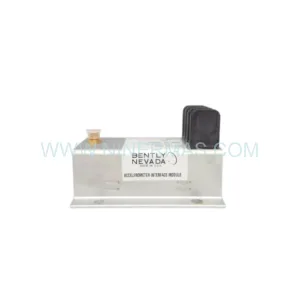
Original Industrial Spare Part
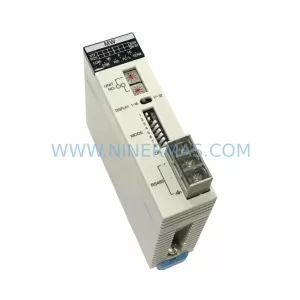
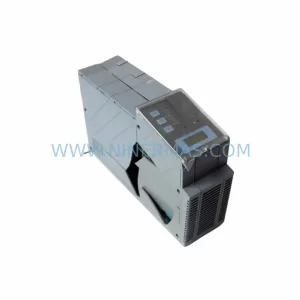
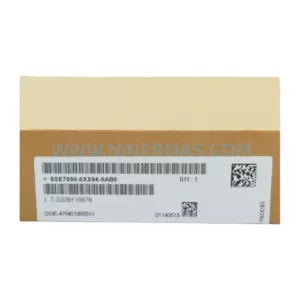
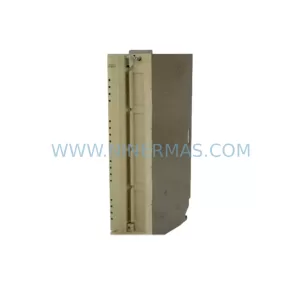
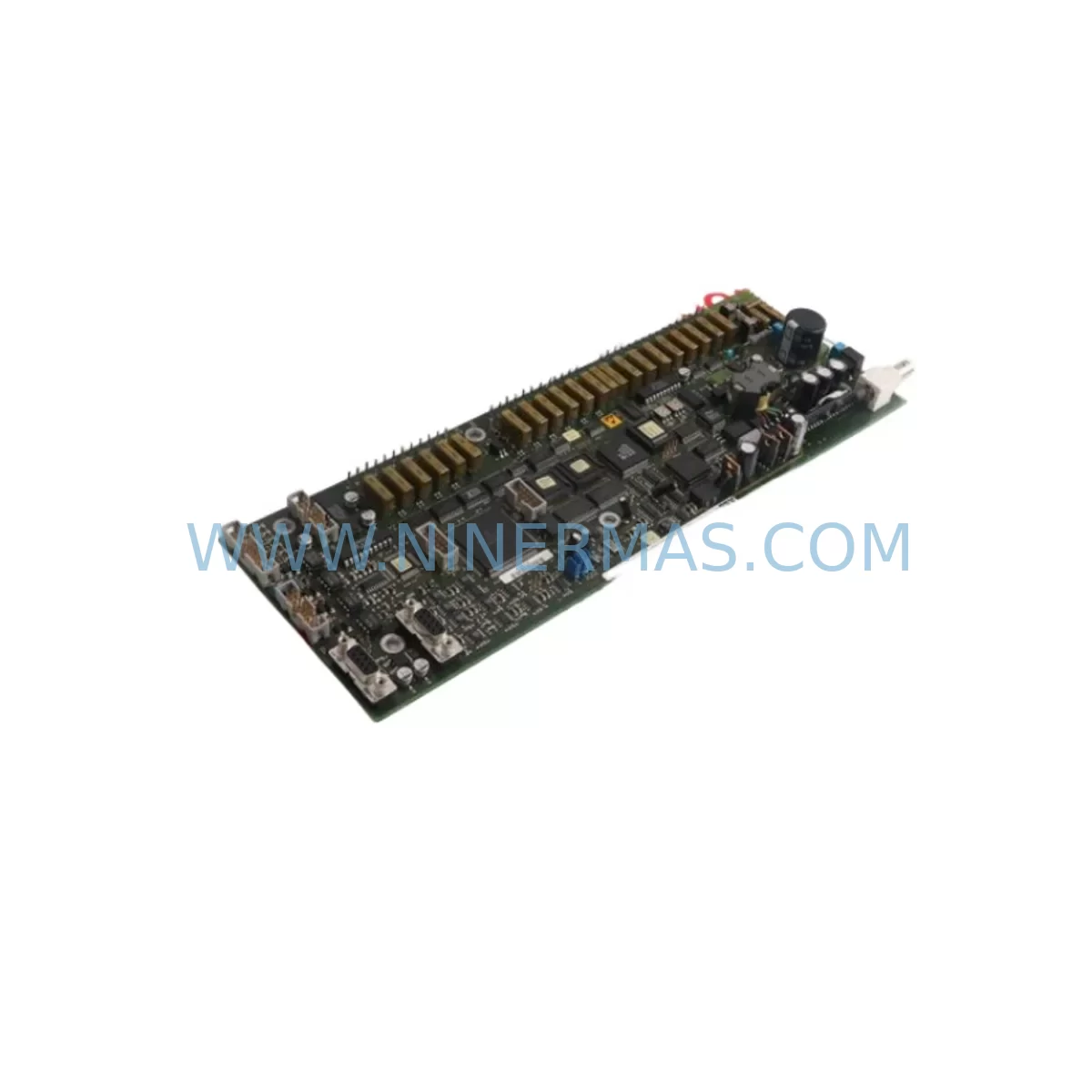
ABB YXU172E Retrofit-Compatible Control Board for YX Series
Verify the part, confirm the platform family, and move straight into quotation with the right commercial details.
RFQ Ready
- SKUYXU172E
- CategoryPLC & Industrial Automation Modules
- BrandABB
- SupportAvailability, lead time, condition, and shipping coordination
How Buyers Usually Use This Page
- Confirm the exact part number and platform family before sending the quote request.
- Use direct email when quantity, condition, and destination are already defined internally.
- Switch to the broader brand or category archive when you need alternates nearby.
Series Navigation
Move through the most common platform families behind this part.
Product RFQ
Send this part directly for quotation.
Include quantity, required condition, destination country, and target delivery timing. Current reference: ABB YXU172E Retrofit-Compatible Control Board for YX Series with SKU YXU172E.
ABB YXU172E Retrofit-Compatible Control Board for YX Series: Legacy System Compatibility & Smooth Upgrade Path
The ABB YXU172E is a control board module designed for use within the ABB YX Series drive and automation platform. As legacy YX Series installations approach end-of-life or encounter discontinued spare part shortages, the YXU172E serves as a critical retrofit component enabling engineers to restore, stabilize, and modernize existing control cabinets without requiring a full system replacement. Whether you are managing a production line running on aging ABB ACS Series drives, coordinating a control cabinet upgrade, or sourcing a verified replacement for a failed board, the YXU172E provides a reliable, pre-shipment tested solution backed by a 12-month warranty.
Upgrade Compatibility Table
| Parameter | Details |
|---|---|
| Compatible Platform | ABB YX Series Control Systems |
| Module Type | Control Board / CPU Board |
| Backplane Interface | YX Series standard backplane slot; verify rack generation before installation |
| Communication Compatibility | Compatible with PROFIBUS, Modbus RTU, and ABB proprietary fieldbus links used in YX Series configurations |
| Installation Requirement | Confirm cabinet rail spacing, module address DIP switch settings, and terminal block wiring before power-on |
| Replacement Recommendation | Direct replacement for failed or end-of-life YXU172E boards in existing YX Series racks |
| Commissioning Notes | Re-upload control program via ABB programming cable; verify HMI screen tag mapping after swap |
| Pre-Shipment Testing | Yes — functional test performed before dispatch |
| Warranty | 12 Months from date of shipment |
Retrofit Planning for Existing Automation Systems
Replacing the YXU172E in an active production environment requires careful pre-migration planning. Engineers working on YX Series retrofit projects typically begin by auditing the existing rack configuration, identifying the backplane slot assignment of the YXU172E, and confirming that the replacement board’s firmware revision is compatible with the installed ABB ACS drive firmware. In many installations, the YXU172E operates alongside an ABB RDCO-02 communication option module or an RINT-5611C pulse encoder interface board — both of which must remain undisturbed during the board swap to avoid disrupting the drive’s speed reference and feedback loop.
Power supply integrity is a common failure point during control board retrofits. Before removing the YXU172E, verify that the 24 VDC auxiliary power supply feeding the control section — often an ABB SPBU12 or equivalent — is within tolerance. A marginal power supply can cause the replacement board to exhibit intermittent faults that are difficult to diagnose in the field. Similarly, inspect the terminal block wiring on the control I/O section: signal cables connected to analog input terminals AI1 and AI2, digital input terminals DI1 through DI6, and relay output terminals RO1 and RO2 should be documented and photographed before disconnection.
For installations where the YX Series rack also houses an ABB RMIO-11C I/O extension module or an RAIO-01 analog I/O expansion board, confirm that module address settings are recorded prior to removal. These addresses are typically set via DIP switches on the module face and must be replicated exactly on the replacement board to avoid address conflicts on the backplane bus. In multi-drive cabinets using an ABB RDNA-01 DeviceNet adapter or an RPBA-01 PROFIBUS adapter for fieldbus communication, the node address and baud rate settings stored in the drive’s parameter memory must be re-verified after the YXU172E is replaced, as some firmware versions reset communication parameters to factory defaults on first power-up with a new control board.
HMI integration is another area requiring attention. If the control cabinet connects to an ABB CP600 operator panel or a third-party SCADA system via Modbus TCP, the HMI screen tag database should be exported and backed up before the retrofit begins. After installing the YXU172E replacement, re-establish the communication link and verify that all process variable tags — including drive speed reference, output frequency, motor current, and fault status — are reading correctly before returning the system to automatic mode.
For installations involving I/O expansion through an ABB AI810 analog input module or a DI810 digital input module mounted in an adjacent S800 I/O rack, confirm that the fieldbus segment connecting the I/O rack to the YX Series controller remains active throughout the board swap. Isolating the control board without properly suspending the fieldbus scan cycle can cause the I/O rack to enter a fault state, triggering downstream process shutdowns that extend planned downtime beyond acceptable limits.
Downtime Control During System Migration
Minimizing downtime during a YXU172E replacement requires a structured migration sequence. Begin by scheduling the swap during a planned maintenance window and preparing a full parameter backup using the ABB Drive Composer or DriveWindow software tool connected via an RUSB-02 USB-to-drive programming cable. This backup preserves all application parameters, motor data, and communication settings, ensuring that the replacement board can be restored to the exact operating state of the failed unit within minutes of installation.
During the swap, maintain control continuity by keeping the main power section of the drive energized if safe to do so, isolating only the control board section. This approach preserves the drive’s DC bus charge and allows the replacement board to initialize without requiring a full power cycle of the main circuit. Once the YXU172E is seated in the backplane slot and the terminal block connectors are re-attached, restore the parameter backup, verify the motor control mode (DTC or scalar), and perform a short no-load test run before reconnecting the mechanical load.
For multi-axis systems where the YX Series controller coordinates motion across several drives via an ABB DDCS fiber optic link or a Master/Follower configuration, confirm that the master drive’s control board is replaced first and that the follower drives remain in local control mode during the migration. This prevents uncontrolled axis movement caused by a missing master reference signal during the board swap interval. After the master YXU172E is confirmed operational, transition follower drives back to remote control mode one axis at a time, verifying speed synchronization at each step before proceeding to the next axis.
Effective downtime control also depends on having verified spare inventory on hand. Sourcing a pre-tested YXU172E with confirmed 12-month warranty coverage before the failure occurs — rather than after — eliminates the lead time risk associated with discontinued ABB spare parts and allows maintenance teams to execute the swap on their own schedule rather than under emergency conditions.
Retrofit Support FAQ
Q1: Is the YXU172E a direct drop-in replacement for the original ABB board?
Yes, the YXU172E is designed as a direct replacement for the original ABB YXU172E control board used in YX Series installations. Verify the board revision label and firmware version against your existing installation records before installation. In most cases, no hardware modification is required; however, a parameter restore from backup is recommended to ensure all application-specific settings are correctly applied.
Q2: What commissioning steps are required after installing the replacement board?
After seating the replacement YXU172E in the backplane slot and reconnecting all terminal block wiring, restore the parameter backup using ABB Drive Composer or DriveWindow via the RUSB-02 programming cable. Verify DIP switch address settings, confirm communication link status on any connected PROFIBUS or Modbus adapter, and perform a no-load test run to validate motor control response before returning the drive to production service.
Q3: Does the YXU172E ship with pre-shipment testing and warranty coverage?
Yes. Every YXU172E unit dispatched by NINERMAS undergoes functional pre-shipment testing to verify board-level operation before dispatch. Each unit is covered by a 12-month warranty from the date of shipment. For warranty claims or technical support, contact sale@ninermas.com or call +0086 187 5021 5667.
Q4: What if my existing YX Series rack uses a communication protocol not listed in the compatibility table?
Contact our technical team before ordering. The YX Series platform supports a range of optional communication adapters — including PROFIBUS, DeviceNet, Modbus RTU, and CANopen — that are installed as separate option modules rather than integrated into the YXU172E control board itself. In most cases, the existing communication adapter can be retained and reused with the replacement control board, provided the adapter’s firmware and parameter settings are backed up and restored as part of the migration procedure.
| Product Series | Control Board for YX Series |
|---|---|
| Country of Origin | SE |
Catalog Continuation
More ABB modules in the catalog.
Use the brand lane to compare nearby part numbers, platform-adjacent modules, and other inquiry-ready listings before sending your final RFQ.
SKU: HESG447440R0001
ABB HESG447440R0001 Safety-Reliable I/O Module for Critical Control
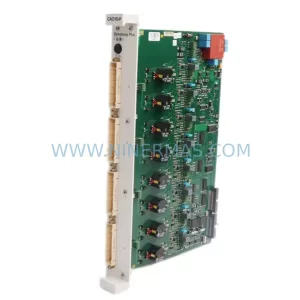
SKU: CAO10-P 3BDH000723R1
ABB CAO10-P 3BDH000723R1 Safety-Reliable Analog Output Module
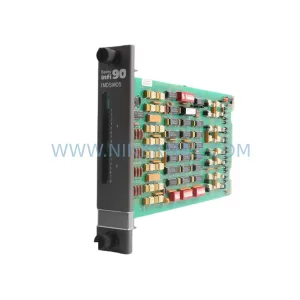
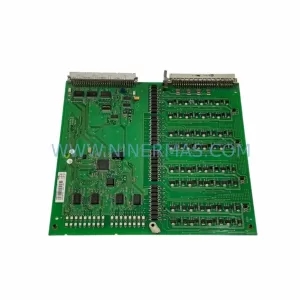
SKU: 3BSE018298R1 DSDO 115A
ABB 3BSE018298R1 DSDO 115A Retrofit-Compatible Digital Output
Catalog Continuation
Alternative parts within PLC & Industrial Automation Modules.
Stay inside the same system family when you need substitutes, adjacent modules, or a broader shortlist for procurement review.