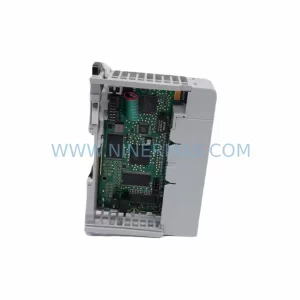
Original Industrial Spare Part
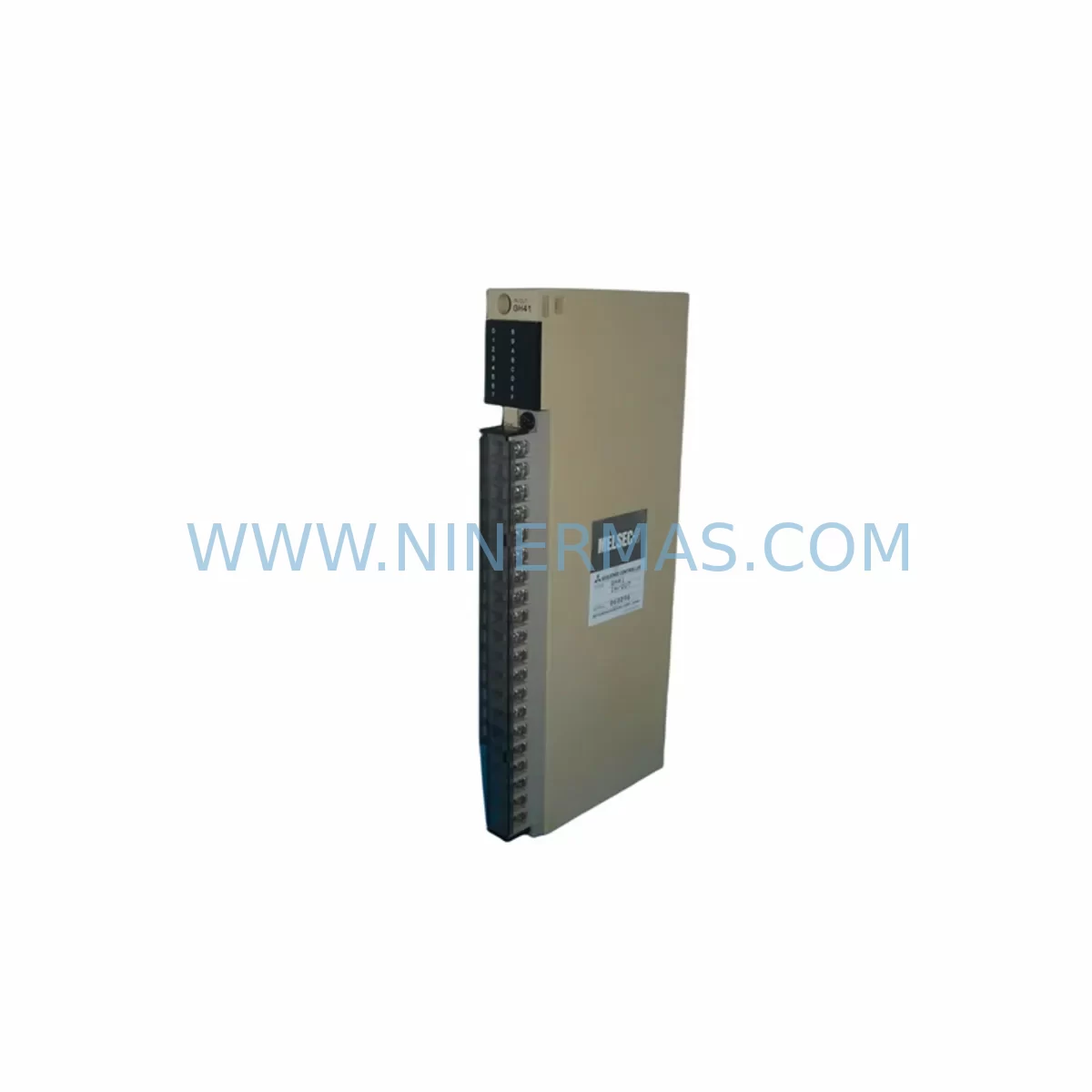
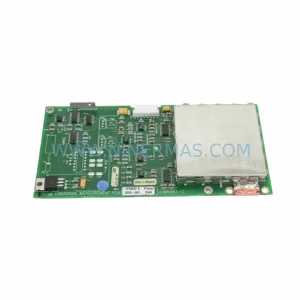
Mitsubishi GH41 Retrofit-Compatible Optical Drive Legacy Systems
Verify the part, confirm the platform family, and move straight into quotation with the right commercial details.
RFQ Ready
- SKUGH41
- CategoryPLC & Industrial Automation Modules
- BrandMitsubishi Electric
- SupportAvailability, lead time, condition, and shipping coordination
How Buyers Usually Use This Page
- Confirm the exact part number and platform family before sending the quote request.
- Use direct email when quantity, condition, and destination are already defined internally.
- Switch to the broader brand or category archive when you need alternates nearby.
Series Navigation
Move through the most common platform families behind this part.
Product RFQ
Send this part directly for quotation.
Include quantity, required condition, destination country, and target delivery timing. Current reference: Mitsubishi GH41 Retrofit-Compatible Optical Drive Legacy Systems with SKU GH41.
Mitsubishi GH41 Retrofit-Compatible Optical Drive Legacy Systems: Legacy System Compatibility and Smooth Upgrade
The Mitsubishi GH41 is an optical drive module designed for use in legacy Mitsubishi Electric industrial control systems, including older MELSEC-A and MELSEC-Q series PLC platforms and associated CNC control cabinets. As production lines age and original equipment manufacturers discontinue support for older hardware, the GH41 remains a critical spare part for facilities that depend on optical-based data storage and program transfer functions within their automation infrastructure. NINERMAS maintains verified stock of the GH41 with pre-shipment functional testing and a 12-month warranty, ensuring that replacement units arrive ready for immediate installation without extended lead times.
For engineers managing retrofit projects, the GH41 addresses one of the most common pain points in legacy system maintenance: the unavailability of optical drive units that match the original mechanical form factor, interface pinout, and firmware compatibility requirements of the host controller. Sourcing a non-compatible unit risks program loss, HMI communication errors, and extended unplanned downtime. The GH41 is verified against original Mitsubishi Electric specifications to ensure drop-in compatibility with supported host systems.
Upgrade Compatibility Table
| Parameter | GH41 Specification | Retrofit Notes |
|---|---|---|
| Interface Type | Optical / Internal Drive Bay | Confirm host controller drive bay dimensions before installation |
| Compatible Series | Mitsubishi MELSEC-A, MELSEC-Q, Legacy CNC Controllers | Verify firmware version compatibility with host CPU module |
| Communication Compatibility | Internal bus; no external protocol required | No protocol migration needed; direct replacement |
| Installation Requirements | Standard drive bay mounting; original cable harness reuse | Inspect ribbon cable and connector for wear before reuse |
| Replacement Recommendation | Direct drop-in for original GH41 units | Backup all PLC programs and HMI screens before replacement |
| Commissioning Focus | Program read/write verification; media recognition test | Test with known-good media after installation |
| Warranty | 12 Months | Covers manufacturing defects; pre-shipment tested by NINERMAS |
Retrofit Planning for Existing Automation Systems
When planning a retrofit around the GH41 optical drive module, engineers must consider the broader control architecture in which the drive operates. In a typical MELSEC-Q series control cabinet, the GH41 is housed within the main CPU enclosure alongside the Q06HCPU or Q25HCPU processor module. These CPU modules rely on the optical drive for program backup, firmware updates, and parameter file transfers during commissioning or after a CPU replacement event. Before removing the original GH41, it is essential to perform a full program backup using a QC30B2 programming cable connected to a GX Works2 or GX Developer workstation, ensuring that all ladder logic, structured text routines, and device comments are preserved.
Power supply capacity is a key verification step. The Q61P or Q62P power supply module must be confirmed to provide sufficient current for the replacement GH41 alongside all installed I/O modules, including QX42 DC input modules and QY42P transistor output modules. Overloading the backplane power budget is a common cause of intermittent faults after a component swap. Review the power consumption table in the system configuration manual and calculate the total load before proceeding.
Backplane interface compatibility must also be confirmed. The Q series main base unit, such as the Q38B or Q312B, provides the physical slots and internal bus connections that the CPU and peripheral modules share. If the retrofit involves migrating from an older MELSEC-A series rack — such as the A1S series using an A1SJ71LP21 optical loop communication module — to a Q series platform, the backplane pinout and module addressing scheme will differ. In this scenario, the GH41 replacement is part of a broader migration that may also require updating the QJ71LP21 MELSEC-NET/H optical loop module to maintain network communication with remote I/O stations.
HMI screen compatibility is another consideration. If the control system includes a GOT2000 series HMI, such as the GT2710-VTBA, the screen project files stored on the optical drive must be verified for compatibility with the current GOT firmware version. After replacing the GH41, confirm that the HMI can read and write project data correctly. If the system uses an older GOT1000 series panel, the project file format may require conversion before it can be transferred using the new drive unit.
For systems that include analog signal conditioning, the Q64AD analog input module or Q62DA analog output module may require re-parameterization after a CPU or drive replacement event. Confirm that all module parameters are stored in the CPU’s built-in flash memory or backed up to the optical drive before beginning the retrofit. Signal isolators installed between field instruments and the I/O modules should also be inspected to ensure that wiring terminations remain secure after any cabinet work.
Downtime Control During System Migration
Minimizing downtime during a GH41 replacement requires a structured pre-maintenance checklist and a clear rollback plan. Begin by scheduling the replacement during a planned maintenance window, coordinating with production scheduling to ensure that the affected line can be safely stopped. Before powering down the control cabinet, confirm that all field devices — including sensors, actuators, and safety interlocks — are in a safe state. Document the current PLC operating mode and any active alarms.
Once the cabinet is de-energized and locked out, remove the original GH41 carefully, noting the orientation of the cable harness and any mounting hardware. Install the replacement GH41, reconnect the cable harness, and verify that all connectors are fully seated. Power up the system and confirm that the CPU module recognizes the new drive. Perform a media read test using a known-good optical disk or compatible storage media to verify drive functionality before restoring the production program.
To protect original program logic, never overwrite the CPU’s internal program memory during the replacement process. Use the GH41 exclusively for backup and restore operations, and confirm the program checksum after restoration. If the system uses a redundant CPU configuration, such as the Q12PRHCPU hot-standby module, ensure that both CPUs are synchronized before returning the line to production. Maintaining field control continuity throughout the migration reduces the risk of process upsets and protects both equipment and personnel.
Retrofit Support FAQ
Q: Is the Mitsubishi GH41 a direct replacement for the original unit in MELSEC-Q series systems?
A: Yes. The GH41 is designed as a direct replacement for the original optical drive unit in supported Mitsubishi Electric MELSEC-Q and legacy MELSEC-A series control systems. Confirm the host controller model and drive bay dimensions before ordering to ensure mechanical compatibility.
Q: What commissioning steps are required after installing the GH41?
A: After installation, power up the system and verify that the CPU module recognizes the drive. Perform a media read/write test using a compatible optical disk. Restore the backed-up PLC program and confirm the program checksum. Test all I/O modules and HMI communication links before returning the system to production.
Q: How should I verify wiring and termination compatibility before replacement?
A: Inspect the existing cable harness and connector for wear or damage before reuse. Confirm that the ribbon cable pinout matches the GH41 interface specification. Do not force connectors — if resistance is felt during insertion, verify alignment before applying pressure. Refer to the original Mitsubishi Electric wiring diagram for the host controller.
Q: Does NINERMAS provide stock availability and warranty coverage for the GH41?
A: NINERMAS maintains verified inventory of the GH41 with pre-shipment functional testing. Each unit is covered by a 12-month warranty against manufacturing defects. For long-term supply commitments or reserved stock programs, contact NINERMAS directly to discuss procurement options and lead time guarantees.
| Product Series | MELSEC |
|---|---|
| Country of Origin | JP |
Catalog Continuation
More Mitsubishi Electric modules in the catalog.
Use the brand lane to compare nearby part numbers, platform-adjacent modules, and other inquiry-ready listings before sending your final RFQ.
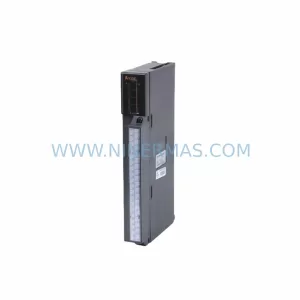
SKU: A50CA55C BC186A433G53
Mitsubishi A50CA55C BC186A433G53 Spare Part for Maintenance
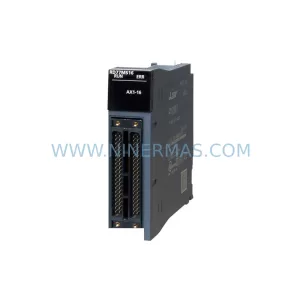
SKU: MELSEC RD77MS16 D 0140-76929 GAS N2, 40 SLM UFC-1660
Mitsubishi RD77MS16 Safety-Reliable Motion for Critical Sites
Catalog Continuation
Alternative parts within PLC & Industrial Automation Modules.
Stay inside the same system family when you need substitutes, adjacent modules, or a broader shortlist for procurement review.
SKU: 16-167627-00 8122 410 05002, 4022.470.78191 8122 410 55702 16-273491-00
Novellus 16-167627-00 Service-Ready Industrial Spare Part
SKU: 2305451-C DT2000 0626 P2, OLE36-10632-02
Advanced Energy 2305451-C Service-Ready Industrial Spare Part