Original Industrial Spare Part
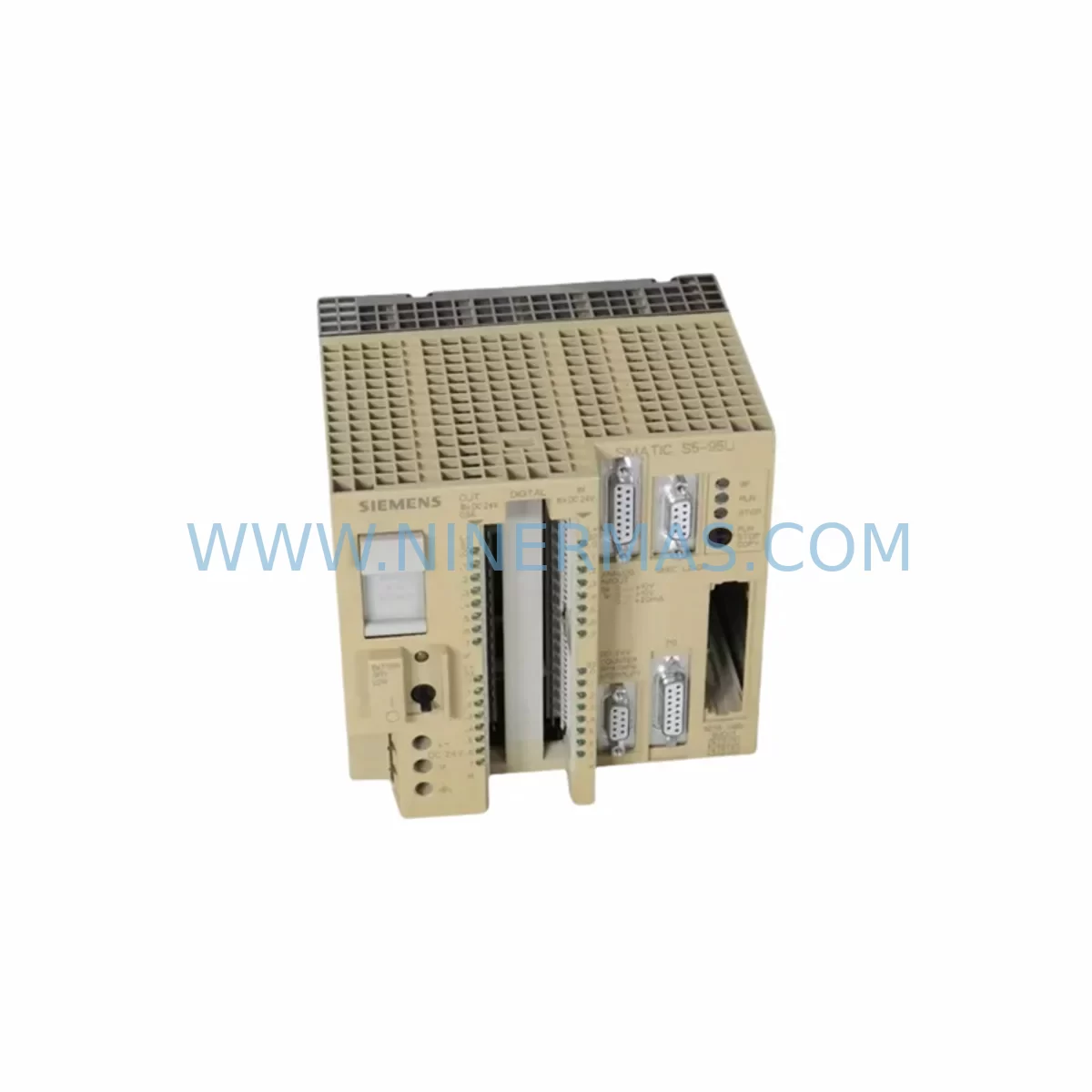
Siemens 6ES5095-8MD01 Retrofit-Compatible CPU for Legacy Systems
Verify the part, confirm the platform family, and move straight into quotation with the right commercial details.
RFQ Ready
- SKU6ES5095-8MD01
- CategoryPLC & Industrial Automation Modules
- BrandSiemens
- SupportAvailability, lead time, condition, and shipping coordination
How Buyers Usually Use This Page
- Confirm the exact part number and platform family before sending the quote request.
- Use direct email when quantity, condition, and destination are already defined internally.
- Switch to the broader brand or category archive when you need alternates nearby.
Series Navigation
Move through the most common platform families behind this part.
Product RFQ
Send this part directly for quotation.
Include quantity, required condition, destination country, and target delivery timing. Current reference: Siemens 6ES5095-8MD01 Retrofit-Compatible CPU for Legacy Systems with SKU 6ES5095-8MD01.
Siemens 6ES5095-8MD01 Retrofit-Compatible CPU for Legacy Systems: Seamless Upgrade for Aging SIMATIC S5 Automation
The Siemens 6ES5095-8MD01 is a CPU module from the classic SIMATIC S5-95U series, widely deployed across manufacturing plants, process control facilities, and utility infrastructure throughout the 1980s and 1990s. As the S5 platform has reached end-of-life and spare parts become increasingly scarce, plant engineers and maintenance teams face mounting pressure to source verified replacement units, plan controlled retrofits, or execute full migration projects to modern platforms such as the SIMATIC S7-300 or S7-1200 series.
NINERMAS maintains verified stock of the 6ES5095-8MD01 to support emergency breakdown recovery, planned maintenance cycles, and phased system modernization. Every unit undergoes pre-shipment functional testing and is backed by a 12-month warranty, giving procurement and engineering teams confidence in both availability and reliability.
Upgrade Compatibility Table
| Parameter | 6ES5095-8MD01 (S5-95U) | Retrofit / Migration Notes |
|---|---|---|
| Platform | SIMATIC S5 | Direct replacement within S5-95U rack; migration path to S7-300 requires program conversion |
| Backplane Interface | S5 bus (parallel) | Compatible with original S5-95U subrack; verify slot addressing before installation |
| Communication | SINEC L1 / AS-Interface / Serial | Confirm protocol compatibility with existing CP modules (e.g., 6ES5734-1BD20) before swap |
| Power Supply | 24 VDC / 115–230 VAC (via PS module) | Verify existing PS 951 or PS 952 power supply capacity before adding I/O expansion |
| Terminal Wiring | Standard S5 I/O terminal blocks | Existing field wiring can be retained; re-label terminals during planned maintenance window |
| Programming Interface | PG port (5-pin DIN) | Use PC-Adapter S5 or 6ES5734-1BD20 programming cable; STEP 5 software required |
| Installation Space | Standard S5-95U subrack slot | No mechanical modification required for like-for-like replacement |
| Program Compatibility | STEP 5 (STL/LAD/FBD) | Backup existing program to PG before replacement; verify DB and FB block addresses post-swap |
| HMI Interface | Serial / SINEC L1 | Confirm HMI screen tag addresses match restored CPU memory layout |
| Warranty | 12-Month Warranty — all units pre-shipment tested by NINERMAS | |
Retrofit Planning for Existing Automation Systems
Replacing the 6ES5095-8MD01 in an operational facility requires careful pre-work to avoid unplanned downtime and protect existing control logic. The first step is a full audit of the S5-95U subrack configuration: document every occupied slot, including any 6ES5420-7AA11 digital input modules, 6ES5430-7AA11 digital output modules, and any analog I/O cards such as the 6ES5464-8ME11. These modules remain in place during a CPU swap, but their slot addresses and I/O byte assignments must be verified against the restored program after the new CPU is initialized.
Power supply capacity is a critical checkpoint. The existing 6ES5951-7LD21 or equivalent PS module must be confirmed to support the full load of all installed I/O modules plus the replacement CPU. If the facility has added I/O expansion racks over the years, verify that the subrack backplane current budget has not been exceeded. Overloaded power supplies are a common cause of intermittent faults in aging S5 systems and should be addressed during the same maintenance window as the CPU replacement.
Communication continuity is equally important. Many S5-95U installations use a 6ES5734-1BD20 communications processor or similar CP module to interface with SCADA systems, operator panels, or remote I/O via SINEC L1 or serial protocols. Before powering down, document all communication parameters — baud rate, station address, and protocol settings — so they can be verified after the CPU swap. If the facility is also planning a migration to a modern SIMATIC S7-300 platform, the communication architecture will need to be redesigned, potentially introducing CP 343-1 Ethernet modules and replacing legacy serial links with PROFINET.
For sites running HMI panels connected to the S5-95U, confirm that the HMI screen tag database maps correctly to the CPU’s data block and flag addresses. A common issue during CPU replacement is a mismatch between the restored program’s DB numbering and the HMI’s configured tag addresses, which can cause display errors or loss of operator visibility immediately after restart. Coordinate with the HMI vendor or use the original project backup to verify tag consistency before commissioning.
Signal isolation should also be reviewed during retrofit planning. In older control cabinets, field signals from thermocouples, pressure transmitters, and flow meters may pass through signal isolators or barriers before reaching the S5 analog input cards. Verify that these isolators are still within calibration and that their output ranges match the input specifications of the replacement CPU’s associated analog modules. Replacing a CPU without auditing the signal chain can introduce measurement errors that are difficult to diagnose under production pressure.
Finally, if the retrofit scope includes upgrading the programming interface, ensure that a compatible programming cable and a licensed copy of STEP 5 software are available on-site before the maintenance window begins. Attempting to source programming tools after a CPU failure significantly extends recovery time and increases production loss.
Downtime Control During System Migration
Minimizing downtime during a 6ES5095-8MD01 replacement or S5-to-S7 migration requires a structured approach that protects the original program logic and maintains field control continuity throughout the transition.
Begin by creating a verified backup of the existing STEP 5 program, including all organization blocks (OBs), function blocks (FBs), data blocks (DBs), and system data. Store this backup on at least two independent media — a programming device hard drive and a USB drive or network share. A lost program backup is the single greatest risk in any legacy PLC replacement project.
For a like-for-like CPU swap, plan the replacement during a scheduled production stop or shift changeover. The physical swap typically takes less than 30 minutes, but allow additional time for program restore, I/O force testing, and communication link verification. Coordinate with the operations team to ensure that all field devices are in a safe state before power-down, and that operators are aware of the expected restart sequence.
For a phased migration from S5 to S7, consider running the new SIMATIC S7-300 or S7-1200 platform in parallel with the existing S5-95U during a trial period. This approach allows engineers to validate the converted program logic, verify I/O mapping, and confirm HMI integration before cutting over field wiring. It also provides a fallback path if issues are discovered during commissioning, significantly reducing the risk of extended unplanned downtime.
During commissioning, perform a structured I/O force test: individually activate each output and verify the corresponding field response, then confirm that each input signal is correctly read by the CPU. Document any discrepancies and resolve them before releasing the system to production. This step is particularly important when replacing a CPU that has been in service for many years, as undocumented field wiring changes may have accumulated over time.
Retrofit Support FAQ
Q1: Is the 6ES5095-8MD01 a direct drop-in replacement for the original S5-95U CPU?
Yes. The 6ES5095-8MD01 is designed for the S5-95U subrack and uses the standard S5 backplane interface. No mechanical modification is required. After installation, restore the STEP 5 program backup and verify I/O addressing and communication parameters before restarting production.
Q2: Does NINERMAS pre-test units before shipment?
Yes. All 6ES5095-8MD01 units supplied by NINERMAS undergo functional pre-shipment testing. Each unit is covered by a 12-month warranty. In-stock units are typically dispatched within 1–3 business days of order confirmation.
Q3: Can the 6ES5095-8MD01 be used as a bridge during a migration to SIMATIC S7?
Yes. Many customers use a verified S5 replacement unit to stabilize the existing system while the S7 migration project is planned and executed. This approach avoids emergency downtime pressure and allows the migration to proceed on a controlled schedule with proper program conversion, I/O remapping, and HMI reconfiguration.
Q4: What wiring and terminal changes are needed when replacing the CPU?
For a like-for-like CPU replacement within the S5-95U subrack, no field wiring changes are required. The existing terminal blocks and I/O modules remain in place. If the retrofit scope includes adding new I/O modules or expanding the rack, verify backplane slot availability and power supply capacity before proceeding. Re-label any unmarked terminals during the maintenance window to improve long-term maintainability.
| Product Series | SIMATIC S5 |
|---|---|
| Country of Origin | DE |
Catalog Continuation
More Siemens modules in the catalog.
Use the brand lane to compare nearby part numbers, platform-adjacent modules, and other inquiry-ready listings before sending your final RFQ.
SKU: 6ES7341-1AH02-0AE0
Siemens 6ES7341-1AH02-0AE0 Retrofit-Compatible CP for Legacy S7-300
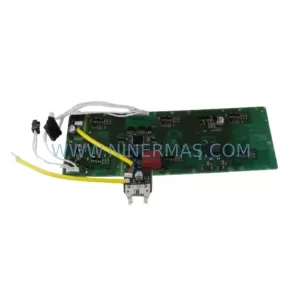
SKU: A5E03894525 PM240/340
Siemens A5E03894525 Service-Ready Spare Part for Industrial Maintenance
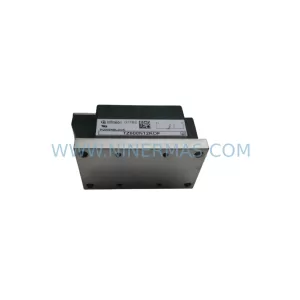
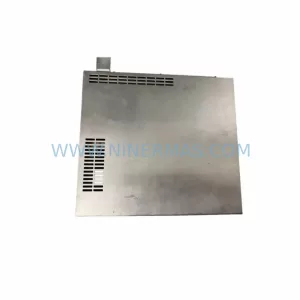
SKU: 4FD6303-0LA01-1A
Siemens 4FD6303-0LA01-1A Safety-Reliable Current Supply Module
Catalog Continuation
Alternative parts within PLC & Industrial Automation Modules.
Stay inside the same system family when you need substitutes, adjacent modules, or a broader shortlist for procurement review.
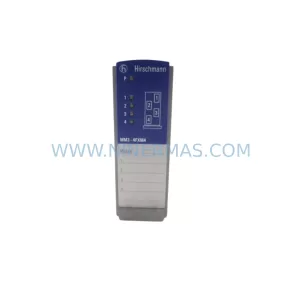
SKU: NA-1E221 1E-221.2
KONGSBERG NA-1E221 Service-Ready Spare Part for Maintenance
SKU: 023PLX0100 23 SGM-02U3B4L 10.004.22 RKH/W 500L 0040-99736
Yaskawa SGM-02U3B4L Retrofit AC Servo Motor for Legacy Systems