Original Industrial Spare Part
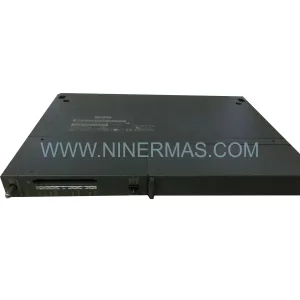
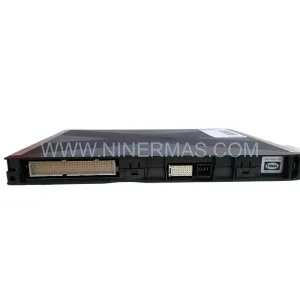
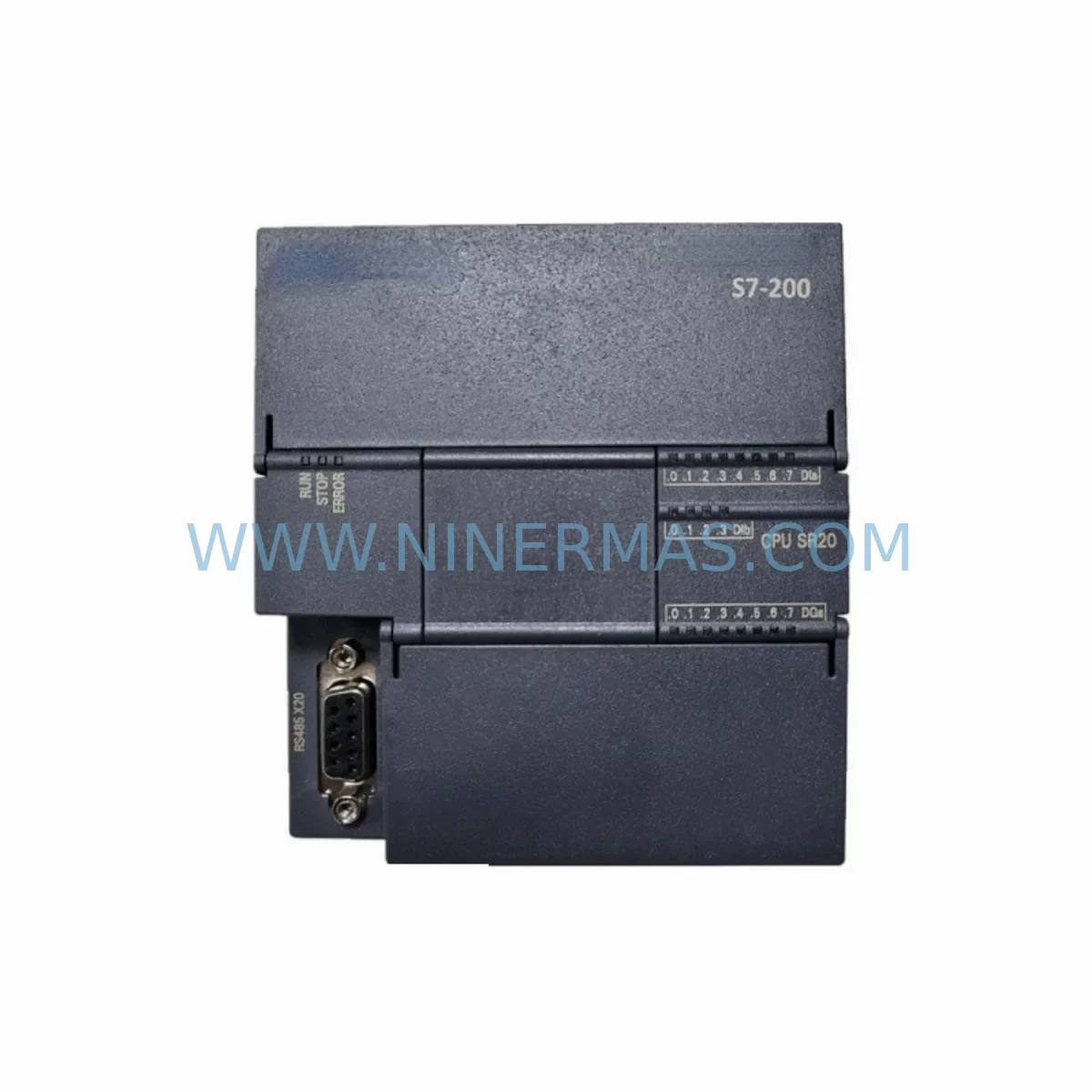
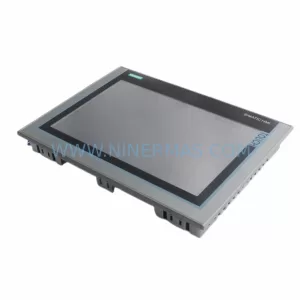
PRO-FACE PFXPB1B1CD20N00N00 Retrofit HMI for Legacy Systems
Verify the part, confirm the platform family, and move straight into quotation with the right commercial details.
RFQ Ready
- SKUPFXPB1B1CD20N00N00 PFXPB1B1CD24D00N00
- CategoryPLC & Industrial Automation Modules
- BrandPro-face
- SupportAvailability, lead time, condition, and shipping coordination
How Buyers Usually Use This Page
- Confirm the exact part number and platform family before sending the quote request.
- Use direct email when quantity, condition, and destination are already defined internally.
- Switch to the broader brand or category archive when you need alternates nearby.
Series Navigation
Move through the most common platform families behind this part.
Product RFQ
Send this part directly for quotation.
Include quantity, required condition, destination country, and target delivery timing. Current reference: PRO-FACE PFXPB1B1CD20N00N00 Retrofit HMI for Legacy Systems with SKU PFXPB1B1CD20N00N00 PFXPB1B1CD24D00N00.
PRO-FACE PFXPB1B1CD20N00N00 Retrofit HMI for Legacy Systems: Seamless Upgrade & Legacy Compatibility
The PRO-FACE PFXPB1B1CD20N00N00 (cross-reference: PFXPB1B1CD24D00N00) is a ruggedized industrial HMI panel PC engineered for demanding factory-floor environments. As legacy Pro-face GP and LT series HMI terminals reach end-of-life, the PFXPB1B1 series provides a validated retrofit path that preserves existing control logic, operator screen layouts, and field wiring — dramatically reducing the engineering effort and downtime risk associated with a full control system overhaul.
NINERMAS maintains verified stock of the PFXPB1B1CD20N00N00 and PFXPB1B1CD24D00N00 variants, each shipped with a 12-month warranty and pre-delivery functional testing. Whether you are replacing a failed unit on an active production line or building a long-term spare-parts inventory for a multi-site automation network, this module delivers the reliability and compatibility your maintenance team requires.
Upgrade Compatibility Table
| Parameter | PFXPB1B1CD20N00N00 | PFXPB1B1CD24D00N00 | Retrofit Notes |
|---|---|---|---|
| Display Size | No integrated display (Box PC) | No integrated display (Box PC) | Pairs with external Pro-face or third-party industrial monitor via DVI/VGA |
| Power Supply | 24 VDC nominal | 24 VDC nominal | Verify existing panel PSU capacity; recommend 60 W minimum dedicated rail |
| Communication Interfaces | Ethernet (RJ-45), RS-232/422/485, USB | Ethernet (RJ-45), RS-232/422/485, USB | Confirm PLC protocol (MELSEC, SYSMAC, SIMATIC S7, Modbus) before wiring |
| Mounting / Installation | DIN-rail or panel-mount bracket | DIN-rail or panel-mount bracket | Measure cabinet depth; minimum 80 mm clearance required behind mounting surface |
| OS / Runtime | Windows Embedded / Pro-face BLUE Open Studio | Windows Embedded / Pro-face BLUE Open Studio | Migrate GP-Pro EX project files; validate tag mapping before go-live |
| Legacy Replacement Target | GP-4501T, GP-4601T, LT-4301TM series | GP-4501T, GP-4601T, LT-4301TM series | Screen resolution and tag count must be re-validated in GP-Pro EX |
| Warranty | 12 Months — Covered by NINERMAS | Functional test report available on request | |
Retrofit Planning for Existing Automation Systems
A successful retrofit of the PFXPB1B1CD20N00N00 into an existing control cabinet begins well before the unit arrives on site. Maintenance engineers should start by auditing the current panel layout: confirm that the 24 VDC power supply module — often a Phoenix Contact QUINT or Siemens SITOP unit — can deliver sufficient current for the new box PC alongside existing I/O loads. If the power budget is marginal, a supplementary rail-mount PSU should be sourced in parallel with the HMI order.
Terminal block wiring is the next critical checkpoint. Legacy GP-series terminals typically use a proprietary multi-pin connector for the serial PLC link. When migrating to the PFXPB1B1 platform, the RS-232 or RS-485 cable must be re-terminated to a standard DB9 or terminal-strip adapter. For sites running Mitsubishi MELSEC Q-series or iQ-R series PLCs, the Ethernet IP connection is preferred; ensure the managed switch or Ethernet communication module in the PLC rack is configured for the correct subnet before powering the new HMI.
Backplane and rack considerations apply when the PFXPB1B1 is installed alongside a Mitsubishi Q-series base unit or an Omron CJ-series rack. The box PC does not occupy a rack slot directly, but its communication cable routing must not interfere with the I/O expansion modules or analog input/output cards already installed. Label each terminal clearly during the changeover to prevent mis-wiring during future maintenance cycles.
For sites using Profibus DP or CC-Link field networks, a protocol gateway or communication converter module may be required to bridge the legacy fieldbus to the Ethernet-based architecture of the PFXPB1B1. NINERMAS can advise on compatible gateway options from Anybus or Moxa during the pre-order consultation phase.
HMI screen migration deserves dedicated engineering time. GP-Pro EX project files from older GP-4000 or GP-3000 series terminals can be imported into BLUE Open Studio, but alarm tag addresses, recipe data blocks, and trend history paths must be individually verified. Where the original project references a signal isolator or 4–20 mA transmitter for analog process values, confirm that the new I/O wiring preserves the same channel-to-tag mapping to avoid process variable misreads after restart.
Finally, if the control cabinet houses a programming cable connection point for the PLC — such as a USB-SC09 for MELSEC or a CS1W-CIF31 for SYSMAC — ensure the PFXPB1B1’s USB ports are accessible after installation. Technicians will need direct PLC programming access during commissioning and any future program updates without disturbing the HMI wiring.
Downtime Control During System Migration
Minimizing production interruption during an HMI retrofit requires a structured changeover plan. The recommended approach is a parallel preparation strategy: configure and test the PFXPB1B1CD20N00N00 on a bench setup — replicating the PLC communication parameters, screen navigation logic, and alarm thresholds — before the scheduled maintenance window. This allows the on-site swap to be completed within a single shift rather than requiring extended downtime for software commissioning.
Before powering down the existing terminal, export a full backup of the current GP-Pro EX project, PLC program, and any recipe or data-logging files stored on the legacy HMI. Store these backups on an external USB drive and a network share simultaneously. If the legacy unit uses a CF card or SD card for data storage, copy all historian files before removal — this data cannot be recovered once the old unit is decommissioned.
During the physical swap, keep the PLC in RUN mode where the process safety interlocks permit. Many Mitsubishi iQ-R and Omron NX-series controllers allow the HMI communication link to drop without triggering a CPU fault, meaning the field control loop continues to operate while the HMI is being replaced. Confirm this behavior in the PLC program before proceeding — look for any watchdog timers or communication-loss alarms that could force a controlled shutdown.
After mounting the PFXPB1B1 and restoring the communication cable, perform a structured commissioning checklist: verify all analog I/O readings match the field instruments, confirm alarm setpoints are active, cycle through each HMI screen to validate tag data, and test the emergency stop interlock chain. Document the commissioning results and retain the test report alongside the 12-month warranty certificate provided by NINERMAS.
Retrofit Support FAQ
Q1: Is the PFXPB1B1CD20N00N00 a direct drop-in replacement for the PFXPB1B1CD24D00N00?
Both part numbers belong to the same PFXPB1B1 platform and share identical mechanical dimensions, power requirements, and communication interfaces. The primary difference lies in the storage or memory configuration. In most retrofit scenarios they are functionally interchangeable, but confirm the GP-Pro EX project file size and data-logging requirements against the specific variant’s storage capacity before finalizing the order.
Q2: What pre-shipment testing does NINERMAS perform?
Every unit undergoes a power-on functional test confirming OS boot, communication port operation, and display output before dispatch. A test report is available on request. Units are shipped in anti-static packaging with protective foam inserts to prevent transit damage. The 12-month warranty covers manufacturing defects and functional failures under normal industrial operating conditions.
Q3: Can the existing RS-232 PLC cable be reused during the retrofit?
In most cases, yes — provided the cable pinout matches the PFXPB1B1’s DB9 serial connector and the cable length does not exceed the RS-232 specification (typically 15 m). For longer runs or electrically noisy environments, upgrading to an RS-485 differential pair or Ethernet connection is strongly recommended. NINERMAS technical support can review your existing cable specification prior to shipment.
Q4: What is the lead time and stock availability?
NINERMAS maintains ready stock of both the PFXPB1B1CD20N00N00 and PFXPB1B1CD24D00N00. Standard orders ship within 3–5 business days. For urgent breakdown situations, expedited dispatch is available — contact our team directly at sale@ninermas.com or +0086 187 5021 5667 to confirm current inventory and arrange priority shipping.
| Product Series | Legacy |
|---|
Catalog Continuation
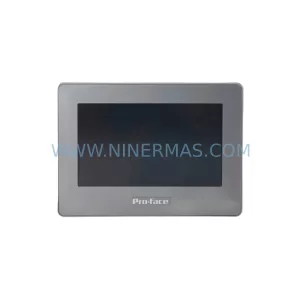
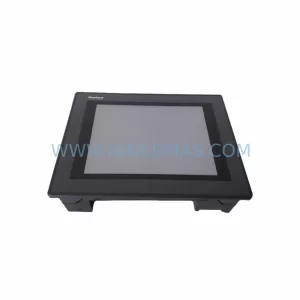
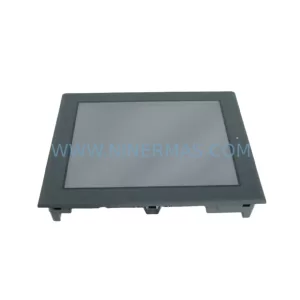
More Pro-face modules in the catalog.
Use the brand lane to compare nearby part numbers, platform-adjacent modules, and other inquiry-ready listings before sending your final RFQ.
Catalog Continuation
Alternative parts within PLC & Industrial Automation Modules.
Stay inside the same system family when you need substitutes, adjacent modules, or a broader shortlist for procurement review.
SKU: AG319100-0200C AG319100-0200D
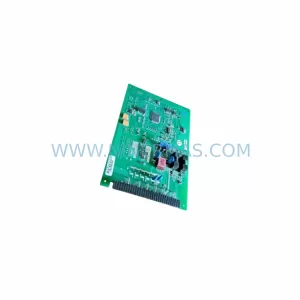
Endress+Hauser AG319100-0200C/D Retrofit PCB for Legacy Systems
SKU: DS200SHVMG1ACC
GE DS200SHVMG1ACC Service-Ready Spare Part for Maintenance