Original Industrial Spare Part
Pro-Face GP2600-TC11 Retrofit-Compatible HMI for Legacy Systems
Verify the part, confirm the platform family, and move straight into quotation with the right commercial details.
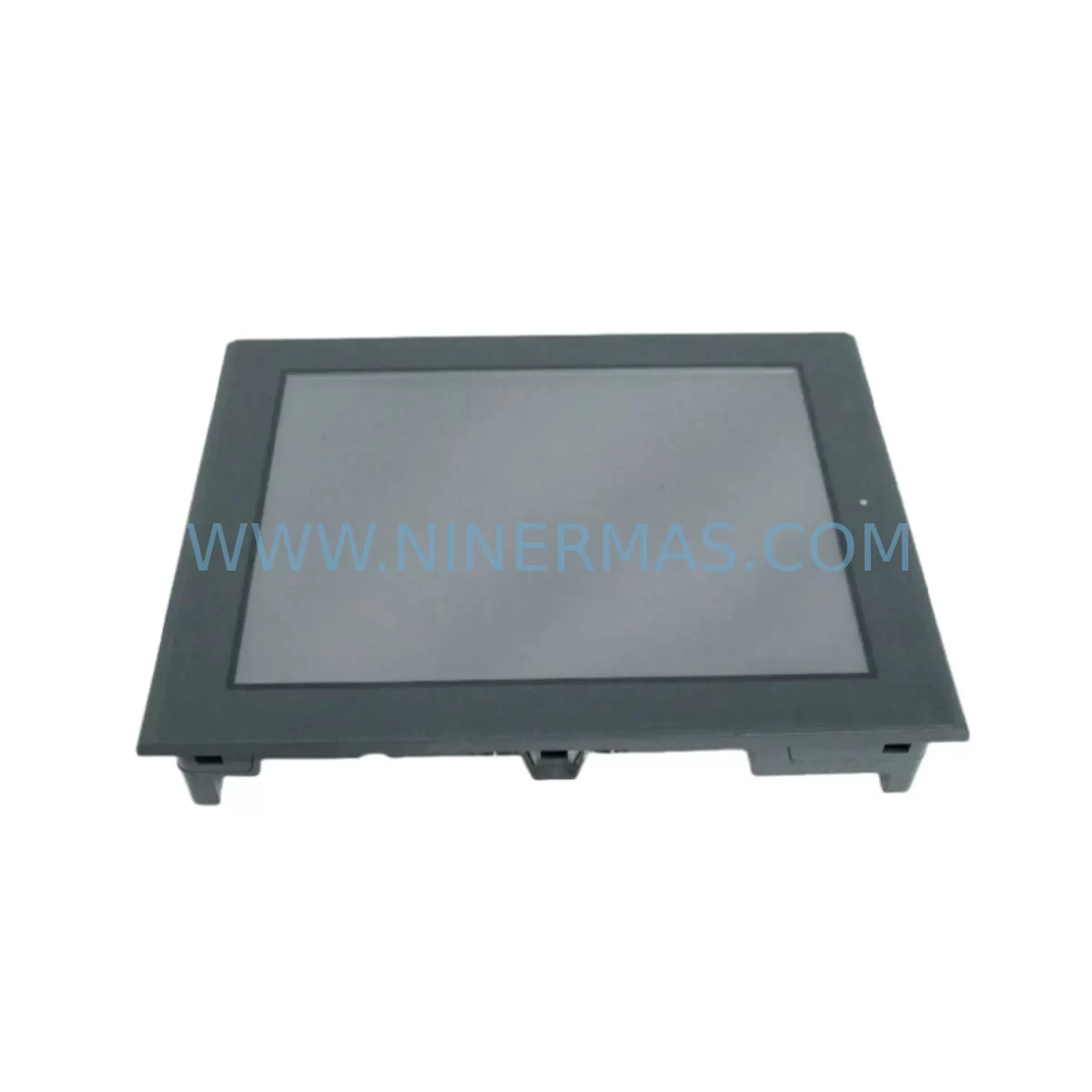
RFQ Ready
- SKUGP2600-TC11
- CategoryPLC & Industrial Automation Modules
- BrandPro-face
- SupportAvailability, lead time, condition, and shipping coordination
How Buyers Usually Use This Page
- Confirm the exact part number and platform family before sending the quote request.
- Use direct email when quantity, condition, and destination are already defined internally.
- Switch to the broader brand or category archive when you need alternates nearby.
Series Navigation
Move through the most common platform families behind this part.
Product RFQ
Send this part directly for quotation.
Include quantity, required condition, destination country, and target delivery timing. Current reference: Pro-Face GP2600-TC11 Retrofit-Compatible HMI for Legacy Systems with SKU GP2600-TC11.
Pro-Face GP2600-TC11 Retrofit-Compatible HMI for Legacy Systems
The Pro-Face GP2600-TC11 is a high-performance Human Machine Interface (HMI) touch panel engineered for seamless integration into existing automation environments. As legacy GP2600 Series panels approach end-of-life or become increasingly difficult to source, the GP2600-TC11 serves as the preferred retrofit-compatible replacement for maintenance engineers, system integrators, and procurement teams managing aging control infrastructure. Whether you are upgrading a standalone machine control station or modernizing a multi-panel SCADA-linked production line, the GP2600-TC11 delivers the display performance, communication flexibility, and physical compatibility required to minimize disruption and protect your existing program logic investment.
Designed with backward compatibility as a core engineering priority, the GP2600-TC11 supports the same panel cutout dimensions as earlier GP2600 Series units, reducing the need for control cabinet rework during replacement. Engineers replacing discontinued GP2600-TC10 or GP2600-TC41 panels will find that the GP2600-TC11 retains the same mounting footprint, simplifying mechanical installation and reducing downtime on the production floor. The unit supports Pro-face GP-PRO/PBIII and GP-Pro EX programming environments, ensuring that existing screen projects and tag databases can be migrated or reused with minimal rework.
Communication compatibility is a critical factor in any retrofit project. The GP2600-TC11 supports RS-232C and RS-422/485 serial interfaces, enabling direct connection to a wide range of PLCs and controllers from Mitsubishi, Omron, Siemens, Allen-Bradley, and Keyence without requiring protocol converters. For installations where the existing control network relies on Ethernet-based communication, the GP2600-TC11’s optional Ethernet port supports Modbus TCP and proprietary Pro-face Ethernet drivers, allowing integration into modern SCADA and DCS architectures while preserving the original control logic structure.
Upgrade Compatibility Table
| Parameter | GP2600-TC11 (This Unit) | Typical Legacy Reference | Retrofit Notes |
|---|---|---|---|
| Display Size | 10.4″ TFT Color LCD | GP2600-TC10 / TC41 | Same panel cutout; no cabinet rework required |
| Resolution | 640 × 480 (VGA) | 640 × 480 | Screen project migration compatible |
| Serial Interface | RS-232C / RS-422/485 | RS-232C / RS-422 | Direct terminal wiring reuse; verify baud rate settings |
| Power Supply | 24 VDC (±10%) | 24 VDC | Confirm PSU capacity; recommend 5A minimum rail |
| Mounting | Panel-mount (front) | Panel-mount | Same gasket sealing; IP65 front face |
| Programming Software | GP-Pro EX / GP-PRO/PBIII | GP-PRO/PBIII | Import existing .prw project files; verify tag mapping |
| Communication Protocol | Modbus RTU/TCP, PLC-native | PLC-native serial | Protocol migration may require driver update in GP-Pro EX |
| Backplane / Rack | Standalone (no backplane) | Standalone | No rack address configuration required |
| Warranty | 12-Month Warranty — Covered by NINERMAS COMPANY LIMITED | ||
Retrofit Planning for Existing Automation Systems
A successful GP2600-TC11 retrofit begins well before the unit arrives on-site. The first step is a thorough audit of the existing control cabinet layout, including available panel space, DIN rail capacity, and the routing of existing signal cables. In most GP2600 Series installations, the HMI is powered from a dedicated 24 VDC rail shared with other panel components such as safety relays, terminal blocks, and signal isolators. Before commissioning the GP2600-TC11, engineers should verify that the power supply — typically a Siemens SITOP or Phoenix Contact QUINT series unit — can sustain the additional load without voltage drop that could affect PLC I/O modules or communication modules downstream.
Wiring adaptation is the next critical checkpoint. The GP2600-TC11 uses a standard DB9 or terminal block serial connector depending on the interface selected. In legacy installations where the original GP2600-TC10 was wired directly to a Mitsubishi Q-series or FX-series PLC communication port, the existing cable harness can often be reused after verifying pin assignments against the GP2600-TC11 wiring diagram. For installations connected to Omron CJ-series or CS-series PLCs via RS-422, a short adapter cable may be required to match the terminal layout. Engineers should also confirm that any existing Proface GP transfer cable or USB-Serial programming cable is compatible with the GP-Pro EX software version being used for the project migration.
Where the legacy system includes remote I/O expansion — for example, Mitsubishi CC-Link remote I/O stations, Omron DeviceNet slaves, or Siemens ET 200 distributed I/O — the GP2600-TC11’s communication configuration must be validated to ensure that the HMI tag database correctly maps to the updated PLC memory addresses. If the PLC program has been modified since the original HMI project was created, a full tag reconciliation between the GP-Pro EX project and the PLC ladder or structured text program is essential before go-live. This step prevents alarm suppression, incorrect setpoint display, or missed interlock signals that could compromise process safety.
For control cabinets that also house a Proface GP4000 Series or GP4100 Series panel as a secondary display, the GP2600-TC11 can be integrated into the same communication network using a shared RS-485 multi-drop configuration, provided that each device is assigned a unique station address. In larger installations where the HMI communicates with a SCADA system via OPC-DA or OPC-UA, the GP2600-TC11’s Ethernet interface should be configured with a static IP address and validated against the SCADA server’s device list before the legacy panel is decommissioned.
Downtime Control During System Migration
Minimizing production downtime during an HMI replacement is a primary concern for maintenance teams operating in continuous-process or high-throughput manufacturing environments. The GP2600-TC11 retrofit strategy recommended by NINERMAS is based on a parallel commissioning approach: the new unit is fully configured, programmed, and bench-tested before the scheduled maintenance window, so that the physical swap and final wiring connection can be completed within a single planned shutdown period — typically two to four hours for a straightforward GP2600 Series replacement.
The GP-Pro EX project file should be compiled and downloaded to the GP2600-TC11 in the workshop environment using a USB programming cable or Ethernet transfer, with all PLC communication drivers configured and verified against a simulator or offline PLC program. Screen navigation, alarm display, setpoint entry, and trend logging functions should all be validated offline before the unit is transported to the installation site. This approach ensures that the on-site commissioning phase is limited to physical installation, terminal wiring verification, and a final communication link test — rather than troubleshooting software configuration issues under production pressure.
During the cutover, the original GP2600-TC10 or discontinued panel should remain powered and operational until the GP2600-TC11 is physically installed and the communication link to the PLC is confirmed active. The PLC program itself does not need to be modified during the HMI replacement, provided that the tag mapping in the GP-Pro EX project correctly references the existing PLC data registers. Any changes to PLC memory addresses — for example, if the PLC has been upgraded from a Mitsubishi FX3U to a Mitsubishi iQ-R series controller as part of a broader modernization project — should be documented and reconciled in the HMI project before the cutover window begins. Maintaining a revision-controlled backup of both the original and updated project files is strongly recommended to support rapid rollback if unexpected issues arise during commissioning.
NINERMAS ships the GP2600-TC11 with pre-delivery functional testing completed, including power-on verification, display calibration, and communication port continuity checks. Each unit is accompanied by a test report and is covered by a 12-month warranty from the date of shipment, providing procurement teams and maintenance managers with confidence in the unit’s reliability from day one of installation.
Retrofit Support FAQ
Q1: Is the GP2600-TC11 a direct drop-in replacement for the GP2600-TC10 and GP2600-TC41?
A: Yes, in the majority of installations. The GP2600-TC11 shares the same 10.4″ panel cutout dimensions and 24 VDC power input as the GP2600-TC10 and GP2600-TC41, making it a mechanical drop-in replacement in most control cabinet configurations. Serial communication wiring can typically be reused after verifying pin assignments. Existing GP-PRO/PBIII screen projects can be imported into GP-Pro EX for minor adaptation before download. NINERMAS recommends a pre-installation wiring audit to confirm terminal compatibility before committing to the replacement schedule.
Q2: What commissioning steps are required after installing the GP2600-TC11?
A: After physical installation and terminal wiring, the primary commissioning steps are: (1) power-on and display self-test verification; (2) communication link confirmation between the GP2600-TC11 and the connected PLC or controller; (3) screen navigation and tag value validation against live PLC data; (4) alarm and interlock function test; and (5) operator acceptance sign-off. For installations with Ethernet communication, static IP assignment and network ping test should be completed before the PLC communication driver is activated. NINERMAS technical support is available to assist with remote commissioning guidance.
Q3: Does NINERMAS hold stock of the GP2600-TC11, and what is the lead time?
A: NINERMAS maintains dedicated inventory of the GP2600-TC11 to support urgent replacement and planned maintenance programs. Standard in-stock orders are processed and shipped within 3–5 business days. For customers managing long-term spare parts programs or multi-site retrofit projects, NINERMAS offers committed stock reservation and scheduled delivery arrangements. All units are shipped with a pre-delivery test report and are covered by a 12-month warranty from the date of shipment.
Q4: What warranty coverage applies to the GP2600-TC11 supplied by NINERMAS?
A: Every GP2600-TC11 unit supplied by NINERMAS COMPANY LIMITED is covered by a 12-month warranty from the date of shipment. The warranty covers manufacturing defects and functional failures under normal operating conditions. Units that fail within the warranty period are repaired or replaced at no additional cost to the customer. Warranty claims are processed through NINERMAS directly — customers should contact sale@ninermas.com with the unit serial number and a description of the fault. Out-of-warranty repair and exchange services are also available for older GP2600 Series panels.
| Product Series | Legacy |
|---|
Catalog Continuation
More Pro-face modules in the catalog.
Use the brand lane to compare nearby part numbers, platform-adjacent modules, and other inquiry-ready listings before sending your final RFQ.
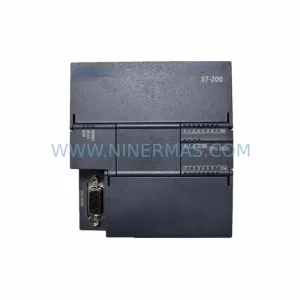
SKU: PFXPP170CA66K00N00
Pro-face PFXPP170CA66K00N00 Service-Ready Spare Part
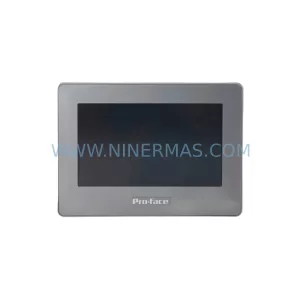
SKU: PFXPB1B1CD20N00N00 PFXPB1B1CD24D00N00
PRO-FACE PFXPB1B1CD20N00N00 Retrofit HMI for Legacy Systems
Catalog Continuation
Alternative parts within PLC & Industrial Automation Modules.
Stay inside the same system family when you need substitutes, adjacent modules, or a broader shortlist for procurement review.
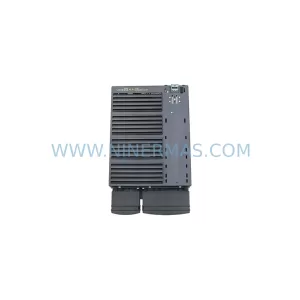
SKU: 6SL3224-0BE32-2UA0
Siemens 6SL3224-0BE32-2UA0 Retrofit PM240 Power Module
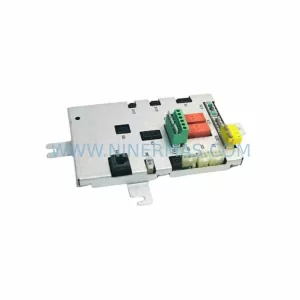
SKU: DSQC611 3HAC13389-2
ABB DSQC611 3HAC13389-2 Service-Ready Spare for IRC5