Original Industrial Spare Part
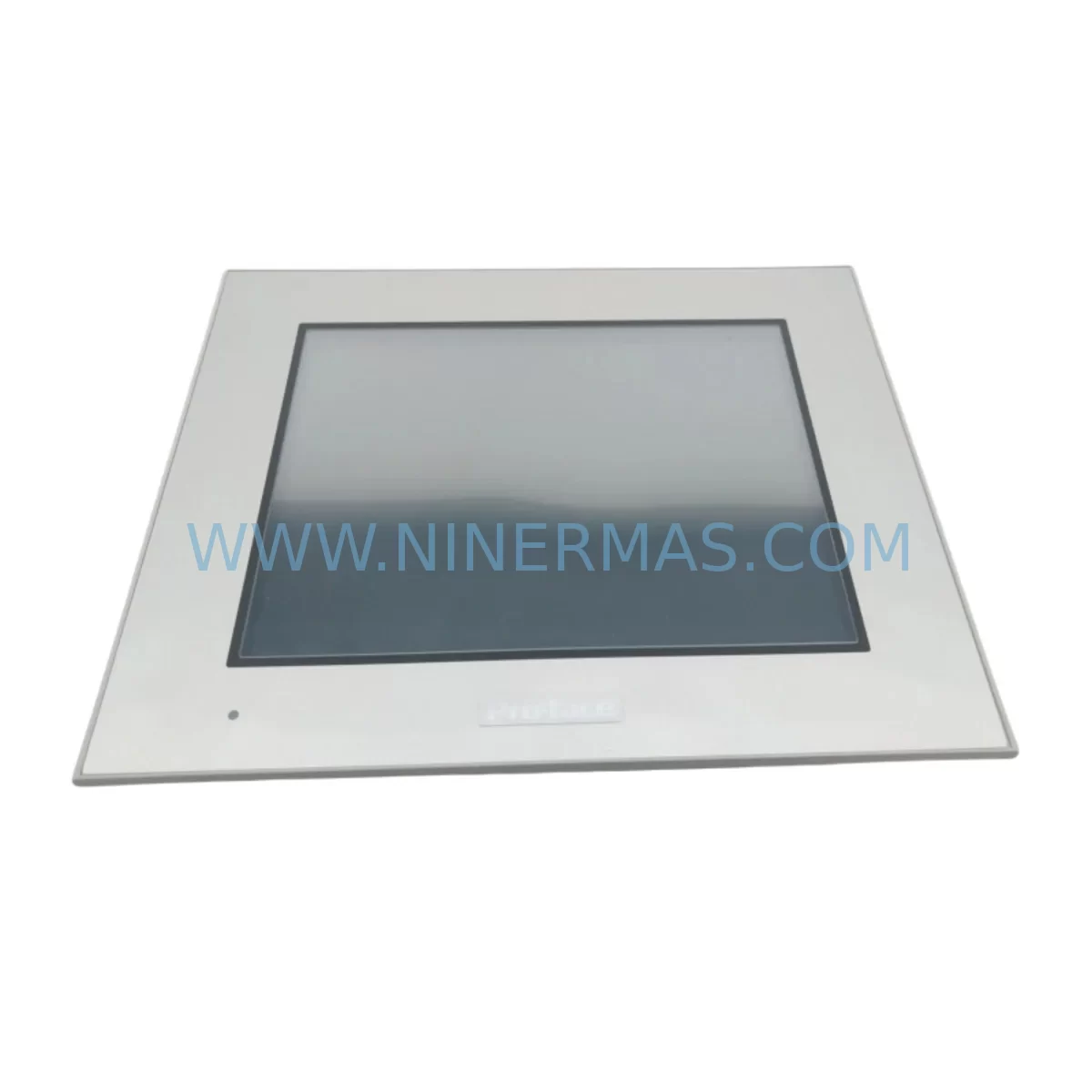
Proface GP-4401T Retrofit-Compatible HMI for Legacy Systems
Verify the part, confirm the platform family, and move straight into quotation with the right commercial details.
RFQ Ready
- SKUGP-4401T
- CategoryPLC & Industrial Automation Modules
- BrandProface
- SupportAvailability, lead time, condition, and shipping coordination
How Buyers Usually Use This Page
- Confirm the exact part number and platform family before sending the quote request.
- Use direct email when quantity, condition, and destination are already defined internally.
- Switch to the broader brand or category archive when you need alternates nearby.
Series Navigation
Move through the most common platform families behind this part.
Product RFQ
Send this part directly for quotation.
Include quantity, required condition, destination country, and target delivery timing. Current reference: Proface GP-4401T Retrofit-Compatible HMI for Legacy Systems with SKU GP-4401T.
Proface GP-4401T Retrofit-Compatible HMI for Legacy Systems
The Proface GP-4401T is a ruggedized human-machine interface (HMI) display panel engineered for demanding industrial environments. As a retrofit-compatible replacement within the Proface GP series, the GP-4401T addresses the growing challenge of maintaining aging automation infrastructure — particularly in facilities where legacy Proface GP-470, GP-577R, GP-2301H, and GP-2501S panels have reached end-of-life or are no longer supported by the original manufacturer. Whether you are managing a brownfield upgrade, restoring a failed control station, or executing a planned migration to a modernized control architecture, the GP-4401T provides a reliable, field-proven path forward with minimal disruption to existing operations.
Upgrade Compatibility Table
| Parameter | Legacy GP Series (GP-470 / GP-577R) | Proface GP-4401T | Retrofit Notes |
|---|---|---|---|
| Display Size | 5.7″ STN / TFT | 5.7″ TFT Color | Same cutout dimensions — panel gasket reuse possible |
| Power Supply | 24 VDC | 24 VDC | Direct terminal reuse; verify polarity and wire gauge |
| Communication Ports | RS-232C / RS-422 | RS-232C / RS-422 / RS-485 | Expanded protocol support; adapter may be needed for RS-485 |
| PLC Compatibility | Mitsubishi, Omron, Siemens (via driver) | Mitsubishi, Omron, Siemens, Rockwell (via driver) | Confirm driver version in GP-Pro EX before deployment |
| Programming Software | GP-PRO/PBIII | GP-Pro EX | Screen data conversion required; use GP-Pro EX converter tool |
| Mounting | Panel cut-out mount | Panel cut-out mount | Same standard cutout; verify depth clearance in cabinet |
| Operating Temperature | 0–50°C | 0–50°C | No change; suitable for existing enclosure thermal design |
| IP Rating | IP65 (front face) | IP65 (front face) | Existing panel seal remains valid |
| Warranty | N/A (EOL) | 12 Months | Covered from date of shipment; includes DOA replacement |
Retrofit Planning for Existing Automation Systems
Successful integration of the GP-4401T into a legacy control system begins well before the unit arrives on-site. Engineers should start by auditing the existing control cabinet layout to confirm available depth behind the panel cutout — the GP-4401T requires adequate rear clearance for its connector block and communication cable routing. If the existing installation used a Proface GP-2301H or GP-2501S with a dedicated CA3-USBCB0/1 USB programming cable, the same cable type is compatible with the GP-4401T, simplifying the programming interface setup.
Terminal wiring is typically straightforward: the 24 VDC power terminals on the GP-4401T follow the same pin assignment convention as earlier GP series units, allowing direct reuse of existing wire harnesses in most cases. However, if the legacy panel was connected to a Mitsubishi Q-series PLC or an Omron CJ2M CPU via RS-422 multi-drop, engineers must verify the communication driver version loaded in GP-Pro EX matches the firmware revision of the connected controller. Mismatched driver versions are a common source of communication timeout errors during initial commissioning.
For facilities running Siemens S7-300 or S7-400 PLCs through a CP 343-1 or CP 443-1 Ethernet module, the GP-4401T supports Ethernet-based communication via an optional Proface CA6-ETH10 Ethernet unit, enabling migration away from legacy serial links without modifying the PLC program. This is particularly valuable in plants where the PLC backplane — often a Siemens UR2 or UR1 rack — is fully populated and adding a new communication module is not feasible.
I/O signal integrity should also be assessed during retrofit planning. If the existing system relied on analog signal conditioning through a third-party signal isolator — such as a Phoenix Contact MINI MCR or a Weidmuller ACT20P — these devices remain in the signal chain and do not need to be replaced. The GP-4401T reads engineering-unit values from the PLC data registers, so field-level signal conditioning upstream of the controller is transparent to the HMI.
Screen data migration from GP-PRO/PBIII to GP-Pro EX requires use of the built-in project conversion utility. While most basic screen elements — numeric displays, bit lamps, pushbuttons, and trend graphs — convert automatically, custom macro scripts and special function objects may require manual review. It is advisable to allocate dedicated engineering time for screen validation, particularly for alarm summary pages and recipe management screens that interact with PLC data tables. Where the legacy system included a Proface GP-2601T or GP-4601T as a master display in a multi-panel network, the GP-4401T can be configured as a node in the same GP-Viewer network topology, preserving remote monitoring capability without infrastructure changes.
Downtime Control During System Migration
Minimizing production downtime during HMI replacement is a primary concern for maintenance teams operating continuous or semi-continuous processes. The recommended approach for GP-4401T installation is a pre-staged swap: the replacement unit is fully programmed, tested, and verified on a bench setup before the scheduled maintenance window begins. Using a laptop with GP-Pro EX and a CA3-USBCB0/1 programming cable, the complete screen project — including all PLC device addresses, alarm definitions, and communication parameters — is downloaded to the GP-4401T and verified against a PLC simulator or offline device emulator.
During the actual swap, the sequence should follow: power down the control panel, disconnect the legacy HMI’s communication cable and power terminals (labeling each wire before removal), remove the old unit from the panel cutout, install the GP-4401T, reconnect power and communication wiring, and restore power. In most installations this physical exchange takes under 30 minutes. The GP-4401T’s retained screen project then establishes communication with the PLC automatically on power-up, and operators can confirm normal display function within the first scan cycle.
For systems where even brief interruption is critical — such as those controlling batch reactors, packaging lines, or HVAC management systems — a parallel run strategy is recommended. The GP-4401T is mounted in a temporary position adjacent to the legacy panel, connected to the same PLC communication bus, and operated in read-only monitoring mode while the legacy unit remains active. This allows operators to validate all screen data, alarm triggers, and PLC register mappings before the final cutover, effectively reducing commissioning risk to near zero. Original PLC logic in the Mitsubishi GX Works2 or Omron CX-Programmer project remains entirely untouched throughout this process — no program modifications are required on the controller side.
Retrofit Support FAQ
Q1: Is the Proface GP-4401T a direct drop-in replacement for the GP-470 and GP-577R?
A: The GP-4401T shares the same 5.7″ panel cutout dimensions as the GP-470 and GP-577R, making physical installation straightforward in most cabinets. Communication wiring is compatible at the terminal level for RS-232C and RS-422 connections. Screen projects must be converted from GP-PRO/PBIII format to GP-Pro EX format using the conversion utility — this is a one-time engineering task and does not affect PLC-side programming.
Q2: What communication protocols does the GP-4401T support for connecting to legacy PLCs?
A: The GP-4401T supports RS-232C, RS-422, and RS-485 serial protocols, as well as Ethernet connectivity via the optional CA6-ETH10 unit. It is compatible with Mitsubishi MELSEC, Omron SYSMAC, Siemens S7, Rockwell DF1, and numerous other PLC families through GP-Pro EX driver libraries. Always confirm the specific driver version matches your PLC firmware before deployment.
Q3: Has the unit been tested before shipment, and what does the 12-month warranty cover?
A: Every GP-4401T unit undergoes pre-shipment functional testing including display verification, communication port check, and power supply validation. The 12-month warranty covers manufacturing defects and component failures under normal operating conditions, and includes dead-on-arrival (DOA) replacement. Warranty is valid from the date of shipment and is supported directly through NINERMAS.
Q4: Is stock available for immediate shipment, and what is the typical lead time?
A: NINERMAS maintains dedicated inventory of the GP-4401T to support urgent retrofit and breakdown replacement requirements. Standard orders are processed and dispatched within 1–3 business days. For large-quantity orders or projects requiring multiple units across a phased upgrade schedule, please contact our sales team to confirm availability and arrange a reserved allocation.
—
| Product Series | Legacy |
|---|
Catalog Continuation
More Proface modules in the catalog.
Use the brand lane to compare nearby part numbers, platform-adjacent modules, and other inquiry-ready listings before sending your final RFQ.
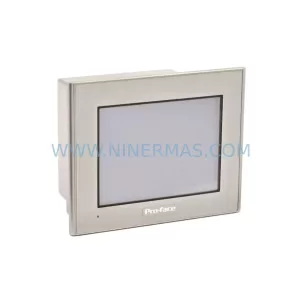
SKU: GP2301-LG41-24V
Proface GP2301-LG41-24V Safety-Reliable HMI for Critical Control
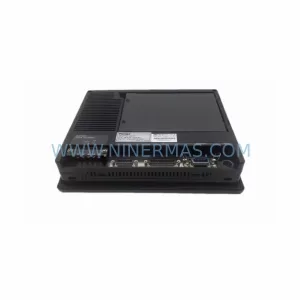
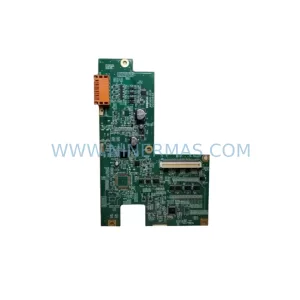
SKU: AGP3550-DISP D05044A
Proface AGP3550-DISP D05044A HMI Display Spare Part
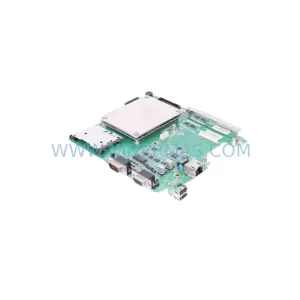
SKU: AGP3550-BASE D05045B
Proface AGP3550-BASE D05045B Retrofit-Compatible HMI Base
Catalog Continuation
Alternative parts within PLC & Industrial Automation Modules.
Stay inside the same system family when you need substitutes, adjacent modules, or a broader shortlist for procurement review.