Original Industrial Spare Part
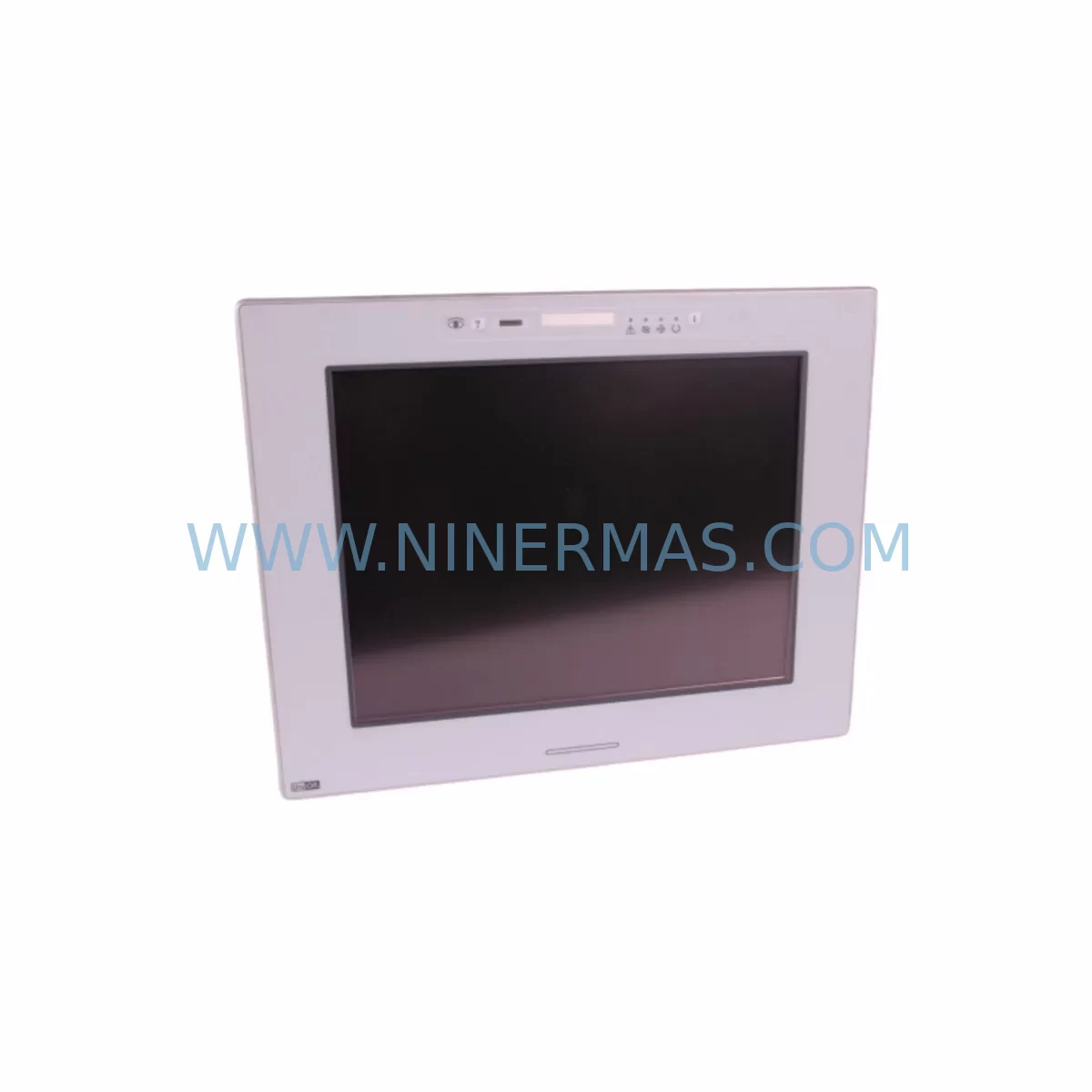
Uniop eTOP133C-0050 Retrofit-Compatible HMI for Legacy Systems
Verify the part, confirm the platform family, and move straight into quotation with the right commercial details.
RFQ Ready
- SKUeTOP133C-0050
- CategoryPLC & Industrial Automation Modules
- BrandUNIOP
- SupportAvailability, lead time, condition, and shipping coordination
How Buyers Usually Use This Page
- Confirm the exact part number and platform family before sending the quote request.
- Use direct email when quantity, condition, and destination are already defined internally.
- Switch to the broader brand or category archive when you need alternates nearby.
Series Navigation
Move through the most common platform families behind this part.
Product RFQ
Send this part directly for quotation.
Include quantity, required condition, destination country, and target delivery timing. Current reference: Uniop eTOP133C-0050 Retrofit-Compatible HMI for Legacy Systems with SKU eTOP133C-0050.
Uniop eTOP133C-0050 Retrofit-Compatible HMI for Legacy Systems
The Uniop eTOP133C-0050 is a proven Human-Machine Interface (HMI) panel engineered for seamless integration into legacy automation environments. As production lines age and original control hardware reaches end-of-life, the eTOP133C-0050 provides a reliable, retrofit-compatible replacement that preserves existing program logic, operator screen layouts, and communication architectures — minimizing engineering rework and unplanned downtime during system migration.
Sourced directly from authorized supply channels, each unit undergoes pre-shipment functional verification to confirm display integrity, communication port operation, and input response. NINERMAS maintains in-stock inventory of the eTOP133C-0050 to support urgent spare part requirements and planned retrofit schedules alike, backed by a 12-month warranty covering hardware defects under normal industrial operating conditions.
Whether you are replacing a failed panel on an active production line, upgrading a control cabinet as part of a broader modernization project, or building a long-term spare parts inventory for a critical system, the eTOP133C-0050 is a field-proven solution with documented compatibility across a wide range of Uniop eTOP-series installations.
Upgrade Compatibility Table
| Parameter | Details |
|---|---|
| Model | Uniop eTOP133C-0050 |
| Series | Uniop eTOP Series |
| Panel Type | Color Touch HMI |
| Communication Ports | RS-232 / RS-485 / Ethernet (model-dependent; verify against existing wiring) |
| Mounting Cutout | Compatible with standard eTOP133 series panel cutout dimensions |
| Power Supply | 24 VDC nominal (confirm existing cabinet power rail capacity before installation) |
| Protocol Compatibility | Supports Modbus RTU, Modbus TCP, and proprietary Uniop driver libraries |
| Replacement Scope | Direct replacement for eTOP133C-0050; compatible migration path from earlier eTOP110 and eTOP120 series panels |
| Commissioning Notes | Backup existing project file before replacement; re-download via Uniop Designer or compatible programming software |
| Warranty | 12 months from shipment date, covering manufacturing defects under normal operating conditions |
| Pre-Shipment Test | Power-on, display, touch, and communication port verification completed before dispatch |
| Lead Time | In stock — contact for current availability confirmation |
Retrofit Planning for Existing Automation Systems
Replacing an HMI panel in a live automation environment requires careful pre-planning to avoid configuration loss and extended downtime. Before removing the existing eTOP133C-0050 or its predecessor, engineers should back up the current project file using Uniop Designer programming software and document all terminal wiring assignments on the rear connector block. Communication cables — whether RS-232, RS-485, or Ethernet — should be labeled and photographed prior to disconnection.
In control cabinets where the eTOP133C-0050 interfaces with a Siemens S7-300 CPU or a Mitsubishi FX-series PLC via serial link, the communication driver configuration stored in the HMI project must be verified to match the replacement unit’s firmware version. Mismatched driver libraries are a common source of post-replacement communication faults and should be resolved before the panel is powered on in the field.
For systems using Modbus RTU over RS-485, confirm the station address, baud rate, parity, and stop bit settings match those configured in the connected controller — typically an ABB AC500 PLC or similar rack-mounted controller. Where the original panel communicated via a Profibus DP adapter or an Ethernet/IP gateway module, the network node address must be reassigned to the replacement unit before integration into the live network segment.
Cabinet space is another critical factor. The eTOP133C-0050 shares the same panel cutout footprint as other eTOP133-series units, but engineers should verify that the depth clearance behind the panel door accommodates the unit’s rear housing, particularly in compact enclosures where Phoenix Contact terminal blocks, Weidmuller power distribution modules, or cable management ducts reduce available depth. Confirm that the 24 VDC power supply rail — often shared with Siemens SITOP or equivalent DIN-rail power supply modules — has sufficient current capacity to support the replacement HMI without overloading the existing distribution circuit.
Where the retrofit involves a broader control system upgrade — for example, migrating from a legacy GE Fanuc Series 90-30 rack to a modern controller platform — the eTOP133C-0050 can serve as an interim HMI solution while the PLC migration is completed in stages. This phased approach allows operators to continue using familiar screen layouts and alarm structures while the underlying control logic is transitioned, reducing operator retraining requirements and maintaining production continuity.
I/O expansion during the retrofit should also be planned in advance. If the upgraded system requires additional digital or analog I/O points — for example, integrating new Beckhoff EtherCAT I/O terminals or Wago 750-series fieldbus modules — the HMI tag database must be updated to reflect the new I/O addresses before commissioning. Failure to synchronize the HMI tag map with the updated PLC I/O configuration is a leading cause of post-retrofit alarm and display errors.
Downtime Control During System Migration
Minimizing production interruption during HMI replacement requires a structured migration sequence. The recommended approach is to complete all pre-commissioning steps — project file backup, wiring documentation, driver version verification, and spare parts staging — before the planned maintenance window begins. This preparation phase typically reduces the active replacement window to under two hours for a straightforward panel swap.
Where the eTOP133C-0050 is part of a larger control system that cannot be taken offline during production hours, a parallel commissioning strategy can be employed: the replacement panel is configured and tested on a bench setup using a programming cable and a simulator or offline PLC, then swapped into the live cabinet during a scheduled shift changeover. This approach eliminates the risk of discovering configuration errors after the system has been taken offline.
Original program logic stored in the connected PLC — whether a Siemens S7-400, an Allen-Bradley ControlLogix, or a legacy Omron CJ2M — is not affected by the HMI replacement and does not need to be re-downloaded unless the PLC communication parameters have changed. This is an important point to communicate to plant operations teams, as it reduces the perceived risk of the replacement procedure and supports faster approval for the maintenance window.
Post-replacement commissioning should include a full alarm acknowledgment test, a communication link verification between the HMI and all connected controllers, and a review of any trend or data logging configurations that may reference the replaced panel’s internal memory. Where the original panel stored recipe data or historical trend logs locally, this data should be exported before replacement if it is required for production records or regulatory compliance.
NINERMAS provides pre-shipment tested units with documented test records available on request, reducing the risk of receiving a defective replacement unit and eliminating the need for incoming inspection before installation. Combined with in-stock availability and expedited shipping options, this allows maintenance teams to execute planned and emergency replacements with confidence and minimal lead time exposure.
Retrofit Support FAQ
Q1: Is the eTOP133C-0050 a direct drop-in replacement for earlier eTOP133 series panels?
In most installations, yes. The eTOP133C-0050 shares the same panel cutout dimensions and 24 VDC power input as other eTOP133-series units. However, engineers should verify the communication port configuration and driver version compatibility before installation, as firmware differences between production batches may require a project file update using Uniop Designer software.
Q2: Can the existing HMI project file be reused on the replacement unit?
Yes, provided the project file was created with a compatible version of Uniop Designer and the communication driver libraries match the replacement unit’s firmware. NINERMAS recommends backing up the existing project file before removal and testing the download on the replacement unit during bench commissioning prior to installation in the live cabinet.
Q3: What communication protocols does the eTOP133C-0050 support for connection to legacy PLCs?
The eTOP133C-0050 supports Modbus RTU over RS-485, Modbus TCP over Ethernet, and a range of proprietary driver protocols for connection to Siemens, Mitsubishi, Omron, and other major PLC platforms. Confirm the specific driver version required for your connected controller before ordering to ensure compatibility with your existing program configuration.
Q4: What warranty and post-shipment support does NINERMAS provide?
All eTOP133C-0050 units supplied by NINERMAS carry a 12-month warranty from the shipment date, covering manufacturing defects under normal industrial operating conditions. Each unit is power-on tested and communication-verified before dispatch. Test records are available on request. For post-installation technical queries, contact our engineering support team at sale@ninermas.com.
| Product Series | Legacy |
|---|
Catalog Continuation
More UNIOP modules in the catalog.
Use the brand lane to compare nearby part numbers, platform-adjacent modules, and other inquiry-ready listings before sending your final RFQ.
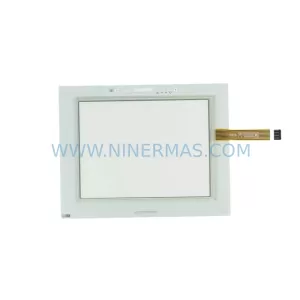
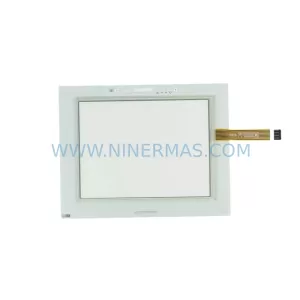
SKU: ePCL400-9207-30-10-00-10-00-00-00-00
UniOP ePCL400-9207-30-10-00-10-00-00-00-00 Safety-Reliable Programmable Controller for Critical Control Sites
Catalog Continuation
Alternative parts within PLC & Industrial Automation Modules.
Stay inside the same system family when you need substitutes, adjacent modules, or a broader shortlist for procurement review.


SKU: 6FC5357-0BB12-0AE0
Siemens 6FC5357-0BB12-0AE0 Service-Ready Industrial Spare Part

SKU: 3BSE011790R1(PXHK401)
ABB 3BSE011790R1 PXHK401 Retrofit-Ready Communication Module