Original Industrial Spare Part
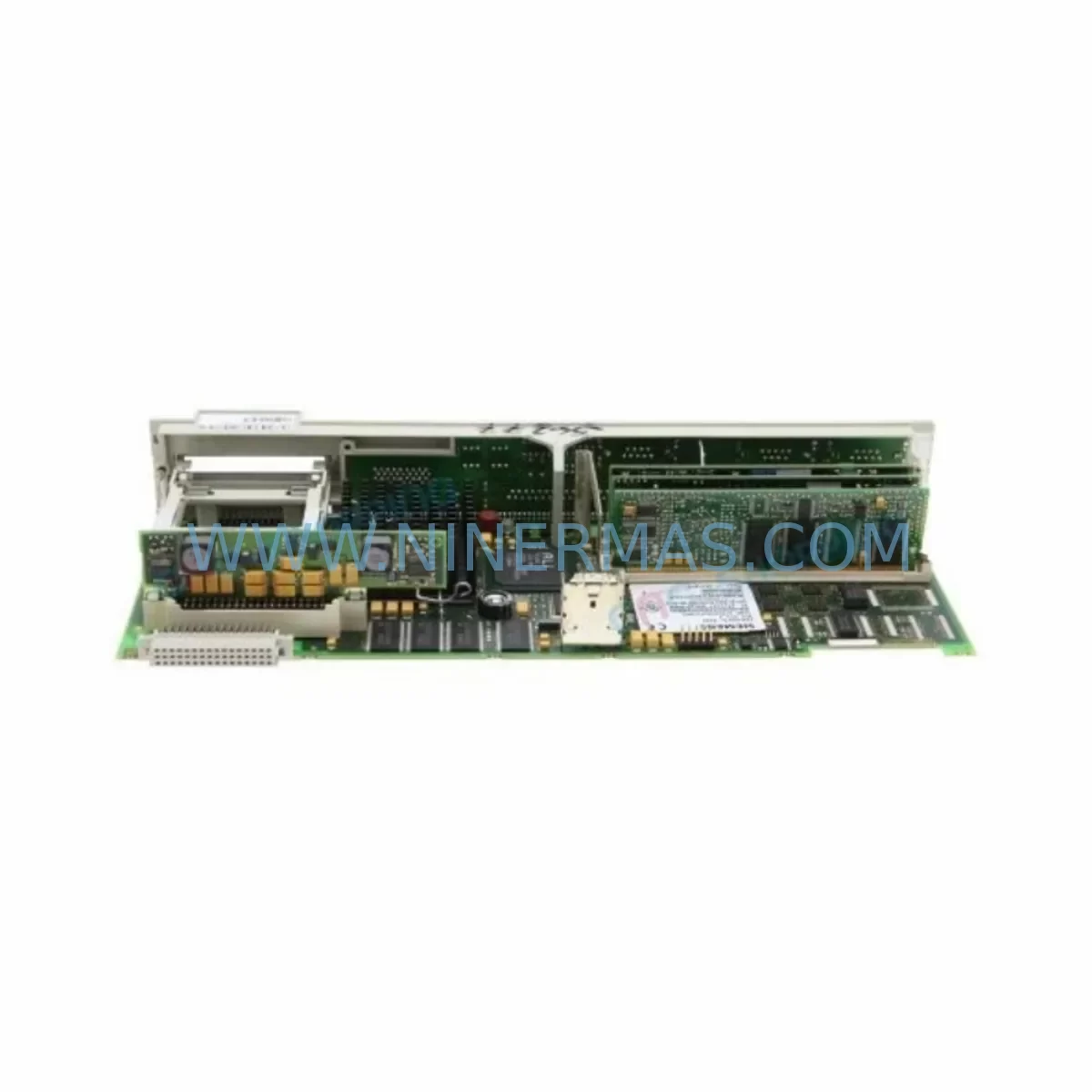
Siemens 6FC5357-0BB12-0AE0 Service-Ready Industrial Spare Part
Verify the part, confirm the platform family, and move straight into quotation with the right commercial details.
RFQ Ready
- SKU6FC5357-0BB12-0AE0
- CategoryPLC & Industrial Automation Modules
- BrandSiemens
- SupportAvailability, lead time, condition, and shipping coordination
How Buyers Usually Use This Page
- Confirm the exact part number and platform family before sending the quote request.
- Use direct email when quantity, condition, and destination are already defined internally.
- Switch to the broader brand or category archive when you need alternates nearby.
Series Navigation
Move through the most common platform families behind this part.
Product RFQ
Send this part directly for quotation.
Include quantity, required condition, destination country, and target delivery timing. Current reference: Siemens 6FC5357-0BB12-0AE0 Service-Ready Industrial Spare Part with SKU 6FC5357-0BB12-0AE0.
Siemens 6FC5357-0BB12-0AE0 Service-Ready Industrial Spare Part: Spare Parts Replacement and Downtime Risk Control
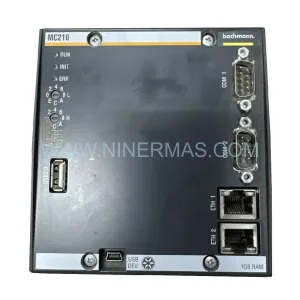
The Siemens 6FC5357-0BB12-0AE0 is a ruggedized NCU (Numerical Control Unit) processor module designed for the SINUMERIK 840D sl CNC control platform. As the computational core of the CNC system, this module integrates the NC, PLC, and communication functions into a single compact unit, making it a mission-critical component in precision machining, multi-axis milling, turning, and grinding applications. When this module fails or degrades, the entire machine tool is rendered inoperable — making rapid spare parts availability the single most important factor in minimizing production downtime.
At NINERMAS, we supply the 6FC5357-0BB12-0AE0 as a service-ready original spare part, fully tested prior to shipment, backed by a 12-month warranty, and available for fast global delivery. Our inventory is maintained to support both emergency replacement and planned annual maintenance cycles, ensuring that maintenance engineers and procurement teams can source this critical component without lead-time risk.
Spare Maintenance Table
| Parameter | Specification |
|---|---|
| Part Number / SKU | 6FC5357-0BB12-0AE0 |
| Brand | Siemens |
| Series | SINUMERIK 840D sl |
| Module Type | NCU Processor Module (Ruggedized) |
| Integrated Functions | NC, PLC (SIMATIC S7-300 compatible), Drive Communication (DRIVE-CLiQ) |
| Communication Interfaces | PROFIBUS DP, Ethernet, DRIVE-CLiQ |
| Operating Voltage | 24 V DC (via NX/NB power supply) |
| Operating Temperature | 0 °C to +55 °C |
| Protection Class | IP20 (cabinet-mounted) |
| Mounting | DIN rail / backplane slot in SINUMERIK 840D sl cabinet |
| Compatibility | SINUMERIK 840D sl, NCU 7×0.3 series, compatible NX/NB expansion modules |
| Origin | Germany |
| Condition | Original spare, service-ready |
| Pre-shipment Testing | Yes — functional and electrical verification |
| Warranty | 12 Months |
| Typical Application | CNC machine tool control, multi-axis machining centers, turning/grinding systems |
Maintenance Planning for Continuous Operation
Replacing the 6FC5357-0BB12-0AE0 is rarely an isolated task. In a SINUMERIK 840D sl control cabinet, the NCU processor module operates in close interdependency with a range of power, I/O, communication, and drive components. A thorough maintenance plan — whether triggered by an emergency fault or scheduled during annual shutdown — should address the full electrical environment surrounding this module.
When the NCU module is removed for replacement, maintenance engineers should simultaneously inspect the 6SN1145-series NX power supply module, which provides the 24 V DC rail feeding the NCU. A degraded or aging power supply is a common root cause of NCU instability and should be tested or replaced as a precautionary measure. Similarly, the DRIVE-CLiQ hub module (6SL3060-series) that distributes encoder and drive communication signals should be checked for connector wear and signal integrity.
The 6FC5247 CompactFlash card (or equivalent NCU memory card) stores the NC software, machine data, and PLC program. During an NCU swap, this card must be carefully transferred or a verified backup image must be loaded onto a new card. Failure to correctly migrate machine data is one of the most common causes of extended downtime after an NCU replacement. Procurement teams should maintain at least one pre-configured spare CompactFlash card in the local spare parts inventory.
The 6FC5303 operator panel front (OP 010 / OP 015) and its associated PCU 50 or PCU 20 panel control unit communicate with the NCU via Ethernet or direct interface. If the NCU fault is accompanied by HMI communication errors, the panel interface cable and PCU unit should be inspected before concluding that the NCU itself is the sole failed component. Misdiagnosis at this stage can result in unnecessary NCU replacement when the actual fault lies in the HMI interconnect.
For sites running multi-axis configurations, the NX10.3 or NX15.3 axis expansion modules (6SN1145-series) mounted adjacent to the NCU on the backplane should be inspected for backplane connector integrity and firmware version compatibility with the replacement NCU. Firmware mismatches between the NCU and NX modules are a known source of post-replacement commissioning delays.
Additional components that should be included in the inspection checklist during an NCU replacement event include: the 6FC5348 NCU link module for multi-NCU configurations, 24 V DC terminal block fuses and circuit breakers protecting the NCU power rail, PROFIBUS DP communication cables and connectors linking the NCU to peripheral I/O stations, and the 6FC5312 interface module if the machine uses analog spindle or axis interfaces. For sites with signal isolation requirements, SIEMENS SITOP power supply units and inline signal isolators on the I/O rail should also be verified for correct output voltage and isolation resistance.
Procurement engineers planning annual maintenance budgets should consider stocking the 6FC5357-0BB12-0AE0 alongside the CompactFlash memory card, at least one NX power supply module, and a set of DRIVE-CLiQ cables as a minimum NCU-level spare kit. This approach reduces the mean time to repair (MTTR) from days to hours in the event of an unplanned NCU failure.
Site Replacement Workflow
Step 1 — Fault Isolation: Confirm the NCU module as the failed component by reviewing the SINUMERIK alarm log on the HMI. Common NCU-related alarms include 380000-series boot errors, DRIVE-CLiQ topology faults, and PLC stop conditions. Rule out power supply undervoltage and backplane connector faults before proceeding.
Step 2 — Data Backup: If the existing NCU is partially functional, perform a full machine data backup via the SINUMERIK HMI service menu (Series Machine Start-Up backup). Copy the backup to an external USB drive or network share. Verify the CompactFlash card contents are intact.
Step 3 — Module Removal: Power down the control cabinet following the machine OEM lockout/tagout procedure. Disconnect all DRIVE-CLiQ cables, PROFIBUS connectors, Ethernet cables, and the 24 V DC power connector from the NCU. Remove the module from the backplane slot, noting the slot position for correct reinstallation of the replacement unit.
Step 4 — Replacement Installation: Install the 6FC5357-0BB12-0AE0 replacement module into the same backplane slot. Reconnect all cables in the original configuration. Transfer the CompactFlash card from the old NCU to the new unit, or insert a pre-configured spare card with the correct machine data image.
Step 5 — Commissioning and Verification: Power up the cabinet and allow the NCU to complete its boot sequence. Verify DRIVE-CLiQ topology recognition, PLC program loading, and axis configuration. Perform a reference point run on all axes before returning the machine to production. Document the replacement in the machine maintenance log.
This workflow is applicable to direct replacement of legacy 6FC5357-0BB12-0AE0 units and is compatible with the standard SINUMERIK 840D sl commissioning procedure. No hardware modification to the control cabinet is required, ensuring full system compatibility and minimizing recommissioning time.
Spare Parts Support FAQ
Q1: Is the 6FC5357-0BB12-0AE0 still available as a new original spare part?
A: Yes. NINERMAS maintains stock of the 6FC5357-0BB12-0AE0 as an original Siemens spare part. Despite the SINUMERIK 840D sl being a mature platform, we continue to source and supply this module to support long-term maintenance of installed machine fleets. All units are supplied with a 12-month warranty and pre-shipment functional testing documentation.
Q2: How do I verify compatibility between the replacement NCU and my existing SINUMERIK 840D sl system?
A: Compatibility is confirmed by matching the full order number (6FC5357-0BB12-0AE0) and verifying the NCU firmware version against your machine’s existing software release. NINERMAS can provide the firmware version of the supplied unit upon request. For multi-NCU or NX-expanded systems, ensure that the NX module firmware versions are aligned with the NCU software release to avoid topology recognition errors during commissioning.
Q3: What is included in the pre-shipment testing process?
A: Each 6FC5357-0BB12-0AE0 unit supplied by NINERMAS undergoes electrical power-on verification, interface connectivity checks (DRIVE-CLiQ, PROFIBUS, Ethernet), and functional boot sequence confirmation before dispatch. A test report is available upon request. Units are packaged in anti-static ESD-safe packaging with protective foam inserts to prevent transit damage.
Q4: Can NINERMAS support long-term supply of this module for multi-year maintenance contracts?
A: Yes. NINERMAS specializes in long-term spare parts supply for industrial automation and CNC control systems, including end-of-life and discontinued Siemens SINUMERIK components. We can support blanket purchase orders, consignment stock arrangements, and annual supply agreements to ensure your maintenance team has guaranteed access to the 6FC5357-0BB12-0AE0 and related SINUMERIK 840D sl spare parts over a multi-year horizon. Contact our technical sales team to discuss your specific inventory requirements.
| Product Series | SINUMERIK |
|---|---|
| Country of Origin | DE |
Catalog Continuation
More Siemens modules in the catalog.
Use the brand lane to compare nearby part numbers, platform-adjacent modules, and other inquiry-ready listings before sending your final RFQ.
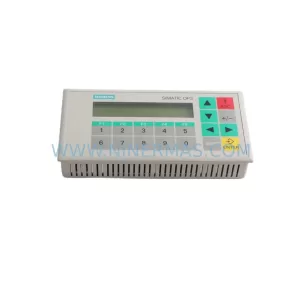
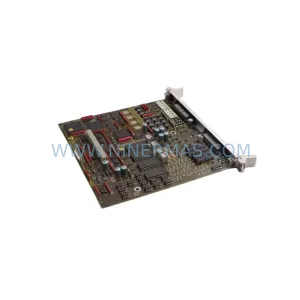
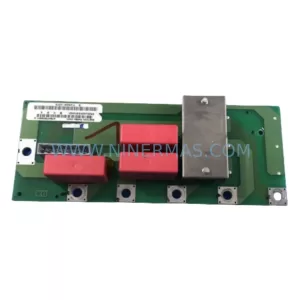
SKU: 6SE7031-7HF84-1HH2
Siemens 6SE7031-7HF84-1HH2 Safety-Reliable AC Drive
SKU: 6ES5453-3AC11
Siemens 6ES5453-3AC11 Retrofit-Compatible Digital Output
Catalog Continuation
Alternative parts within PLC & Industrial Automation Modules.
Stay inside the same system family when you need substitutes, adjacent modules, or a broader shortlist for procurement review.
SKU: 5201-DFNT-MCM
ProSoft 5201-DFNT-MCM Retrofit-Compatible DeviceNet Module
SKU: DSQC6793HAC028357-026 3HAC028357-001
ABB DSQC6793 3HAC028357-001 Retrofit FlexPendant IRC5
SKU: HCS03.1E-W0100-A-05-NPBV
Rexroth HCS03.1E-W0100-A-05-NPBV Service-Ready Spare Part