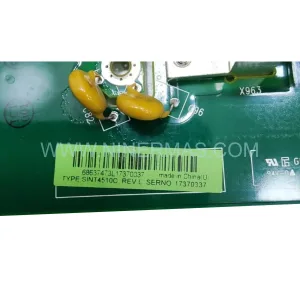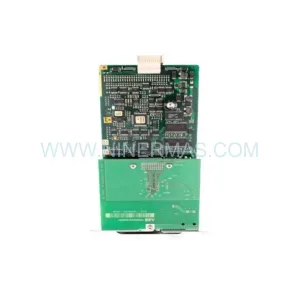
Original Industrial Spare Part
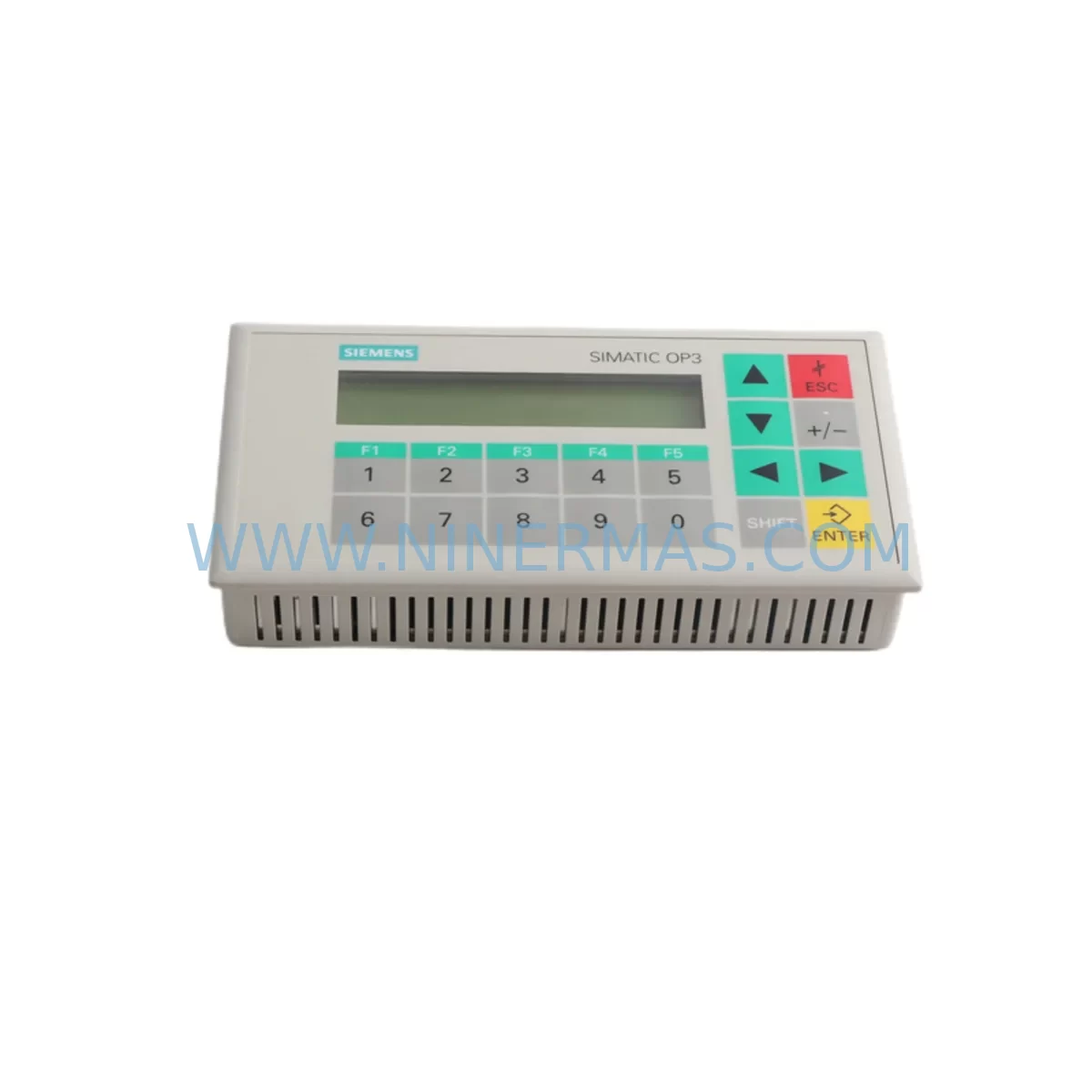
SIEMENS 6AV3503-1DB10 Retrofit-Compatible HMI for Legacy Systems
Verify the part, confirm the platform family, and move straight into quotation with the right commercial details.
RFQ Ready
- SKU6AV3503-1DB10
- CategoryPLC & Industrial Automation Modules
- BrandSiemens
- SupportAvailability, lead time, condition, and shipping coordination
How Buyers Usually Use This Page
- Confirm the exact part number and platform family before sending the quote request.
- Use direct email when quantity, condition, and destination are already defined internally.
- Switch to the broader brand or category archive when you need alternates nearby.
Series Navigation
Move through the most common platform families behind this part.
Product RFQ
Send this part directly for quotation.
Include quantity, required condition, destination country, and target delivery timing. Current reference: SIEMENS 6AV3503-1DB10 Retrofit-Compatible HMI for Legacy Systems with SKU 6AV3503-1DB10.
SIEMENS 6AV3503-1DB10 Retrofit-Compatible HMI for Legacy Systems
The SIEMENS 6AV3503-1DB10 is a compact operator panel from the SIMATIC OP3 series, widely deployed across legacy automation lines in manufacturing, process control, and utilities. As production environments push toward modernization, this unit remains a critical interface component for engineers managing discontinued control architectures. NINERMAS maintains verified stock of the 6AV3503-1DB10 to support retrofit projects, emergency replacements, and planned system upgrades — all backed by a 12-month warranty and pre-shipment functional testing.
Whether you are replacing a failed panel on a SIMATIC S5 or S7-300 controlled line, migrating from a legacy MPI network, or consolidating aging control cabinets, the 6AV3503-1DB10 provides a proven, cost-effective path to restoring operator visibility without requiring a full system overhaul.
Upgrade Compatibility Table
| Parameter | Details |
|---|---|
| Model / SKU | SIEMENS 6AV3503-1DB10 |
| Series | SIMATIC OP3 |
| Interface / Communication | MPI (Multi-Point Interface), compatible with PROFIBUS DP at reduced baud rates |
| Display | LCD, 4-line text display, backlit |
| Compatible Controllers | SIMATIC S7-200, S7-300, S7-400, S5 (via protocol converter) |
| Panel Cutout / Installation | Standard OP3 cutout; fits existing cabinet openings without modification in most cases |
| Power Supply | 24 V DC; verify existing cabinet PSU capacity before installation |
| Replacement Recommendation | Direct drop-in for failed or end-of-life 6AV3503-1DB10 units; verify firmware version compatibility with connected PLC |
| Commissioning Notes | Re-download HMI project via SIMATIC ProTool or Step 7; verify MPI address and baud rate match existing network settings |
| Warranty | 12 Months — all units tested prior to shipment |
Retrofit Planning for Existing Automation Systems
Successful integration of the 6AV3503-1DB10 into an existing control system requires careful pre-installation planning. Before removing the failed panel, document the current MPI node address, baud rate, and HMI project version stored in the original unit. If the project file is unavailable, it may need to be reconstructed from the connected SIMATIC S7-300 CPU or recovered from a backup on the engineering workstation running SIMATIC Manager or TIA Portal in legacy compatibility mode.
Power supply verification is a non-negotiable first step. The 6AV3503-1DB10 draws 24 V DC from the control cabinet’s power rail. In older installations, the SITOP PSU 6EP1333-3BA00 or similar 24 V regulated power supply may already be at capacity serving the CPU, I/O modules, and communication components. Confirm available current headroom before energizing the replacement panel.
Terminal wiring on the OP3 follows a straightforward pinout, but aging cabinet wiring — particularly in installations using SIMATIC S5 racks with legacy backplane connectors — may require re-termination or the use of adapter cables. When the existing line also includes ET 200M distributed I/O stations or IM 153 interface modules connected via PROFIBUS DP, ensure the MPI/DP network topology is correctly documented before any panel swap to avoid address conflicts.
For sites running mixed communication environments — for example, where the 6AV3503-1DB10 shares an MPI segment with a CP 343-1 Ethernet communication processor or a CP 5611 PROFIBUS card on the programming PC — verify that the new panel’s MPI address does not conflict with existing nodes. A PC Adapter USB A2 or MPI/DP programming cable is typically required to re-establish the connection between the engineering station and the panel for project download.
In control cabinets where space is constrained, confirm that the physical installation depth of the 6AV3503-1DB10 is compatible with the available cabinet depth. In some retrofit scenarios involving older SIMATIC S5-115U or S5-135U rack-based systems, the cabinet layout may need minor modification to accommodate the panel’s rear connector clearance. Where the existing installation includes a SIMATIC MM420 or MM430 variable frequency drive sharing the same cabinet, ensure adequate thermal separation and EMC shielding between the HMI panel and the drive’s output terminals.
Once physically installed, the HMI project must be downloaded using SIMATIC ProTool V6.x or the appropriate legacy tool. Verify that all process tags, alarm messages, and screen navigation logic are intact after download. If the original project was developed for a different firmware version of the OP3, minor tag remapping may be required. After commissioning, conduct a full functional test of all operator screens, alarm acknowledgment sequences, and setpoint entry functions before returning the line to production.
Downtime Control During System Migration
Minimizing unplanned downtime is the primary concern when replacing a failed 6AV3503-1DB10 in an active production environment. NINERMAS recommends a structured swap procedure: power down only the HMI panel circuit (not the entire PLC rack) where the cabinet design permits isolated panel power switching. This approach keeps the SIMATIC S7-300 CPU and associated SM 321 digital input modules, SM 322 digital output modules, and any connected FM 350 counter modules running, preserving the active control program and process state.
Before the physical swap, export and archive the current HMI project from the engineering workstation. If the project is only stored on the original panel and no backup exists, use a PC Adapter USB A2 to upload the project from the panel before powering it down — this is a critical step that is frequently overlooked during emergency replacements. Retaining the original program logic eliminates the risk of rewriting operator screens from scratch and dramatically reduces commissioning time.
After installing the replacement 6AV3503-1DB10, download the archived project, verify MPI communication link status, and perform a structured walkthrough of all HMI screens with the line operator before resuming production. For sites with strict change management requirements, document the panel serial number, firmware version, and commissioning date in the maintenance log. NINERMAS provides a pre-shipment test report with each unit to support your site acceptance documentation.
Where the retrofit is part of a broader migration — for example, transitioning from a SIMATIC S7-300 platform to a newer S7-1500 with a SIMATIC TP700 Comfort touch panel — the 6AV3503-1DB10 can serve as an interim operator interface while the new system is commissioned in parallel, reducing the risk of a hard cutover and allowing operators to familiarize themselves with the new HMI environment before the legacy panel is decommissioned.
Retrofit Support FAQ
Q: Is the SIEMENS 6AV3503-1DB10 a direct replacement for my existing OP3 panel?
A: Yes. The 6AV3503-1DB10 is a direct form-fit-function replacement for other units within the SIMATIC OP3 family. Verify that the MPI address and baud rate settings match your existing network configuration before download. No hardware modification to the cabinet cutout is typically required.
Q: What programming software is required to commission the 6AV3503-1DB10?
A: SIMATIC ProTool V6.x is the standard configuration tool for the OP3 series. The project can be downloaded via MPI using a PC Adapter USB A2 or a compatible MPI programming cable. Ensure your engineering workstation runs a compatible Windows version for the ProTool software.
Q: How do I verify wiring compatibility between the replacement panel and my existing cabinet?
A: The 6AV3503-1DB10 uses a standard 9-pin Sub-D MPI connector and a 2-pin 24 V DC power terminal. Compare the pinout against your existing cabinet wiring diagram. In most OP3 installations, the wiring is directly reusable. If the original wiring is damaged or non-standard, NINERMAS technical support can assist with terminal mapping.
Q: What does the 12-month warranty cover, and is pre-shipment testing included?
A: Every 6AV3503-1DB10 unit supplied by NINERMAS undergoes functional testing prior to shipment, covering power-on, display, keypad, and communication interface verification. The 12-month warranty covers manufacturing defects and component failures under normal operating conditions. A test report is included with each shipment to support your incoming inspection and site acceptance process.
| Product Series | SIMATIC |
|---|---|
| Country of Origin | DE |
Catalog Continuation
More Siemens modules in the catalog.
Use the brand lane to compare nearby part numbers, platform-adjacent modules, and other inquiry-ready listings before sending your final RFQ.
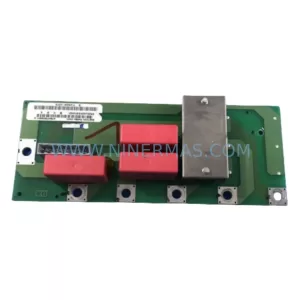
SKU: 6SE7031-7HF84-1HH2
Siemens 6SE7031-7HF84-1HH2 Safety-Reliable AC Drive
SKU: 6ES5453-3AC11
Siemens 6ES5453-3AC11 Retrofit-Compatible Digital Output
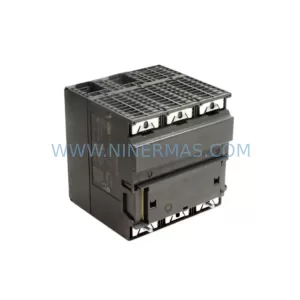
SKU: 6ES7313-5BG04-0AB0
Siemens 6ES7313-5BG04-0AB0 Spare Part for Industrial Maintenance
Catalog Continuation
Alternative parts within PLC & Industrial Automation Modules.
Stay inside the same system family when you need substitutes, adjacent modules, or a broader shortlist for procurement review.
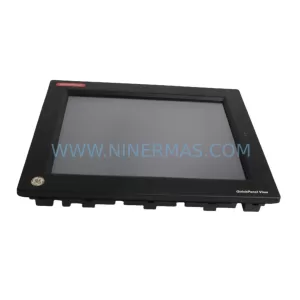
SKU: 5201-DFNT-MCM
ProSoft 5201-DFNT-MCM Retrofit-Compatible DeviceNet Module
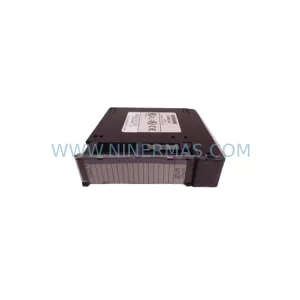
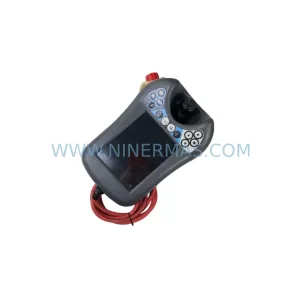
SKU: DSQC6793HAC028357-026 3HAC028357-001
ABB DSQC6793 3HAC028357-001 Retrofit FlexPendant IRC5
SKU: HCS03.1E-W0100-A-05-NPBV
Rexroth HCS03.1E-W0100-A-05-NPBV Service-Ready Spare Part