Original Industrial Spare Part
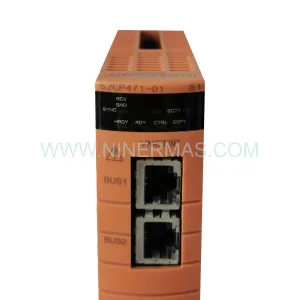
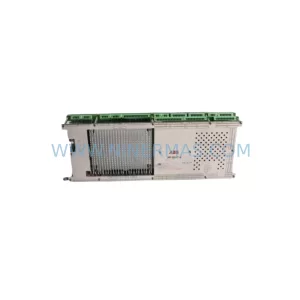
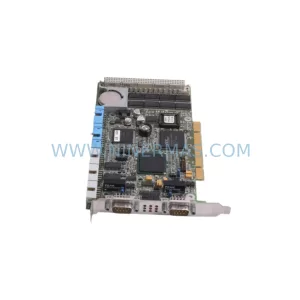
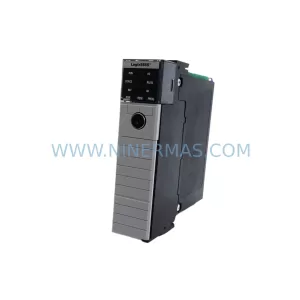
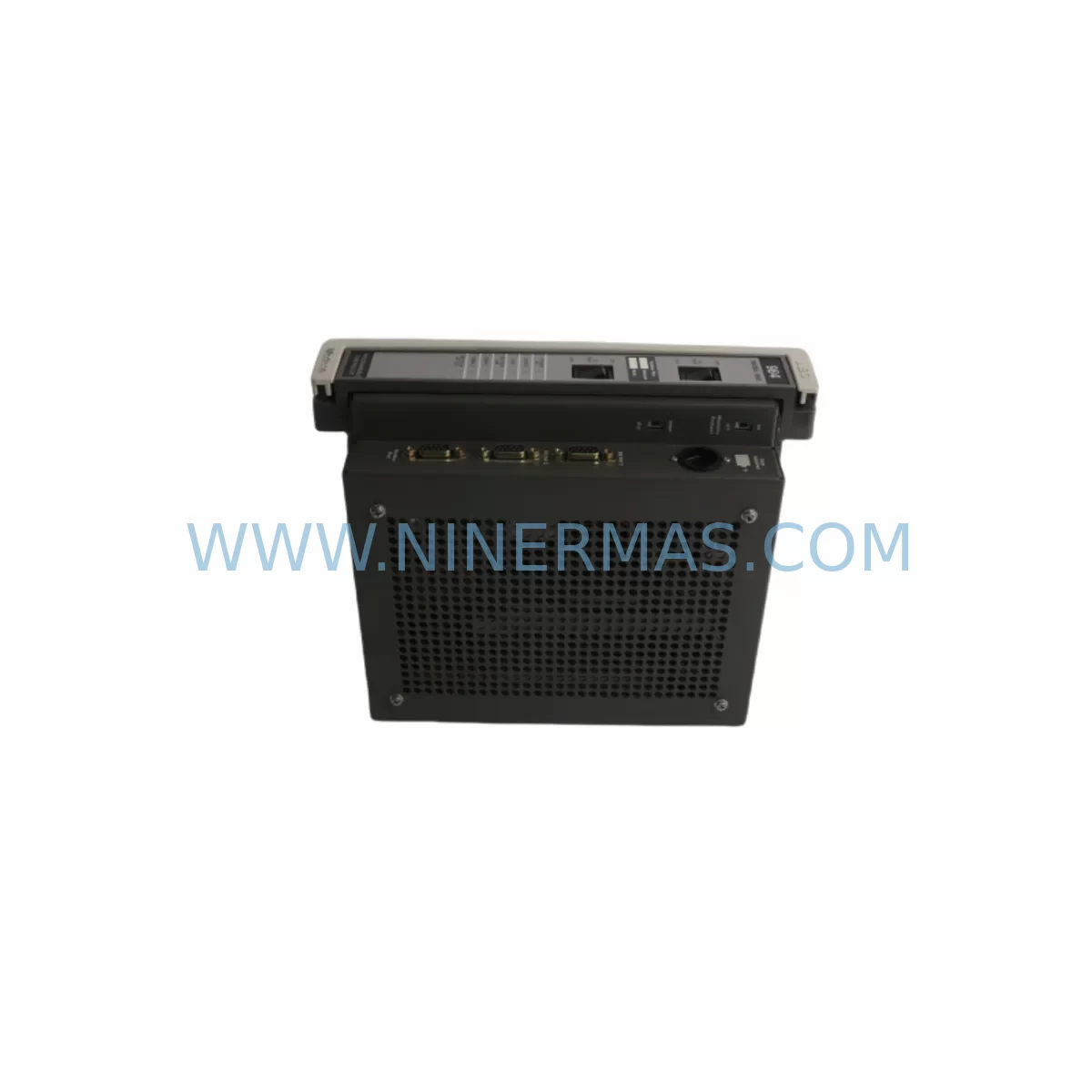
Modicon PC-E984-685 Retrofit Processor for Legacy Systems
Verify the part, confirm the platform family, and move straight into quotation with the right commercial details.
RFQ Ready
- SKUPC-E984-685
- CategoryPLC & Industrial Automation Modules
- BrandModicon (Schneider Electric)
- SupportAvailability, lead time, condition, and shipping coordination
How Buyers Usually Use This Page
- Confirm the exact part number and platform family before sending the quote request.
- Use direct email when quantity, condition, and destination are already defined internally.
- Switch to the broader brand or category archive when you need alternates nearby.
Series Navigation
Move through the most common platform families behind this part.
Product RFQ
Send this part directly for quotation.
Include quantity, required condition, destination country, and target delivery timing. Current reference: Modicon PC-E984-685 Retrofit Processor for Legacy Systems with SKU PC-E984-685.
Modicon PC-E984-685 Retrofit Processor for Legacy Systems: Legacy Compatibility and Smooth Upgrade
The Modicon PC-E984-685 is a ruggedized processor module originally designed for demanding industrial environments where temperature extremes, vibration, and electrical noise are constant operational realities. As Schneider Electric has progressively phased out the E984 series in favour of the Modicon Quantum and M340 platforms, maintenance engineers and system integrators across manufacturing, oil and gas, water treatment, and heavy industry now face the challenge of sourcing verified replacement units to sustain ageing control architectures without committing to a full platform migration. NINERMAS COMPANY LIMITED maintains ready stock of the PC-E984-685 with pre-shipment functional testing and a 12-month warranty, providing a reliable bridge solution for facilities that must keep legacy lines running while longer-term modernisation plans are developed and budgeted.
Before installing a replacement PC-E984-685, engineers should confirm several critical parameters: the backplane slot assignment and rack addressing scheme used by the existing programme, the power budget available from the installed 140CPS11420 or equivalent power supply module, and whether the current Unity Pro or Concept software version supports the firmware revision on the replacement unit. Mismatches in any of these areas can cause the CPU to fail its self-diagnostic cycle or refuse to enter RUN mode, extending unplanned downtime significantly.
Upgrade Compatibility Table
| Parameter | Legacy System Requirement | PC-E984-685 Specification | Retrofit Notes |
|---|---|---|---|
| Backplane Interface | Modicon E984 / Quantum 140-series rack | Compatible with 140XBP01600 and 140XBP01000 backplanes | Verify slot 1 CPU assignment; do not mix with non-E984 CPUs in same rack |
| Power Supply | 24 VDC or 115/230 VAC rack PSU | Draws from rack backplane; confirm PSU capacity with 140CPS11420 rating | Calculate total rack load including I/O modules before replacement |
| Communication Protocol | Modbus Plus, Modbus RTU, or Ethernet TCP/IP | Supports Modbus Plus port; Ethernet via 140NOE77111 co-processor | Confirm network node address matches original; update routing tables if required |
| I/O Addressing | Fixed 0x/1x/3x/4x register map | Retains Modicon register addressing convention | Verify I/O map against existing Concept or Unity Pro project before download |
| Programming Software | Modicon Concept 2.6 or Unity Pro XL | Compatible with Concept 2.6+; Unity Pro with E984 library installed | Back up existing .prj file before any firmware or programme transfer |
| Mounting & Form Factor | Single-slot CPU module, DIN-rail or panel rack | Standard Quantum single-slot form factor | No mechanical modification required for direct slot replacement |
| HMI Compatibility | Magelis XBTGT or legacy Panelmate HMI | Communicates via Modbus RTU or Modbus Plus to XBTGT5330 and similar panels | Confirm HMI driver version supports E984 register map; update screen tags if needed |
| Warranty | OEM warranty expired (discontinued product) | 12-Month Warranty from NINERMAS | Covers functional failure under normal operating conditions; pre-shipment tested |
Retrofit Planning for Existing Automation Systems
A successful PC-E984-685 retrofit begins well before the replacement unit arrives on site. The first step is a thorough audit of the existing rack configuration. In a typical Quantum chassis using a 140XBP01600 sixteen-slot backplane, the CPU occupies slot 1, with power supplied by a 140CPS11420 module rated at 3.5 A on the backplane bus. Engineers should document the current slot population — including any 140DDI35300 24 VDC digital input modules, 140DDO35300 transistor output modules, 140ACI03000 analogue input cards, and 140ACO02000 analogue output cards — and verify that the total current draw remains within the power supply’s rated capacity after the new processor is installed.
Communication architecture deserves equal attention. Many legacy E984 installations rely on Modbus Plus as the primary network, with the 140NOE77111 Ethernet communication module providing supervisory SCADA connectivity. When replacing the CPU, the Modbus Plus node address stored in the processor’s non-volatile memory must be re-entered to match the original network topology. Failure to do so will cause the SCADA system to lose polling contact with the PLC, triggering alarms across the control room. Where remote I/O is involved, the 140CRA93200 remote I/O head adapter must also be verified for firmware compatibility with the replacement processor revision.
For facilities running distributed control across multiple racks, the 140CPU67160 may already be in service as a higher-capacity Quantum CPU in adjacent cabinets. Understanding the programme partitioning between these controllers — and ensuring that the PC-E984-685 replacement does not alter the inter-controller messaging schedule — is essential for maintaining process continuity. Programme upload from the existing CPU (if it is still partially functional) using a TSXCUSB485 USB-to-serial programming cable can preserve the last-known good logic state before the swap is executed.
HMI panels connected to the system, such as the Magelis XBTGT5330, should be placed in offline simulation mode during the CPU swap to prevent spurious operator alarms. Once the replacement PC-E984-685 is installed and powered, the HMI communication link should be re-established and all screen tag values verified against the live process before returning the system to automatic control.
Downtime Control During System Migration
Minimising unplanned downtime during a CPU replacement requires a structured pre-migration checklist executed during a scheduled maintenance window. Begin by uploading the current programme from the installed processor to a laptop running Concept or Unity Pro, and save a timestamped backup to at least two separate storage locations. Photograph or document all terminal wiring on I/O modules, particularly any field-modified wiring that may not be reflected in the original engineering drawings.
With the rack de-energised and locked out, remove the failed or end-of-life PC-E984-685 and install the verified replacement unit. Before re-energising, confirm that all module seating is secure and that no backplane connector pins are bent or contaminated. Power up the rack and observe the CPU’s diagnostic LEDs: the RUN indicator should illuminate after the self-test cycle completes, typically within 15 to 30 seconds. If the CPU halts at the MEM or BAT fault LED, check battery condition and re-download the programme from the backup file.
Download the backed-up programme to the replacement CPU and perform a controlled test of all I/O points before releasing the system to production. For critical loops — such as motor starters controlled via 140DDO35300 output modules or PID loops reading from 140ACI03000 analogue inputs — verify each channel individually against the field instrument before enabling automatic mode. This staged verification approach typically adds 30 to 60 minutes to the migration window but eliminates the risk of process upsets caused by undetected wiring or addressing errors.
NINERMAS ships all PC-E984-685 units with a pre-shipment functional test report, confirming that the module has been powered, self-tested, and verified for communication port operation prior to despatch. This documentation supports your internal maintenance records and provides traceability for warranty claims during the 12-month coverage period.
Retrofit Support FAQ
Q1: Is the PC-E984-685 a direct drop-in replacement for other E984-series processors such as the PC-E984-265 or PC-E984-485?
The PC-E984-685 shares the same physical form factor and backplane interface as other E984-series CPUs, but differs in memory capacity, I/O point count, and communication port configuration. Before substituting one E984 variant for another, verify that the replacement unit’s memory size is sufficient to hold the existing programme and data tables, and that the communication ports required by your network topology are present on the replacement model. NINERMAS technical support can assist with cross-reference verification prior to order confirmation.
Q2: What commissioning steps are required after installing the replacement unit?
After physical installation, re-enter the Modbus Plus node address, download the backed-up programme, and perform a full I/O scan to confirm all modules are recognised by the CPU. Check the diagnostic buffer for any configuration mismatch errors, particularly if the rack population has changed since the original programme was written. Verify communication with all connected devices — including SCADA servers, HMI panels, and remote I/O heads — before returning the system to automatic operation.
Q3: Does NINERMAS provide pre-shipment testing, and what does the 12-month warranty cover?
Yes. Every PC-E984-685 unit shipped by NINERMAS undergoes functional power-on testing and communication port verification before despatch. The 12-month warranty covers functional failure under normal operating conditions and excludes damage caused by incorrect installation, overvoltage, or physical impact. A test report is included with each shipment to support your maintenance documentation requirements.
Q4: What is the typical lead time, and do you maintain stock for urgent requirements?
NINERMAS maintains ready inventory of the PC-E984-685 to support urgent maintenance and breakdown situations. Standard lead time for in-stock units is 3 to 7 business days for international shipments, depending on destination and customs clearance. For time-critical requirements, expedited shipping options are available. Contact sale@ninermas.com or call +0086 187 5021 5667 to confirm current stock availability before placing your order.
| Product Series | Legacy |
|---|---|
| Country of Origin | FR |
Catalog Continuation
Alternative parts within PLC & Industrial Automation Modules.
Stay inside the same system family when you need substitutes, adjacent modules, or a broader shortlist for procurement review.



SKU: HDD02.2-W040N-HS12-01-FW FWA-DIAX04-ELS-05VRS-MS
Rexroth HDD02.2-W040N-HS12-01-FW Service-Ready Spare Part

SKU: I5DAE375F10010000S
Lenze I5DAE375F10010000S Service-Ready Spare Part for Industrial Maintenance