Original Industrial Spare Part
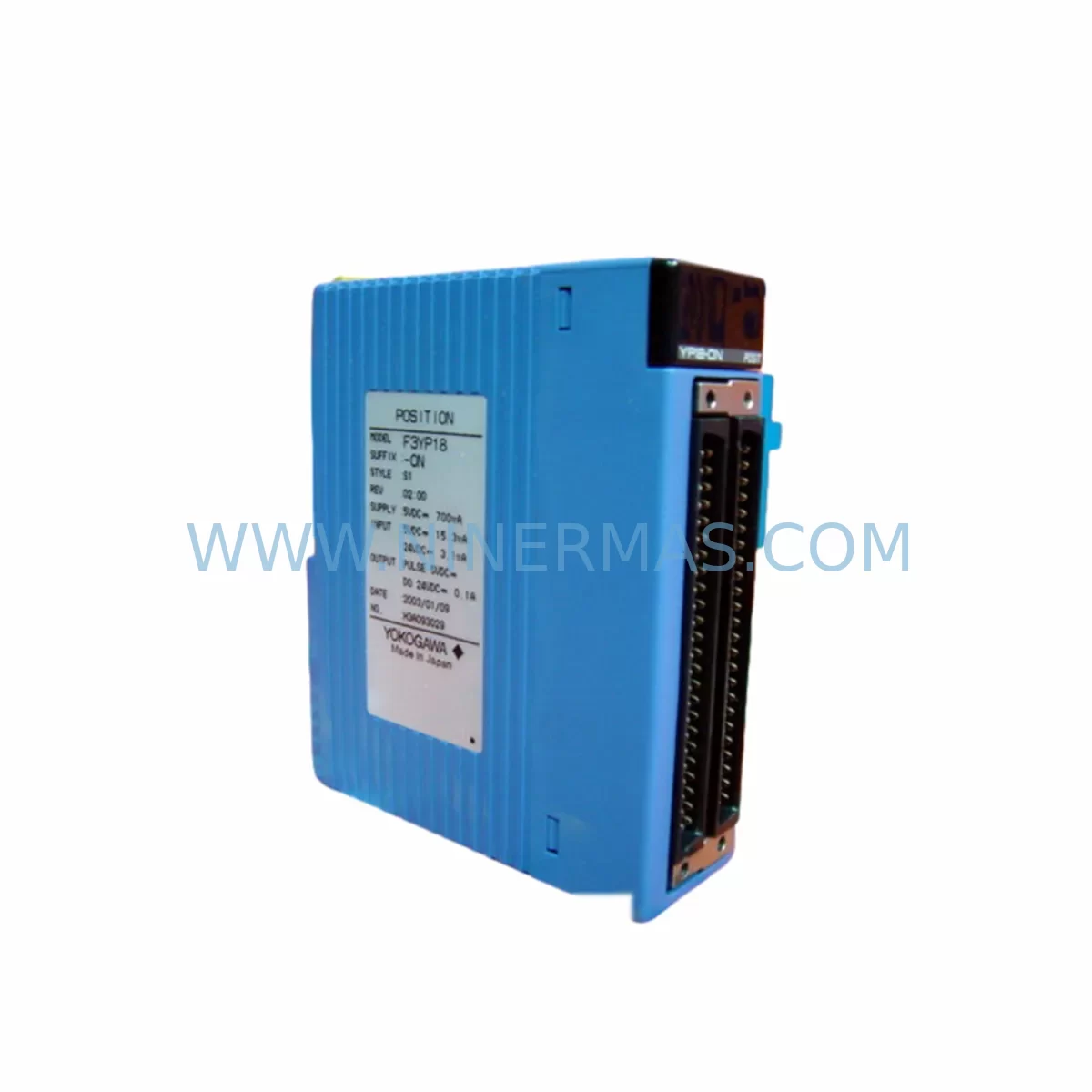
YOKOGAWA F3LE01-5T Service-Ready Spare Part for Industrial Maintenance
Verify the part, confirm the platform family, and move straight into quotation with the right commercial details.
RFQ Ready
- SKUF3LE01-5T
- CategoryDCS Distributed Control Systems
- BrandYokogawa
- SupportAvailability, lead time, condition, and shipping coordination
How Buyers Usually Use This Page
- Confirm the exact part number and platform family before sending the quote request.
- Use direct email when quantity, condition, and destination are already defined internally.
- Switch to the broader brand or category archive when you need alternates nearby.
Series Navigation
Move through the most common platform families behind this part.
Product RFQ
Send this part directly for quotation.
Include quantity, required condition, destination country, and target delivery timing. Current reference: YOKOGAWA F3LE01-5T Service-Ready Spare Part for Industrial Maintenance with SKU F3LE01-5T.
YOKOGAWA F3LE01-5T Service-Ready Spare Part for Industrial Maintenance
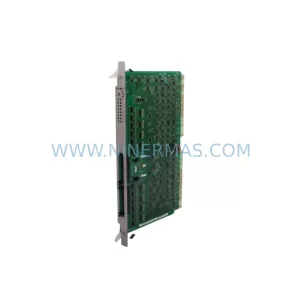
The YOKOGAWA F3LE01-5T is an original Ethernet Interface Module designed for the YOKOGAWA STARDOM FCN/FCJ autonomous controller platform. As a critical communication backbone component, the F3LE01-5T enables reliable 100BASE-TX Ethernet connectivity between the controller and supervisory SCADA, DCS, or HMI networks. For maintenance engineers managing aging automation infrastructure, securing a verified, service-ready spare of the F3LE01-5T is a foundational step in any downtime-prevention strategy.
At NINERMAS, every F3LE01-5T unit is sourced from authorized supply chains, inspected prior to dispatch, and backed by a 12-month warranty. Whether you are responding to an unplanned network fault, executing a scheduled annual overhaul, or building a strategic spare parts buffer for your STARDOM-based control system, this module ships ready for immediate installation.
Spare Maintenance Table
| Parameter | Specification |
|---|---|
| Part Number | F3LE01-5T |
| Brand | YOKOGAWA |
| Series | STARDOM FCN / FCJ Autonomous Controller |
| Module Type | Ethernet Interface Module |
| Communication Standard | 100BASE-TX (IEEE 802.3u) |
| Connector Type | RJ-45 |
| Protocol Support | Modbus TCP, OPC, FTP, HTTP |
| Operating Voltage | Supplied via FCN/FCJ backplane (internal bus) |
| Operating Temperature | 0°C to 55°C |
| Mounting | FCN/FCJ module slot (backplane-mounted) |
| Compatibility | YOKOGAWA STARDOM FCN-100, FCN-500, FCJ series |
| Origin | Japan |
| Condition | Original Spare — Tested & Inspected |
| Warranty | 12 Months (NINERMAS) |
| Shipping | Worldwide — DHL / FedEx / UPS |
| Lead Time | In Stock — Ships within 2–5 business days |
Maintenance Planning for Continuous Operation
When a YOKOGAWA STARDOM FCN or FCJ controller experiences an Ethernet communication fault, the root cause is rarely isolated to the F3LE01-5T alone. A disciplined maintenance engineer will treat the module replacement as the trigger for a broader control cabinet inspection. Begin by verifying the integrity of the FCN-100 or FCN-500 CPU module — communication faults can originate upstream from the processor’s network stack rather than the interface card itself.
Next, inspect the FCN power supply module (such as the F3PU01 or equivalent) for output voltage stability. Undervoltage conditions on the backplane bus are a common but overlooked cause of intermittent Ethernet link failures. Alongside the power supply, check the FCN backplane assembly for oxidized contacts or loose module seating, as poor backplane connectivity can cause the F3LE01-5T to drop its network link under vibration or thermal cycling.
On the network side, replace the industrial Ethernet switch port patch cable and verify the managed switch port configuration — duplex mismatch between the F3LE01-5T’s 100BASE-TX interface and an auto-negotiating switch port is a frequent source of intermittent packet loss in older installations. If the FCN controller communicates with a YOKOGAWA FAST/TOOLS SCADA or a third-party OPC server, confirm that the IP address, subnet mask, and gateway settings in the F3LE01-5T configuration match the restored module exactly.
For sites running mixed I/O architectures, simultaneously audit the FCN analog input modules (F3AD series) and digital output modules (F3YD series) installed in adjacent slots. A communication module fault that triggers a controller restart can mask latent I/O module errors that only surface after the network link is restored. Similarly, inspect any YOKOGAWA DX series data loggers or MW100 data acquisition units connected to the same Ethernet segment — these devices may require re-registration after the F3LE01-5T is replaced and the controller reboots.
If the STARDOM FCN is integrated into a broader DCS or safety system, verify the status of any YOKOGAWA ProSafe-RS safety controller communication links. Safety network integrity must be confirmed independently after any Ethernet module replacement. For sites using HART-enabled field instruments communicating through FCN I/O modules, re-validate HART pass-through functionality post-replacement to ensure no signal path was disrupted during the maintenance window.
Finally, update your spare parts register to include a second F3LE01-5T as a cold standby. Given the module’s role as the sole Ethernet gateway for the FCN controller, a single-unit spare strategy carries unacceptable downtime risk for production-critical applications. NINERMAS supports long-term supply agreements for the F3LE01-5T and related STARDOM FCN components, ensuring your procurement team can maintain a compliant spare parts buffer without exposure to spot-market shortages.
Site Replacement Workflow
Step 1 — Pre-Replacement Verification: Before removing the F3LE01-5T, document the current IP configuration, MAC address, and network settings using the STARDOM Resource Configurator software. Export the FCN project file as a backup. Confirm the replacement unit’s firmware version is compatible with the installed FCN CPU firmware revision.
Step 2 — Safe Module Removal: Place the FCN controller in maintenance mode via the STARDOM Resource Configurator or the front-panel keyswitch. Power down the FCN chassis following the manufacturer’s de-energization sequence. Remove the F3LE01-5T from its backplane slot using the module ejector levers — do not apply lateral force to the PCB edge.
Step 3 — Replacement Installation: Insert the new F3LE01-5T into the designated Ethernet module slot. Ensure the module is fully seated and the locking tab is engaged. Restore power to the FCN chassis and observe the module’s LED status indicators — the LINK LED should illuminate within 30 seconds of power-on if the network cable and switch port are correctly configured.
Step 4 — Configuration Restore: Using STARDOM Resource Configurator, re-download the FCN project to the controller. Verify that the F3LE01-5T’s IP address, protocol settings, and communication parameters match the pre-replacement documentation. Perform a live communication test with the SCADA or HMI host before returning the controller to automatic mode.
Step 5 — Post-Replacement Audit: Log the replacement in your maintenance management system (CMMS) with the new module’s serial number and installation date. Schedule a follow-up inspection at 30 days to confirm stable operation. Retain the removed F3LE01-5T for failure analysis if the fault was unplanned — do not discard until root cause is confirmed.
Spare Parts Support FAQ
Q1: Is the NINERMAS F3LE01-5T an original YOKOGAWA module or a compatible replacement?
Every F3LE01-5T supplied by NINERMAS is an original YOKOGAWA-manufactured module sourced from authorized industrial supply channels. We do not supply counterfeit, refurbished-without-disclosure, or third-party compatible substitutes. Each unit is individually inspected and function-tested before dispatch.
Q2: What is the warranty coverage and what does it include?
NINERMAS provides a 12-month warranty on all F3LE01-5T units from the date of delivery. The warranty covers manufacturing defects and functional failures under normal operating conditions. It does not cover damage resulting from incorrect installation, overvoltage events, or physical mishandling. Warranty claims are processed with priority turnaround — replacement units are dispatched within 5 business days of fault confirmation.
Q3: Can NINERMAS support long-term or blanket purchase orders for the F3LE01-5T?
Yes. NINERMAS specializes in long-term spare parts supply agreements for industrial automation components, including the YOKOGAWA STARDOM FCN series. We support annual blanket orders, consignment stock arrangements, and multi-year supply commitments. Contact our sales team at sale@ninermas.com to discuss volume pricing and lead-time guarantees tailored to your maintenance planning cycle.
Q4: How do I verify compatibility before ordering if my FCN system is an older revision?
Provide your FCN chassis model number, CPU module part number, and current firmware version to our technical team. We will cross-reference the F3LE01-5T hardware revision against YOKOGAWA’s compatibility matrix and confirm suitability before your order is processed. This pre-order compatibility check is provided at no charge and typically completed within one business day.
| Product Series | STARDOM |
|---|---|
| Country of Origin | JP |
Catalog Continuation
More Yokogawa modules in the catalog.
Use the brand lane to compare nearby part numbers, platform-adjacent modules, and other inquiry-ready listings before sending your final RFQ.

Catalog Continuation
Alternative parts within DCS Distributed Control Systems.
Stay inside the same system family when you need substitutes, adjacent modules, or a broader shortlist for procurement review.