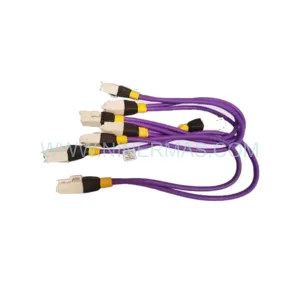
Original Industrial Spare Part
TURCK BIM-UNT-AP7X Service-Ready Spare Part for Industrial Maintenance
Verify the part, confirm the platform family, and move straight into quotation with the right commercial details.
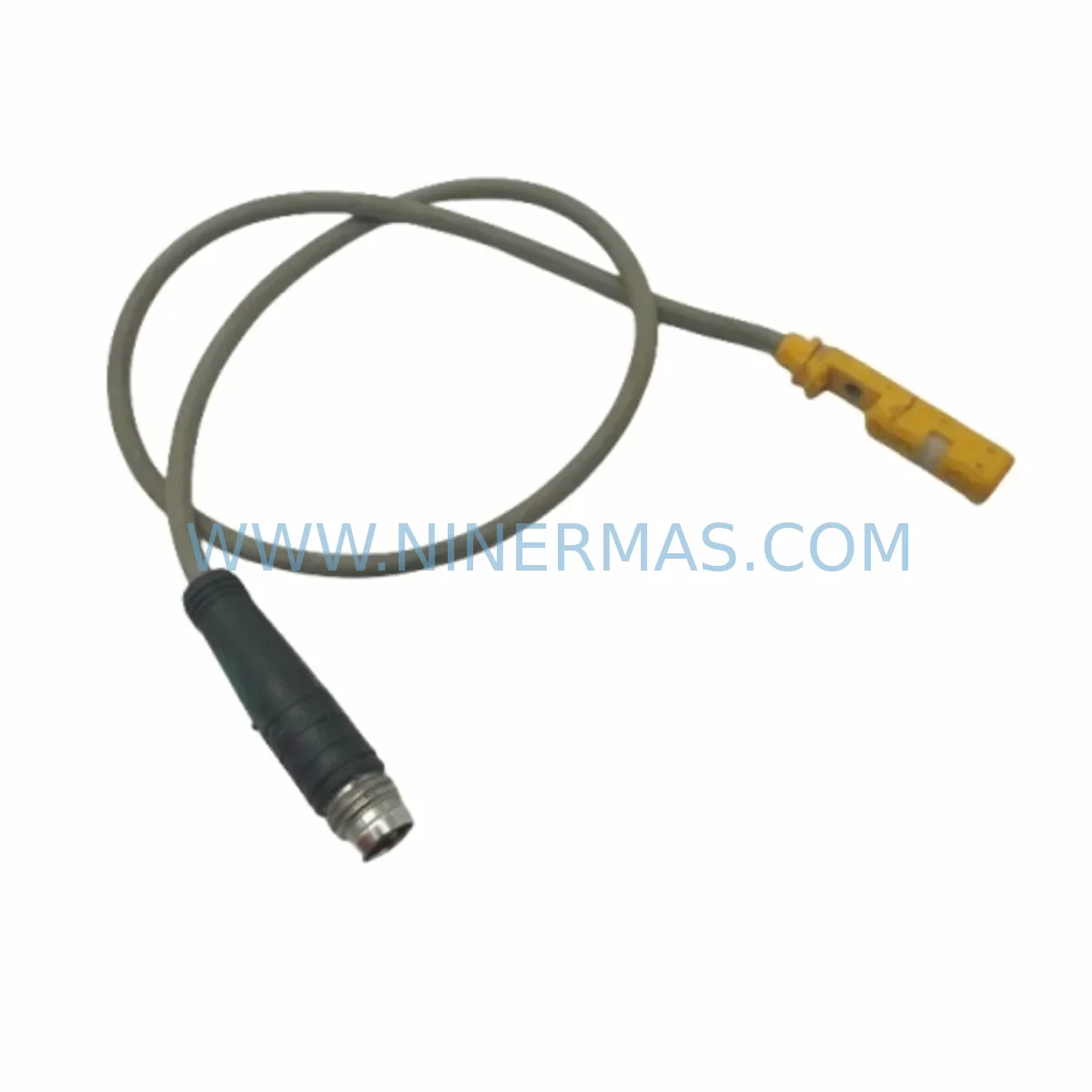
RFQ Ready
- SKUBIM-UNT-AP7X
- CategoryTSI & Rotating Machinery Monitoring
- BrandTURCK
- SupportAvailability, lead time, condition, and shipping coordination
How Buyers Usually Use This Page
- Confirm the exact part number and platform family before sending the quote request.
- Use direct email when quantity, condition, and destination are already defined internally.
- Switch to the broader brand or category archive when you need alternates nearby.
Series Navigation
Move through the most common platform families behind this part.
Product RFQ
Send this part directly for quotation.
Include quantity, required condition, destination country, and target delivery timing. Current reference: TURCK BIM-UNT-AP7X Service-Ready Spare Part for Industrial Maintenance with SKU BIM-UNT-AP7X.
TURCK BIM-UNT-AP7X Service-Ready Spare Part for Industrial Maintenance
The TURCK BIM-UNT-AP7X is a service-ready inductive proximity sensor from TURCK’s BIM series, engineered for demanding industrial automation environments. When a sensor failure triggers an unplanned shutdown on your production line, every minute of downtime translates directly into lost output and escalating recovery costs. Stocking the BIM-UNT-AP7X as a verified spare part is a proven strategy for maintenance engineers who need to restore machine availability quickly and confidently.
Designed for flush-mount installation in metal detection and position feedback applications, the BIM-UNT-AP7X delivers reliable switching performance across a wide range of industrial environments — from automotive body shops and packaging lines to heavy-duty press control and conveyor systems. Its compact cylindrical housing and standardized M12 connector interface make field replacement straightforward, reducing the skill threshold required for emergency swap-outs during shift hours.
For procurement engineers managing multi-site spare parts programs, the BIM-UNT-AP7X represents a low-risk, high-availability component. TURCK’s BIM series has maintained consistent form-factor and electrical compatibility across multiple generations, which means a single approved part number can cover a broad installed base — simplifying your approved vendor list and reducing the number of line items in your safety stock inventory.
Spare Maintenance Table
| Parameter | Specification / Notes |
|---|---|
| Part Number | BIM-UNT-AP7X |
| Brand | TURCK |
| Series | BIM (Inductive Proximity Sensor Series) |
| Product Type | Inductive Proximity Sensor |
| Housing Form | Cylindrical, Flush-Mount |
| Output Type | PNP / NPN (series-dependent; verify with nameplate) |
| Operating Voltage | 10–30 V DC (typical BIM series range) |
| Connection Interface | M12 Connector (4-pin, industry standard) |
| Protection Rating | IP67 (suitable for wash-down and dusty environments) |
| Operating Temperature | -25 °C to +70 °C |
| Country of Origin | Germany |
| Compatibility | TURCK BIM series; compatible with standard PLC/DCS digital input modules (Siemens, Allen-Bradley, Mitsubishi, Omron) |
| Mounting | Flush-mount; standard metric thread; no additional adapter required for direct replacement |
| Application Environment | Automotive, Packaging, Press Control, Conveyor, Material Handling, Control Cabinet Position Feedback |
| Maintenance Recommendation | Inspect sensing face for contamination every 3 months; verify cable integrity and M12 connector seating at each annual shutdown |
| Warranty | 12 Months — covers manufacturing defects; includes pre-shipment functional test |
Maintenance Planning for Continuous Operation
Replacing the BIM-UNT-AP7X in isolation rarely resolves the root cause of a sensor-related fault. Experienced maintenance engineers treat a proximity sensor failure as a signal to audit the surrounding electrical circuit and control architecture. When scheduling a replacement, the following components should be inspected or staged as concurrent spares to prevent repeat stoppages:
Power Supply Integrity: The BIM-UNT-AP7X operates on 24 V DC supplied through the control cabinet’s sensor power rail. A degraded TURCK PS510-400-24 or equivalent 24 V DIN-rail power supply can cause intermittent sensor dropout that mimics a faulty sensor. Verify output voltage under load before condemning the sensor itself. If the power supply is more than five years old, include it in your annual replacement cycle.
M12 Connection Cables and Field Wiring: The M12 4-pin cordset connecting the BIM-UNT-AP7X to the junction box is a common wear item in high-vibration environments. TURCK’s RKC 4T-2/S90 and similar right-angle M12 cordsets should be stocked alongside the sensor. Inspect for jacket abrasion, connector corrosion, and pin retraction — all of which can produce false-negative signals indistinguishable from sensor failure at the PLC input card level.
PLC Digital Input Modules: The sensor’s switching signal terminates at a digital input (DI) module in the PLC or remote I/O rack. On Siemens S7-300/S7-400 systems, the SM 321 DI module and its associated front connector should be checked for channel-level faults using the diagnostic buffer. On Allen-Bradley ControlLogix platforms, verify the 1756-IB16 or equivalent input card channel status. A failed input channel can be misdiagnosed as a sensor fault, leading to unnecessary sensor replacement.
Terminal Blocks and Marshalling: Weidmüller or Phoenix Contact terminal blocks in the sensor marshalling section of the control cabinet are subject to thermal cycling and vibration-induced loosening. Torque-check all terminals in the sensor circuit during the replacement window. Spare Phoenix Contact UTTB 2.5 or equivalent terminal blocks should be available for immediate substitution if corrosion or cracking is found.
Signal Isolators and Barriers: In installations where the BIM-UNT-AP7X feeds a signal into a safety-rated or intrinsically safe circuit, a TURCK IM12-14EX-CDTRI or equivalent signal isolator/barrier sits between the sensor and the control system. These devices have defined service lives and should be replaced on a scheduled basis rather than reactively. Confirm barrier output voltage and current limits are within specification during the sensor swap.
Relay Output Modules: Where the sensor signal drives a relay output for machine interlock or conveyor control, inspect the relay coil resistance and contact condition. Worn relay contacts on a TURCK MK20-R or similar relay module can cause erratic machine behavior that is incorrectly attributed to the proximity sensor. Replace relay modules showing contact resistance above 100 mΩ.
Communication Modules and Remote I/O: In distributed control architectures using TURCK’s BL20 or BL67 remote I/O gateways, a communication fault on the BL20-GW-EN or BL67-PG-EN-V3 gateway can mask valid sensor signals. Confirm gateway firmware is current and that the fieldbus connection (PROFINET, EtherNet/IP, or Modbus TCP) is error-free before replacing field devices.
Fuses and Circuit Protection: The 24 V sensor supply circuit should be protected by a dedicated fuse or electronic circuit breaker. A Phoenix Contact PTCB 1A or equivalent device that has operated repeatedly may have degraded trip characteristics. Replace fuses and circuit breakers in the sensor supply circuit as part of the annual maintenance cycle to prevent nuisance trips during production.
Staging these components as a coordinated spare parts kit — rather than ordering reactively after each failure — is the most effective way to compress mean time to repair (MTTR) and protect production schedules across multi-shift operations.
Site Replacement Workflow
The BIM-UNT-AP7X is designed for direct field replacement without special tooling. The following workflow is recommended for maintenance teams performing an emergency or scheduled swap:
1. Isolate and Lock Out: De-energize the machine section and apply LOTO (Lockout/Tagout) per site safety procedures. Confirm 24 V supply to the sensor circuit is at zero volts using a calibrated multimeter before disconnecting the M12 connector.
2. Document the Existing Installation: Photograph the sensor mounting position, cable routing, and connector orientation. Note the sensing distance setting if an adjustment nut is present. This documentation accelerates re-commissioning and supports future maintenance records.
3. Remove the Faulty Unit: Disconnect the M12 cordset. Unscrew the sensor from its mounting bracket using the appropriate spanner. Inspect the mounting thread for damage — a damaged thread in the bracket should be re-tapped or the bracket replaced before installing the new sensor.
4. Install the BIM-UNT-AP7X: Thread the new sensor into the mounting position by hand first to avoid cross-threading. Torque to the manufacturer’s specification (typically 15–20 Nm for M18 housings; verify against the product datasheet). Reconnect the M12 cordset and confirm the connector locking ring is fully engaged.
5. Functional Verification: Re-energize the circuit and use the sensor’s LED indicator to confirm power-on and switching operation. Actuate the target object through the full range of motion and verify the PLC input channel registers the correct ON/OFF transitions. Compare switching distance against the original specification to confirm correct installation depth.
6. Update Maintenance Records: Log the replacement date, part number, serial number, and technician ID in the CMMS (Computerized Maintenance Management System). Schedule the next inspection interval based on the operating environment — typically 6 months in high-vibration or wash-down applications, 12 months in standard environments.
This structured workflow ensures that the replacement is completed safely, the new sensor is verified functional before the machine is returned to service, and the maintenance record supports future reliability analysis and spare parts planning.
Spare Parts Support FAQ
Q1: Is the BIM-UNT-AP7X a direct drop-in replacement for older TURCK BIM series sensors?
A: In most cases, yes. TURCK has maintained consistent thread dimensions, M12 connector pinouts, and electrical characteristics across BIM series generations. However, we recommend verifying the output type (PNP vs. NPN), operating voltage range, and sensing distance against your existing installation before committing to a bulk order. NINERMAS provides pre-shipment functional testing on all units to confirm switching performance prior to dispatch.
Q2: What is included in the 12-month warranty, and how does the claims process work?
A: Every BIM-UNT-AP7X supplied by NINERMAS carries a 12-month warranty covering manufacturing defects in materials and workmanship from the date of shipment. Units are functionally tested before dispatch. In the event of a warranty claim, contact sale@ninermas.com with the order reference, installation date, and a description of the fault. We will arrange replacement or credit resolution within a commercially reasonable timeframe to minimize your downtime exposure.
Q3: Can NINERMAS support long-term supply agreements for the BIM-UNT-AP7X across multiple sites?
A: Yes. NINERMAS specializes in long-term spare parts programs for industrial automation components, including legacy and end-of-life TURCK products. We can structure blanket purchase orders, consignment stock arrangements, and annual supply agreements to ensure your maintenance teams have guaranteed access to critical spare parts without the lead-time risk of spot purchasing. Contact our team to discuss volume pricing and supply commitment terms.
Q4: How should the BIM-UNT-AP7X be stored as a spare part to maintain its service life?
A: Store the sensor in its original packaging in a dry, temperature-controlled environment (0 °C to +40 °C, relative humidity below 75% non-condensing). Avoid storing near strong magnetic fields or corrosive chemicals. Inspect stored units annually for connector pin corrosion and cable jacket condition. Units stored correctly within the manufacturer’s recommended conditions retain full performance characteristics for a minimum of five years from the date of manufacture.
| Product Series | Other series |
|---|---|
| Country of Origin | DE |
Catalog Continuation
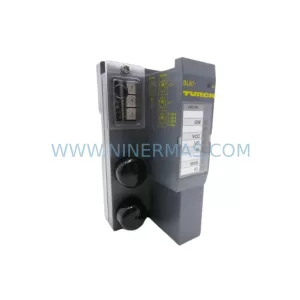
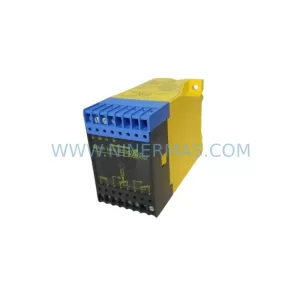
More TURCK modules in the catalog.
Use the brand lane to compare nearby part numbers, platform-adjacent modules, and other inquiry-ready listings before sending your final RFQ.
Catalog Continuation
Alternative parts within TSI & Rotating Machinery Monitoring.
Stay inside the same system family when you need substitutes, adjacent modules, or a broader shortlist for procurement review.
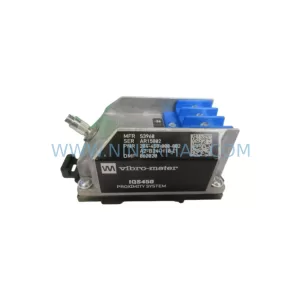
SKU: IQS450 204-450-000-001
VIBRO-METER IQS450 204-450-000-001 Service-Ready Spare Part
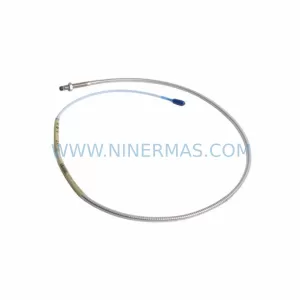
SKU: 330104-00-03-50-02-05
Bently Nevada 330104-00-03-50-02-05 Safety-Reliable Proximity Transducer
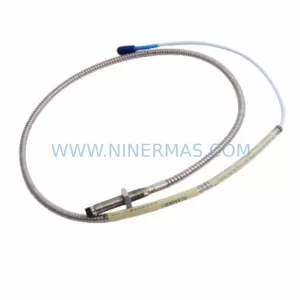
SKU: 21000-16-10-15-057-03-02
Bently Nevada 21000-16-10-15-057-03-02 Safety Proximity Probe