Original Industrial Spare Part
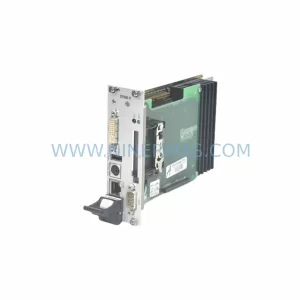
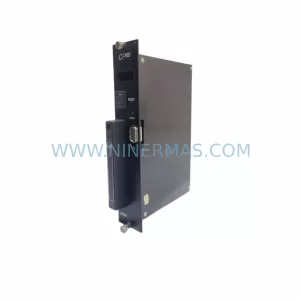
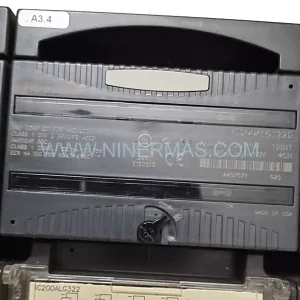
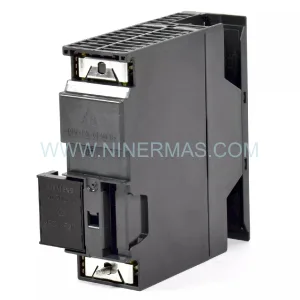
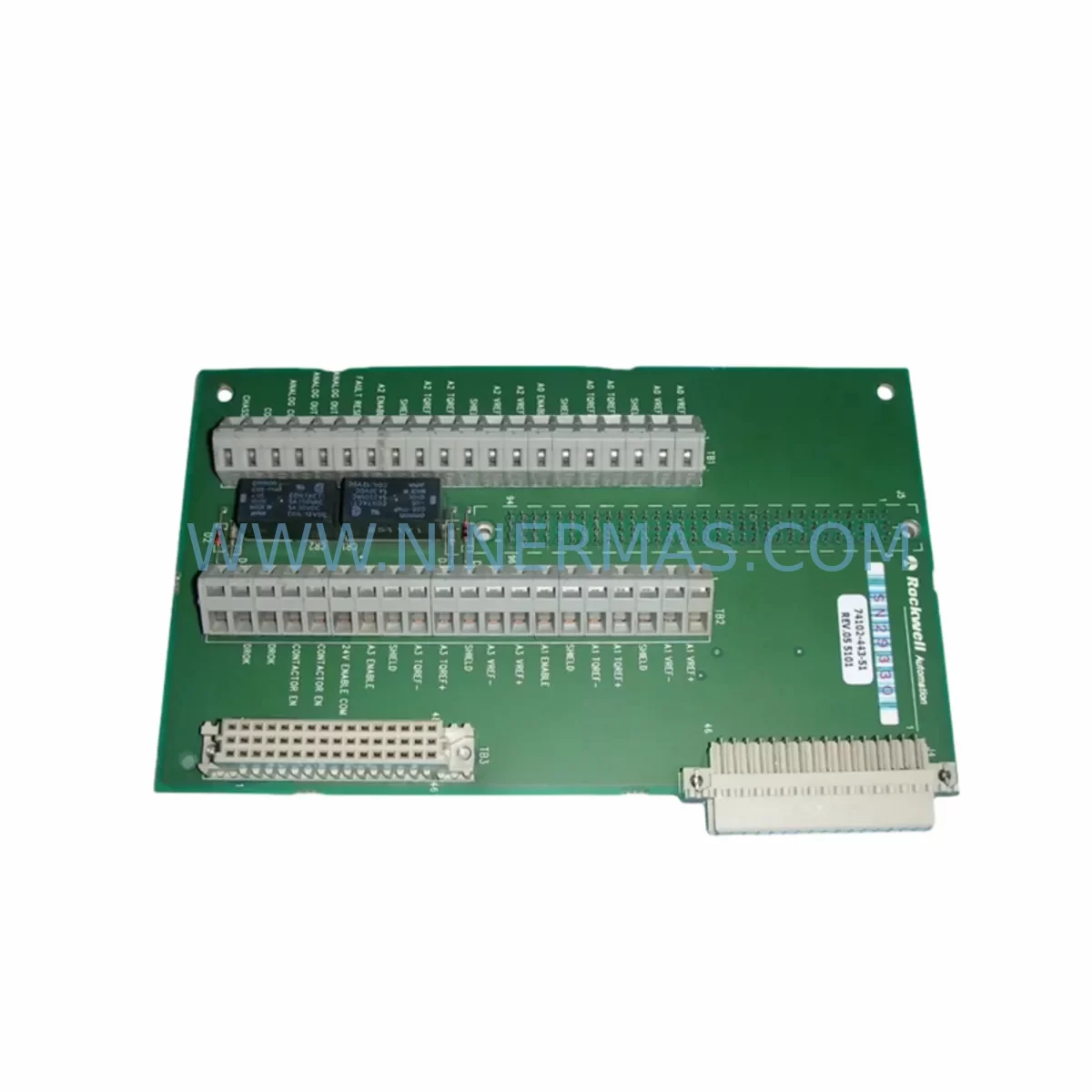
Rockwell 74102-443-51 Retrofit-Compatible Module for Legacy Systems
Verify the part, confirm the platform family, and move straight into quotation with the right commercial details.
RFQ Ready
- SKU74102-443-51
- CategoryPLC & Industrial Automation Modules
- BrandRockwell Automation
- SupportAvailability, lead time, condition, and shipping coordination
How Buyers Usually Use This Page
- Confirm the exact part number and platform family before sending the quote request.
- Use direct email when quantity, condition, and destination are already defined internally.
- Switch to the broader brand or category archive when you need alternates nearby.
Series Navigation
Move through the most common platform families behind this part.
Product RFQ
Send this part directly for quotation.
Include quantity, required condition, destination country, and target delivery timing. Current reference: Rockwell 74102-443-51 Retrofit-Compatible Module for Legacy Systems with SKU 74102-443-51.
Rockwell 74102-443-51 Retrofit-Compatible Module for Legacy Systems
The Rockwell 74102-443-51 is a retrofit-compatible control module designed to support seamless integration into legacy Allen-Bradley SLC 500 automation platforms. As industrial facilities face increasing pressure to extend the operational life of aging control infrastructure, this module provides a reliable, drop-in compatible solution for engineers managing discontinued hardware, end-of-life spare part shortages, and control cabinet modernization projects. Whether you are replacing a failed unit on an active production line or building a long-term spare parts inventory for a multi-site facility, the 74102-443-51 delivers the electrical compatibility, form factor consistency, and firmware alignment required for a low-risk retrofit.
This module is particularly well-suited for facilities operating SLC 500 series control systems where original Rockwell Automation hardware is no longer available through standard distribution channels. The 74102-443-51 has been pre-shipment tested against published Allen-Bradley electrical specifications, ensuring that each unit shipped meets the voltage tolerance, signal integrity, and backplane communication requirements expected in live production environments. A 12-month warranty is included with every unit, covering manufacturing defects and functional failures under normal operating conditions.
Upgrade Compatibility Table
| Parameter | Detail |
|---|---|
| Part Number | 74102-443-51 |
| Compatible Platform | Allen-Bradley SLC 500 Series |
| Backplane Interface | SLC 500 standard backplane slot (1746-series rack compatible) |
| Installation Form Factor | Direct slot-mount; no bracket modification required |
| Communication Compatibility | Compatible with DH-485, DH+, and DF1 protocol environments |
| Replacement Recommendation | Suitable as direct replacement for original Rockwell 74102-443-51 units |
| Terminal Wiring | Matches original terminal block layout; no rewiring required in standard configurations |
| Commissioning Notes | Verify module address assignment in RSLogix 500 prior to online connection |
| Pre-Shipment Testing | Yes — functional and electrical verification performed on every unit |
| Warranty | 12 Months from date of shipment |
Retrofit Planning for Existing Automation Systems
Successful integration of the 74102-443-51 into an existing SLC 500 control system begins with a thorough pre-retrofit audit of the control cabinet. Engineers should confirm available rack slot positions within the 1746-A4, 1746-A7, 1746-A10, or 1746-A13 chassis before ordering. Power budget verification is a critical first step: the 1746-P1, 1746-P2, or 1746-P4 power supply modules installed in the rack must have sufficient remaining capacity to support the additional module load. Exceeding the rack power budget is a common cause of intermittent faults during post-replacement commissioning and should be ruled out before the replacement unit is installed.
Terminal block wiring should be documented photographically and with as-built drawings before any module is removed. In most SLC 500 installations, the 74102-443-51 uses a removable terminal block that can be transferred directly to the replacement unit, eliminating the need to rewire individual field conductors. However, engineers should verify conductor labeling and confirm that terminal torque specifications are met after reinstallation, particularly in high-vibration environments such as press lines, compressor rooms, or conveyor drive panels.
Module address configuration must be confirmed in RSLogix 500 before bringing the replacement online. In systems where the original module occupied a specific slot address referenced in the ladder logic program, the replacement must be installed in the same physical slot to avoid address conflicts. If the control program references the module through a 1747-SN Scanner Node or communicates via a 1747-SDN DeviceNet Scanner, the network node address and I/O map must be verified against the existing program file before enabling communication.
For facilities running PanelView 300, PanelView 550, or PanelView 600 HMI terminals connected to the SLC 500 processor via DH-485, the HMI screen tags referencing data table addresses associated with this module should be reviewed. Tag address mismatches between the HMI and the updated program file are a frequent source of post-retrofit alarms that can delay production restart. Confirming HMI tag integrity before going live significantly reduces commissioning time.
In multi-rack systems using a 1746-BAS or 1747-C10 cable interconnect, the physical cable routing and backplane expansion connections should be inspected during the retrofit window. Degraded ribbon cables or loose backplane connectors are often discovered during planned maintenance windows and should be addressed concurrently with module replacement to avoid repeat downtime events. Signal isolation requirements should also be reviewed: in mixed-signal environments, a 1746-NI4 analog input module or a dedicated signal isolator may be required to prevent ground loop interference after the new module is installed.
Downtime Control During System Migration
Minimizing production downtime during a 74102-443-51 replacement requires a structured pre-outage preparation process. Before the maintenance window begins, the existing RSLogix 500 program file should be uploaded from the processor and archived to a secure backup location. This ensures that the original ladder logic, data table values, and I/O configuration can be restored immediately if the replacement module does not initialize correctly. Program files should be saved with a version-stamped filename and stored both locally and on a network backup server.
The replacement module should be bench-tested prior to installation where possible. Connecting the 74102-443-51 to a spare 1746-series rack with a known-good 1747-L532 or 1747-L543 processor allows functional verification of the module before it enters the production environment. This step is particularly important for facilities with long lead times on spare parts, where a second failed unit would result in an extended outage.
During the physical swap, the processor should be placed in Program mode before the original module is removed. This prevents the processor from generating I/O fault codes that could latch into the program logic and require manual fault clearing after the replacement is installed. After the new module is seated and the terminal block is reconnected, the processor should be returned to Run mode only after a visual inspection confirms that all status LEDs on the module and adjacent 1746-series I/O modules are displaying expected states.
For systems where continuous control is required, a staged migration approach using a temporary 1747-L40A or 1747-L541 processor in a parallel rack can maintain field device control during the module swap. This approach is commonly used in water treatment, chemical dosing, and HVAC control applications where a complete process shutdown is not operationally acceptable. The parallel rack approach requires careful coordination of I/O addressing and program synchronization but can reduce effective downtime to under 15 minutes in well-prepared installations.
Retrofit Support FAQ
Q: Is the 74102-443-51 a direct replacement for the original Rockwell Automation part?
A: Yes. The 74102-443-51 is supplied as a retrofit-compatible replacement that matches the original module’s electrical specifications, backplane interface, and terminal block layout. Each unit undergoes pre-shipment functional testing to verify compatibility before dispatch.
Q: What commissioning steps are required after installation?
A: After physical installation, verify the module slot address in RSLogix 500, confirm I/O configuration matches the existing program file, and cycle the processor from Program to Run mode. In systems with DH-485 or DH+ communication, confirm that the network node address is correctly assigned and that the processor recognizes the module without generating a fault code.
Q: Does the unit ship with a warranty, and what does it cover?
A: Every 74102-443-51 unit ships with a 12-month warranty covering manufacturing defects and functional failures under normal operating conditions. The warranty period begins from the date of shipment. Units that fail within the warranty period are replaced or refunded subject to inspection.
Q: What is the typical lead time and stock availability?
A: Units are maintained in stock to support urgent replacement requirements. Standard orders are dispatched within 1–3 business days. For bulk orders or multi-site procurement programs, contact our sales team to confirm available inventory and lead time commitments.
| Product Series | Legacy |
|---|---|
| Country of Origin | US |
Catalog Continuation
More Rockwell Automation modules in the catalog.
Use the brand lane to compare nearby part numbers, platform-adjacent modules, and other inquiry-ready listings before sending your final RFQ.
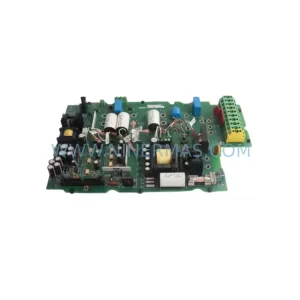
SKU: MPL-B330P-SJ72AA
Rockwell MPL-B330P-SJ72AA Retrofit Servo Motor for Legacy Systems
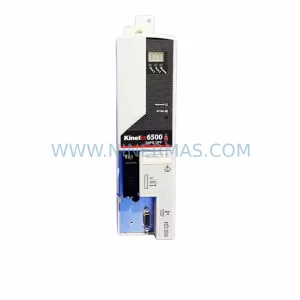
SKU: 2094-EN02D-M01-S0
Rockwell 2094-EN02D-M01-S0 Service-Ready Spare Part
Catalog Continuation
Alternative parts within PLC & Industrial Automation Modules.
Stay inside the same system family when you need substitutes, adjacent modules, or a broader shortlist for procurement review.