
Original Industrial Spare Part
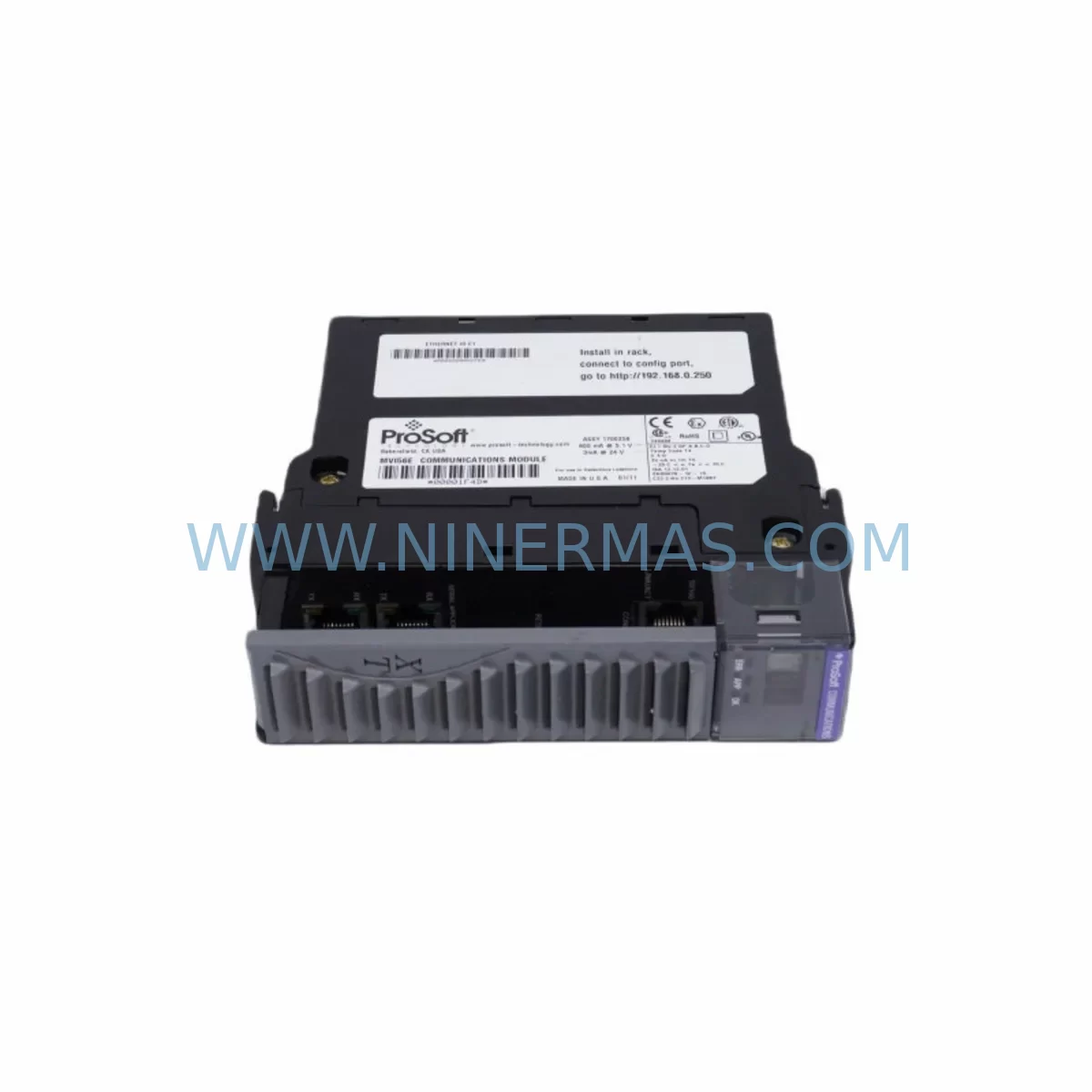
ProSoft MVI56E-MCMXT Retrofit-Compatible Modbus Module
Verify the part, confirm the platform family, and move straight into quotation with the right commercial details.
RFQ Ready
- SKUMVI56E-MCMXT
- CategoryPLC & Industrial Automation Modules
- BrandProSoft
- SupportAvailability, lead time, condition, and shipping coordination
How Buyers Usually Use This Page
- Confirm the exact part number and platform family before sending the quote request.
- Use direct email when quantity, condition, and destination are already defined internally.
- Switch to the broader brand or category archive when you need alternates nearby.
Series Navigation
Move through the most common platform families behind this part.
Product RFQ
Send this part directly for quotation.
Include quantity, required condition, destination country, and target delivery timing. Current reference: ProSoft MVI56E-MCMXT Retrofit-Compatible Modbus Module with SKU MVI56E-MCMXT.
ProSoft MVI56E-MCMXT Retrofit-Compatible Modbus Module: Legacy System Compatibility & Smooth Upgrade
The ProSoft MVI56E-MCMXT is a Modbus Master/Slave communication module engineered for the Allen-Bradley ControlLogix platform. As industrial facilities face the growing challenge of maintaining aging automation infrastructure, the MVI56E-MCMXT has become a critical component in retrofit projects, discontinued spare replacement programs, and control system modernization initiatives. Whether you are replacing an end-of-life MVI56-MCM module, upgrading a legacy SLC 500 or PLC-5 communication architecture to ControlLogix, or extending the operational life of an existing control cabinet, the MVI56E-MCMXT provides a reliable, field-proven migration path with minimal disruption to production continuity.
The MVI56E-MCMXT supports both Modbus RTU and Modbus ASCII protocols, functioning simultaneously as a Master and Slave device on the same serial port. This dual-mode capability is particularly valuable in retrofit scenarios where the existing field device network — including legacy variable frequency drives, flow meters, temperature controllers, and remote I/O panels — must continue operating without protocol conversion or rewiring. The module installs directly into a 1756 ControlLogix chassis, occupying a single slot and communicating with the controller via the ControlLogix backplane using standard produced/consumed tags.
Upgrade Compatibility Table
| Parameter | Legacy Reference | MVI56E-MCMXT Specification | Retrofit Notes |
|---|---|---|---|
| Platform | SLC 500 / PLC-5 / MVI56-MCM | Allen-Bradley ControlLogix 1756 | Chassis slot migration required; verify available slot count |
| Protocol Support | Modbus RTU / ASCII (legacy) | Modbus RTU & ASCII (Master + Slave) | No protocol converter needed; direct field device compatibility |
| Serial Ports | 1–2 ports (varies by legacy model) | 2 × RS-232/RS-485/RS-422 configurable | Confirm existing cable pinout; RS-485 termination resistor may be required |
| Backplane Interface | SLC / PLC backplane | 1756 ControlLogix backplane | New chassis required if migrating from SLC/PLC-5 platform |
| Power Consumption | Varies by legacy module | 800 mA @ 5 VDC (backplane) | Verify 1756-PA72 or 1756-PB72 power supply capacity before installation |
| Communication Distance | Up to 1200 m (RS-485) | Up to 1200 m (RS-485) | Existing field wiring typically reusable |
| Configuration Tool | Legacy ProSoft Configuration Builder | ProSoft Configuration Builder (PCB) | New .mvi56e project file required; legacy .mvi56 files not directly importable |
| Firmware Upgrade | N/A | Field-upgradeable via serial port | Download latest firmware from ProSoft prior to commissioning |
| Installation Space | Single slot (legacy chassis) | Single slot (1756 chassis) | Confirm physical slot availability in target chassis |
| Warranty | Varies | 12 Months | Covered from date of shipment; includes functional verification test |
Retrofit Planning for Existing Automation Systems
A successful MVI56E-MCMXT retrofit begins well before the module arrives on site. Engineers and maintenance teams should conduct a thorough audit of the existing control architecture, documenting every device connected to the legacy Modbus network. In a typical brownfield installation, the MVI56E-MCMXT will replace an aging MVI56-MCM or MVI46-MCM module that has reached end-of-life or is no longer available through standard distribution channels. The first step is to confirm that the target 1756 ControlLogix chassis — whether a 1756-A4, 1756-A7, 1756-A10, or 1756-A13 — has a free slot available and that the installed 1756-PA72 or 1756-PB72 power supply can accommodate the additional 800 mA backplane current draw.
Terminal wiring is a critical checkpoint. The MVI56E-MCMXT uses a DB-9 connector for each serial port, and field technicians must verify the existing cable pinout against the module’s wiring diagram. In RS-485 two-wire configurations, the termination resistor (typically 120 Ω) must be confirmed at both ends of the bus. If the legacy installation used RS-232 point-to-point connections to individual Modbus slave devices such as Schneider Electric ATV drives, Yokogawa flow transmitters, or Honeywell temperature controllers, those cables can often be reused with minor adapter modifications.
The ProSoft Configuration Builder (PCB) software is used to define the Modbus Master command list, slave node addresses, polling rates, register mapping, and error handling behavior. Engineers migrating from a legacy MVI56-MCM project should rebuild the configuration from scratch in PCB, referencing the original ladder logic and data table mappings. The new configuration file is downloaded to the MVI56E-MCMXT via the module’s configuration serial port or, in some firmware versions, via the backplane using RSLogix 5000 / Studio 5000 add-on instructions (AOI). The AOI approach simplifies integration with existing ControlLogix programs and reduces the need for custom MSG instruction blocks.
I/O mapping must be carefully planned. The MVI56E-MCMXT exchanges data with the ControlLogix controller through a defined block of input and output registers in the controller’s tag database. If the existing program references specific data file addresses from a legacy SLC 500 N-file or PLC-5 integer file, those addresses must be remapped to the new ControlLogix tag structure. This remapping process should be completed and verified in an offline simulation environment — using RSLogix Emulate 5000 if available — before any live system cutover. Companion modules such as the 1756-EN2T Ethernet communication module or the 1756-DNB DeviceNet scanner may also be present in the same chassis and should be verified for firmware compatibility with the target Logix firmware revision.
HMI screens connected to the system via a 1756-ENBT or directly through RSLinx Classic or FactoryTalk Linx must be updated to reflect any tag name changes introduced during the migration. If the facility uses a PanelView Plus 6 or PanelView Plus 7 terminal, the HMI application should be tested against the updated controller program in offline mode before the production cutover window. Signal isolators installed between the MVI56E-MCMXT serial ports and field devices — particularly in environments with high electrical noise from variable speed drives or welding equipment — should be inspected and replaced if they show signs of degradation.
Downtime Control During System Migration
Minimizing unplanned downtime is the primary concern in any live system retrofit. For the MVI56E-MCMXT installation, the recommended approach is a staged cutover strategy. Begin by installing the new ControlLogix chassis and the MVI56E-MCMXT module in parallel with the existing legacy system, without disconnecting any field wiring. Configure and test the new module in offline mode, verifying that all Modbus slave devices respond correctly to the new master’s polling commands on a bench test setup before the production cutover.
During the scheduled maintenance window, the cutover sequence should follow this order: first, place the ControlLogix controller in Program mode to halt scan execution; second, transfer the serial port connections from the legacy module to the MVI56E-MCMXT; third, download the verified Logix program and MVI56E-MCMXT configuration; fourth, perform a controlled restart and monitor the Modbus communication status bits in the controller tag database. The entire hot-swap sequence, when pre-planned, can typically be completed within a two- to four-hour maintenance window, preserving the original program logic and minimizing the risk of data loss or process upset.
To protect the original program logic, always create a full backup of the existing RSLogix 5000 or Studio 5000 project file, the ProSoft Configuration Builder project, and any FactoryTalk View ME or SE application files before beginning the retrofit. Store these backups on a secure network drive and verify their integrity before proceeding. If the legacy module fails unexpectedly before a planned retrofit, the MVI56E-MCMXT can be used as an emergency replacement, provided the configuration file has been prepared in advance. This is why maintaining a pre-configured spare module — with the PCB project file stored on the module’s internal flash memory — is a best practice for facilities with critical Modbus-dependent processes.
Retrofit Support FAQ
Q1: Is the MVI56E-MCMXT a direct drop-in replacement for the MVI56-MCM?
The MVI56E-MCMXT occupies the same single ControlLogix chassis slot as the MVI56-MCM and supports the same Modbus RTU and ASCII protocols. However, the configuration file format has changed — legacy MVI56-MCM PCB project files are not directly compatible and must be rebuilt using the current ProSoft Configuration Builder version. The backplane data exchange structure and AOI integration method also differ, so the ControlLogix program will require updates to the data mapping and MSG instruction blocks.
Q2: What wiring changes are required when installing the MVI56E-MCMXT?
In most RS-485 multi-drop installations, existing field wiring can be reused. The MVI56E-MCMXT uses a DB-9 serial connector; verify the pinout against your existing cable terminations. For RS-232 point-to-point connections, standard straight-through or null-modem cables apply depending on the slave device type. Always confirm termination resistor placement at both ends of RS-485 bus segments and check for proper shielding continuity.
Q3: How is the MVI56E-MCMXT tested before shipment, and what warranty is provided?
Each MVI56E-MCMXT unit supplied by NINERMAS undergoes a functional verification test prior to shipment, confirming backplane communication, serial port operation, and firmware integrity. All units are covered by a 12-month warranty from the date of shipment. In the event of a warranty claim, NINERMAS provides advance replacement support to minimize production downtime. Units are available from in-stock inventory for immediate dispatch.
Q4: Can the MVI56E-MCMXT communicate with both Modbus RTU and ASCII devices simultaneously?
Yes. Each of the two serial ports on the MVI56E-MCMXT can be independently configured for either Modbus RTU or Modbus ASCII, and each port can operate as Master, Slave, or both simultaneously. This allows a single module to manage a mixed-protocol field device network — for example, polling RTU-based energy meters on Port 1 while responding as a Slave to an upstream SCADA system on Port 2 — without requiring additional hardware or protocol converters.
| Product Series | Other series |
|---|---|
| Country of Origin | US |
Catalog Continuation
More ProSoft modules in the catalog.
Use the brand lane to compare nearby part numbers, platform-adjacent modules, and other inquiry-ready listings before sending your final RFQ.

Catalog Continuation
Alternative parts within PLC & Industrial Automation Modules.
Stay inside the same system family when you need substitutes, adjacent modules, or a broader shortlist for procurement review.
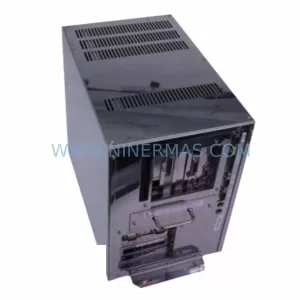
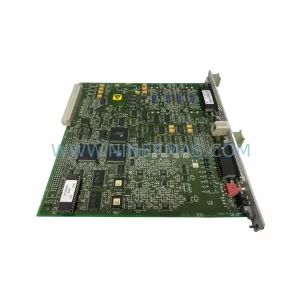
SKU: CL6828X1-A1 12P1395X062
FISHER CL6828X1-A1 12P1395X062 Retrofit Output Module
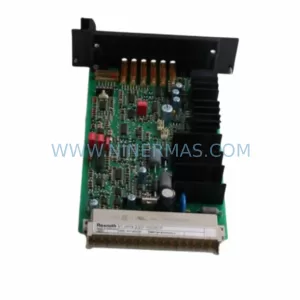
SKU: VT-HNC100.C-30/P-S-00/000
Rexroth VT-HNC100.C-30/P-S-00/000 Service-Ready Spare Part
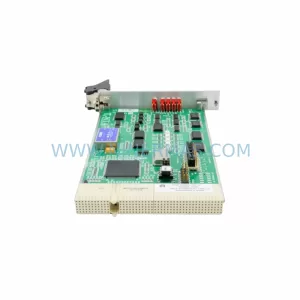
SKU: A 10 TTT MKS AS00800-10-1 0190-47445 SG25SA-P01U3 SGMP-01U314M
AMAT 0190-47445 Retrofit PCB Controller for Legacy Systems



