Original Industrial Spare Part
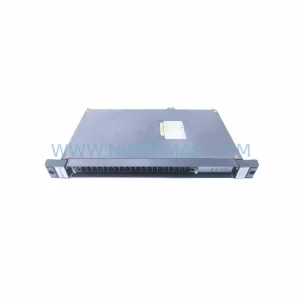
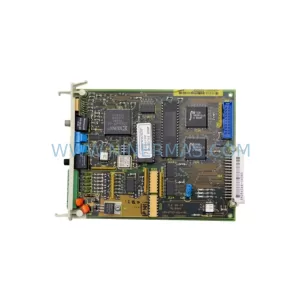
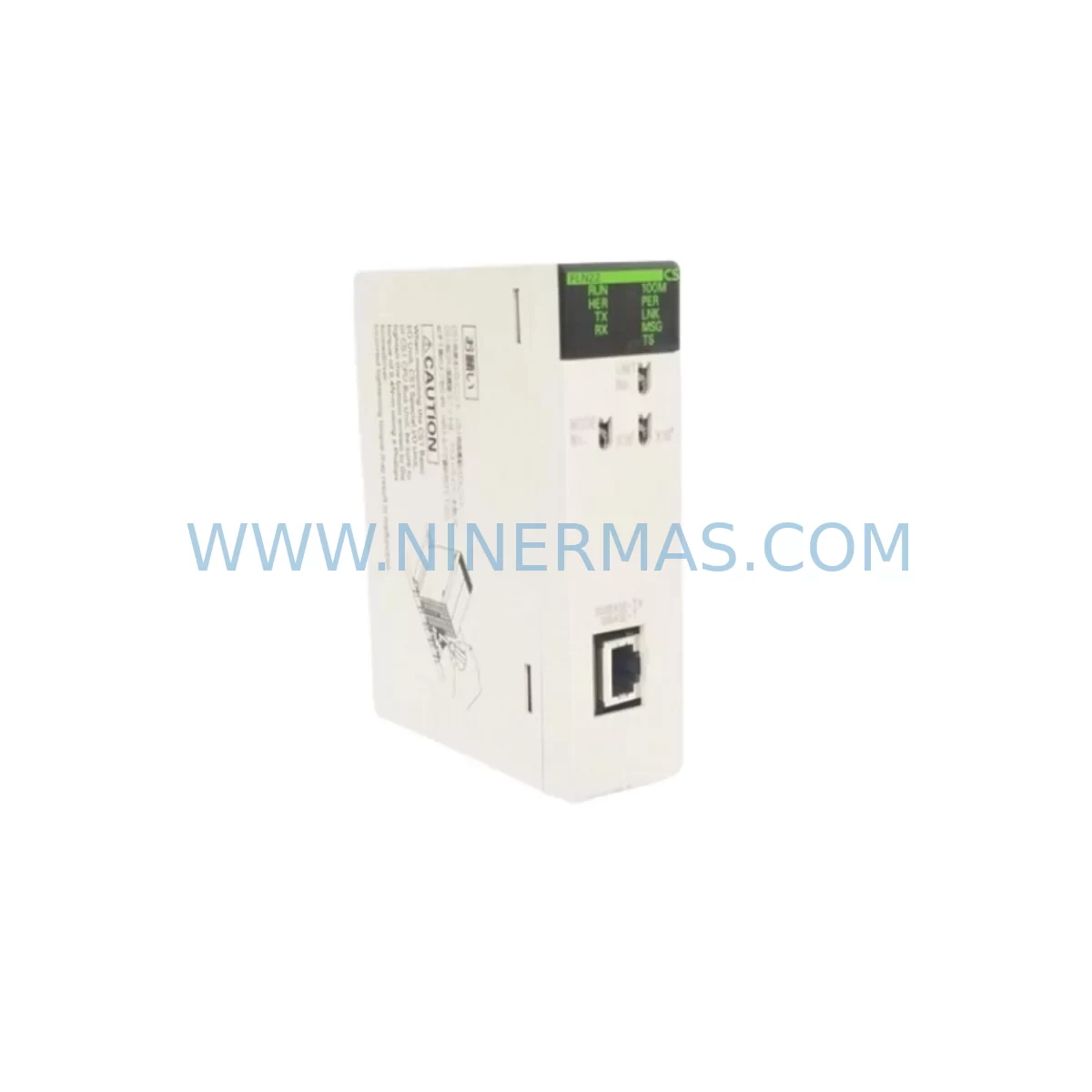
Omron CS1W-FLN22 Service-Ready Spare Part for Industrial Maintenance
Verify the part, confirm the platform family, and move straight into quotation with the right commercial details.
RFQ Ready
- SKUCS1W-FLN22
- CategoryPLC & Industrial Automation Modules
- BrandOmron
- SupportAvailability, lead time, condition, and shipping coordination
How Buyers Usually Use This Page
- Confirm the exact part number and platform family before sending the quote request.
- Use direct email when quantity, condition, and destination are already defined internally.
- Switch to the broader brand or category archive when you need alternates nearby.
Series Navigation
Move through the most common platform families behind this part.
Product RFQ
Send this part directly for quotation.
Include quantity, required condition, destination country, and target delivery timing. Current reference: Omron CS1W-FLN22 Service-Ready Spare Part for Industrial Maintenance with SKU CS1W-FLN22.
Omron CS1W-FLN22 Service-Ready Spare Part for Industrial Maintenance
The Omron CS1W-FLN22 is an original FL-net communication unit designed for the Omron CS1 Series PLC platform — one of the most widely deployed programmable logic controller families in discrete manufacturing, process automation, and factory-wide network integration. As production lines age and OEM support windows narrow, maintaining a verified stock of the CS1W-FLN22 is a critical element of any industrial maintenance strategy. NINERMAS supplies this module as a service-ready spare part, tested prior to shipment, backed by a 12-month warranty, and available for long-term procurement planning.
The CS1W-FLN22 enables FL-net (Factory LAN) communication — a Japanese industrial open-network standard (JEMA/JEM 1479) — allowing the CS1 PLC to participate in peer-to-peer cyclic data exchange with other FL-net compatible devices across the plant floor. This makes it indispensable in facilities where Omron CS1 controllers are integrated into multi-vendor automation networks alongside CNC machines, robots, drives, and distributed I/O nodes. When this module fails or degrades, the entire FL-net segment loses synchronization, triggering cascading alarms and unplanned downtime that can halt production for hours or days.
Spare Maintenance Table
| Parameter | Specification |
|---|---|
| Model / SKU | CS1W-FLN22 |
| Brand | Omron |
| Series | CS1 PLC Series |
| Module Type | FL-net Communication Unit |
| Network Standard | FL-net (JEMA JEM 1479), 100BASE-TX Ethernet |
| Transmission Speed | 100 Mbps |
| Cyclic Data Area | Up to 8192 bits (word area) + 8192 bits (bit area) |
| Max. Node Count | 254 nodes per FL-net segment |
| Backplane Compatibility | CS1 CPU Backplane (CS1W-BC□□□ series) |
| Power Consumption | 5 VDC, supplied via CS1 backplane |
| Operating Temperature | 0 to 55°C |
| Operating Humidity | 10 to 90% RH (non-condensing) |
| Mounting | CS1 backplane slot (CPU or expansion rack) |
| Origin | Japan |
| Condition | Original, New or Tested Surplus |
| Pre-shipment Test | Yes — functional verification before dispatch |
| Warranty | 12 Months from date of shipment |
| Long-term Supply | Available — contact for blanket order pricing |
Maintenance Planning for Continuous Operation
When a CS1W-FLN22 failure is identified during routine control cabinet inspection or triggered by a network fault alarm, the replacement workflow rarely ends with the communication module alone. Experienced maintenance engineers know that FL-net disruptions often coincide with — or are caused by — degradation in adjacent components sharing the same backplane, power rail, or network segment.
Begin by verifying the CS1W-PD025 or CS1W-PD026 power supply unit output voltage. A sagging 5 VDC rail is a common root cause of intermittent communication module faults that are misdiagnosed as module failure. If the power supply shows ripple or voltage drop under load, replace it concurrently with the CS1W-FLN22 to avoid repeat failures. Similarly, inspect the CS1W-BC□□□ backplane connector pins for oxidation or mechanical damage — a corroded backplane slot can cause the new module to exhibit the same fault symptoms as the failed unit.
On the network side, check the Ethernet switch port connected to the FL-net segment. Industrial-grade managed switches used in factory environments accumulate port errors over time; a faulty switch port can prevent the CS1W-FLN22 from joining the FL-net token ring even after a successful module swap. Verify link status LEDs and port error counters before closing the work order.
For sites running mixed CS1 and CJ2 Series PLCs, confirm that the replacement CS1W-FLN22 firmware version is compatible with the FL-net master node configuration. Omron’s CJ1W-FLN22 is the CJ-series equivalent and is often stocked alongside the CS1W-FLN22 in facilities operating both PLC families. Procurement engineers managing multi-line plants should consider stocking both variants to cover cross-platform maintenance scenarios.
During annual shutdown maintenance, the CS1W-FLN22 replacement is typically scheduled alongside inspection of CS1W-SCU21-V1 serial communication units, CS1W-DRM21 DeviceNet master units, and CS1W-CLK21-V1 Controller Link units — all of which share the CS1 backplane and are subject to the same environmental aging. Replacing communication modules as a coordinated set during planned downtime is significantly more cost-effective than responding to individual failures during production.
I/O integrity should also be verified: inspect CS1W-ID211 / CS1W-OD211 digital I/O modules for channel failures, and check CS1W-AD041-V1 analog input modules for drift if the system monitors process variables. Signal isolation barriers and terminal block assemblies (e.g., XW2B series) connected to field wiring should be inspected for loose terminations that can introduce noise into the communication network. Finally, if the CS1 system interfaces with an NS-series HMI via Ethernet or serial link, verify HMI communication parameters after the CS1W-FLN22 swap to ensure the operator interface reconnects correctly.
Site Replacement Workflow
Step 1 — Isolation & Backup: Before removing the CS1W-FLN22, use CX-Programmer or Sysmac Studio to back up the CPU program and I/O table. Record the FL-net node address and IP configuration stored in the module’s non-volatile memory. This data must be re-entered into the replacement unit during commissioning.
Step 2 — Safe Removal: Power down the CS1 rack following the correct sequence — disable outputs first, then remove power from the CS1W-PD025/026 power supply. Remove the CS1W-FLN22 from its backplane slot. Inspect the slot connector for debris or pin damage before inserting the replacement.
Step 3 — Module Configuration: Insert the new CS1W-FLN22 and power up the rack. Use CX-Programmer to assign the FL-net node address and configure the cyclic data areas to match the original settings. Verify that the module’s UNIT No. rotary switch matches the original unit number to avoid I/O table conflicts.
Step 4 — Network Verification: Confirm FL-net token passing is restored by monitoring the network status LEDs (RUN, ERR, COMM) on the CS1W-FLN22 front panel. Use the FL-net monitor function in CX-Programmer to verify all expected nodes are online and cyclic data exchange is active.
Step 5 — Production Handover: Run a supervised production cycle before returning the line to full operation. Document the replacement in the maintenance log, including the new module serial number, firmware version, and date of installation. Update the spare parts inventory to trigger a replenishment order for the consumed CS1W-FLN22 unit.
Spare Parts Support FAQ
Q1: Is the CS1W-FLN22 still available as a new original part, or only as surplus?
NINERMAS sources the CS1W-FLN22 as both new original and tested surplus stock depending on current availability. All units undergo functional verification prior to shipment. The 12-month warranty applies to both new and tested surplus units. Contact our team for current stock status and lead time.
Q2: How do I verify compatibility between the CS1W-FLN22 and my existing CS1 CPU unit?
The CS1W-FLN22 is compatible with all CS1H and CS1G CPU units (CS1H-CPU□□H, CS1G-CPU□□H) running CX-Programmer V9.0 or later. Confirm your CPU unit model and firmware version before ordering. If you are running an older CPU revision, contact us for compatibility confirmation — we can cross-reference against Omron’s compatibility matrix.
Q3: What is included in the pre-shipment testing for the CS1W-FLN22?
Each CS1W-FLN22 unit is powered up and inserted into a CS1 test rack. We verify backplane communication, FL-net port link establishment, and LED status indicators (RUN, ERR, COMM). Units that fail any test parameter are quarantined and not shipped. A test report is available upon request for quality-critical procurement.
Q4: Can NINERMAS support long-term or blanket purchase orders for the CS1W-FLN22?
Yes. NINERMAS specializes in long-term spare parts supply programs for legacy industrial automation components. We can hold dedicated stock under a blanket order agreement, providing guaranteed availability and fixed pricing over a 12–36 month horizon. This is particularly valuable for facilities operating CS1-based lines beyond Omron’s standard product lifecycle. Contact sale@ninermas.com to discuss your annual consumption requirements.
| Product Series | Other series |
|---|---|
| Country of Origin | JP |
Catalog Continuation
More Omron modules in the catalog.
Use the brand lane to compare nearby part numbers, platform-adjacent modules, and other inquiry-ready listings before sending your final RFQ.
Catalog Continuation
Alternative parts within PLC & Industrial Automation Modules.
Stay inside the same system family when you need substitutes, adjacent modules, or a broader shortlist for procurement review.