Original Industrial Spare Part
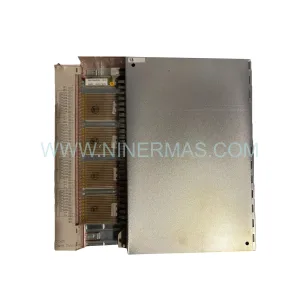
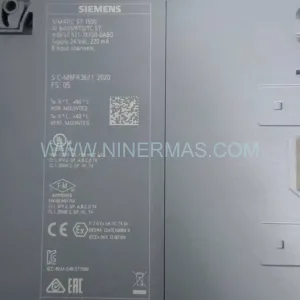
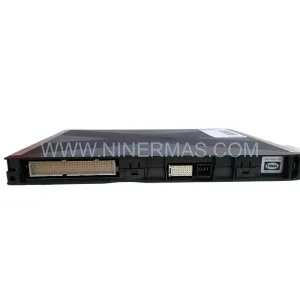
MOOG IMI220-418A001 Retrofit-Compatible Input Module
Verify the part, confirm the platform family, and move straight into quotation with the right commercial details.
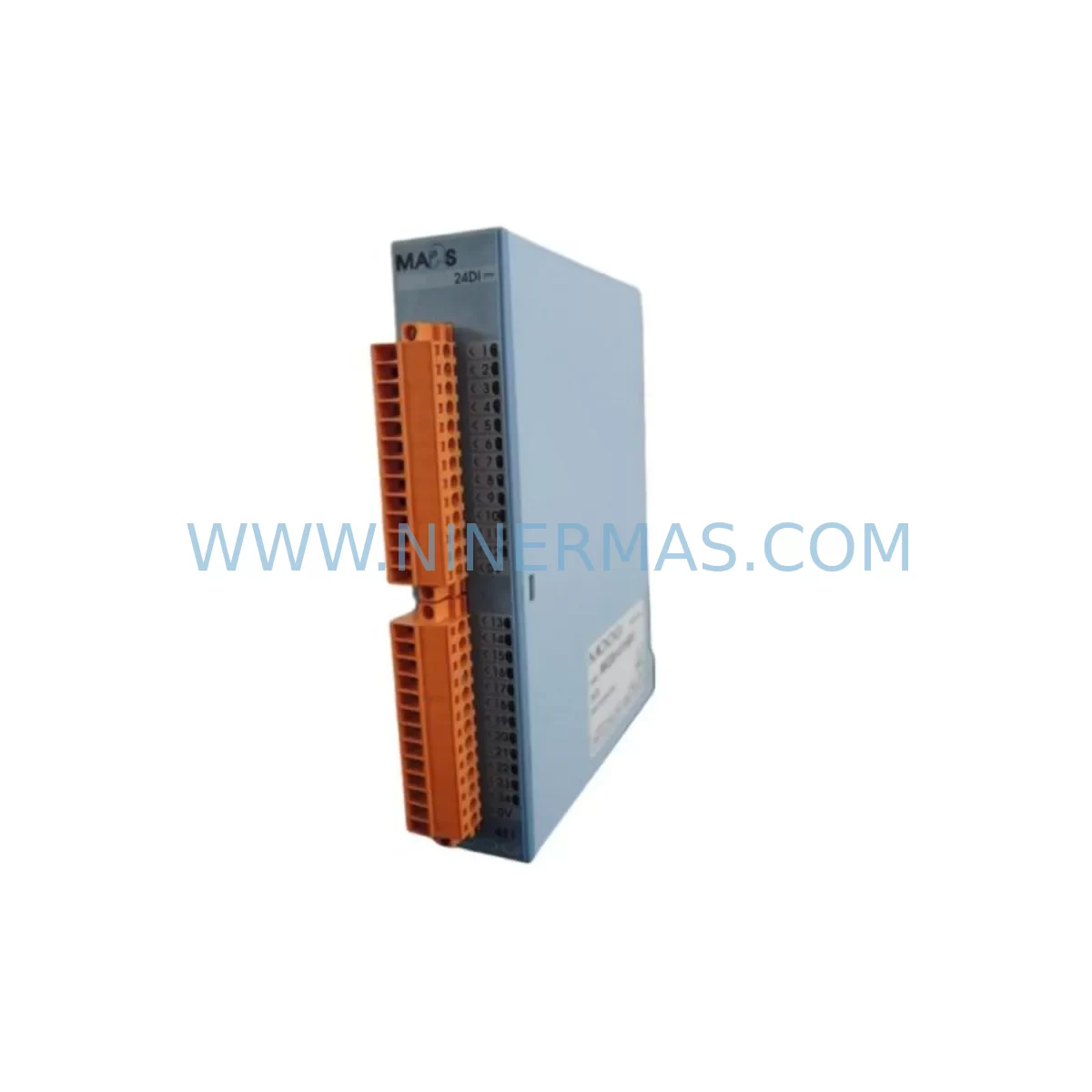
RFQ Ready
- SKUIMI220-418A001
- CategoryPLC & Industrial Automation Modules
- BrandMOOG
- SupportAvailability, lead time, condition, and shipping coordination
How Buyers Usually Use This Page
- Confirm the exact part number and platform family before sending the quote request.
- Use direct email when quantity, condition, and destination are already defined internally.
- Switch to the broader brand or category archive when you need alternates nearby.
Series Navigation
Move through the most common platform families behind this part.
Product RFQ
Send this part directly for quotation.
Include quantity, required condition, destination country, and target delivery timing. Current reference: MOOG IMI220-418A001 Retrofit-Compatible Input Module with SKU IMI220-418A001.
MOOG IMI220-418A001 Retrofit-Compatible Input Module for Legacy Systems
The MOOG IMI220-418A001 is a ruggedized input module engineered for demanding industrial environments and designed to serve as a reliable retrofit solution for aging automation platforms. As legacy control systems approach end-of-life and original spare parts become increasingly scarce, the IMI220-418A001 provides a proven upgrade path that preserves existing wiring infrastructure, minimizes engineering rework, and dramatically reduces unplanned downtime. Whether you are managing a phased modernization of a production line or responding to an urgent breakdown caused by a discontinued component, this module delivers the compatibility and durability required for mission-critical applications.
The IMI220-418A001 belongs to MOOG’s IMI220 series, a platform recognized across aerospace ground support, defense test systems, and heavy industrial automation for its tolerance of vibration, thermal cycling, and electromagnetic interference. Engineers replacing obsolete input modules from earlier MOOG control generations will find that the IMI220-418A001 maintains backward-compatible signal conditioning characteristics, reducing the need for extensive program modifications in the host controller.
Upgrade Compatibility Table
| Parameter | Details |
|---|---|
| SKU / Part Number | IMI220-418A001 |
| Series | MOOG IMI220 |
| Module Type | Ruggedized Input Module |
| Typical Replacement For | Discontinued MOOG IMI-series input modules in legacy racks |
| Signal Interface | Analog / Digital input conditioning (verify channel count with engineering drawings) |
| Backplane / Rack Compatibility | IMI220-series rack; confirm slot pitch and connector keying before installation |
| Communication Protocol | Compatible with MOOG proprietary bus; verify host controller firmware revision |
| Power Supply Requirement | Confirm rail voltage (typically +5 VDC / ±15 VDC) against existing PSU capacity |
| Installation Environment | Ruggedized — rated for vibration, wide temperature range, and high-EMI environments |
| Mounting | Card-edge / backplane insertion; confirm physical clearance in existing enclosure |
| Commissioning Note | Verify module address jumpers / DIP switches match original configuration before power-on |
| Warranty | 12 Months |
Retrofit Planning for Existing Automation Systems
A successful retrofit begins well before the new module arrives on site. When planning the replacement of a failed or end-of-life input module with the MOOG IMI220-418A001, the engineering team should start by auditing the existing control cabinet layout. Confirm that the host rack — typically an IMI220-series backplane — has the correct slot available and that the backplane connector is undamaged. In systems where the original rack has been in service for more than a decade, it is advisable to inspect the MOOG IMI220 rack power distribution board at the same time, as degraded capacitors on the power board can cause intermittent faults that are incorrectly attributed to the input module itself.
Next, review the terminal wiring documentation. The IMI220-418A001 uses a specific connector pinout for its field-side signal inputs. Cross-reference the existing field wiring against the module’s terminal assignment to confirm that analog signal sources — such as LVDT position transducers, load cell amplifiers, or thermocouple conditioners — are wired to the correct channels. If the original module used a MOOG signal conditioning daughter card or an external signal isolator, verify whether the IMI220-418A001 integrates equivalent conditioning or whether a standalone signal isolator must remain in the signal chain.
Power capacity is a critical checkpoint. Calculate the total current draw of all modules installed in the rack, including the IMI220-418A001, and confirm that the MOOG rack power supply module — or the external DIN-rail PSU feeding the rack — has sufficient headroom. Undersized power supplies are a common cause of post-retrofit instability, particularly in cabinets where additional I/O expansion modules or a MOOG communication interface module have been added over the years.
For systems that include a MOOG controller or a third-party PLC communicating with the IMI220 rack via a proprietary serial or fieldbus link, confirm that the host controller firmware supports the IMI220-418A001’s register map. In some legacy installations, the host controller — which may be a MOOG D136 series controller or an equivalent motion controller — stores module-specific configuration parameters in non-volatile memory. After installing the replacement module, reload or verify these parameters before commanding any motion or process output.
If the control system includes a MOOG HMI panel or a SCADA workstation with custom graphics tied to specific I/O addresses, update the tag database to reflect any address changes introduced by the new module. In many cases the addresses are identical, but this step should never be skipped. Similarly, if the system uses a MOOG programming cable or a USB-to-serial adapter for on-site configuration, have it available during commissioning so that module diagnostics can be read directly from the module’s service port.
For facilities managing multiple production lines, consider ordering a spare IMI220-418A001 unit to maintain a minimum buffer stock. The combination of a replacement module, a tested MOOG rack backplane connector, and a set of pre-crimped field wiring harnesses allows a trained technician to complete a hot-swap replacement in under two hours, keeping mean time to repair well within acceptable limits for most production environments.
Downtime Control During System Migration
Minimizing production downtime during an input module replacement requires a structured approach. Begin by creating a full backup of the host controller program — including all PID tuning parameters, motion profiles, and I/O force tables — before any hardware is disturbed. If the host controller supports online program backup via a MOOG programming interface or a standard Ethernet connection to a SCADA server, perform this backup with the system still running in its last known good state.
Schedule the physical swap during a planned maintenance window whenever possible. Before removing the failed IMI220-series module, photograph the existing terminal wiring and record the positions of any address selection jumpers or DIP switches on the module face. These settings must be replicated exactly on the IMI220-418A001 before it is inserted into the rack. Failure to match the original address configuration is the single most common cause of post-replacement communication faults.
After inserting the new module, power up the rack in a controlled sequence. Monitor the module’s status indicators during the first power cycle. If the host controller performs an automatic module scan on startup — as is common in MOOG IMI220-series architectures — confirm that the new module is recognized and that no fault codes are generated. If faults appear, consult the module’s diagnostic register via the service interface before making any program changes, as the fault code will typically identify whether the issue is a wiring error, an address conflict, or a firmware incompatibility.
Once the module is recognized, perform a functional verification test using known-good signal sources before returning the system to automatic operation. For analog input channels, apply a calibrated reference signal and confirm that the host controller reads the expected engineering-unit value. This step protects both the process and the equipment from the consequences of an undetected wiring error or a misconfigured input range. Document the test results and retain them as part of the retrofit record for future maintenance reference.
Retrofit Support FAQ
Q: Is the MOOG IMI220-418A001 a direct drop-in replacement for my existing IMI220-series input module?
A: In most cases, yes. The IMI220-418A001 is designed to be compatible with the IMI220-series rack and backplane. However, you should verify the connector keying, module address settings, and signal channel configuration against your original engineering drawings before installation to ensure a seamless replacement.
Q: What commissioning steps are required after installing the IMI220-418A001?
A: After physical installation, confirm that address jumpers match the original module, power up the rack in a controlled sequence, verify that the host controller recognizes the module without fault codes, and perform a functional signal verification test on all active input channels before returning the system to automatic operation.
Q: How do I confirm wiring compatibility between my existing field cables and the IMI220-418A001?
A: Cross-reference your existing field wiring documentation against the IMI220-418A001 terminal assignment diagram. Pay particular attention to analog signal polarity, shield grounding points, and any external signal conditioning devices that may be in the signal chain. If your original installation used a separate signal isolator, confirm whether it should remain in place with the new module.
Q: What warranty and supply assurance does NINERMAS provide for the IMI220-418A001?
A: Every IMI220-418A001 unit supplied by NINERMAS is covered by a 12-month warranty against manufacturing defects and functional failure. Units are pre-tested prior to shipment. We maintain buffer stock to support urgent replacement requirements and can provide documentation to support your incoming inspection process.
| Product Series | Other series |
|---|
Catalog Continuation
More MOOG modules in the catalog.
Use the brand lane to compare nearby part numbers, platform-adjacent modules, and other inquiry-ready listings before sending your final RFQ.
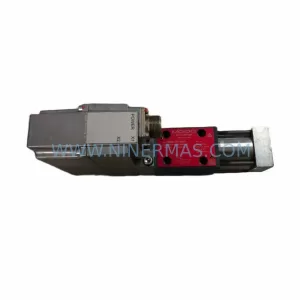
SKU: D638-177-0001 R02TB1F0HSS2MBOK1B1
MOOG D638-177-0001/R02TB1F0HSS2MBOK1B1 Safety-Reliable Valve
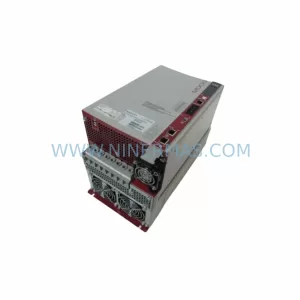
SKU: G392-006-020-001
MOOG G392-006-020-001 Safety-Reliable Servo Drive for Critical Control
Catalog Continuation
Alternative parts within PLC & Industrial Automation Modules.
Stay inside the same system family when you need substitutes, adjacent modules, or a broader shortlist for procurement review.