Original Industrial Spare Part
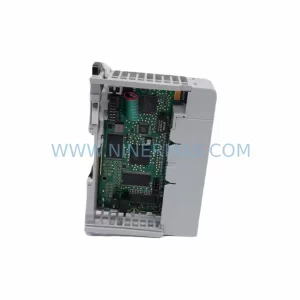
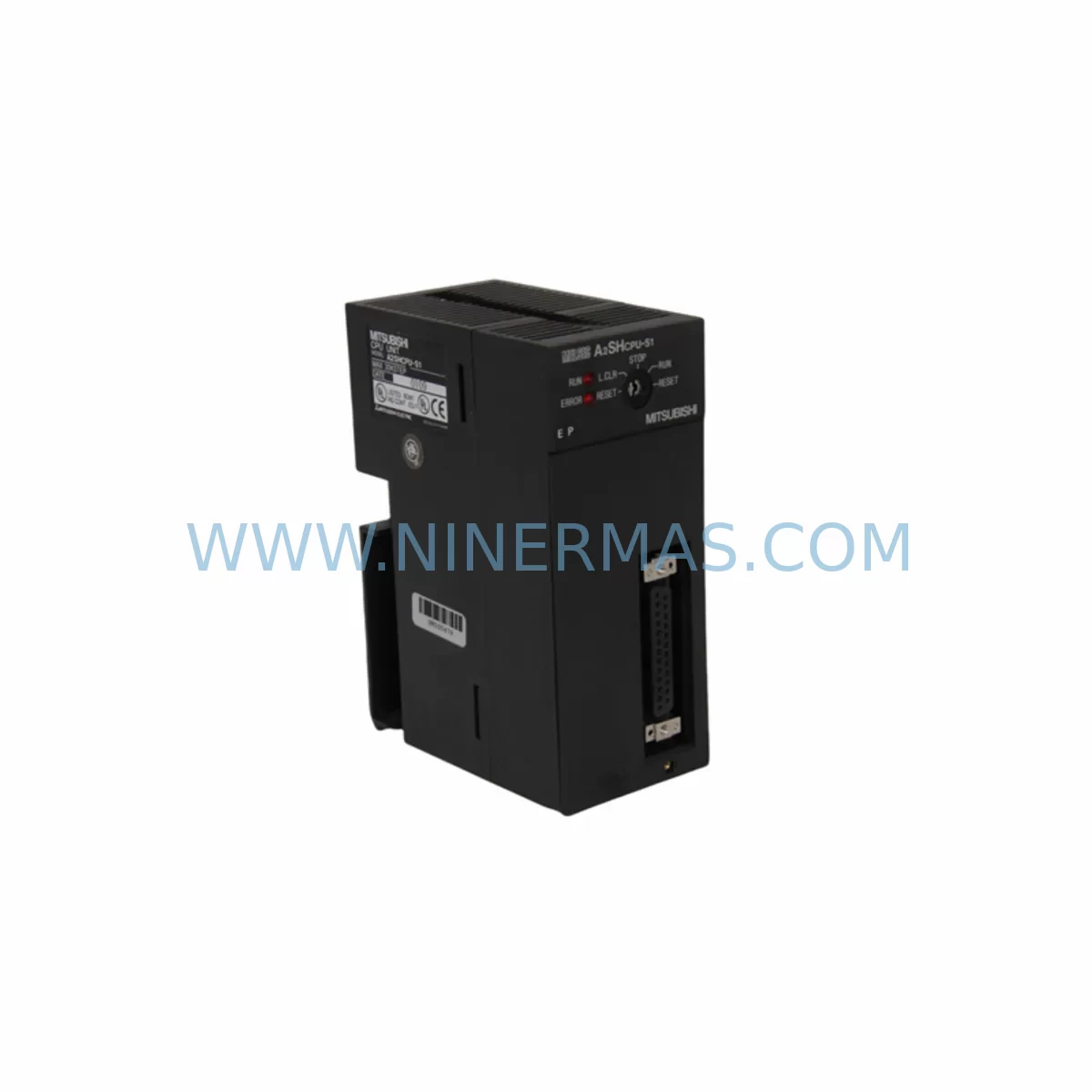
Mitsubishi A2SHCPU Service-Ready Spare Part for Industrial Maintenance
Verify the part, confirm the platform family, and move straight into quotation with the right commercial details.
RFQ Ready
- SKUA2SHCPU
- CategoryPLC & Industrial Automation Modules
- BrandMitsubishi Electric
- SupportAvailability, lead time, condition, and shipping coordination
How Buyers Usually Use This Page
- Confirm the exact part number and platform family before sending the quote request.
- Use direct email when quantity, condition, and destination are already defined internally.
- Switch to the broader brand or category archive when you need alternates nearby.
Series Navigation
Move through the most common platform families behind this part.
Product RFQ
Send this part directly for quotation.
Include quantity, required condition, destination country, and target delivery timing. Current reference: Mitsubishi A2SHCPU Service-Ready Spare Part for Industrial Maintenance with SKU A2SHCPU.
Mitsubishi A2SHCPU Service-Ready Spare Part for Industrial Maintenance
The Mitsubishi Electric A2SHCPU is a high-performance CPU module designed for the MELSEC A Series programmable logic controller platform — one of the most widely deployed PLC families in discrete manufacturing, process control, and infrastructure automation. As production lines age and OEM support windows close, maintaining a verified stock of the A2SHCPU becomes a critical element of any industrial maintenance strategy. NINERMAS supplies the A2SHCPU as a service-ready spare part, fully tested prior to shipment, backed by a 12-month warranty, and supported by long-term procurement programs designed for maintenance engineers and MRO purchasing teams managing legacy automation assets.
Whether you are responding to an unplanned CPU fault, executing a scheduled annual overhaul, or building a strategic spare parts buffer for a multi-line facility, the A2SHCPU is a direct-fit replacement that restores system operation without requiring program migration, hardware reconfiguration, or panel rewiring. Its compatibility with the A Series backplane architecture means that replacement can be completed within a standard maintenance window, minimising production downtime and reducing the risk of extended outages.
Spare Maintenance Table
| Parameter | Specification |
|---|---|
| Part Number / SKU | A2SHCPU |
| Brand | Mitsubishi Electric |
| Series | MELSEC A Series |
| Module Type | CPU Module (PLC) |
| Program Memory | Up to 60K steps (with memory cassette) |
| I/O Points | Up to 2,048 I/O points |
| Communication Ports | RS-232C programming port; compatible with A1SJ71UC24-R2 and A1SJ71E71 network modules |
| Power Supply Compatibility | A1S61P, A1S62P, A1S63P power supply modules |
| Backplane Compatibility | A Series base units (A1S33B, A1S35B, A1S38B, A1S312B) |
| Operating Temperature | 0°C to 55°C |
| Operating Humidity | 10% to 90% RH (non-condensing) |
| Mounting | DIN rail or panel mount via A Series base unit |
| Country of Origin | Japan |
| Condition | Original spare part — new or service-ready refurbished |
| Pre-shipment Testing | Power-on functional test, I/O scan verification |
| Warranty | 12 months from date of shipment |
| Lead Time | In-stock: ships within 2–5 business days |
| Long-Term Supply | Available under NINERMAS spare parts commitment program |
Maintenance Planning for Continuous Operation
When a maintenance or reliability engineer identifies the A2SHCPU as a replacement candidate — whether through a scheduled inspection, a diagnostic fault code, or an unplanned shutdown — the replacement scope rarely ends with the CPU module alone. A thorough site assessment of the control cabinet should accompany any A2SHCPU swap to ensure that adjacent components have not contributed to the failure and will not cause a repeat fault after the new module is installed.
Begin with the power supply. The A1S61P and A1S62P power supply modules are the most common companions to the A2SHCPU in A Series panels. Measure output voltage under load before and after CPU replacement; a degraded power supply delivering marginal voltage is a frequent root cause of intermittent CPU faults and memory errors. If the power supply is more than seven years old or shows any sign of capacitor bulge or output ripple, include it in the replacement order alongside the A2SHCPU.
Next, inspect the I/O modules. The A Series platform supports a wide range of digital and analogue I/O, including the A1SX40 DC input module and the A1SY10 transistor output module. Check terminal blocks and wiring harnesses for corrosion, loose connections, or insulation breakdown — particularly in high-vibration or high-humidity environments. Damaged wiring can cause I/O errors that are misdiagnosed as CPU faults.
Communication integrity is equally important. If the system uses the A1SJ71UC24-R2 serial communication module or the A1SJ71E71 Ethernet interface module, verify that these modules are functioning correctly after the CPU is replaced. A new CPU with a corrupted or misconfigured communication module will fail to re-establish SCADA or HMI connectivity, extending the effective downtime even after the hardware swap is complete.
For facilities running MELSEC A Series PLCs in conjunction with Mitsubishi GOT series HMI panels, confirm that the GOT screen program and communication parameters are compatible with the replacement A2SHCPU firmware version. Mismatched HMI configurations are a common source of post-replacement commissioning delays.
Finally, review the relay output modules and any interposing relays in the output circuit. The A1SY40P relay output module and associated terminal relay assemblies should be inspected for contact wear, especially in high-cycle applications. Including a set of relay modules and a spare A1S38B base unit in your annual maintenance kit ensures that a single-component failure does not cascade into a multi-day outage.
Site Replacement Workflow
Replacing the A2SHCPU on-site is a structured process that, when executed correctly, can be completed within a single maintenance shift. The following workflow is recommended for maintenance engineers performing a first-time replacement or working from a documented maintenance procedure:
Step 1 — Pre-replacement preparation: Back up the existing CPU program using GX Developer or GX Works2 via the RS-232C programming port. Store the backup on a dedicated maintenance laptop and a secondary USB drive. Confirm that the backup file opens correctly and that the program version matches the installed revision history.
Step 2 — Power isolation: Follow site lockout/tagout (LOTO) procedures. Isolate the A Series base unit from the main power supply. Verify zero-energy state with a calibrated voltage tester before opening the control cabinet.
Step 3 — Module removal: Release the A2SHCPU from the base unit slot by pressing the module release lever. Slide the module out carefully, avoiding contact with the backplane connector pins. Label the slot position if multiple CPU modules are present in a redundant configuration.
Step 4 — Replacement installation: Insert the service-ready A2SHCPU into the correct base unit slot. Ensure the module is fully seated and the release lever clicks into the locked position. Reconnect any memory cassette (A2SNMCA-30KE or equivalent) if extended program memory is required.
Step 5 — Program restore and commissioning: Restore power and download the backed-up program to the new CPU via GX Developer. Perform a full I/O scan and verify that all input and output signals respond correctly. Confirm communication with any connected HMI, SCADA, or network modules before returning the system to production.
This workflow minimises downtime, preserves system configuration integrity, and ensures that the replacement A2SHCPU is fully validated before the line resumes operation.
Spare Parts Support FAQ
Q1: Is the A2SHCPU supplied by NINERMAS an original Mitsubishi Electric component?
Yes. NINERMAS sources the A2SHCPU as an original Mitsubishi Electric spare part. Each unit undergoes a pre-shipment power-on functional test and I/O scan verification. A 12-month warranty is provided from the date of shipment, covering manufacturing defects and functional failures under normal operating conditions.
Q2: How do I confirm compatibility between the A2SHCPU and my existing A Series base unit and I/O configuration?
The A2SHCPU is compatible with all standard MELSEC A Series base units, including the A1S33B, A1S35B, A1S38B, and A1S312B. Compatibility with specific I/O modules and communication cards should be verified against the installed firmware version and the Mitsubishi MELSEC A Series hardware manual. NINERMAS technical support can assist with compatibility verification prior to order placement — contact sale@ninermas.com with your existing system configuration details.
Q3: Can NINERMAS support long-term or repeat procurement of the A2SHCPU for multi-site maintenance programmes?
Yes. NINERMAS operates a spare parts commitment programme for critical legacy components including the A2SHCPU. Customers managing multi-site or multi-line A Series installations can establish a standing supply agreement to ensure consistent availability, priority allocation, and fixed lead times. Contact our procurement team to discuss volume requirements and long-term supply terms.
Q4: What is the recommended spare parts holding strategy for facilities running MELSEC A Series PLCs?
For facilities where the MELSEC A Series PLC is a critical production asset, the recommended minimum spare parts holding includes: one A2SHCPU, one compatible power supply module (A1S61P or A1S62P), one set of high-cycle I/O modules (A1SX40 / A1SY10), and one spare base unit (A1S38B). This configuration covers the most common single-point failure scenarios and enables same-shift recovery from the majority of unplanned CPU or power faults. Annual review of spare parts holdings against actual consumption and system age is recommended as part of a proactive maintenance strategy.
| Product Series | MELSEC |
|---|---|
| Country of Origin | JP |
Catalog Continuation
More Mitsubishi Electric modules in the catalog.
Use the brand lane to compare nearby part numbers, platform-adjacent modules, and other inquiry-ready listings before sending your final RFQ.
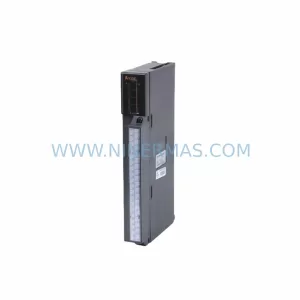
SKU: A50CA55C BC186A433G53
Mitsubishi A50CA55C BC186A433G53 Spare Part for Maintenance
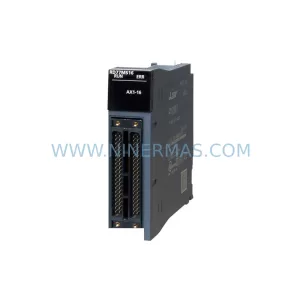
SKU: MELSEC RD77MS16 D 0140-76929 GAS N2, 40 SLM UFC-1660
Mitsubishi RD77MS16 Safety-Reliable Motion for Critical Sites
Catalog Continuation
Alternative parts within PLC & Industrial Automation Modules.
Stay inside the same system family when you need substitutes, adjacent modules, or a broader shortlist for procurement review.
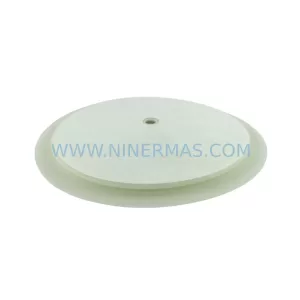
SKU: 16-167627-00 8122 410 05002, 4022.470.78191 8122 410 55702 16-273491-00
Novellus 16-167627-00 Service-Ready Industrial Spare Part
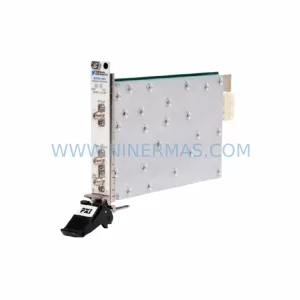
SKU: 2305451-C DT2000 0626 P2, OLE36-10632-02
Advanced Energy 2305451-C Service-Ready Industrial Spare Part