Original Industrial Spare Part
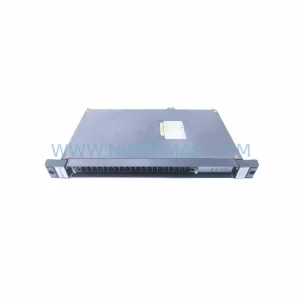
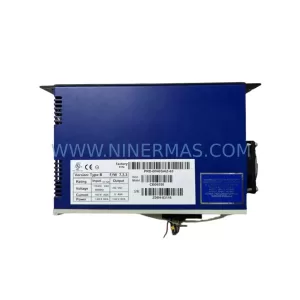
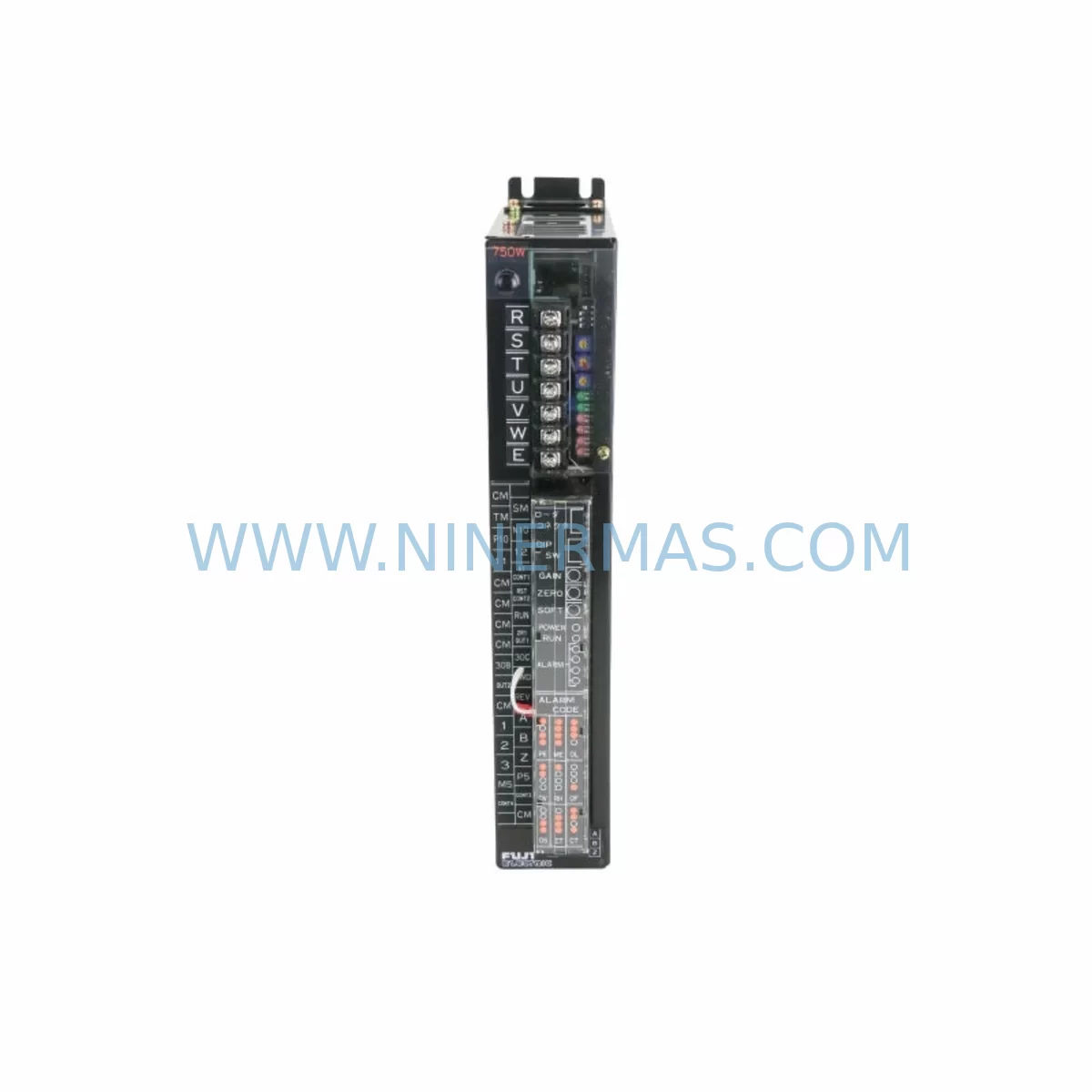
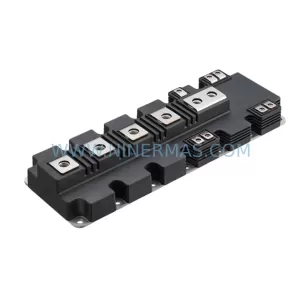
Fuji Electric 7500S-AZ Retrofit Servo Driver for Legacy Systems
Verify the part, confirm the platform family, and move straight into quotation with the right commercial details.
RFQ Ready
- SKU7500S-AZ 90130042A 80399 110M-PS
- CategoryPLC & Industrial Automation Modules
- BrandFuji Electric
- SupportAvailability, lead time, condition, and shipping coordination
How Buyers Usually Use This Page
- Confirm the exact part number and platform family before sending the quote request.
- Use direct email when quantity, condition, and destination are already defined internally.
- Switch to the broader brand or category archive when you need alternates nearby.
Series Navigation
Move through the most common platform families behind this part.
Product RFQ
Send this part directly for quotation.
Include quantity, required condition, destination country, and target delivery timing. Current reference: Fuji Electric 7500S-AZ Retrofit Servo Driver for Legacy Systems with SKU 7500S-AZ 90130042A 80399 110M-PS.
Fuji Electric 7500S-AZ Retrofit Servo Driver for Legacy Systems
The Fuji Electric 7500S-AZ (part numbers 90130042A / 80399 / 110M-PS) is a high-performance AC servo driver widely deployed in legacy CNC machining centers, automated assembly lines, and precision motion control platforms across the manufacturing sector. As Fuji Electric has progressively phased out the 7500S series, maintenance engineers and system integrators face increasing pressure to source verified replacement units or plan structured retrofit migrations before critical production assets go offline. NINERMAS maintains ready stock of the 7500S-AZ with full pre-shipment testing and a 12-month warranty, providing a direct drop-in solution that eliminates the need for immediate system redesign.
Upgrade Compatibility Table
| Parameter | 7500S-AZ (Original) | Retrofit / Replacement Notes |
|---|---|---|
| Part Numbers | 90130042A / 80399 / 110M-PS | Cross-reference all three part numbers before ordering |
| Drive Type | AC Servo Driver | Verify motor encoder type (incremental vs. absolute) |
| Communication Interface | Serial / Pulse-Direction | Confirm host controller pulse output compatibility |
| Power Supply Input | Single/Three-phase AC | Confirm input voltage and phase before installation |
| Control Terminal Wiring | Screw terminal block | Map original wiring diagram before disconnection |
| Mounting / Installation | Panel-mount DIN or direct bolt | Verify cabinet depth and cooling clearance |
| Parameter Compatibility | 7500S series parameter set | Back up original parameters via programming cable before swap |
| Encoder Feedback | Incremental encoder standard | Confirm encoder cable pinout and resolution |
| Warranty | — | 12-Month Warranty from NINERMAS on all shipped units |
| Pre-Shipment Testing | — | Full functional test performed before dispatch |
Retrofit Planning for Existing Automation Systems
Replacing the Fuji Electric 7500S-AZ within an existing servo system requires a structured approach that accounts for every interface point in the control cabinet. Begin by documenting the existing wiring layout: the control terminal block connections — including enable signals, alarm outputs, speed reference inputs, and encoder feedback lines — must be mapped against the replacement unit’s terminal assignment before any disconnection occurs. A mismatch in terminal polarity or signal voltage level can damage both the driver and the connected servo motor.
Power supply capacity is a critical checkpoint. The 7500S-AZ draws regulated DC bus power derived from the AC input stage; confirm that the existing cabinet power supply module — often a Fuji Electric FRN series or equivalent regulated DC supply — can sustain the inrush current during drive initialization. If the cabinet also houses a Fuji Electric FRENIC series inverter or a companion axis driver sharing the same DC bus, the total load must be recalculated to prevent nuisance tripping.
Backplane and rack integration should be verified if the 7500S-AZ is installed within a multi-axis servo rack. Units sharing a common bus bar with adjacent Fuji Electric servo amplifier modules — such as the 7500S-BZ or 7500S-CZ axis cards — must maintain consistent bus voltage and grounding continuity. Inspect the rack connector and bus bar contacts for oxidation before reinstalling the replacement unit.
Communication link integrity is equally important. If the host CNC controller or PLC — for example, a Mitsubishi MELDAS system, a Fanuc 0i-series controller, or a Siemens SINUMERIK 840D — issues pulse-direction commands to the 7500S-AZ, verify that the pulse frequency, logic level (5V or 24V differential), and direction signal timing remain within the replacement unit’s input specifications. A signal isolator or line driver may be required if the host controller output impedance does not match.
HMI screen parameter displays linked to the servo driver’s status outputs — alarm codes, speed feedback, torque limit signals — should be reviewed against the replacement unit’s output signal map. If the plant uses a Fuji Electric V9 series HMI or a third-party operator panel, update the screen tag addresses to reflect any output terminal reassignments. Similarly, if a programming cable (such as the Fuji Electric RS-232C or USB-to-serial adapter) was used to configure the original unit, confirm that the same cable and software version are compatible with the replacement 7500S-AZ firmware revision.
For systems where the servo axis is paired with a Fuji Electric absolute encoder battery backup unit, verify battery condition and encoder multi-turn data integrity before powering the replacement driver. Loss of absolute position data will require a full homing cycle, which may not be acceptable in continuous-process environments. Finally, confirm that the installation space within the control cabinet provides adequate ventilation clearance — the 7500S-AZ requires a minimum airflow gap above and below the unit to prevent thermal shutdown during sustained high-duty-cycle operation.
Downtime Control During System Migration
Minimizing production downtime during a 7500S-AZ replacement begins with advance preparation. Before the maintenance window opens, obtain a complete parameter printout or electronic backup of the original driver’s configuration using the appropriate programming cable and Fuji Electric servo setup software. This backup preserves gain tuning, acceleration/deceleration ramp settings, electronic gear ratio, and alarm history — data that would otherwise require hours of re-commissioning to restore from scratch.
During the swap, follow a strict sequence: isolate the AC input power, discharge the DC bus capacitors (allow a minimum of five minutes after power-off), disconnect the motor power cable (U/V/W), then remove the encoder cable and control terminal wiring in labeled order. Install the replacement 7500S-AZ, reconnect in reverse sequence, and restore the backed-up parameter set before applying power. This disciplined approach typically reduces swap time to under two hours for a single-axis replacement.
To protect original program logic in the host controller, place the PLC or CNC in a safe hold state before initiating the drive swap. If the system uses a Mitsubishi Q-series PLC or a Beckhoff TwinCAT motion controller as the master, latch all axis outputs to their safe positions and disable the servo enable signal at the controller level before disconnecting the drive. This prevents spurious motion commands from reaching the new unit during power-up sequencing.
Post-installation, perform a no-load jog test at low speed to verify encoder feedback direction, alarm-free operation, and correct response to speed reference inputs before returning the axis to automatic production mode. Document the replacement date, unit serial number, and parameter backup file reference in the plant maintenance log to support future warranty claims and audit traceability.
Retrofit Support FAQ
Q1: Is the NINERMAS 7500S-AZ a direct replacement for the original Fuji Electric unit?
A: Yes. The unit supplied by NINERMAS carries the original Fuji Electric part numbers 90130042A / 80399 / 110M-PS and is functionally equivalent to the factory-original 7500S-AZ. No hardware modification is required for a direct swap in the same cabinet position.
Q2: What pre-shipment testing is performed on the 7500S-AZ before dispatch?
A: Every unit undergoes a full functional test under load conditions at our facility, including power-on self-test, encoder feedback verification, alarm output check, and communication interface validation. A test report is available upon request.
Q3: Does NINERMAS provide wiring and commissioning support for the 7500S-AZ retrofit?
A: Yes. Our technical team can provide terminal wiring diagrams, parameter configuration guidance, and remote commissioning support via email or phone. Contact sale@ninermas.com or call +0086 187 5021 5667 for assistance.
Q4: What warranty coverage applies to the 7500S-AZ?
A: All units shipped by NINERMAS are covered by a 12-month warranty from the date of dispatch. Warranty coverage includes repair or replacement for any unit that fails under normal operating conditions within the warranty period.
| Product Series | Legacy |
|---|
Catalog Continuation
More Fuji Electric modules in the catalog.
Use the brand lane to compare nearby part numbers, platform-adjacent modules, and other inquiry-ready listings before sending your final RFQ.
Catalog Continuation
Alternative parts within PLC & Industrial Automation Modules.
Stay inside the same system family when you need substitutes, adjacent modules, or a broader shortlist for procurement review.