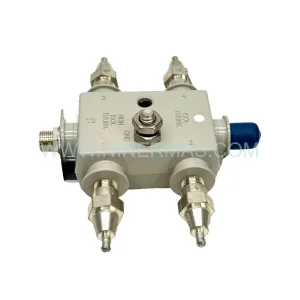
Original Industrial Spare Part
Emerson SP3402 Retrofit-Compatible Universal Input Module
Verify the part, confirm the platform family, and move straight into quotation with the right commercial details.
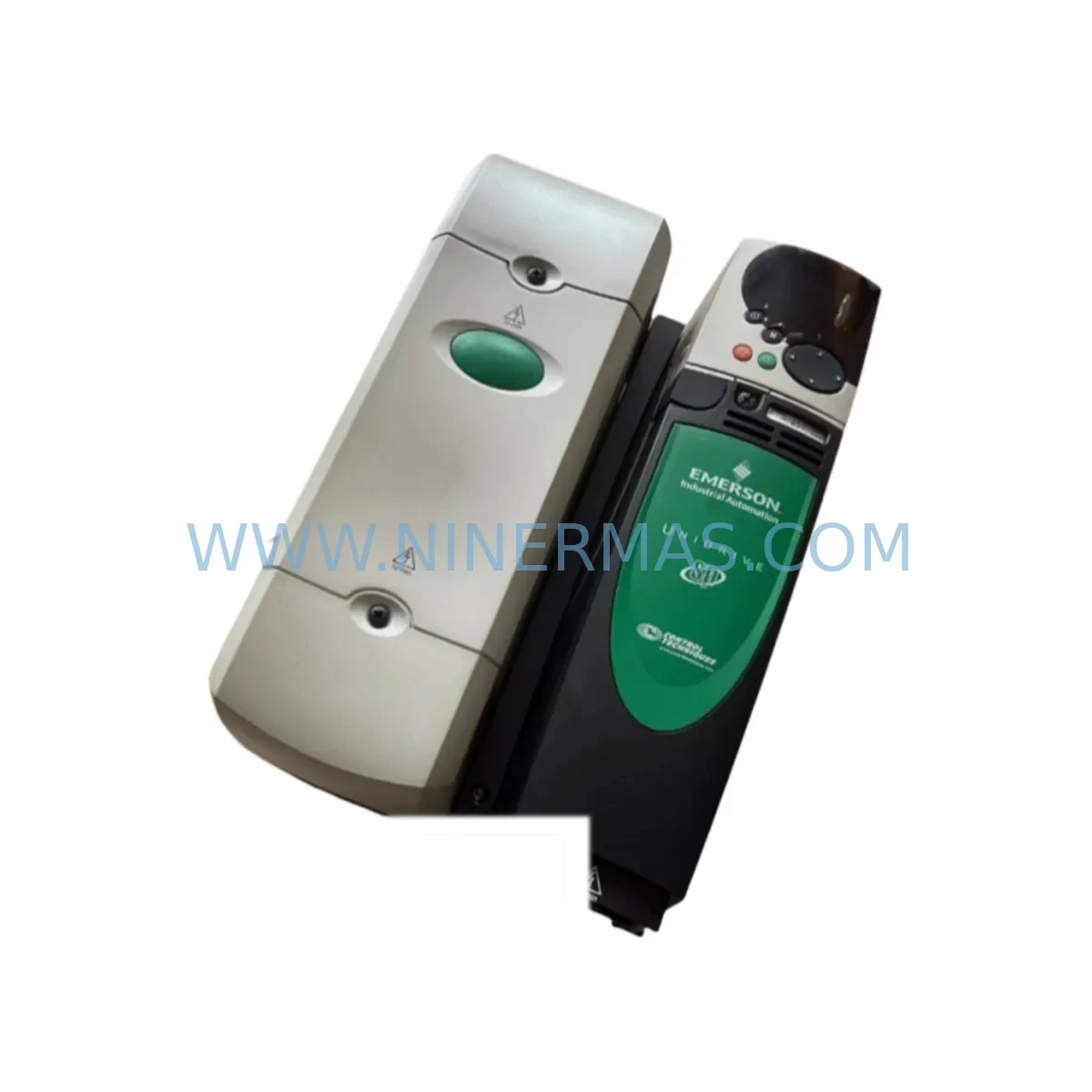
RFQ Ready
- SKUSP3402
- CategoryDCS Distributed Control Systems
- BrandEMERSON
- SupportAvailability, lead time, condition, and shipping coordination
How Buyers Usually Use This Page
- Confirm the exact part number and platform family before sending the quote request.
- Use direct email when quantity, condition, and destination are already defined internally.
- Switch to the broader brand or category archive when you need alternates nearby.
Series Navigation
Move through the most common platform families behind this part.
Product RFQ
Send this part directly for quotation.
Include quantity, required condition, destination country, and target delivery timing. Current reference: Emerson SP3402 Retrofit-Compatible Universal Input Module with SKU SP3402.
Emerson SP3402 Retrofit-Compatible Universal Input Module for Legacy DeltaV Systems
The Emerson SP3402 is a retrofit-compatible universal input module designed to extend the operational life of aging DeltaV distributed control systems deployed across oil & gas, chemical processing, power generation, and water treatment facilities. As a direct replacement for discontinued or end-of-life I/O modules within the DeltaV S-series platform, the SP3402 supports seamless integration into existing control cabinets without requiring backplane redesign or controller firmware upgrades. Engineers managing legacy automation infrastructure can source the SP3402 as a verified spare to maintain system continuity, reduce unplanned downtime, and defer costly full-system migrations.
The SP3402 accepts multiple signal types across its input channels, making it a versatile solution for plants running mixed instrumentation — including 4–20 mA analog transmitters, RTDs, thermocouples, and discrete field devices. This universal input capability eliminates the need to stock multiple single-function I/O cards, simplifying spare parts inventory management for maintenance teams responsible for critical process control loops.
When integrating the SP3402 into an existing DeltaV node, engineers should verify terminal block wiring compatibility against the original module’s I/O assignment sheet. Signal ranges, engineering unit scaling, and HART pass-through settings configured in DeltaV Explorer must be reviewed and re-applied to the replacement module. Where the original module supported HART communication for field device diagnostics, the SP3402 maintains this protocol link, preserving access to transmitter health data without rewiring or reconfiguring the field junction box.
Backplane slot addressing is preserved during hot-swap replacement on supported DeltaV controller nodes, provided the replacement module is of the same type and firmware revision is compatible. Before installation, confirm the DeltaV controller — such as the MD Plus Controller or the MD Controller — is running a firmware version that recognizes the SP3402 module descriptor. In cases where the host controller is an older MD or SD node, a firmware patch may be required prior to module insertion to avoid I/O bus faults.
Power budget verification is a critical pre-installation step. The SP3402 draws regulated power from the DeltaV power supply module installed in the carrier. When replacing a failed module in a fully loaded carrier — such as an 8-slot or 12-slot DeltaV carrier — confirm that the existing power supply, typically a PS1 or PS2 series unit, has sufficient headroom to support the SP3402 alongside other active modules including communication modules, discrete output modules, and analog output modules sharing the same carrier rail.
Upgrade Compatibility Table
| Parameter | SP3402 (Replacement) | Legacy / Predecessor Module |
|---|---|---|
| Platform | Emerson DeltaV S-Series | Emerson DeltaV S-Series |
| Module Type | Universal Input (UI) | Analog Input / Discrete Input (single-function) |
| Signal Types Supported | 4–20 mA, RTD, TC, Discrete (configurable per channel) | Fixed signal type per module |
| HART Communication | Supported (pass-through per channel) | Supported on select AI modules only |
| Backplane Interface | DeltaV S-series carrier bus | DeltaV S-series carrier bus |
| Terminal Block | Standard DeltaV I/O terminal block | Standard DeltaV I/O terminal block |
| Installation Space | Single slot, standard DeltaV carrier | Single slot, standard DeltaV carrier |
| Controller Compatibility | MD, MD Plus, SD, SD Plus (firmware dependent) | MD, MD Plus (original) |
| Configuration Tool | DeltaV Explorer / Control Studio | DeltaV Explorer / Control Studio |
| Commissioning Requirement | Re-apply I/O parameter settings in DeltaV Explorer | Original configuration retained in controller |
| Pre-Shipment Testing | Yes — functional I/O verification | N/A (OEM original) |
| Warranty | 12 Months | OEM warranty (expired) |
Retrofit Planning for Existing Automation Systems
Successful integration of the SP3402 into a brownfield DeltaV installation begins with a thorough audit of the existing I/O architecture. Maintenance engineers should document the current module population across all DeltaV carriers in the control room cabinet, noting the slot position, module type, and associated field wiring for each installed unit. This audit forms the baseline for the replacement plan and helps identify any adjacent modules — such as a DeltaV Serial Interface Module for Modbus RTU devices, or a DeltaV Fieldbus Interface Module for FOUNDATION Fieldbus segments — that may be affected by carrier-level power redistribution during the swap.
For plants operating mixed I/O architectures, the SP3402’s universal input capability can consolidate multiple legacy single-function cards into fewer slots, freeing carrier space for additional communication modules or redundant I/O paths. This consolidation is particularly valuable in control cabinets where physical space is constrained and adding a new carrier is not feasible without significant panel modification.
Terminal wiring should be mapped channel-by-channel before removal of the legacy module. Each field signal — whether a pressure transmitter on a 4–20 mA loop, a thermocouple from a furnace zone, or a discrete input from a motor starter — must be documented with its terminal number, signal polarity, and loop power source. The SP3402 terminal block follows the standard DeltaV I/O wiring convention, so direct re-termination is typically possible without cable extension or re-labeling, provided the original wiring was installed to DeltaV standard practices.
Where the legacy system includes a DeltaV Intrinsic Safety Barrier or a galvanic isolator between the field device and the I/O module, these signal conditioning components remain in place and are fully compatible with the SP3402’s input circuitry. Similarly, if the plant uses a DeltaV Remote I/O (RIO) node to extend I/O to remote process areas, the SP3402 can be installed in the remote carrier without changes to the fiber optic or copper communication link between the RIO node and the main controller cabinet.
For systems where the DeltaV Operator Workstation or DeltaV ProfessionalPLUS Workstation hosts the engineering database, the replacement module’s I/O parameters — including channel type, range, alarm limits, and HART device tag — must be re-downloaded to the controller after physical installation. This download step is performed through DeltaV Control Studio and typically takes less than five minutes per module, minimizing the configuration window during a planned maintenance outage.
Downtime Control During System Migration
Minimizing process disruption during an SP3402 module replacement requires coordinated planning between the control system engineer, the process operator, and the maintenance technician. The recommended approach is to schedule the replacement during a planned shutdown window, even if the DeltaV controller supports hot-swap insertion for the module type. Hot-swap capability reduces the risk of a full controller restart, but it does not eliminate the brief I/O scan interruption that occurs when the module is removed and re-inserted into the carrier slot.
Before initiating the swap, the process operator should place all control loops associated with the affected I/O channels into manual mode at the DeltaV Operator Workstation. This prevents automatic control actions — such as valve movements or pump starts — from occurring in response to the transient signal loss during module removal. Loop-by-loop manual transfer should be documented in the work permit to ensure all affected loops are accounted for and returned to automatic mode after commissioning is complete.
The original module’s configuration data — including channel assignments, engineering unit scaling, alarm setpoints, and HART device descriptors — should be exported from DeltaV Explorer and saved to a secure engineering workstation before the physical swap begins. This export serves as both a configuration backup and a commissioning reference, allowing the technician to verify that all parameters have been correctly re-applied to the SP3402 after installation.
Post-installation commissioning should include a live signal verification step for each active input channel. The technician should confirm that the DeltaV Operator Workstation displays the correct process value for each field device connected to the SP3402, and that HART communication is active for any transmitters configured for digital diagnostics. Once all channels are verified, the process operator can return the associated control loops to automatic mode, completing the migration with minimal impact on process continuity.
For facilities with strict change management requirements, the SP3402 replacement should be documented in the plant’s Management of Change (MOC) system, with before-and-after configuration records attached. NINERMAS provides pre-shipment test reports for each SP3402 unit, which can be included in the MOC package as evidence of module functionality prior to installation.
Retrofit Support FAQ
Q1: Is the SP3402 a direct drop-in replacement for existing DeltaV universal input modules?
The SP3402 is designed as a retrofit-compatible replacement for DeltaV S-series universal input modules. Physical dimensions, backplane connector, and terminal block layout are consistent with the DeltaV S-series carrier standard. After physical installation, I/O channel parameters must be re-applied through DeltaV Explorer. Confirm controller firmware compatibility before installation.
Q2: What wiring changes are required when installing the SP3402?
In most cases, no wiring changes are required. The SP3402 uses the standard DeltaV I/O terminal block, and field wiring connected to the original module can be re-terminated directly to the replacement unit following the original wiring diagram. If the original installation used non-standard wiring practices, a wiring audit is recommended before replacement.
Q3: Does the SP3402 support HART communication for connected field devices?
Yes. The SP3402 supports HART pass-through communication on applicable input channels. This allows DeltaV to access transmitter diagnostics, device variables, and configuration data from HART-enabled field instruments without additional hardware. HART communication settings must be enabled per channel in DeltaV Explorer after module installation.
Q4: What warranty and testing does NINERMAS provide with the SP3402?
Each SP3402 unit supplied by NINERMAS is covered by a 12-month warranty from the date of shipment. Prior to dispatch, each unit undergoes functional pre-shipment testing to verify I/O channel operation and communication integrity. A test report is available upon request and can be included in plant MOC documentation. In-stock units are available for immediate dispatch to minimize lead time for urgent maintenance requirements.
| Product Series | DeltaV |
|---|---|
| Country of Origin | US |
Catalog Continuation
More EMERSON modules in the catalog.
Use the brand lane to compare nearby part numbers, platform-adjacent modules, and other inquiry-ready listings before sending your final RFQ.
SKU: KJ3143X1-BA1 12P2830X022
Emerson KJ3143X1-BA1 Safety-Reliable Digital Input Module
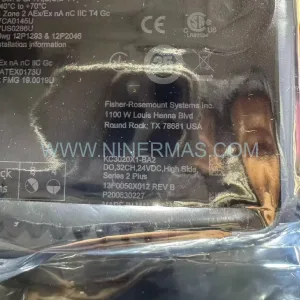
SKU: KC3021X1-BA2 13P0054X022
Emerson KC3021X1-BA2 13P0054X022 Service-Ready Spare Part
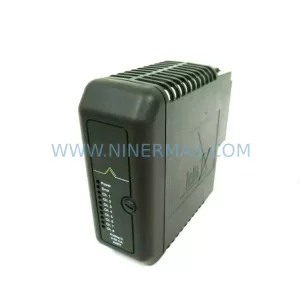
SKU: KJ3002X1-BB1 12P0683X082
Emerson KJ3002X1-BB1 12P0683X082 Service-Ready Spare Part
Catalog Continuation
Alternative parts within DCS Distributed Control Systems.
Stay inside the same system family when you need substitutes, adjacent modules, or a broader shortlist for procurement review.
SKU: 3BSE003127R1 DSAI 130D
ABB 3BSE003127R1 DSAI 130D Retrofit-Compatible Analog Input
SKU: SST-PB3-VME-2
SST SST-PB3-VME-2 Spare Part for Industrial Maintenance