Original Industrial Spare Part
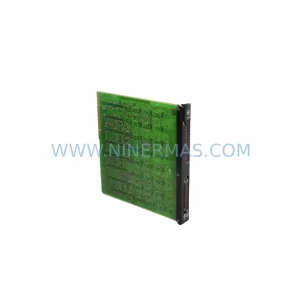
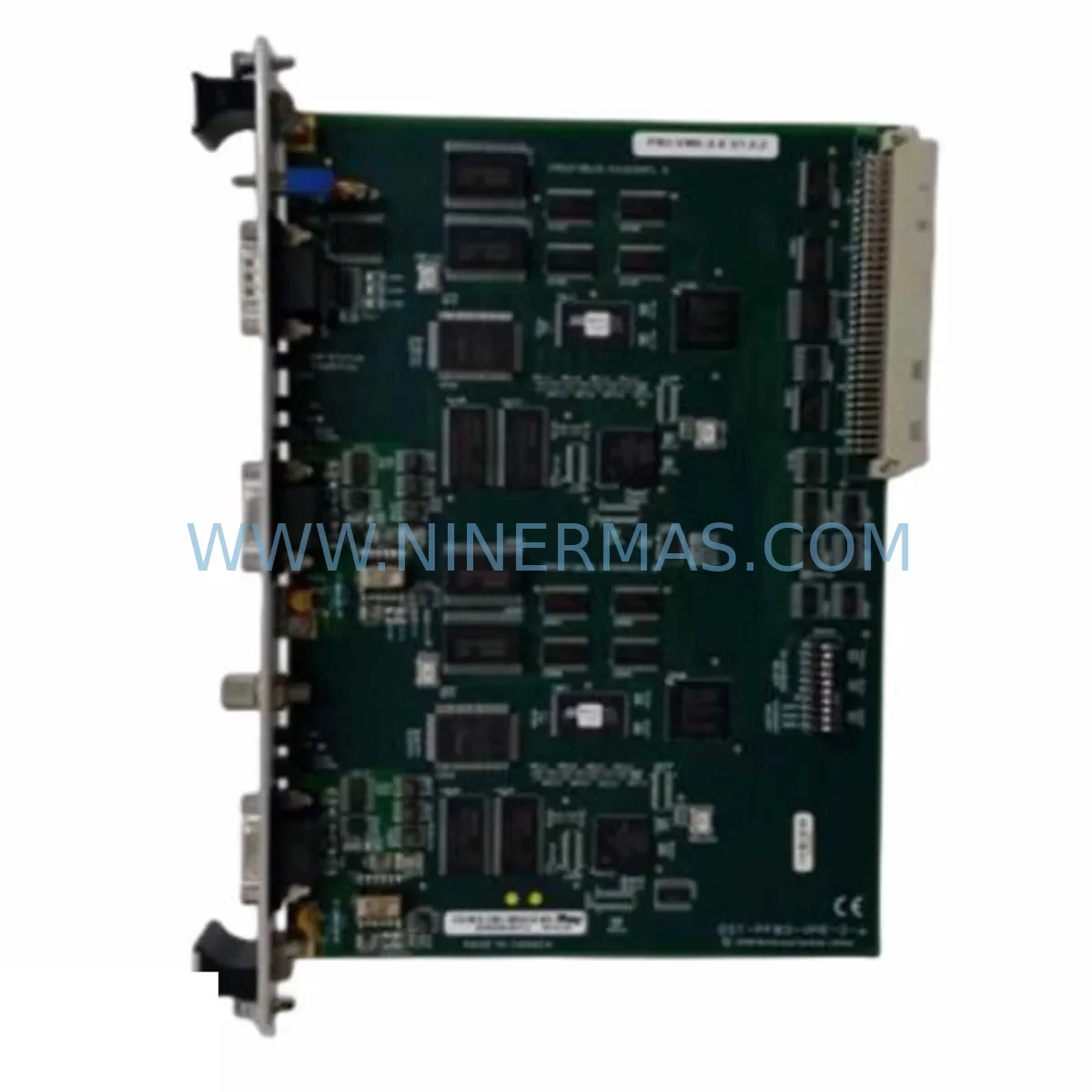
SST SST-PB3-VME-2 Spare Part for Industrial Maintenance
Verify the part, confirm the platform family, and move straight into quotation with the right commercial details.
RFQ Ready
- SKUSST-PB3-VME-2
- CategoryDCS Distributed Control Systems
- BrandSST
- SupportAvailability, lead time, condition, and shipping coordination
How Buyers Usually Use This Page
- Confirm the exact part number and platform family before sending the quote request.
- Use direct email when quantity, condition, and destination are already defined internally.
- Switch to the broader brand or category archive when you need alternates nearby.
Series Navigation
Move through the most common platform families behind this part.
Product RFQ
Send this part directly for quotation.
Include quantity, required condition, destination country, and target delivery timing. Current reference: SST SST-PB3-VME-2 Spare Part for Industrial Maintenance with SKU SST-PB3-VME-2.
SST SST-PB3-VME-2 Spare Part for Industrial Maintenance
The SST SST-PB3-VME-2 is a PROFIBUS DP master/slave network interface card designed for VME bus backplane architectures. As a critical communication bridge between field devices and host control systems, this card is widely deployed in process automation, power generation, oil & gas, and discrete manufacturing environments. When this module fails or reaches end-of-life, the consequences are immediate: loss of PROFIBUS network visibility, inability to command field instruments, and potential full-line shutdown. Maintaining a verified service-ready spare of the SST-PB3-VME-2 is a fundamental requirement for any maintenance team operating VME-based DCS or PLC platforms.
NINERMAS supplies the SST-PB3-VME-2 as an original, tested spare part with a 12-month warranty, pre-shipment functional verification, and long-term stock availability. Our inventory supports both emergency breakdown replacement and planned annual maintenance procurement cycles.
Spare Maintenance Table
| Parameter | Specification |
|---|---|
| Part Number / SKU | SST-PB3-VME-2 |
| Brand / Manufacturer | SST (Woodhead / Molex SST) |
| Series | SST-PB3 PROFIBUS DP Interface Series |
| Product Type | PROFIBUS DP Master/Slave VME Bus Network Interface Card |
| Bus Architecture | VME (Versa Module Europa) 6U |
| Protocol | PROFIBUS DP (EN 50170 / IEC 61158) |
| Operating Mode | Master and/or Slave (configurable) |
| Baud Rate Support | 9.6 kbps – 12 Mbps (auto-detect) |
| Max Slave Nodes | Up to 125 PROFIBUS DP slave devices |
| Connector Interface | DB-9 Female (PROFIBUS standard) |
| Power Supply (VME) | +5 VDC via VME backplane |
| Operating Temperature | 0°C to +60°C |
| Storage Temperature | -40°C to +85°C |
| Humidity | 5% to 95% non-condensing |
| Compatibility | VME 6U backplane systems; compatible with legacy DCS/PLC VME racks from multiple OEMs |
| Origin | USA |
| Condition | Original / New or Refurbished-to-OEM-spec |
| Pre-Shipment Testing | Yes — functional verification before dispatch |
| Warranty | 12 Months from date of shipment |
| Long-Term Supply | Available — contact NINERMAS for blanket order arrangements |
Maintenance Planning for Continuous Operation
When a PROFIBUS DP network interface card such as the SST-PB3-VME-2 is flagged during a control cabinet inspection or fails during operation, the replacement scope rarely ends with the card itself. Experienced maintenance engineers understand that a PROFIBUS communication fault often signals stress across adjacent components in the same VME rack or field wiring loop.
During a planned replacement of the SST-PB3-VME-2, the following components should be inspected or held as concurrent spares in your maintenance kit:
- VME Backplane / Rack Assembly: Inspect VME bus connectors (P1/P2) for oxidation, bent pins, or intermittent contact. A degraded backplane can cause repeated card failures even after replacement. SST VME rack assemblies and compatible third-party VME 6U backplanes should be part of your long-term spare inventory.
- PROFIBUS DP Termination Resistors and Bus Connectors: Faulty DB-9 PROFIBUS connectors or missing bus termination at segment ends are a leading cause of communication errors misdiagnosed as card failure. Siemens 6ES7 972-series PROFIBUS connectors with integrated termination are commonly used alongside SST cards in mixed-vendor installations.
- VME Power Supply Module: The SST-PB3-VME-2 draws +5 VDC from the VME backplane. A degraded VME power supply — particularly aging units from manufacturers such as Elma, Schroff, or Pentair — can cause intermittent card resets. Verify output voltage stability under load before concluding the card is at fault.
- PROFIBUS DP Signal Isolators / Repeaters: In long-segment or electrically noisy environments, PROFIBUS signal isolators (such as the Pepperl+Fuchs OZD PROFIBUS repeater series) protect the network from ground loops and surge events. These should be inspected during any PROFIBUS fault investigation.
- I/O Modules on PROFIBUS Slave Stations: Remote I/O racks connected via PROFIBUS DP — including Siemens ET 200M, ET 200S, or equivalent distributed I/O from Phoenix Contact or Wago — should be checked for address conflicts or firmware mismatches after a master card replacement.
- Host CPU / Single-Board Computer (SBC): The SST-PB3-VME-2 communicates with the host processor via the VME bus. If the host SBC (e.g., Motorola MVME series or equivalent) has degraded VME bus arbitration capability, the new network card may not initialize correctly. Confirm host firmware and driver compatibility.
- PROFIBUS Cable and Shielding Integrity: Inspect the PROFIBUS trunk cable for shield continuity, especially at junction boxes and field device connections. Damaged shielding is a common root cause of intermittent communication faults on PROFIBUS DP segments running at 1.5 Mbps or higher.
- Fuses and Surge Protection Devices: VME rack power entry fuses and any surge protection devices (SPDs) on the PROFIBUS segment should be verified. A blown fuse or degraded SPD can cause partial power loss to the card or corrupt bus signals.
- Configuration Software and GSD Files: After installing the SST-PB3-VME-2, confirm that the PROFIBUS GSD (General Station Description) file version matches the replacement card revision. SST SST-DN3-VME or SST-PB3-PCI cards used in parallel systems may require separate GSD file management.
- HMI Communication Path: If the PROFIBUS network feeds data to an HMI (e.g., Siemens WinCC, iFIX, or Wonderware InTouch), verify that the OPC server or communication driver re-establishes all tag subscriptions after the card replacement. A missed tag reconnection can cause false alarms or silent data loss at the operator station.
Holding a minimum of one SST-PB3-VME-2 as a dedicated cold spare — alongside the associated PROFIBUS connectors, termination resistors, and a verified VME power supply — is the recommended baseline for any facility running VME-based PROFIBUS control systems.
Site Replacement Workflow
Replacing the SST-PB3-VME-2 in a live industrial environment requires a structured approach to minimize downtime and avoid secondary faults. The following workflow reflects best practice for VME-based PROFIBUS card replacement:
- Pre-Replacement Preparation: Back up the current PROFIBUS master configuration using the SST configuration utility or your DCS engineering workstation. Document the current baud rate, master address, slave address table, and any custom GSD parameters. Confirm the replacement card revision matches or is backward-compatible with the installed firmware baseline.
- Safe Isolation: Place the PROFIBUS segment in a safe state. Notify operations of the planned communication interruption. If the system supports redundant PROFIBUS masters, switch to the secondary master before removing the primary card.
- Physical Replacement: Power down the VME rack (or hot-swap if the rack supports it). Remove the SST-PB3-VME-2 by releasing the front-panel ejector handles. Inspect the VME P1/P2 connectors on both the card and the backplane slot. Insert the replacement card firmly and evenly to ensure full VME bus contact.
- Configuration Restore: Reload the saved PROFIBUS master configuration to the replacement card. Verify the master address and baud rate settings match the original. Confirm all slave GSD entries are recognized.
- Network Verification: Power up the VME rack and monitor the PROFIBUS diagnostic LEDs on the SST-PB3-VME-2. Confirm all slave devices return to data exchange (DX) state. Check the HMI or SCADA system for any residual communication alarms.
- Documentation and Spare Replenishment: Record the replacement in the maintenance log with the card serial number, date, and technician name. Immediately initiate a purchase order to replenish the consumed spare — contact NINERMAS at sale@ninermas.com to arrange restocking of the SST-PB3-VME-2 under your ongoing spare parts program.
Spare Parts Support FAQ
Q1: Is the SST-PB3-VME-2 supplied by NINERMAS an original part, and what does the 12-month warranty cover?
Yes. NINERMAS supplies the SST-PB3-VME-2 as an original SST (Woodhead/Molex SST) component. Each unit undergoes functional verification prior to shipment. The 12-month warranty covers manufacturing defects and functional failures under normal operating conditions from the date of shipment. It does not cover damage caused by incorrect installation, overvoltage, or physical mishandling on site.
Q2: How do I confirm compatibility between the SST-PB3-VME-2 and my existing VME rack and DCS platform?
The SST-PB3-VME-2 is designed for standard VME 6U backplane architectures and communicates via the VME bus with the host processor. Compatibility depends on your host CPU’s VME bus arbitration capability and the availability of SST driver software for your operating system. Share your rack model, host SBC part number, and current SST driver version with our technical team at sale@ninermas.com for a pre-purchase compatibility review.
Q3: Can NINERMAS support long-term or blanket order supply of the SST-PB3-VME-2 for multi-year maintenance programs?
Yes. NINERMAS offers long-term supply arrangements for critical spare parts including the SST-PB3-VME-2. We support annual maintenance procurement cycles, blanket purchase orders, and emergency stock reservation. Contact us at sale@ninermas.com or +0086 187 5021 5667 to discuss your multi-year spare parts program requirements.
Q4: What is the typical lead time for the SST-PB3-VME-2, and is expedited shipment available for emergency breakdowns?
For in-stock units, standard lead time is 3–7 business days for international shipment. Expedited air freight options are available for emergency breakdown situations. All units are tested and packaged for safe international transit. Contact NINERMAS immediately at sale@ninermas.com for emergency spare part requests — we prioritize breakdown recovery orders to minimize your production downtime.
| Product Series | Other series |
|---|
Catalog Continuation
More SST modules in the catalog.
Use the brand lane to compare nearby part numbers, platform-adjacent modules, and other inquiry-ready listings before sending your final RFQ.
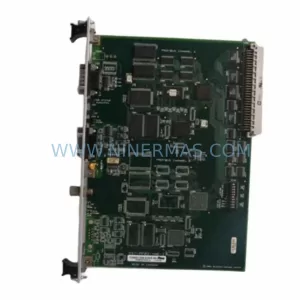
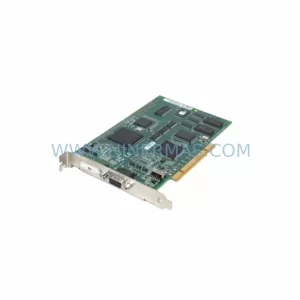
SKU: PB3-PCI-e PB3-PCU
SST PB3-PCI-e PB3-PCU Safety-Reliable PROFIBUS Interface
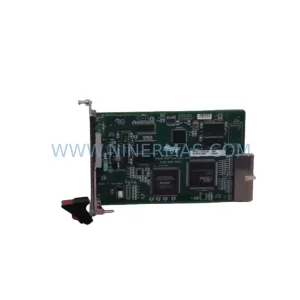
SKU: SST-DNP-PCI-4
SST SST-DNP-PCI-4 Retrofit-Compatible DeviceNet PCI Card
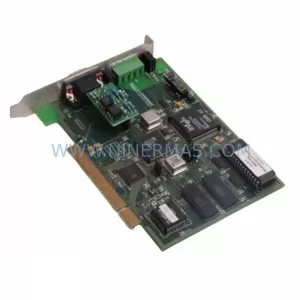
SKU: SST-ESR2-CPX-P
SST SST-ESR2-CPX-P Spare Part for Industrial Maintenance
Catalog Continuation
Alternative parts within DCS Distributed Control Systems.
Stay inside the same system family when you need substitutes, adjacent modules, or a broader shortlist for procurement review.