Original Industrial Spare Part
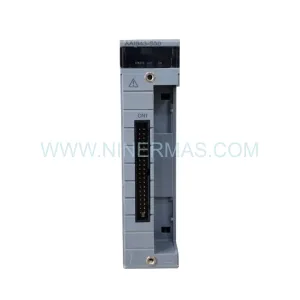
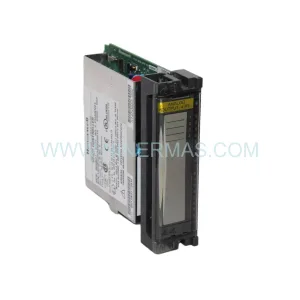
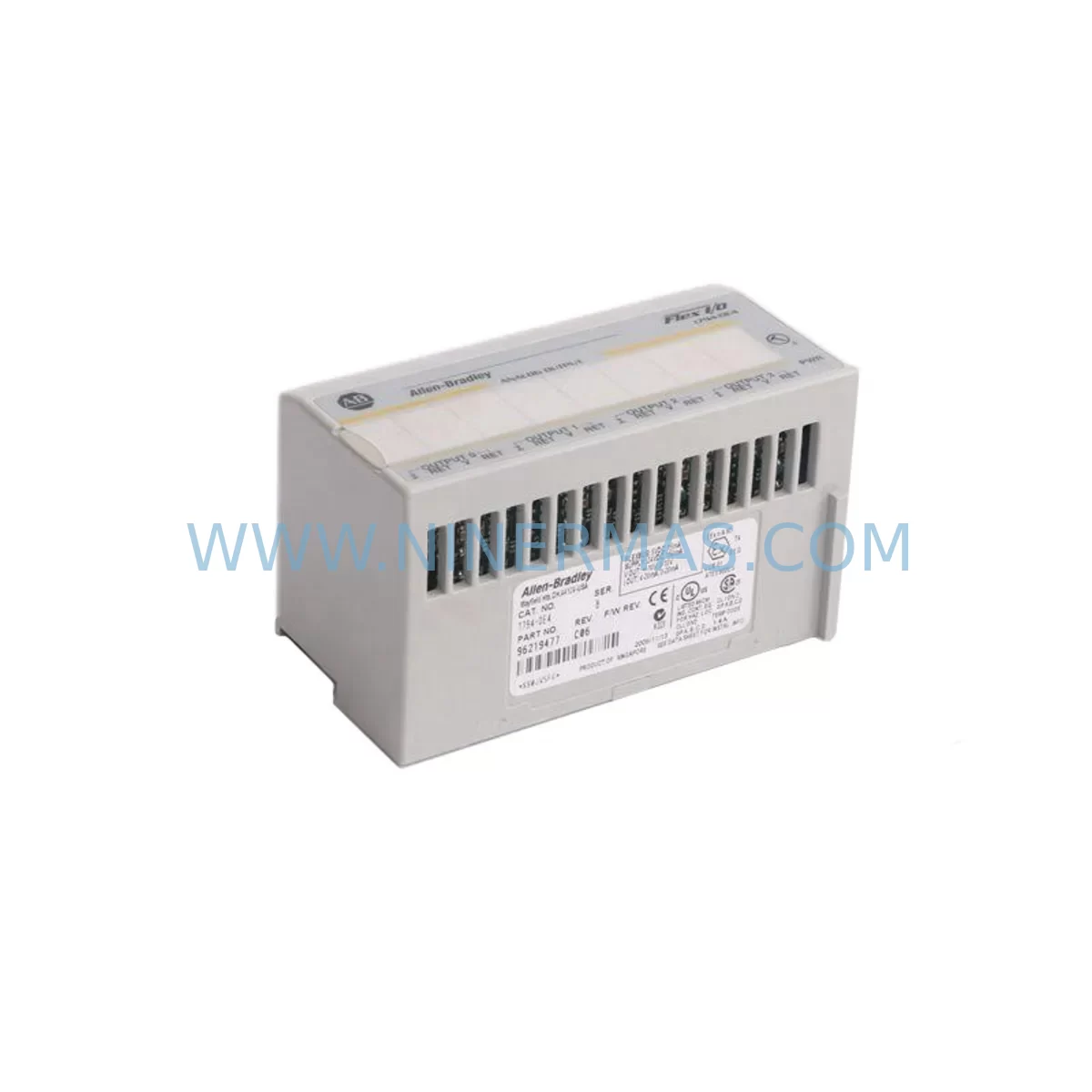
Allen-Bradley 1794-OF41 Spare Part for Industrial Maintenance
Verify the part, confirm the platform family, and move straight into quotation with the right commercial details.
RFQ Ready
- SKU1794-OF41
- CategoryPLC & Industrial Automation Modules
- BrandAllen-Bradley
- SupportAvailability, lead time, condition, and shipping coordination
How Buyers Usually Use This Page
- Confirm the exact part number and platform family before sending the quote request.
- Use direct email when quantity, condition, and destination are already defined internally.
- Switch to the broader brand or category archive when you need alternates nearby.
Series Navigation
Move through the most common platform families behind this part.
Product RFQ
Send this part directly for quotation.
Include quantity, required condition, destination country, and target delivery timing. Current reference: Allen-Bradley 1794-OF41 Spare Part for Industrial Maintenance with SKU 1794-OF41.
Allen-Bradley 1794-OF41 Service-Ready Spare Part for Industrial Maintenance
The Allen-Bradley 1794-OF41 is a 4-channel isolated analog output module designed for the FLEX I/O platform — one of Rockwell Automation’s most widely deployed distributed I/O systems in process control, material handling, and discrete manufacturing environments. As a service-ready spare part, the 1794-OF41 is an essential component for maintenance engineers who need to minimize unplanned downtime and keep aging control systems running reliably. Whether you are managing a scheduled annual overhaul, responding to an emergency fault, or building a strategic spare parts inventory, having a verified replacement 1794-OF41 on hand is a critical risk mitigation measure for any facility running FLEX I/O-based control architectures.
The 1794-OF41 provides four independently isolated analog output channels, each capable of delivering 4–20 mA current or 0–10 V voltage signals to field devices such as control valves, variable frequency drives, and positioners. The module mounts directly onto a 1794 FLEX I/O adapter and terminal base assembly, making it compatible with a broad range of existing FLEX I/O backplane configurations. Its isolated channel design is particularly valuable in environments where ground loops, electrical noise, or long cable runs between the control cabinet and field instruments are a concern — conditions commonly found in chemical processing, water treatment, and heavy industrial facilities.
Spare Maintenance Table
| Parameter | Specification / Detail |
|---|---|
| SKU / Part Number | 1794-OF41 |
| Brand / Manufacturer | Allen-Bradley (Rockwell Automation) |
| Series | FLEX I/O |
| Module Type | Isolated Analog Output Module |
| Output Channels | 4 (independently isolated) |
| Output Signal Types | 4–20 mA / 0–10 V (configurable per channel) |
| Resolution | 12-bit |
| Backplane Compatibility | 1794 FLEX I/O adapter and terminal base |
| Communication | Via FLEX I/O adapter (DeviceNet, ControlNet, EtherNet/IP, etc.) |
| Installation | DIN rail / panel mount via FLEX I/O terminal base |
| Operating Temperature | 0°C to 55°C |
| Application Environment | Industrial process control, discrete manufacturing, utilities |
| Replacement Compatibility | Direct replacement for existing 1794-OF41 installations |
| Warranty | 12 Months — Ninermas Company Limited |
Maintenance Planning for Continuous Operation
Effective maintenance planning for a FLEX I/O system goes well beyond stocking a single module. When a 1794-OF41 analog output module fails or is flagged during a routine inspection, experienced maintenance engineers know that the fault may be symptomatic of broader issues within the control cabinet or field wiring circuit. A thorough inspection should always accompany any module replacement.
Begin by verifying the condition of the 1794-TB3 or 1794-TB3S terminal base to which the 1794-OF41 is mounted. Terminal bases are subject to mechanical wear from repeated module insertions and can develop intermittent contact issues that mimic module faults. Alongside the terminal base, inspect the FLEX I/O adapter — whether a 1794-ADN (DeviceNet), 1794-ACN15 (ControlNet), or 1794-AENT (EtherNet/IP) — as adapter firmware mismatches or communication faults can prevent a newly installed output module from being recognized by the controller.
The 24 VDC field power supply feeding the 1794-OF41’s output circuits should be measured under load. A degraded power supply delivering marginal voltage can cause erratic analog output behavior that is often misdiagnosed as a module failure. If your facility uses a 1606-XLP or similar Rockwell-compatible DIN rail power supply, verify its output voltage and ripple before condemning the output module itself.
Field wiring integrity is equally important. Check the 4–20 mA loop wiring for insulation breakdown, corroded terminals, or excessive loop resistance that could prevent the output from reaching its commanded value. In multi-drop installations, verify that each field device — such as a control valve positioner or VFD analog input — presents the correct load impedance for the 1794-OF41’s output driver.
For facilities running Logix-based controllers such as the ControlLogix or CompactLogix platforms, confirm that the RSLogix 5000 or Studio 5000 project file contains the correct module configuration for the replacement 1794-OF41, including channel scaling, output type (current vs. voltage), and fault/program mode output values. A mismatch in the module configuration profile will cause the controller to generate a module fault immediately upon connection.
It is also advisable to inspect adjacent modules in the FLEX I/O bank during any maintenance event. Modules such as the 1794-IB16 digital input module, 1794-OB16 digital output module, and 1794-IF4I isolated analog input module share the same backplane power bus and communication path. A fault in one module can sometimes affect the performance of neighboring modules, particularly if the backplane connector has been damaged.
Finally, ensure that your spare parts inventory includes not only the 1794-OF41 module itself but also the associated 1794-TB3 terminal base, a spare FLEX I/O adapter of the appropriate communication type, and a set of pre-terminated field wiring connectors. Maintaining these components as a matched set allows your maintenance team to execute a complete FLEX I/O node replacement in a single maintenance window, dramatically reducing the time required to restore production.
Site Replacement Workflow
When replacing a failed 1794-OF41 in the field, follow a structured workflow to minimize downtime and avoid introducing new faults during the replacement process.
Step 1 — Isolate and document: Before removing the faulty module, record the current analog output values displayed in the HMI or SCADA system for all four channels. This provides a reference baseline for post-replacement verification. Place the affected control loops in manual mode at the DCS or PLC level to prevent uncontrolled process upsets during the module swap.
Step 2 — Power down the field circuit: De-energize the 24 VDC field power supply feeding the 1794-OF41’s output circuits. Do not rely solely on the controller’s fault state to protect field devices — physically isolate the field power before disconnecting any wiring.
Step 3 — Remove and inspect: Slide the 1794-OF41 out of its terminal base. Inspect the terminal base connector pins for damage, corrosion, or debris. Clean the connector if necessary before installing the replacement module.
Step 4 — Install the replacement: Insert the new 1794-OF41 into the terminal base until it clicks into place. Restore field power and verify that the FLEX I/O adapter recognizes the module without generating a configuration fault. If a fault occurs, compare the replacement module’s catalog number suffix and firmware revision against the original module’s configuration in the controller project file.
Step 5 — Verify outputs: Command each of the four analog output channels to a known test value from the controller or HMI. Measure the actual output signal at the field device terminals using a calibrated loop calibrator or multimeter. Confirm that each channel’s output matches the commanded value within the module’s specified accuracy.
Step 6 — Return to automatic: Once all four channels have been verified, return the affected control loops to automatic mode. Monitor the process for a minimum of 15 minutes to confirm stable operation before closing the maintenance work order.
Spare Parts Support FAQ
Q1: Is the 1794-OF41 still available as a new spare part, or is it discontinued?
The 1794-OF41 has been in the Allen-Bradley FLEX I/O product line for many years and may have limited availability through standard distribution channels. Ninermas Company Limited maintains dedicated inventory of service-ready 1794-OF41 modules to support facilities that depend on FLEX I/O systems for ongoing production. Contact our team to confirm current stock levels and lead times.
Q2: How do I verify that a replacement 1794-OF41 is compatible with my existing FLEX I/O configuration?
Compatibility is determined by the terminal base type (1794-TB3 or 1794-TB3S), the FLEX I/O adapter model, and the controller project configuration in RSLogix 5000 or Studio 5000. Provide your existing module’s catalog number, firmware revision, and adapter type when placing your order, and our technical team will confirm compatibility before shipment.
Q3: What testing is performed on 1794-OF41 modules before shipment?
Every 1794-OF41 supplied by Ninermas undergoes functional verification prior to shipment, including power-on testing, channel output verification across the full 4–20 mA and 0–10 V ranges, and visual inspection of the module housing and connector. A test report is available upon request. All modules are covered by a 12-month warranty from the date of shipment.
Q4: Can Ninermas supply other FLEX I/O modules and related components for a complete spare parts kit?
Yes. In addition to the 1794-OF41, Ninermas maintains inventory of a wide range of FLEX I/O modules and accessories, including analog input modules, digital I/O modules, terminal bases, and FLEX I/O adapters for DeviceNet, ControlNet, and EtherNet/IP networks. Contact our team to discuss a complete spare parts package tailored to your system configuration.
| Product Series | Flex I/O |
|---|---|
| Country of Origin | US |
Catalog Continuation
More Allen-Bradley modules in the catalog.
Use the brand lane to compare nearby part numbers, platform-adjacent modules, and other inquiry-ready listings before sending your final RFQ.

Catalog Continuation
Alternative parts within PLC & Industrial Automation Modules.
Stay inside the same system family when you need substitutes, adjacent modules, or a broader shortlist for procurement review.
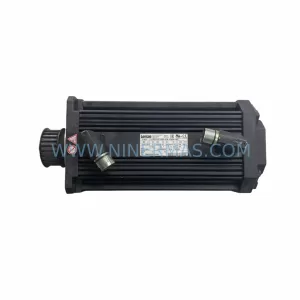
SKU: 14L41-RS0B0-B24R-ST5S00N-R0SU
LENZE 14L41-RS0B0-B24R-ST5S00N-R0SU Retrofit for Legacy Systems
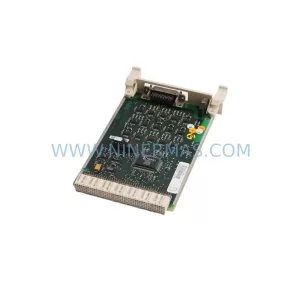
SKU: CI540 3BSE001077R1
ABB CI540 3BSE001077R1 Spare Part for Industrial Maintenance

SKU: ZINT-541 3AUA00000658960
ABB ZINT-541 3AUA00000658960 Retrofit-Compatible Inverter Power Module
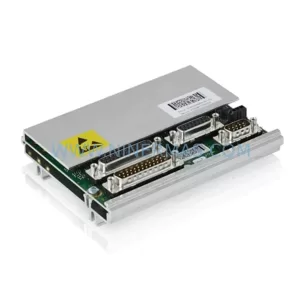
SKU: DSQC633 3HAC022286-001
ABB DSQC633 3HAC022286-001 Service-Ready Spare Part